
1. Introduction
This manual provides instructions for the ASHATA 5-inch E-Reader with Handwriting Board. Please read this manual thoroughly before using the device to ensure proper operation and maintenance.
2. Package Contents
Verify that all items listed below are included in your package:
- 1 x ASHATA E-Reader
- 1 x Earphones
- 1 x Charging Cable (Type-C)
- 1 x Writing Pad
- 1 x Capacitive Pen
- 1 x Screen Protector
- 1 x Protective Case
- 1 x User Manual (this document)
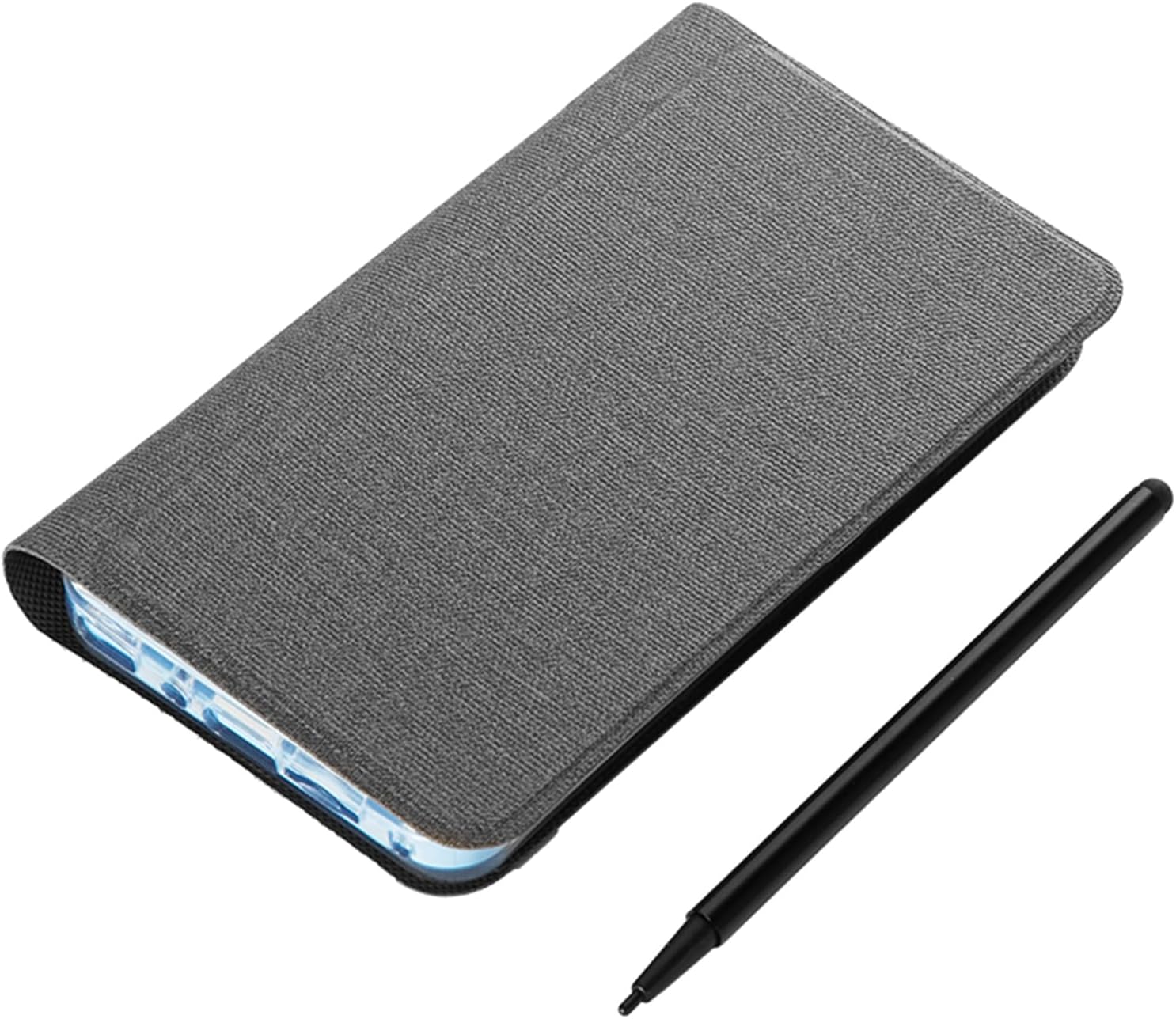
Image: The ASHATA 5-inch E-Reader shown with its protective case and the included capacitive pen.
3. Product Overview
The ASHATA 5-inch E-Reader is designed for reading and note-taking, featuring a high-definition, non-reflective screen and wireless connectivity.
3.1 Key Features
- High-Clear 5-inch Display: Suitable for various content, including novels, books, and comics.
- Eye-Guard Screen: Ink-less technology mimics traditional paper, non-reflective for reduced eye fatigue.
- Handwriting Tablet Functionality: Equipped with a handwriting board and capacitive pen for notes and annotations.
- Portable Design: Compact and lightweight for easy transport.
- Multi-Functionality: Includes a 5MP camera with flash, Wireless-Fidelity, and BT connectivity.

Image: Multiple views of the ASHATA E-Reader, illustrating its lightweight and ergonomic design.
4. Setup
4.1 Initial Power On
- Locate the power button on the device.
- Press and hold the power button for 1 to 3 seconds until the screen illuminates.
4.2 Language Selection
- Upon initial startup, navigate to the device settings.
- Select your preferred language from the available options.
4.3 Charging the Device
Before first use, fully charge the E-Reader. Connect the provided Type-C charging cable to the device's USB port and a compatible power adapter (not included).

Image: The E-Reader next to its protective case, emphasizing its built-in high-capacity battery for extended use.
5. Operating Instructions
5.1 Reading E-books
The E-Reader supports various e-book formats including PDF, EPUB, MOBI, and TXT. Transfer your e-books to the device's internal storage or an external memory card (if supported).
- Navigate to the library or file manager application.
- Select the desired e-book to open it.
- Use the touchscreen or physical buttons (if applicable) to turn pages.

Image: The E-Reader's flat TFT screen displaying content, designed to provide a reading experience similar to a physical book.
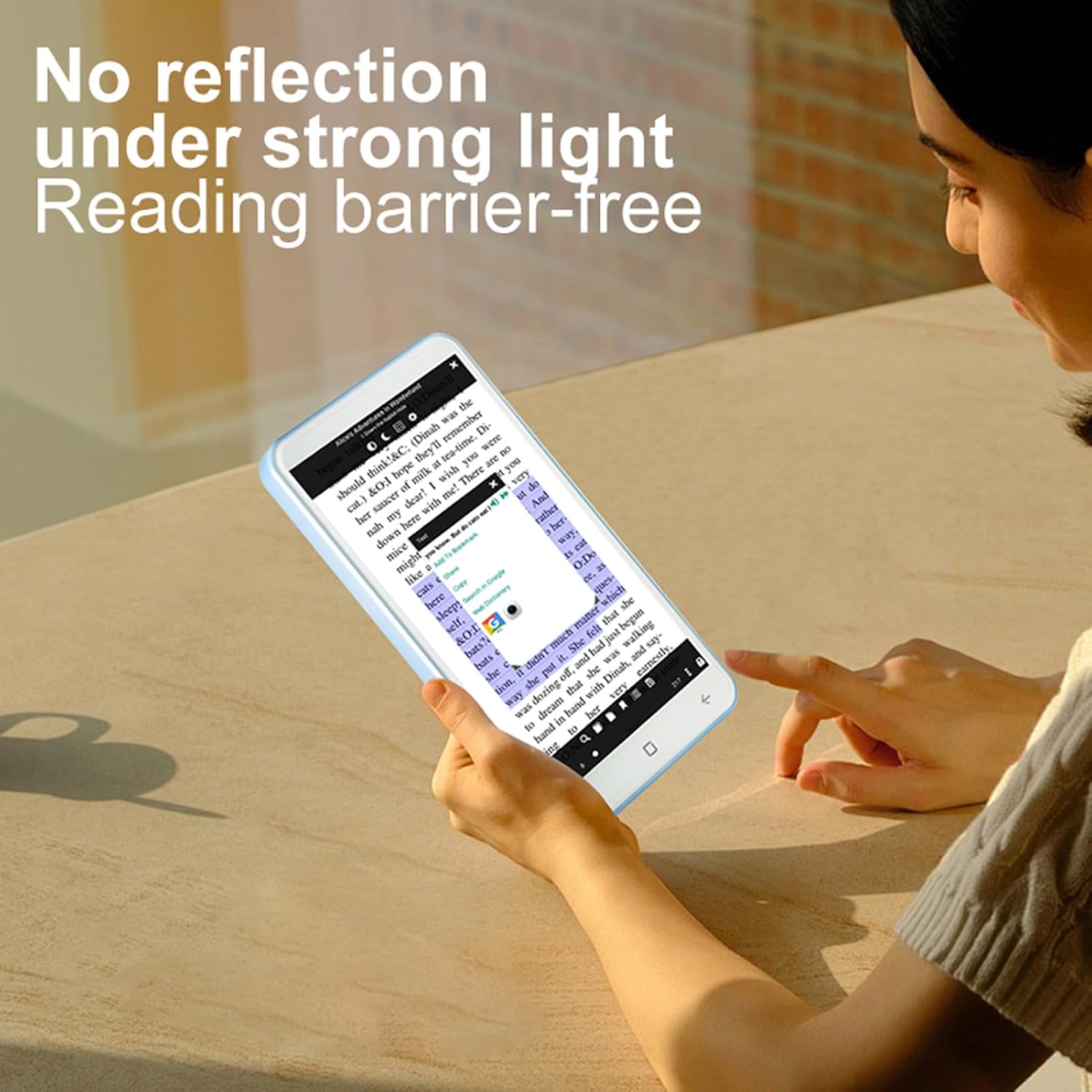
Image: A user reading on the E-Reader, demonstrating its non-reflective screen even under strong lighting conditions.
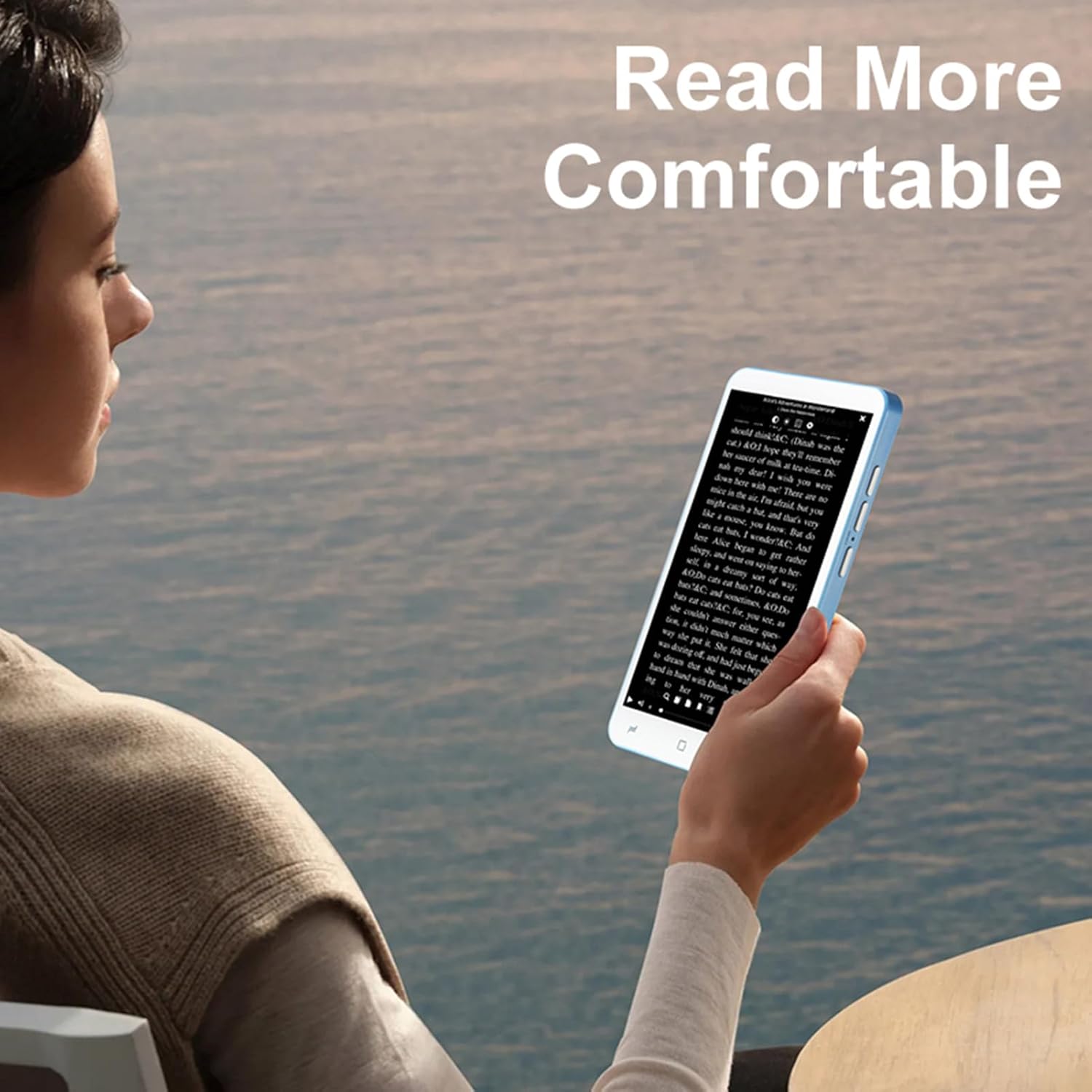
Image: A user holding the E-Reader, highlighting its comfortable grip for extended reading sessions.
5.2 Using the Handwriting Board and Pen
The device includes a dedicated handwriting board and capacitive pen for note-taking or drawing.
- Access the handwriting application from the main menu.
- Use the capacitive pen on the writing pad to write or draw.
- Save your notes as needed.
5.3 Camera Functionality
The E-Reader is equipped with a 5MP camera with flash.
- Open the camera application.
- Frame your shot and press the camera button or on-screen shutter icon to capture an image.
5.4 Connectivity (Wireless-Fidelity and BT)
Connect to wireless networks or BT devices for data transfer, internet access, or pairing accessories like BT headphones.
- Go to "Settings" and select "Wireless & networks".
- Enable Wireless-Fidelity or BT.
- Select the desired network or device and follow the on-screen prompts to connect.
6. Maintenance
- Cleaning: Use a soft, lint-free cloth to clean the screen and device body. Avoid abrasive cleaners or solvents.
- Storage: Store the device in a cool, dry place away from direct sunlight and extreme temperatures.
- Battery Care: To prolong battery life, avoid fully discharging the battery frequently. Charge the device regularly.
- Software Updates: Periodically check for and install software updates to ensure optimal performance and security.
7. Troubleshooting
7.1 Device Not Turning On
- Ensure the battery is charged. Connect the device to a charger for at least 30 minutes.
- Press and hold the power button for an extended period (up to 10-15 seconds) to perform a hard reset.
7.2 Screen Unresponsive
- Restart the device.
- Ensure the screen is clean and free of debris.
7.3 Cannot Connect to Wireless-Fidelity
- Ensure Wireless-Fidelity is enabled in settings.
- Check if the Wireless-Fidelity router is working correctly.
- Try restarting both the E-Reader and the Wireless-Fidelity router.
- Verify the Wireless-Fidelity password.
7.4 Device Freezes or Crashes
- Restart the device.
- Close any unnecessary background applications.
- If the issue persists, consider performing a factory reset (note: this will erase all data). Back up important files before proceeding.
8. Specifications
| Item Type | E-reader with Handwriting Board |
| LCD Specification | 5-inch, 480*854 |
| Touchscreen | COF 6PIN |
| Camera | 5M with flash |
| Physical Buttons | Volume +/-, Camera, Power (4 buttons total) |
| E-reader Battery | 2500mAh (Built-in) |
| Handwriting Board Battery | 25mAh |
| USB Interface | Type-C |
| Headphone Jack | 3.5mm (L-R-G-M) |
| Data Link | Wireless-Fidelity/BT 4.0LE |
| Hardware Platform | MT6580, Quad-core 1.3GHz, ARM Cortex-A7 |
| Memory | 1GB RAM + 8GB Internal Storage |
| Sensors | G-sensor |
| FM Radio | Support |
| Speaker | 2030 Single Magnetic Speaker |
| Microphone | Support |
| Language Support | Multiple languages |
| Image Formats | JPG, JPEG, BMP, GIF, PNG |
| Sound Formats | MP3, MP2, AMR, APE, M4A, MIDI, OGG, WAV, FLAC, 3GP |
| Video Formats | MPEG4-SP, H.264/AVC, H.263, 3GP, 3G2, MP4, MKV, AVI, WEBM |
| E-book Formats | PDF, EPUB, EPUB3, MOBI, DjVu, FB2, DOC, DOCX, TXT, RTF, CBR, CBZ, HTML |
| Item Size | 13 x 7 x 1 cm (5.12 x 2.76 x 0.39 inches) |
| Item Weight | 114g (4.02oz) |

Image: Diagram showing the physical dimensions of the ASHATA E-Reader.
9. Warranty and Support
For warranty information and customer support, please refer to the documentation provided at the time of purchase or contact ASHATA customer service directly. Specific warranty terms may vary by region and retailer.