
1. Introduction
This manual provides comprehensive instructions for the safe and effective operation of your LYCEBELL T9-W65pro Grain Moisture Tester. This device is designed for accurate measurement of moisture content and temperature in various grain types. Please read this manual thoroughly before use and retain it for future reference.

Overview of the LYCEBELL Grain Moisture Tester, highlighting its lab-grade precision, temperature measurement, and average value display. A hand is shown pouring grain into the tester's cup.
2. Product Features
- 40 Grain Varieties Supported: Measures moisture and temperature for 40 different types of grains and seeds, including wheat, corn, barley, soybeans, coffee beans, cocoa beans, and quinoa.
- High Precision Measurement: Features 0.1% moisture resolution and ±0.5% accuracy for standardized grains. Includes built-in calibration for regional and varietal adjustments.
- Moisture & Temperature Display: Provides real-time moisture content and temperature readings in both °C and °F.
- Data Storage: Built-in memory stores up to 250 records, including moisture, temperature, and grain type. Automatically retains the latest entries for historical data review.
- User-Friendly Design: Equipped with an auto-average calculation function, backlit LCD for clear readability, 14-language support, and a 3-minute auto shut-off feature. Includes a low battery indicator and moisture value calibration.
- Cup-Type Sampling: Standardized cup sampling design reduces measurement errors and ensures consistent results.

A visual chart displaying 40 different grain varieties supported by the LYCEBELL Grain Moisture Tester, including wheat, corn, coffee beans, and cocoa beans.
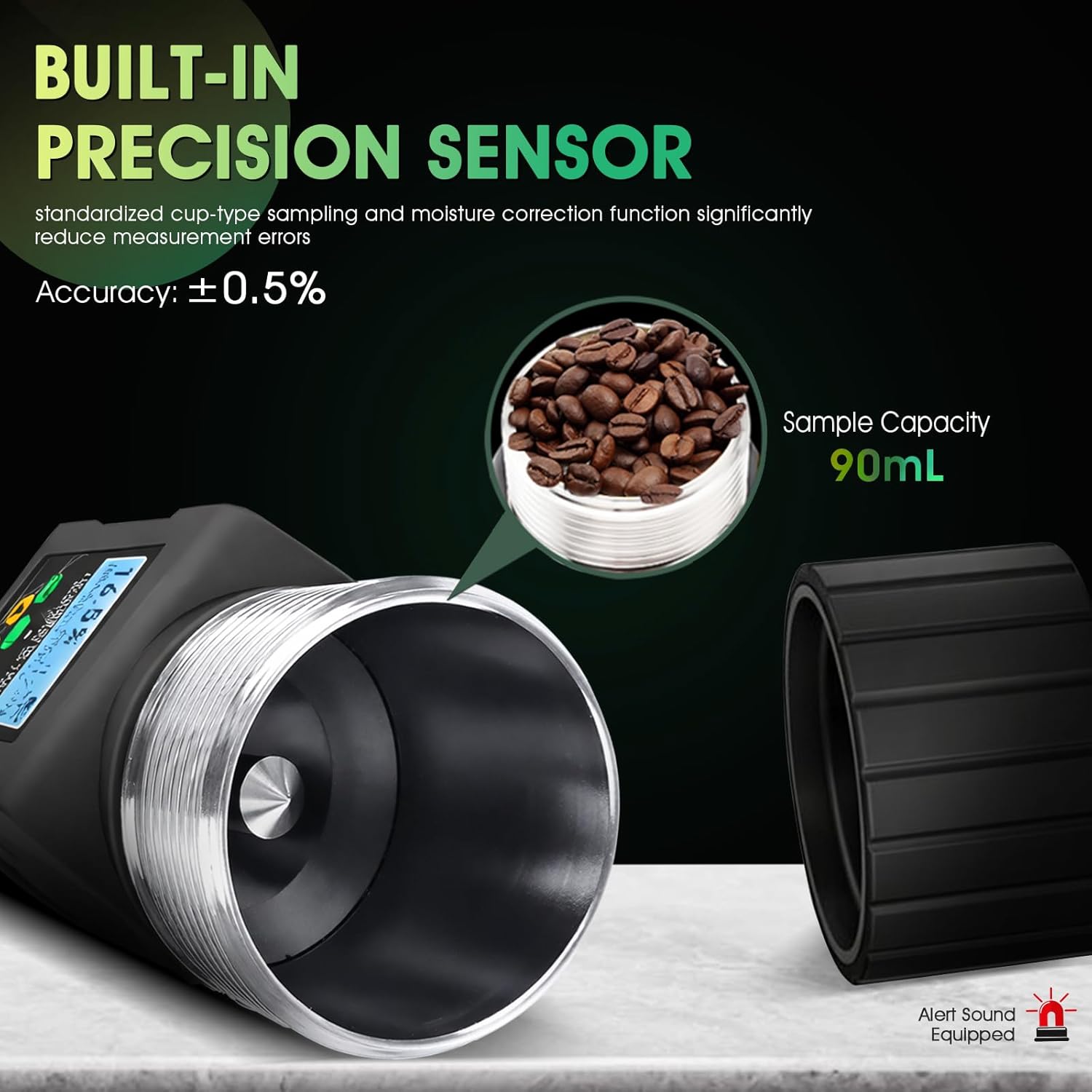
Close-up view of the built-in precision sensor and cup-type sampling mechanism of the grain moisture tester, showing a sample capacity of 90mL and indicating an accuracy of ±0.5%.

The grain moisture tester's display showing language options, indicating support for 14 different languages including English, German, French, and Spanish.

The backlit LCD display of the grain moisture tester, shown in both bright and low-light conditions, demonstrating clear readability.
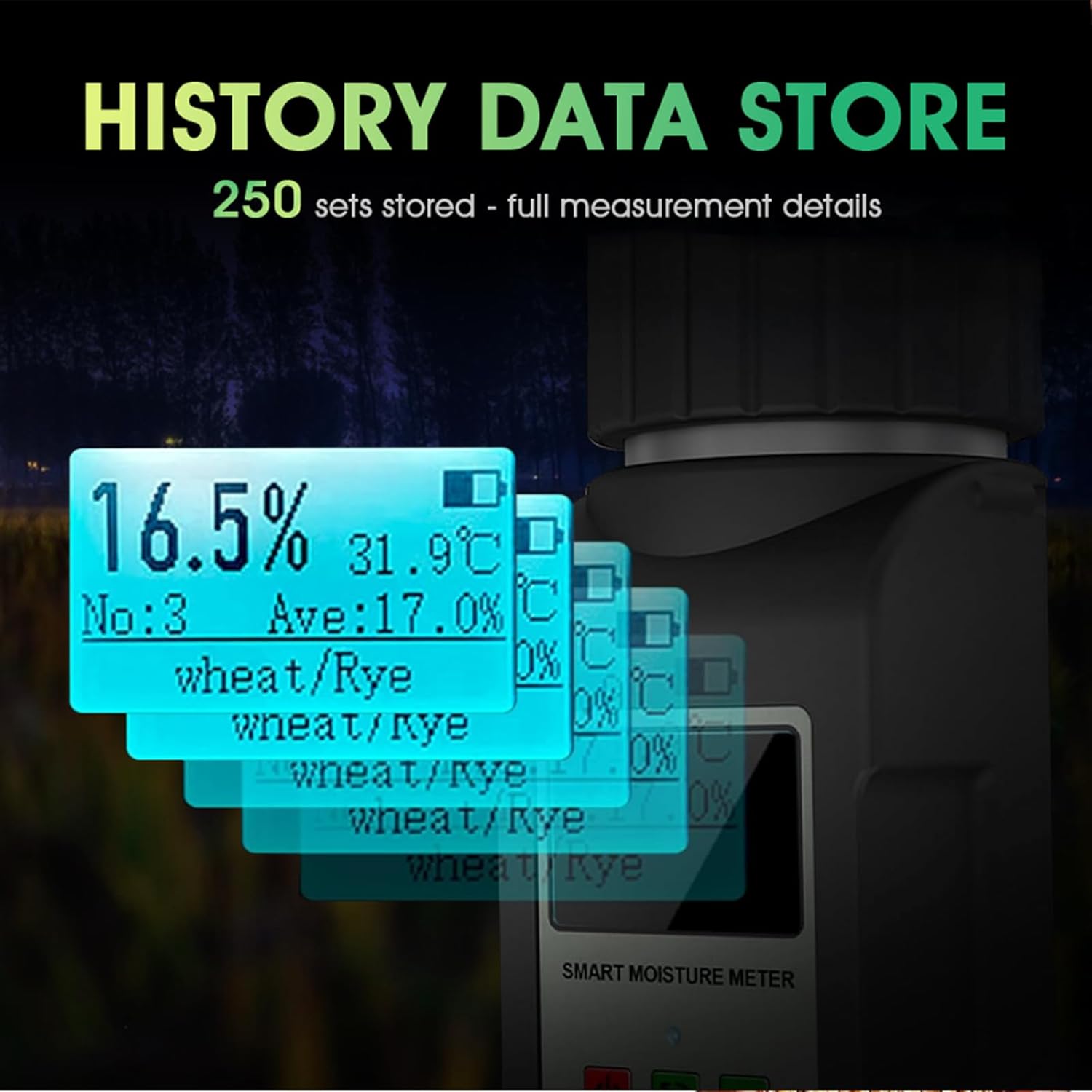
An illustration of the data storage feature, showing multiple display screens stacked, representing the ability to store up to 250 sets of measurement data.
3. Setup
3.1 Initial Setup
- Insert Batteries: Open the battery compartment on the back of the device. Insert the required batteries (not included) according to the polarity markings. Close the compartment securely.
- Power On: Press the power button (usually marked 'ON/OFF') to turn on the device. The LCD display will illuminate.
- Select Language: If prompted, use the navigation buttons to select your preferred language from the 14 available options. Confirm your selection.
- Initial Calibration Check: The device performs a self-check upon startup. Ensure no error messages are displayed.

A step-by-step visual guide for using the grain moisture tester: 1. Inserting batteries and powering on, 2. Placing the sample in the cup and tightening the lid, 3. Pressing the confirm button to measure.
4. Operating Instructions
4.1 Taking a Measurement
- Prepare Sample: Ensure your grain sample is clean and free from debris. The sample capacity is 90mL.
- Select Grain Type: Use the navigation buttons (e.g., up/down arrows) to scroll through the list of 40 grain types. Select the specific grain you are testing (e.g., Wheat, Corn, Coffee Beans).
- Fill Sampling Cup: Carefully pour the grain sample into the tester's cup. Ensure the cup is filled to the appropriate level, typically indicated by the design of the cup.
- Secure Lid: Place the lid onto the cup and tighten it firmly. This ensures proper compression of the sample for accurate readings.
- Initiate Measurement: Press the 'OK' or 'Test' button on the device. The tester will begin analyzing the sample.
- Read Results: The moisture content (in percentage) and temperature (in °C or °F) will be displayed on the LCD screen. The device may also show an average value if multiple tests are performed.
- Store Data: The measurement results are automatically stored in the device's memory. You can review past records using the appropriate menu option.
4.2 Temperature Unit Conversion
To switch between Celsius (°C) and Fahrenheit (°F) temperature units, refer to the device's menu settings. Typically, there is a dedicated button or a menu option under 'Settings' to toggle between these units.
4.3 Moisture Value Calibration
The device allows for calibration to adjust for regional or varietal differences in grains. Consult the device's menu for 'Calibration' or 'Adjustment' options. Follow the on-screen prompts to perform a calibration using a known standard sample if necessary.
5. Maintenance
5.1 Cleaning
- After each use, empty the sampling cup and gently brush away any residual grain particles.
- Wipe the exterior of the device with a soft, dry cloth. Do not use abrasive cleaners or solvents.
- Ensure no moisture or foreign objects enter the internal components of the tester.
5.2 Storage
- Store the grain moisture tester in a cool, dry place, away from direct sunlight and extreme temperatures.
- If storing for an extended period, remove the batteries to prevent leakage.
- Utilize the provided carrying bag for protection during storage and transport.
6. Troubleshooting
6.1 Common Issues and Solutions
| Issue | Possible Cause | Solution |
|---|---|---|
| Device does not power on | Dead or incorrectly inserted batteries | Check battery polarity; replace with fresh batteries. |
| Inaccurate moisture readings | Incorrect grain type selected; sample not properly filled/compressed; device needs calibration | Verify grain type selection; ensure cup is filled and lid tightened; perform calibration if necessary. |
| Display is dim or unreadable | Low battery; poor lighting conditions | Replace batteries; utilize the backlit display feature. |
| Device shuts off unexpectedly | Auto shut-off activated; low battery | This is normal after 3 minutes of inactivity. Replace batteries if issue persists during active use. |
7. Specifications
| Feature | Detail |
|---|---|
| Model Number | T9-W65pro |
| Item Weight | 15.2 ounces (approx. 431g) |
| Product Dimensions | 2.8 x 2.91 x 6.5 inches (approx. 7.1 x 7.4 x 16.5 cm) |
| Material | Acrylonitrile Butadiene Styrene (ABS) |
| Power Source | Battery Powered |
| Moisture Resolution | 0.1% |
| Moisture Accuracy | ±0.5% (for standardized grains) |
| Data Storage Capacity | 250 records |
| Auto Shut-off | 3 minutes (approx.) |
| Included Components | Carrying bag |

Image showing the product packaging list, including the carrying bag, instruction manual, and the grain moisture tester itself, along with its dimensions (6.50in height, 2.91in width, 2.81in depth).
8. Warranty and Support
8.1 Product Warranty
The LYCEBELL T9-W65pro Grain Moisture Tester comes with a 1-Year Limited Warranty from the date of purchase. This warranty covers manufacturing defects and malfunctions under normal use. It does not cover damage caused by misuse, accidents, unauthorized modifications, or improper maintenance.
8.2 Customer Support
For technical assistance, warranty claims, or any questions regarding your LYCEBELL Grain Moisture Tester, please contact LYCEBELL customer support. Refer to the contact information provided on the product packaging or the official LYCEBELL website.
Please have your model number (T9-W65pro) and purchase date available when contacting support.