
Introduction
Thank you for choosing the Generic P2961 Wireless Bluetooth Headphones. These over-ear headphones are designed to provide a versatile and comfortable audio experience with multiple connectivity options, including Bluetooth 5.3, AUX wired connection, and TF card playback. This manual will guide you through the setup, operation, and maintenance of your new headphones.
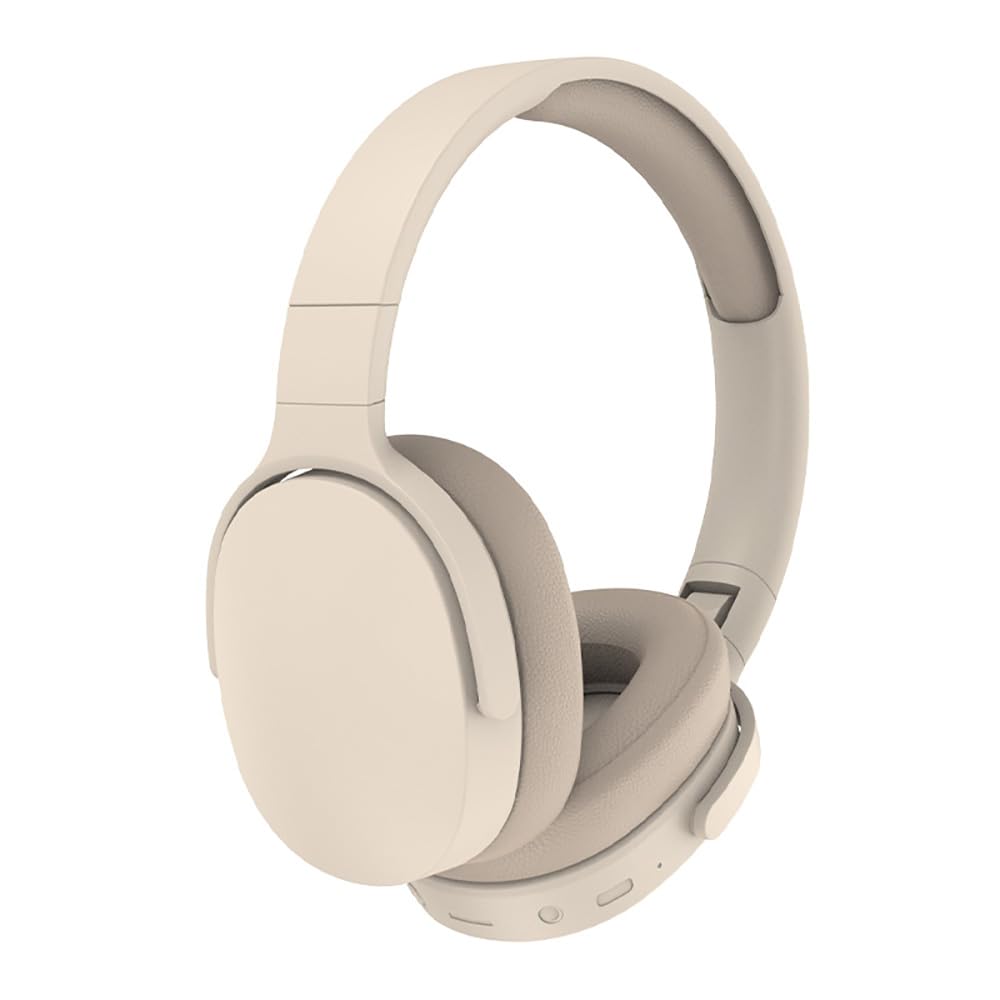
Image: Generic P2961 Wireless Bluetooth Headphones in Khaki color.
What's in the Box
- P2961 Wireless Bluetooth Headphones
- USB Type-C Charging Cable
- AUX Audio Cable (3.5mm)
- User Manual
Product Overview
Familiarize yourself with the headphone's controls and ports.
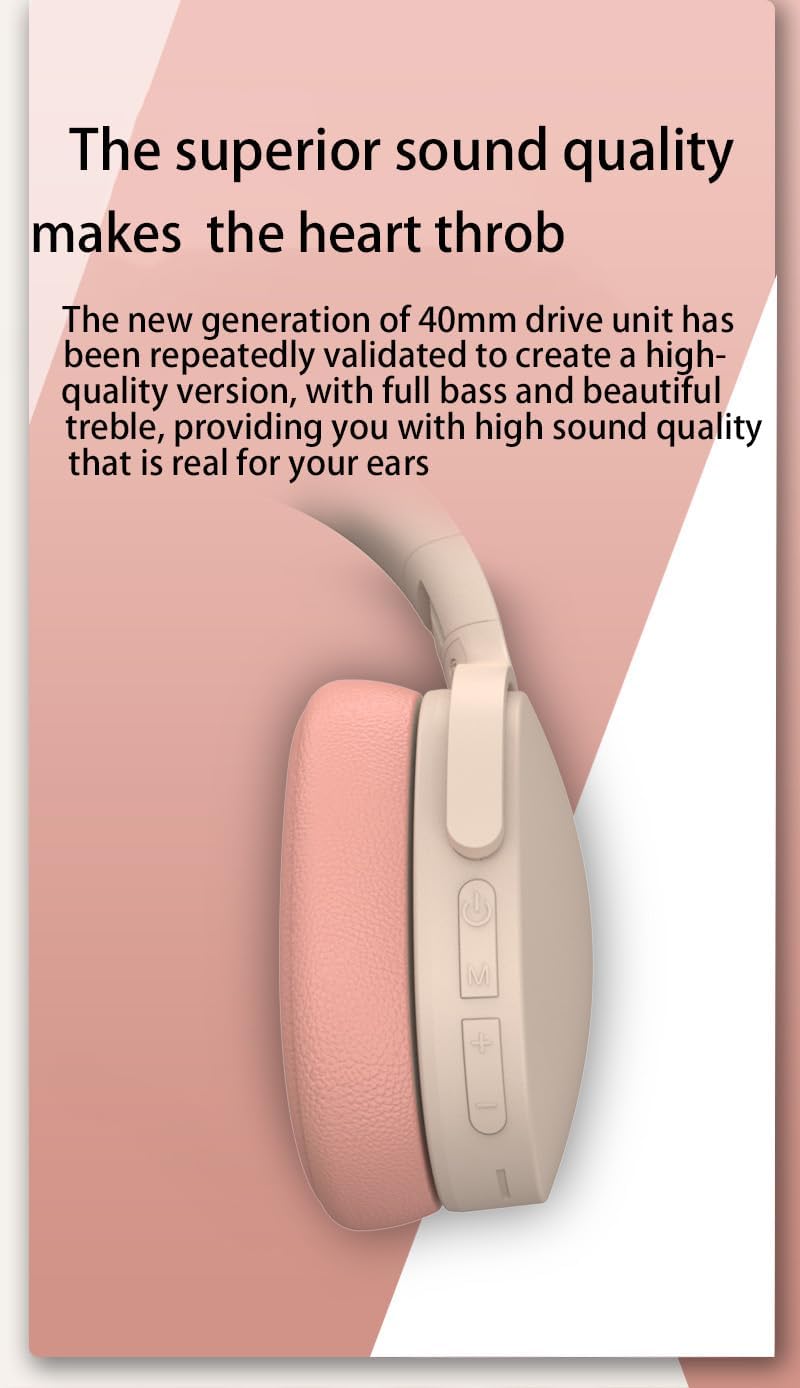
Image: Side view of the P2961 headphones highlighting the power button, 'M' button, volume up/next track button, and volume down/previous track button.
- Power Button: Press and hold to power on/off. Short press for play/pause.
- 'M' Button (Mode): Short press to switch between Bluetooth, FM Radio, and TF Card modes.
- '+' Button: Short press to increase volume. Long press to skip to the next track/station.
- '-' Button: Short press to decrease volume. Long press to skip to the previous track/station.
- Type-C Port: For charging the headphones.
- AUX Port: For wired audio connection.
- TF Card Slot: For playing music directly from a MicroSD card.
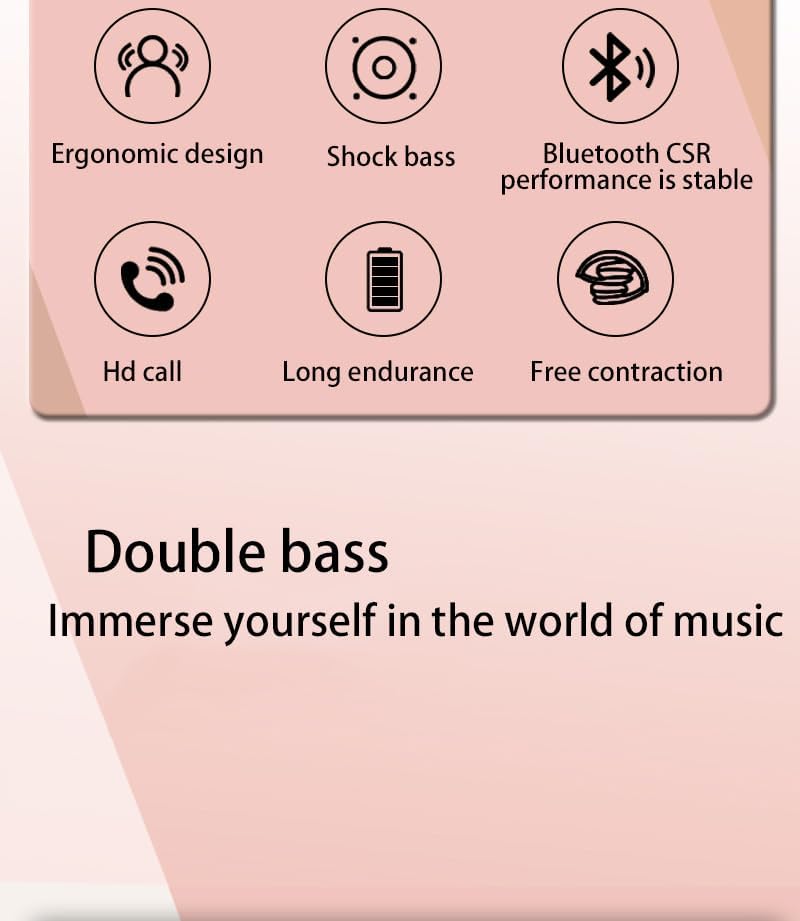
Image: Icons illustrating key features such as ergonomic design, enhanced bass, stable Bluetooth connectivity, clear call quality, extended battery life, and adjustable fit.
Setup
1. Charging the Headphones
Before first use, fully charge the headphones. Connect the supplied USB Type-C cable to the charging port on the headphones and the other end to a USB power source (e.g., computer, wall adapter). The indicator light will show charging status and turn off when fully charged.
- Charging Time: Approximately 2-3 hours.
- Battery Capacity: 300mAh.
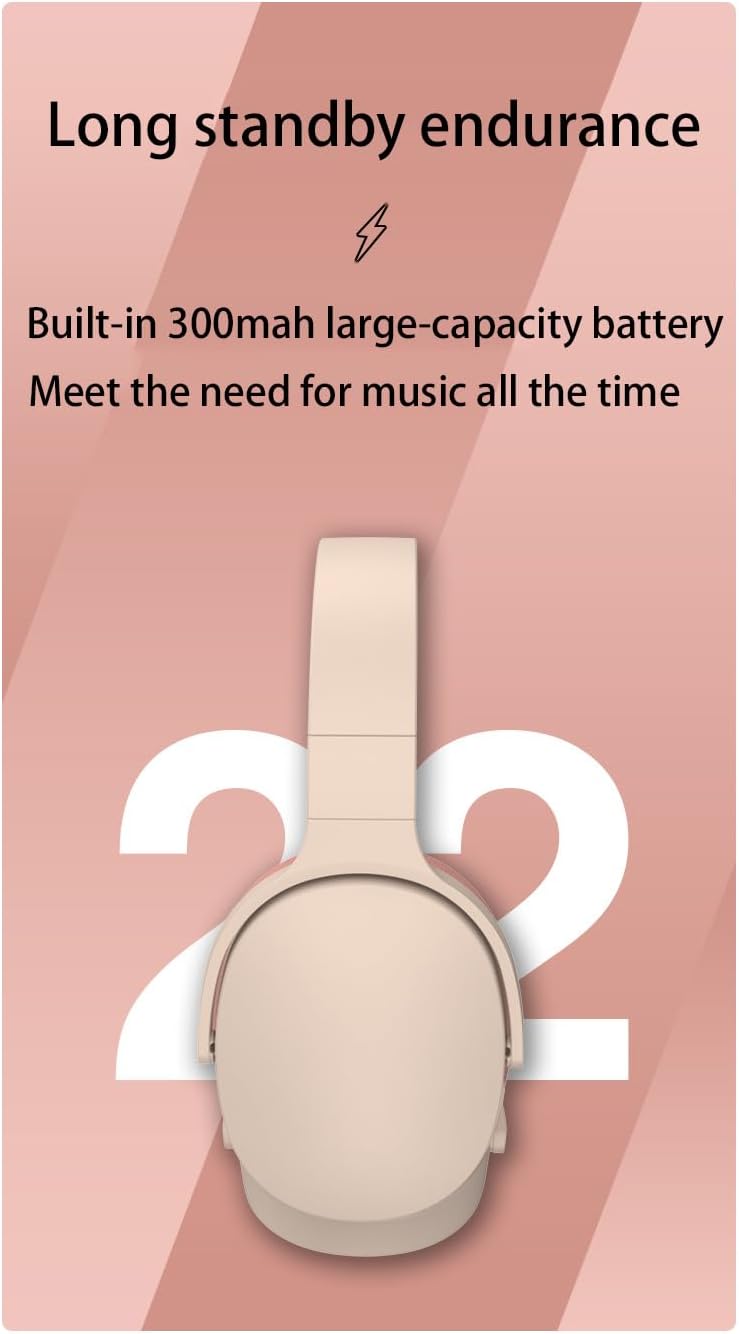
Image: Rear view of the headphones, illustrating the long standby endurance provided by the built-in 300mAh battery.
2. Bluetooth Pairing
- Ensure the headphones are charged.
- Press and hold the Power button until the indicator light flashes blue and red, indicating pairing mode.
- On your device (smartphone, tablet, computer), enable Bluetooth and search for available devices.
- Select "P2961" from the list of devices.
- Once connected, the indicator light will turn solid blue or flash blue slowly.
3. Using AUX Wired Connection
To use the headphones with a wired connection, simply plug one end of the 3.5mm AUX audio cable into the headphone's AUX port and the other end into your audio device's 3.5mm jack. The headphones will automatically switch to AUX mode.
4. TF Card Playback
Insert a MicroSD (TF) card with MP3 audio files into the TF card slot. The headphones will automatically detect the card and begin playing music. Press the 'M' button to switch to TF card mode if already in another mode.
Operating Instructions
Power On/Off
- Power On: Press and hold the Power button for approximately 3 seconds.
- Power Off: Press and hold the Power button for approximately 3 seconds.
Music Playback
- Play/Pause: Short press the Power button.
- Volume Up: Short press the '+' button.
- Volume Down: Short press the '-' button.
- Next Track: Long press the '+' button.
- Previous Track: Long press the '-' button.
Call Management (Bluetooth Mode)
- Answer/End Call: Short press the Power button.
- Reject Call: Long press the Power button.
- Redial Last Number: Double-press the Power button.
FM Radio Mode
Press the 'M' button to switch to FM Radio mode.
- Auto Scan: In FM mode, short press the Power button to automatically scan and save available FM stations.
- Next Station: Long press the '+' button.
- Previous Station: Long press the '-' button.
Comfort and Design
The P2961 headphones feature an ergonomic design for comfortable wear during extended listening sessions. The earcups are made with skin-friendly, breathable memory foam.

Image: Diagram showing the ergonomic design for head fit and skin-friendly, breathable earcup material.
Maintenance
- Clean the headphones with a soft, dry cloth. Do not use abrasive cleaners or solvents.
- Avoid exposing the headphones to extreme temperatures, humidity, or direct sunlight.
- Store the headphones in a cool, dry place when not in use.
- The headphones are water repellent, but not waterproof. Avoid submerging them in water or exposing them to heavy rain.
Troubleshooting
- No Power: Ensure the headphones are fully charged.
- Cannot Pair Bluetooth: Make sure the headphones are in pairing mode (flashing blue and red). Ensure Bluetooth is enabled on your device and it's within range (up to 10 meters). Try restarting both devices.
- No Sound: Check the volume level on both the headphones and your connected device. Ensure the correct mode (Bluetooth, AUX, TF Card) is selected.
- Poor Sound Quality: Ensure there are no obstructions between the headphones and your Bluetooth device. Try moving closer to your device. For wired connection, check the AUX cable for damage.
- FM Radio Not Working: Ensure you are in an area with good FM signal. Perform an auto-scan to find stations.
Specifications
| Feature | Specification |
|---|---|
| Model Number | P2961 |
| Brand | Generic |
| Connectivity Technology | Bluetooth 5.3, AUX, TF Card |
| Bluetooth Range | Up to 10 meters (32.8 feet) |
| Audio Driver Size | 40 mm |
| Impedance | 32 Ohm |
| Sensitivity | 32 dB (typical) |
| Frequency Response | 20 Hz - 20 kHz |
| Battery Capacity | 300 mAh |
| Charging Time | Approx. 2-3 hours |
| Playback Time | Up to 10 hours (at 40% volume), typically 8+ hours |
| Talk Time | Approx. 6 hours |
| Signal-to-Noise Ratio | ≥85 dB |
| Noise Control | Passive Noise Cancellation |
| Water Resistance Level | Water Repellent |
| Item Weight | Approx. 9.7 ounces (275 grams) |
| Material | Plastic |

Image: Detailed product parameter table and a view of the headphones in Athenian Grey.
Available Colors
The P2961 headphones are available in a variety of colors to suit individual preferences.

Marble White

Light Blue

Vibrant Orange & Willow Bud Green
Warranty and Support
The P2961 Wireless Bluetooth Headphones come with a one-year warranty period from the date of purchase. For warranty claims or technical support, please refer to the contact information provided by your retailer or the manufacturer.
Please retain your proof of purchase for warranty purposes.


