
OLIXIS PBJ-LW01-OL
OLIXIS LW 15x15 Heat Press Instruction Manual
Model: PBJ-LW01-OL
Important Safety Instructions
- Read all instructions: Before operating the heat press, read and understand all safety warnings and operating instructions.
- Electrical Safety: Ensure the power supply matches the machine's requirements (110-120V). Do not operate with damaged cords or plugs.
- Hot Surfaces: The heating plate reaches high temperatures (up to 570°F / 300°C). Avoid direct contact with the heating plate during and after operation. Use heat-resistant gloves.
- Ventilation: Operate in a well-ventilated area to dissipate any fumes from materials.
- Children and Pets: Keep children and pets away from the machine during operation and when cooling down.
- Stable Surface: Place the heat press on a stable, heat-resistant surface.
- Unplug When Not in Use: Always unplug the machine from the power outlet when not in use or before cleaning/maintenance.
Product Overview
The OLIXIS LW 15x15 Heat Press is designed for heat transfer applications on various flat-surface items such as T-shirts, tote bags, pillows, and aprons. It features an LCD control panel for precise temperature and time settings, and a memory mode for frequently used settings.
Key Features:
- 15''x15'' Heating Plate: Provides ample space for various transfer projects.
- LCD Control Panel: Digital display for accurate temperature (32°F–570°F) and time (0–999s) control.
- Memory Mode: Stores preferred settings for repetitive tasks.
- Adjustable Pressure Knob: Allows fine-tuning of pressure for different material thicknesses.
- 1200W Power: Ensures stable and even heat distribution.
Setup
- Unpacking: Carefully remove the heat press from its packaging. Inspect for any damage.
- Placement: Place the machine on a sturdy, flat, and heat-resistant surface. Ensure adequate clearance around the machine for ventilation and safe operation.
- Power Connection: Connect the power cord to the heat press and then to a grounded 110-120V electrical outlet.
- Initial Cleaning: Before first use, wipe down the heating plate with a clean, dry cloth to remove any manufacturing residues.

Image: The OLIXIS LW 15x15 Heat Press ready for use, demonstrating its compact design.
Operating Instructions
Basic Operation (3-Step Process):
- Step 1: Prepare Material and Power On. Place your item (e.g., T-shirt, pillow) on the lower platen. Ensure the transfer design is correctly positioned. Press the power button to turn on the machine.
- Step 2: Adjust Temperature and Time. Use the LCD control panel to set the desired temperature and time according to your transfer material's specifications. Refer to the "Temperature and Time Settings" section for details.
- Step 3: Lower Heating Plate. Once the machine reaches the set temperature, carefully lower the heating plate handle to apply pressure. A buzzer will sound when the set time expires. Lift the handle to release the pressure.

Image: Visual guide to the 3-step heat pressing process.
Temperature and Time Settings:
The LCD control panel allows precise adjustment of temperature and time. The temperature range is 32°F to 570°F (0°C to 300°C), and the time range is 0 to 999 seconds.
- Use the TEMP buttons to increase or decrease the temperature.
- Use the TIME buttons to increase or decrease the time.
- The display shows both the current temperature (PV) and the set temperature (SV).
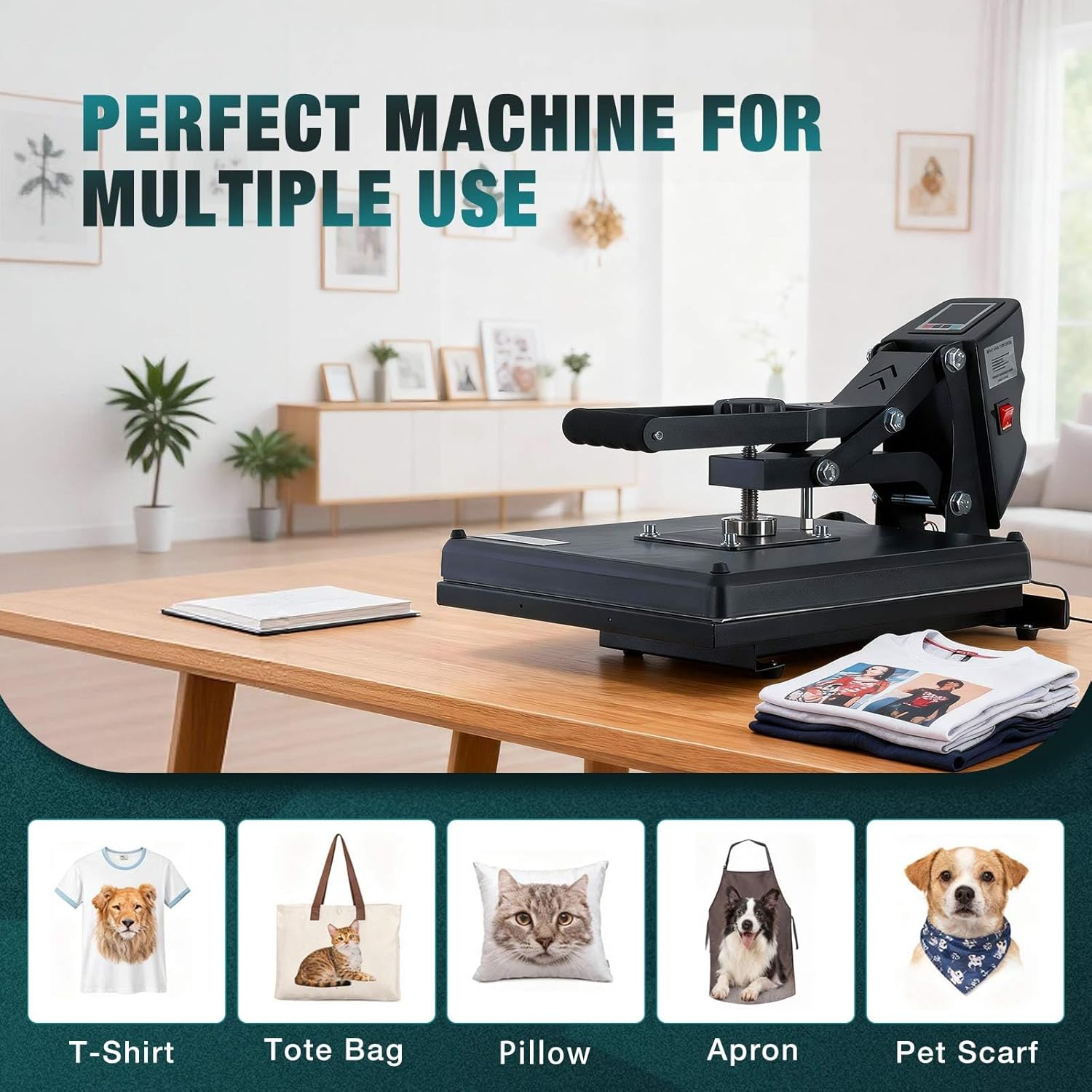
Image: Detailed view of the LCD display and control buttons.
Memory Mode:
The Memory Mode function allows you to save frequently used temperature and time settings. Consult the full user manual for detailed instructions on setting and recalling memory presets.
Adjusting Pressure:
The adjustable pressure knob located on top of the heating plate allows you to fine-tune the pressure applied during transfer. Turn clockwise to increase pressure and counter-clockwise to decrease pressure. Adjust based on the thickness of your material and transfer type.

Image: Illustration of even heat transfer and the adjustable pressure knob.
Versatile Applications:
This heat press is suitable for customizing a variety of items, including:
- T-shirts
- Tote Bags
- Pillows
- Aprons
- Pet Scarves
- Hoodies & Sweatshirts
- Jackets
- Other Flat-Surface Items

Image: Examples of items that can be customized using the heat press.
Maintenance
- Cleaning: Ensure the machine is unplugged and completely cool before cleaning. Wipe the exterior with a soft, damp cloth. For the heating plate, use a non-abrasive cleaner if necessary, but avoid harsh chemicals.
- Storage: Store the heat press in a dry, dust-free environment when not in use.
- Regular Inspection: Periodically check the power cord and plug for any signs of damage. Ensure all moving parts operate smoothly.
Troubleshooting
| Problem | Possible Cause | Solution |
|---|---|---|
| Machine does not power on. | Power cord not properly connected; no power from outlet. | Check power cord connection. Test outlet with another device. |
| Temperature not reaching set value. | Incorrect temperature setting; heating element issue. | Verify temperature setting. Allow sufficient preheating time. If issue persists, contact support. |
| Uneven heat transfer. | Uneven pressure; faulty heating element. | Adjust pressure knob to ensure even contact. If issue persists, contact support. |
| Buzzer not sounding. | Timer not set; buzzer malfunction. | Ensure timer is set correctly. If buzzer still fails, contact support. |
Specifications
- Model: PBJ-LW01-OL
- Heating Plate Size: 15'' x 15'' (38.1 cm x 38.1 cm)
- Power: 1200W
- Voltage: 110-120V
- Temperature Range: 32°F - 570°F (0°C - 300°C)
- Time Range: 0-999 seconds
- Product Dimensions: 20.28''L x 15.16''W x 11.22''H (51.5 cm x 38.5 cm x 28.5 cm)
- Item Weight: 30.9 pounds (14 kg)
- Material: Aluminum, Metal, Plastic, Sponge

Image: Product dimensions and electrical specifications.
Warranty Information
The OLIXIS LW Heat Press comes with a 1-year warranty from the date of purchase. This warranty covers manufacturing defects and malfunctions under normal use. It does not cover damage caused by misuse, accidents, unauthorized modifications, or improper maintenance.
Please retain your proof of purchase for warranty claims.
Customer Support
For technical assistance, troubleshooting, or warranty inquiries, please contact OLIXIS customer support. Refer to the contact information provided with your product packaging or visit the official OLIXIS website.
Online Resources:
- Official OLIXIS Store: Visit OLIXIS Store on Amazon
Product Video Guide
Video: An overview of the OLIXIS heat press machine, demonstrating its features and ease of use.
Ask a question about this manual
Ask about setup, troubleshooting, compatibility, parts, safety, or missing instructions. Manuals+ will review the question and use this page’s manual context to help answer it.