
1. Introduction
Thank you for choosing the Jesebang YT18 AI Translation Earbuds. These earbuds are designed to provide real-time language translation, music playback, and calling functionalities. This manual will guide you through the setup, operation, and maintenance of your device to ensure optimal performance.
2. What's in the Box
Please check the contents of your package. If any items are missing or damaged, contact customer support.
- 1x Language Translator Earbuds (Left and Right)
- 1x Charging Box
- 3x Pairs of Earplugs (S/M/L)
- 1x USB Charging Cable
- 1x User Manual
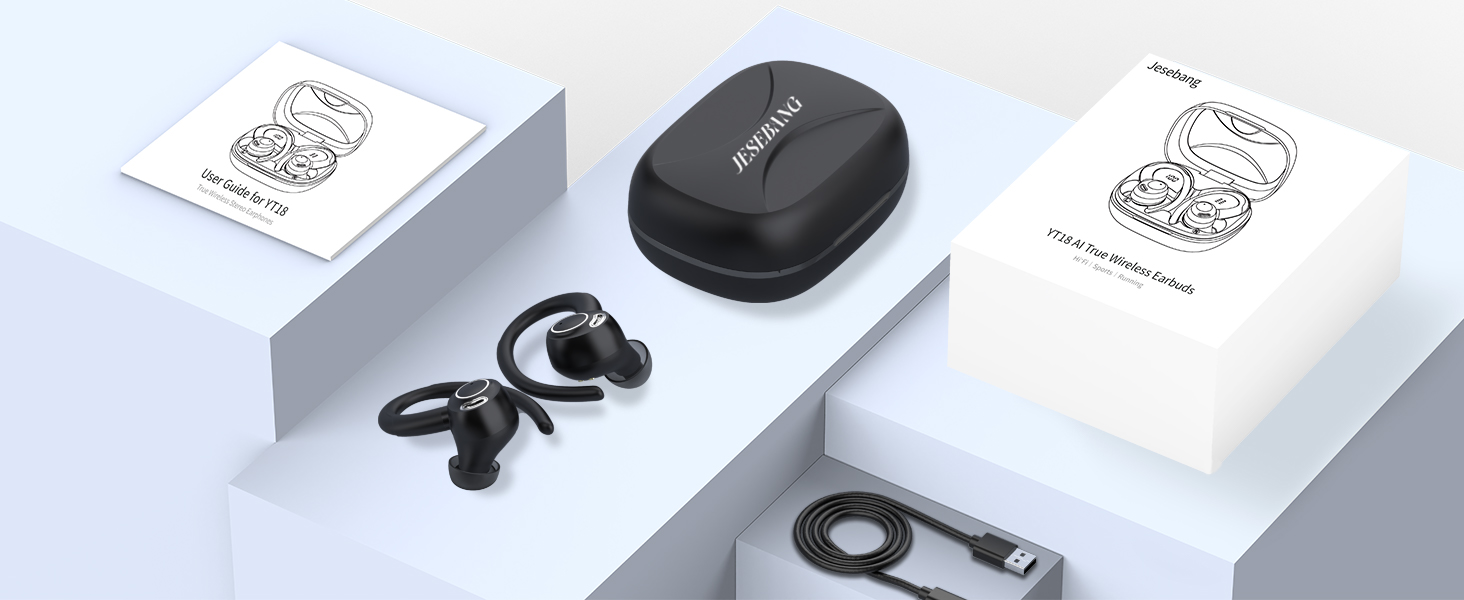
Image: The package contents, showing the Jesebang YT18 earbuds, charging case, various ear tip sizes, a USB charging cable, and the user manual.
3. Setup and Initial Use
3.1 Charging the Earbuds and Case
Before first use, fully charge the earbuds and the charging case. Connect the provided USB Type-C cable to the charging case and a power source. The LED digital display on the case will indicate the charging status.
3.2 App Installation
The Jesebang YT18 earbuds require the "EarDance" application for translation functions. Follow these steps to install the app:
- Method 1 (QR Code): Scan the QR code found in the physical user manual or on the product packaging to download and install the "EarDance" app.
- Method 2 (App Store): Search for "EarDance" in your device's app store (Google Play Store for Android or Apple App Store for iOS) and download the application.
You can also access the app download page via this link: EarDance App Download
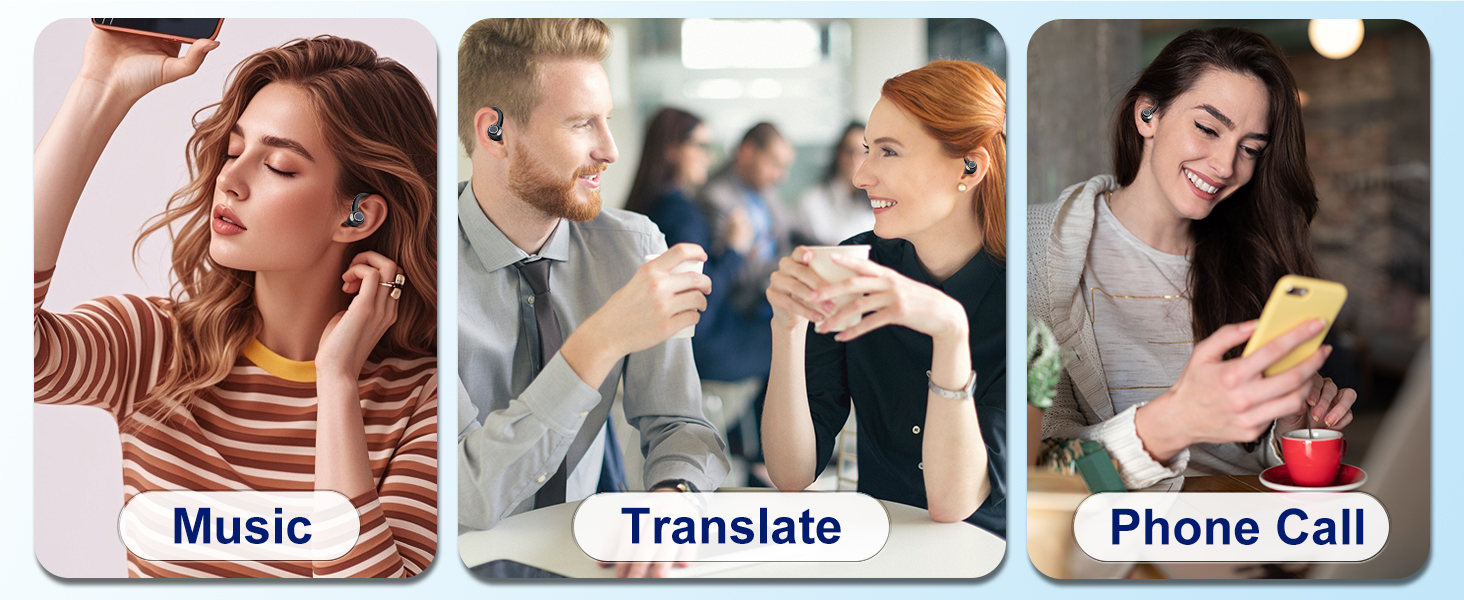
Image: Visual guide for downloading the "EarDance" app via QR code or app stores, and connecting the earbuds via Bluetooth.
3.3 Bluetooth Pairing
- Ensure the earbuds are charged and removed from the charging case. They will automatically enter pairing mode.
- Open the Bluetooth settings on your smartphone or device.
- Search for nearby Bluetooth devices and select "YT18" from the list to complete the connection.
- Launch the "EarDance" app. The app should automatically connect to the earbuds.
4. Operating Instructions
The Jesebang YT18 earbuds offer multiple modes for various scenarios, supporting 164 languages for real-time, two-way translation.
4.1 Translation Modes
Access these modes through the "EarDance" application:
- Free Conversation Mode: Provides automatic real-time voice translation for natural dialogue.
- Headset + Phone Mode: Facilitates smooth two-way communication where one person uses the earbuds and the other uses the phone.
- Voice Memo Mode: Converts spoken language to text instantly.
- Speaker Mode: Plays translations aloud through your phone's speaker.
- Camera Mode (Photo Translation): Translates text captured through your device's camera.
- Video Mode: Offers real-time audio and subtitle translation for videos.
- AI Chat: An interactive mode for language learning and practice.

Image: An exploded view of an earbud alongside a list detailing the seven available translation modes.
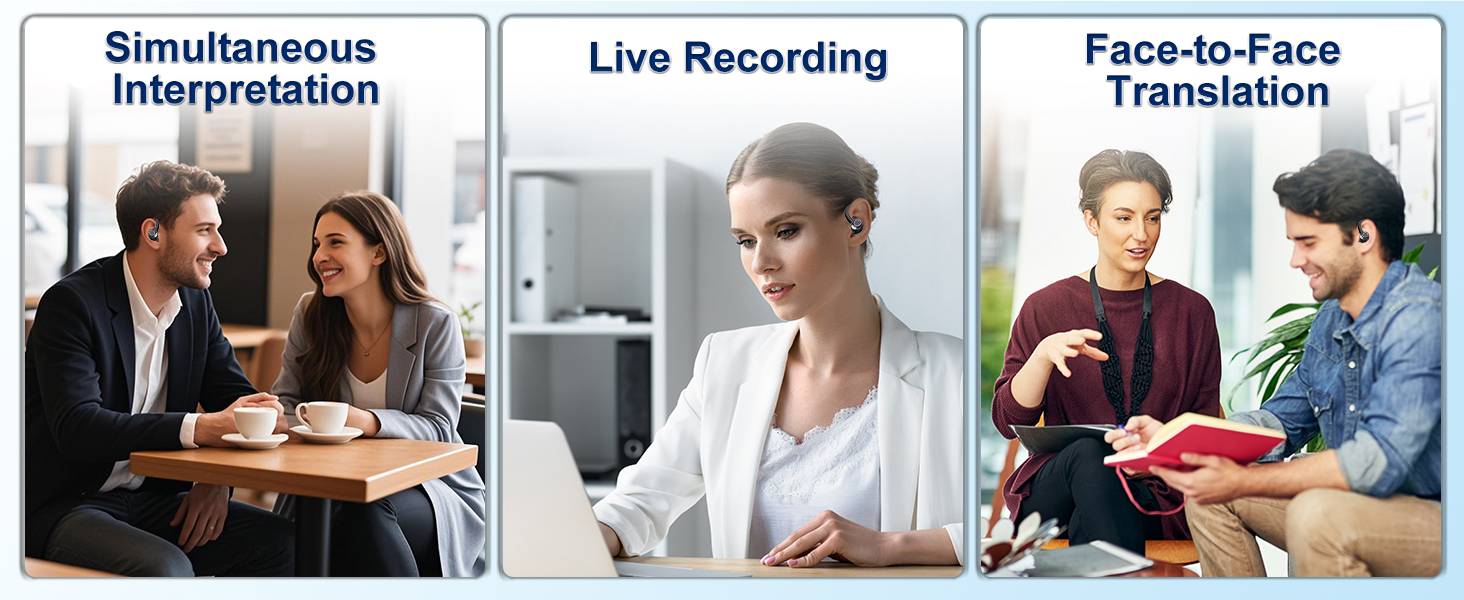
Image: Examples of translation use cases including simultaneous interpretation, live recording, and face-to-face translation.
4.2 Music Playback and Calls
The earbuds also function as standard Bluetooth headphones for music and calls. They feature 14.2mm Hi-Fi drivers for clear audio and advanced ENC noise cancellation to reduce background noise during calls.

Image: Depicts the earbuds in use for translation, listening to audio, and making phone calls.
4.3 Smart Touch Controls
The earbuds are equipped with touch controls for easy management of calls, music, and voice assistants:
- Answer/Hang Up Call: Single tap.
- Reject Call: Press and hold.
- Play/Pause Music: Single tap.
- Previous/Next Song: Double tap (specific earbud for each).
- Volume +/-: Triple tap (specific earbud for each).
- Activate Voice Assistant (Siri): Press and hold.
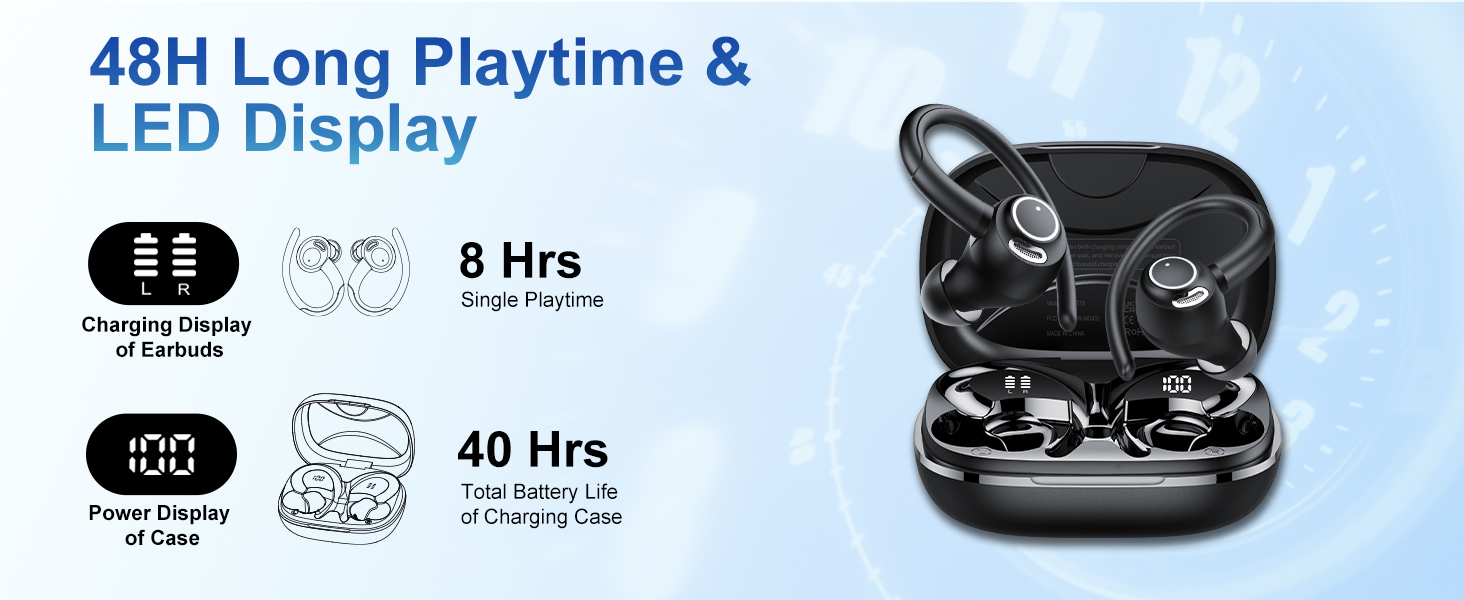
Image: A visual representation of the touch control gestures for various functions on the earbuds.
5. Battery Life and Charging
The Jesebang YT18 earbuds offer extended battery life for continuous use.
- Single Charge Playback: Up to 8 hours.
- Total Playback with Charging Case: Up to 48 hours.
- Charging Time: Approximately 1.5 hours for a full charge via Type-C.
The smart LED digital display on the charging case allows you to monitor the battery levels of both the earbuds and the case.

Image: The charging case displaying battery indicators for both earbuds and the case, highlighting 8 hours of single-charge use and 48 hours total with the case.
6. Maintenance and Care
To ensure the longevity and optimal performance of your earbuds, follow these care instructions:
- Cleaning: Regularly clean the earbuds and charging case with a soft, dry cloth. Avoid using harsh chemicals.
- Water Resistance: The earbuds feature an IPX7 nano-coating, providing protection against sweat and rain. They are not designed for submersion in water. Ensure they are dry before placing them back in the charging case.
- Storage: Store the earbuds in their charging case when not in use to protect them from dust and damage.
- Ear Tips: Experiment with the three provided ear tip sizes (S/M/L) to find the most comfortable and secure fit for optimal sound quality and noise isolation.
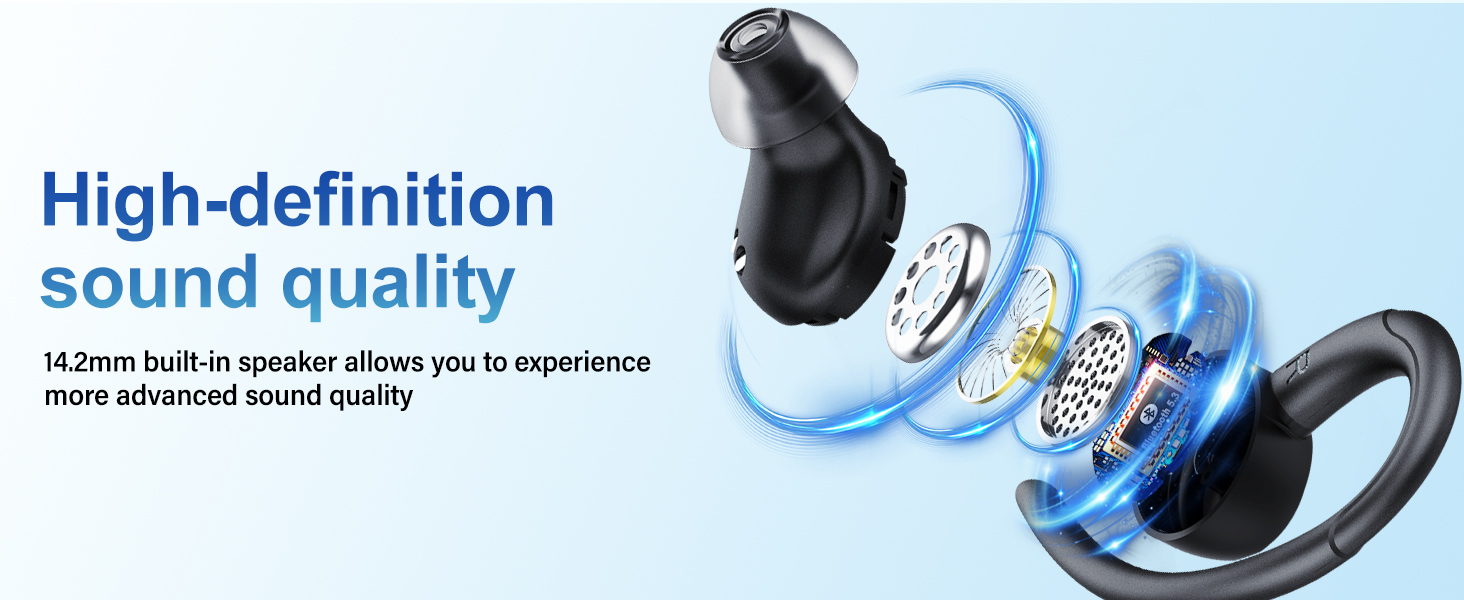
Image: The earbuds shown with water droplets, emphasizing their IPX7 water resistance for protection against sweat and rain.
7. Troubleshooting
If you encounter issues with your Jesebang YT18 earbuds, refer to the following common solutions:
- Earbuds not pairing: Ensure both earbuds are charged, removed from the case, and your device's Bluetooth is on. Try restarting your device and the earbuds.
- No sound: Check the volume levels on both your device and the earbuds. Ensure the earbuds are properly connected via Bluetooth.
- Translation not working: Verify that the "EarDance" app is installed, open, and connected to the earbuds. Check your internet connection, as translation often requires online processing.
- Poor sound quality: Ensure the ear tips provide a snug fit. Clean any debris from the earbud speakers.
- Charging issues: Check the charging cable and adapter. Ensure the charging contacts on the earbuds and case are clean and free of obstruction.
For persistent issues, please contact Jesebang customer support.
8. Specifications
| Feature | Detail |
|---|---|
| Brand | Jesebang |
| Model Number | YT18 |
| Color | Jet Black |
| Ear Placement | In Ear |
| Noise Control | Active Noise Cancellation (ENC) |
| Bluetooth Version | 5.4 |
| Bluetooth Range | Up to 15 meters |
| Battery Life (Single Charge) | 8 Hours |
| Battery Life (with Case) | Up to 48 Hours |
| Battery Charge Time | 1.5 Hours |
| Water Resistance Level | IPX7 |
| Audio Driver Type | Dynamic Driver (14.2mm) |
| Control Method | Touch |
| Compatible Devices | Smartphones, Tablets, Laptops, Desktops, Smart Speakers |
9. Warranty and Support
The Jesebang YT18 AI Translation Earbuds come with a 2-year warranty from the date of purchase. This warranty covers manufacturing defects and malfunctions under normal use.
For warranty claims, technical support, or any inquiries, please contact Jesebang customer service through the retailer where you purchased the product or visit the official Jesebang website for contact information.
