
Introduction
The Soundcore R60i NC wireless earbuds are designed to provide a high-quality audio experience with advanced features such as adaptive noise cancellation, high-resolution audio, and AI-powered translation. This manual will guide you through the setup, operation, and maintenance of your earbuds to ensure optimal performance.

Image: Soundcore R60i NC Wireless Earbuds in their charging case.
What's in the Box
Please check the package contents to ensure all items are present:
- Soundcore R60i NC Wireless Earbuds
- Charging Case
- USB-C Charging Cable
- User Manual
- Multiple sizes of ear tips (typically S, M, L)
Product Overview
The Soundcore R60i NC earbuds feature a compact design with intuitive touch controls. Each earbud is equipped with microphones for calls and noise cancellation. The charging case protects the earbuds and provides extended battery life.
Key Features:
- Adaptive Noise Cancellation: Reduces ambient noise by up to 52dB, adjusting to your environment.
- High-Resolution Audio: Delivers detailed and balanced sound with rich bass.
- AI Real-time Translation: Supports communication in over 100 languages.
- Clear Calls: Six AI-enhanced microphones with wind noise reduction ensure clear voice pickup.
- Extended Playtime: Up to 10 hours on a single charge, and 50 hours with the charging case.
- Fast Charging: 10 minutes of charge provides 3.5 hours of listening.
Setup
1. Charging the Earbuds and Case
Before first use, fully charge the earbuds and the charging case.
- Place the earbuds into the charging case.
- Connect the USB-C charging cable to the charging port on the case and to a power source.
- The LED indicators on the case will show the charging status. A full charge typically takes 2 hours.
2. Pairing with Your Device
- Open the charging case. The earbuds will automatically enter pairing mode, indicated by flashing LED lights.
- On your device (smartphone, tablet, laptop), enable Bluetooth.
- Search for "Soundcore R60i NC" in the list of available Bluetooth devices and select it to connect.
- Once connected, the earbud LEDs will turn solid blue or off, depending on the model.
Note: If the earbuds do not automatically enter pairing mode, press and hold the button on the charging case for 3 seconds until the LEDs flash.
Operating Instructions
1. Wearing the Earbuds
Choose the ear tips that provide the best fit for comfort and sound quality. Insert the earbuds into your ear canals and twist gently to secure them.
2. Touch Controls
The Soundcore R60i NC earbuds feature intuitive touch controls. Specific functions can often be customized via the Soundcore app.
| Action | Function |
|---|---|
| Single Tap (Left/Right) | Play/Pause Music, Answer/End Call |
| Double Tap (Right) | Next Track |
| Double Tap (Left) | Previous Track |
| Press and Hold (Right) | Volume Up |
| Press and Hold (Left) | Volume Down |
| Triple Tap (Left/Right) | Activate Voice Assistant |
| Press and Hold (Either, 2s) | Switch Noise Control Mode (ANC/Transparency/Normal) |
3. Noise Control Modes
The R60i NC offers different noise control modes:
- Adaptive Noise Cancellation (ANC): Reduces ambient noise by up to 52dB, automatically adjusting to your surroundings. Ideal for noisy environments.
- Transparency Mode: Allows you to hear your surroundings while listening to audio. Useful for awareness in urban areas or conversations.
- Normal Mode: Standard audio playback without active noise cancellation or transparency.

Image: A single Soundcore R60i NC earbud with a visual representation of sound waves being cancelled, highlighting its 52dB adaptive noise cancellation capability.
4. High-Resolution Audio
The earbuds support Hi-Res Audio, providing a detailed and immersive listening experience. Ensure your audio source also supports high-resolution formats for the best quality.

Image: A woman is shown outdoors, smiling and wearing Soundcore R60i NC earbuds, emphasizing the detailed Hi-Res Audio experience.
The earbuds are engineered to deliver powerful and clear bass without distortion, enhancing your music enjoyment.
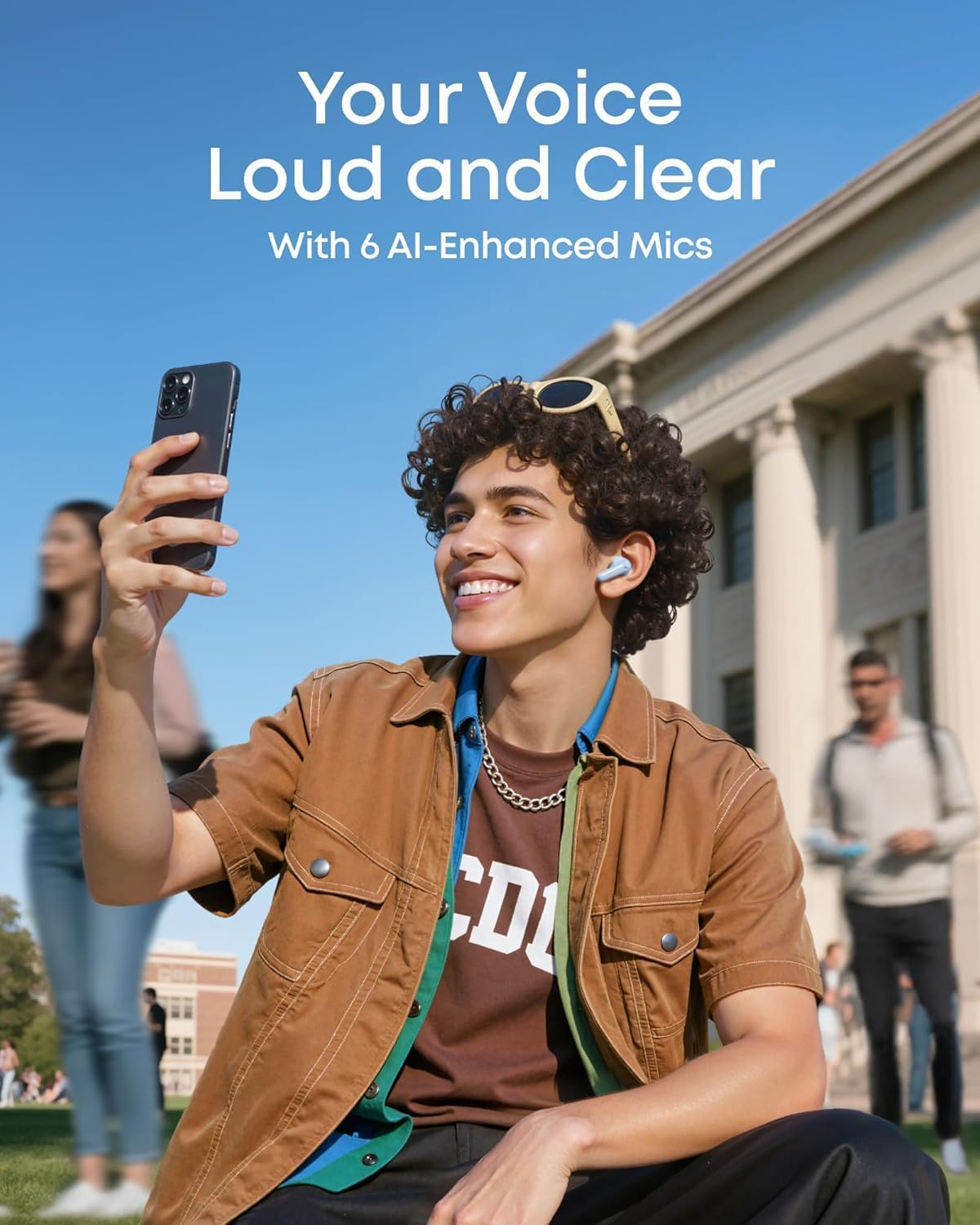
Image: A detailed diagram illustrates the internal driver of an earbud, representing its ability to deliver powerful, clear bass without muddiness.
5. AI Real-time Translation
The Soundcore R60i NC earbuds feature AI-powered real-time translation, enabling seamless communication in over 100 languages. This feature instantly translates spoken words with high accuracy, facilitating natural conversations across language barriers. Refer to the Soundcore app for detailed instructions on activating and using the translation function.
6. Making Calls
With six AI-enhanced microphones and a wind noise reduction algorithm, the earbuds ensure your voice is clear during calls, even in noisy or windy environments.
- Answer/End Call: Single tap either earbud.
- Reject Call: Press and hold either earbud for 2 seconds.
Maintenance
1. Cleaning
- Regularly clean the earbuds and charging case with a soft, dry, lint-free cloth.
- Remove ear tips and clean them with mild soap and water, then dry thoroughly before reattaching.
- Ensure charging contacts on both earbuds and case are clean and free of debris.
2. Storage
When not in use, always store the earbuds in their charging case to protect them and keep them charged. Store in a cool, dry place away from extreme temperatures.
3. Water Resistance
The earbuds are water-resistant. However, they are not waterproof. Avoid prolonged exposure to water or submersion. Dry them completely before placing them back in the charging case.
Troubleshooting
Common Issues and Solutions:
- Earbuds not pairing:
- Ensure earbuds are charged.
- Turn off Bluetooth on your device and turn it back on.
- Forget "Soundcore R60i NC" from your device's Bluetooth list and try pairing again.
- Reset the earbuds (refer to the Soundcore app or official support for specific reset instructions).
- No sound from one earbud:
- Place both earbuds back in the charging case, close the lid, and then take them out again.
- Check the balance settings on your device.
- Poor sound quality:
- Ensure ear tips provide a good seal.
- Clean the ear tips and speaker grilles.
- Try moving closer to your connected device to avoid interference.
- Earbuds not charging:
- Ensure the charging cable is securely connected.
- Clean the charging contacts on both the earbuds and the case.
- Try a different USB-C cable and power adapter.
Specifications
| Feature | Detail |
|---|---|
| Model Name | R60i NC |
| Connectivity Technology | Wireless (Bluetooth) |
| Noise Control | Active Noise Cancellation |
| Ear Placement | In Ear |
| Impedance | 32 Ohm |
| Frequency Response | 20 Hertz |
| Sensitivity | 98 Decibels |
| Battery Charging Time | 2 hours |
| Control Type | Touch Control, Voice, App |
| Cable Feature | USB-C Charging Cable |
| Water Resistance Level | Water Resistant |
| Material | Plastic, Silicone |
| Manufacturer | Anker |
| Country of Origin | China |
Warranty and Support
Soundcore products typically come with a limited warranty. For specific warranty details, registration, and support, please refer to the warranty card included in your product packaging or visit the official Soundcore website. You can also contact Soundcore customer service for assistance with any product-related inquiries or issues.
Please retain your proof of purchase for warranty claims.


