
Introduction
This manual provides comprehensive instructions for the assembly, operation, and maintenance of your DUMOS Home Office Computer Chair. Please read all instructions carefully before use to ensure proper function and longevity of your product.
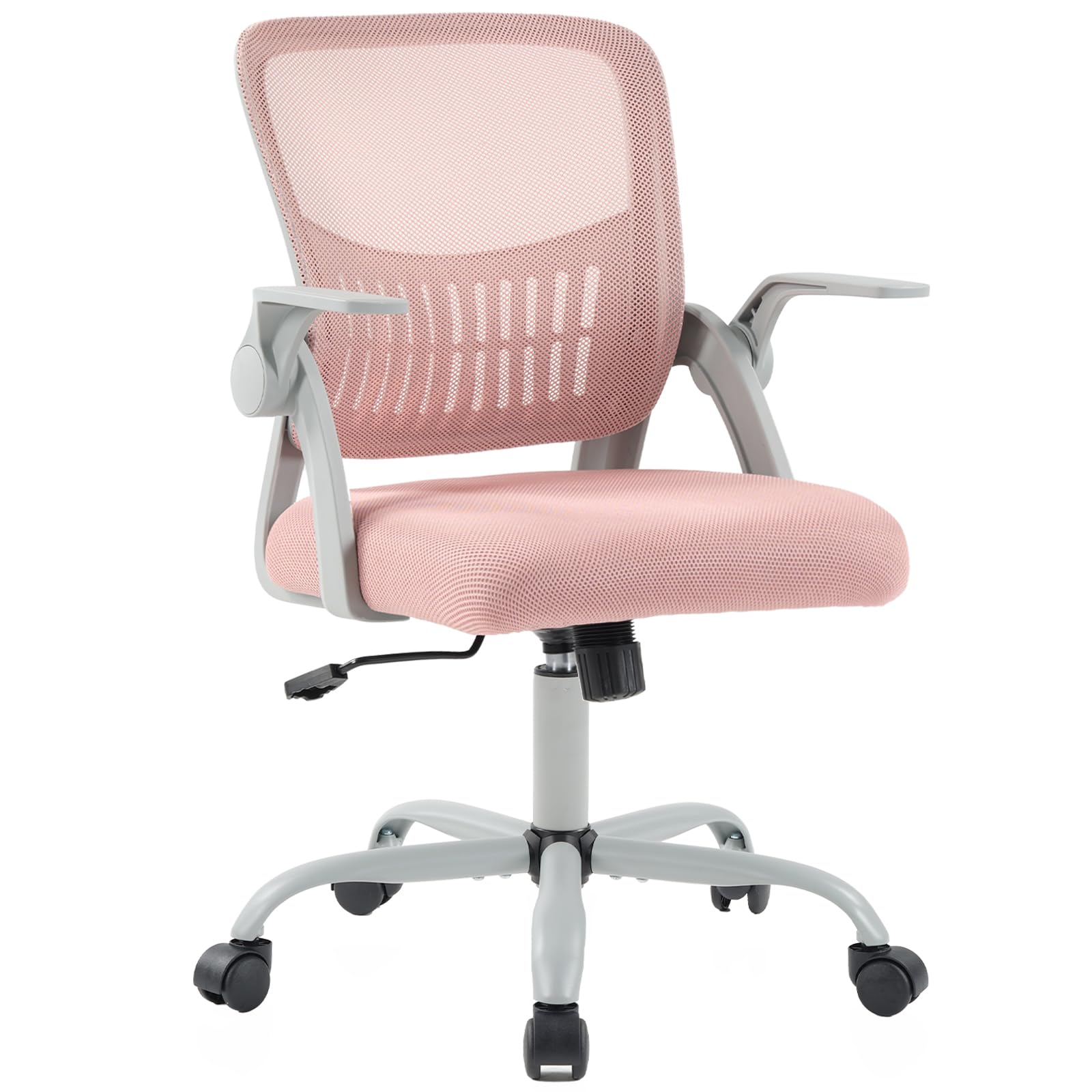
Image: The DUMOS Home Office Computer Chair, Model 5512PK3-1B-H3, in a pink finish, positioned in a modern home office setting.
Setup Instructions
Assembly of the DUMOS Home Office Computer Chair typically takes approximately 15 minutes. Ensure all parts are present before beginning.
Included Components:
- Backrest (A)
- Seat Cushion (B)
- Armrests (C) - Left and Right
- Mechanism Plate (D)
- Gas Lift Cylinder (E)
- Chair Base (F)
- Casters (G) x5
- Screw Caps (H) x5
- Screws (I) x6 (for base)
- Screws (J) x2 (for armrests to backrest)
- Screws (K) x4 (for armrests to seat)
- Screws (L) x10 (for mechanism plate)
- Allen Wrench (M) x2
Assembly Steps:
- Attach Casters to Base: Insert the five casters (G) into the holes at the ends of the chair base (F) until they click securely into place.

Image: A person attaching the casters to the five-star chair base.
- Insert Gas Lift: Place the gas lift cylinder (E) into the central hole of the assembled chair base (F).
- Attach Armrests to Backrest: Align the armrests (C) with the backrest (A). Secure them using screws (J). Do not fully tighten bolts until all parts are assembled.

Image: A person attaching the armrests to the backrest using screws.
- Attach Seat Cushion: Position the seat cushion (B) between the armrests (C) and align with the mounting points. Secure using screws (K). Do not fully tighten bolts until all parts are assembled.

Image: A person securing the seat cushion to the chair's frame.
- Attach Mechanism Plate: Secure the mechanism plate (D) to the underside of the seat cushion (B) using screws (L). Ensure the "FRONT" label on the mechanism plate faces the front of the seat.

Image: The mechanism plate being screwed into the bottom of the seat, with the "FRONT" indicator visible.
- Connect Seat to Gas Lift: Carefully place the assembled seat onto the gas lift cylinder (E) until it is firmly seated.

Image: The upper chair assembly being lowered onto the gas lift cylinder.
- Final Tightening: Once all components are in place, fully tighten all screws using the provided Allen wrench.

Image: A person tightening the screws on the backrest of the assembled chair.
Assembly Video:
Video: Official DUMOS assembly guide for the Home Office Computer Chair with Flip-up Armrest.
Operating Instructions
Height Adjustment:
To adjust the seat height, locate the lever on the right side beneath the seat.
- To raise the seat: While standing, pull the lever upwards. The seat will rise automatically. Release the lever at the desired height.
- To lower the seat: While seated, pull the lever upwards. The seat will lower. Release the lever at the desired height.

Image: The height adjustment lever and rocking mode tension knob located beneath the seat.
Rocking Mode and Tilt Tension:
The chair features a 90°-120° tilt mechanism for comfortable reclining.
- To activate rocking mode: Pull the same lever (used for height adjustment) outwards.
- To lock the chair in an upright position: Push the lever inwards.
- To adjust tilt tension: Rotate the round knob located beneath the seat, at the front of the mechanism plate. Turn clockwise to increase tension (making it harder to recline) and counter-clockwise to decrease tension (making it easier to recline).
Flip-up Armrests:
The armrests can be flipped up to save space or allow the chair to be pushed closer to a desk.
- To flip up: Gently lift the armrests upwards until they lock into a vertical position.
- To lower: Gently pull the armrests downwards until they return to their horizontal position.
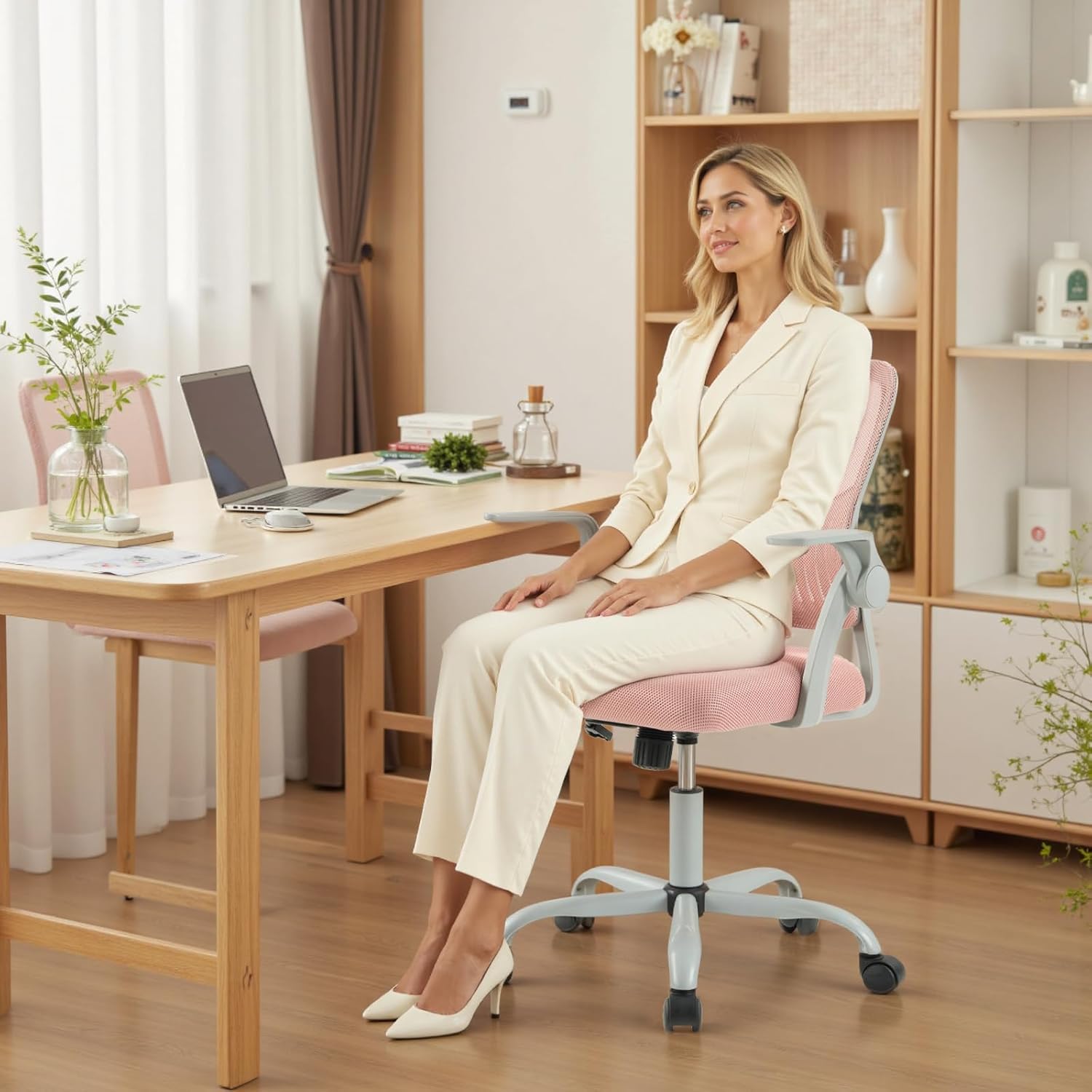
Image: The chair's armrests shown in both the down and flipped-up positions.
360° Swivel and Casters:
The chair features 360° swivel functionality and silent casters for smooth movement across various floor types without causing damage.
Maintenance
- Cleaning: For the mesh back and fabric seat, use a soft cloth dampened with mild soap and water. Avoid harsh chemicals or abrasive cleaners.
- Caster Care: Regularly check casters for hair or debris and clean as needed to ensure smooth rolling.
- Bolt Tightening: Periodically check all assembly bolts and re-tighten if necessary to maintain stability and safety.
- Gas Lift: The BIFMA-certified gas lift is designed for durability. If you experience issues with height adjustment, ensure the lever is fully engaged or disengaged.
Troubleshooting
Chair Does Not Adjust Height:
- Ensure the height adjustment lever is pulled completely upwards.
- If lowering, ensure you are seated on the chair. If raising, ensure you are standing off the chair.
- Check if the gas lift cylinder is properly inserted into the base and the mechanism plate.
Chair Does Not Rock/Tilt:
- Ensure the rocking mode lever is pulled outwards to enable tilting.
- Adjust the tilt tension knob (front, underside of seat) by turning it counter-clockwise to loosen the tension.
Chair Feels Unstable or Wobbly:
- Re-check and fully tighten all assembly bolts, especially those connecting the armrests to the backrest and seat, and the mechanism plate to the seat.
- Ensure the casters are fully inserted into the chair base.
Casters Not Rolling Smoothly:
- Inspect casters for any accumulated hair, dust, or debris and remove them.
- Ensure casters are correctly and fully inserted into the chair base.
Product Specifications
| Brand | DUMOS |
| Model Number | 5512PK3-1B-H3 |
| Color | Pink Flip Arm |
| Material | Mesh (Back), Foam (Seat) |
| Product Dimensions (D x W x H) | 23.6"D x 21.7"W x 38.4"H |
| Item Weight | 21.8 Pounds |
| Maximum Weight Recommendation | 250 Pounds |
| Adjustable Height Range | 16.7'' to 19.7'' inches |
| Reclining Position Count | 3 (90°-120° tilt) |
| Arm Style | Flip-up |
| Special Features | Adjustable Height, Arm Rest, Back Support, Ergonomic, Rolling, Lumbar Support, Rocking Mode, Storage Back |
| Room Type | Classroom, Meeting room, Office, Study Room |
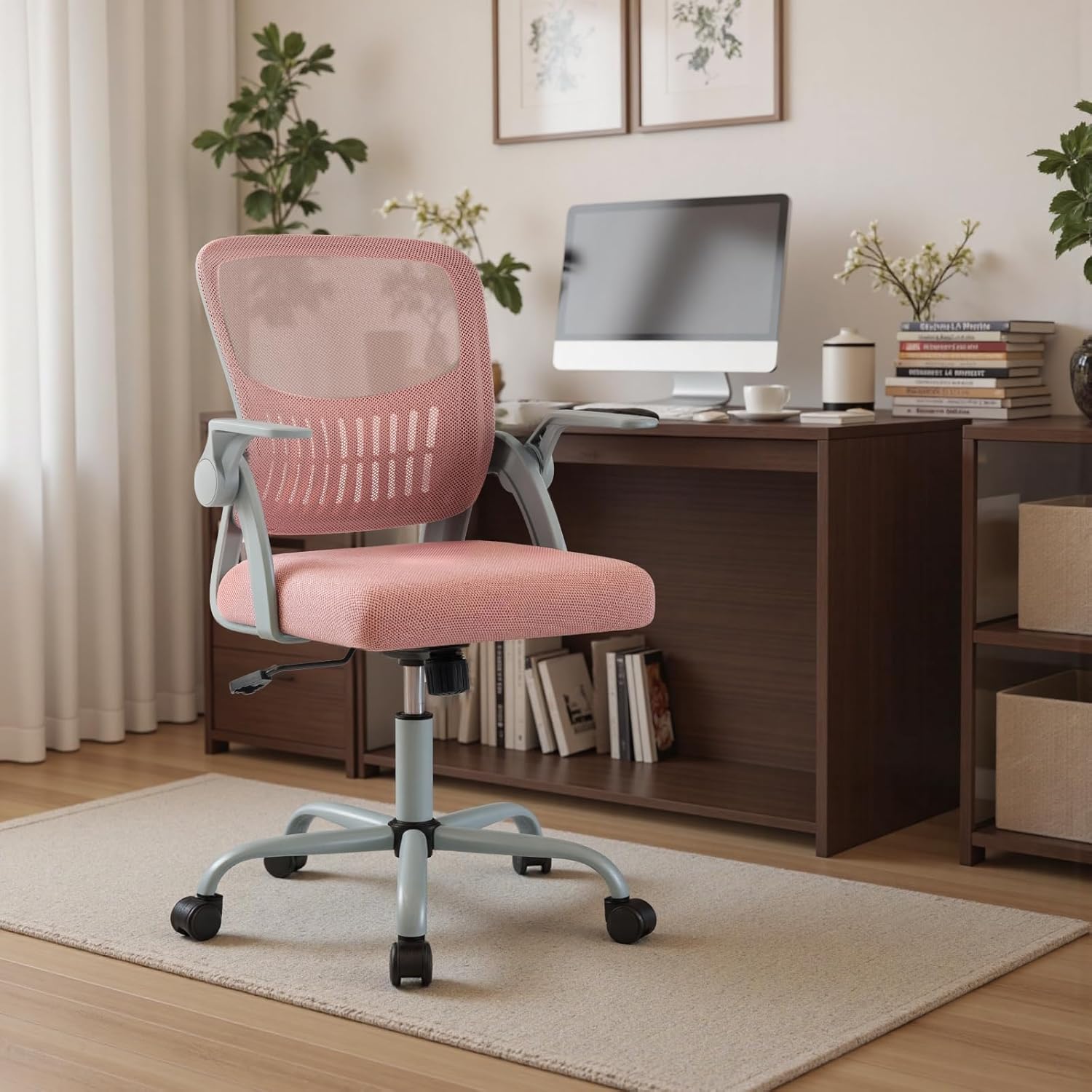
Image: Detailed dimensions of the DUMOS Home Office Computer Chair, including height, width, and depth.
Warranty Information
For specific warranty details regarding your DUMOS Home Office Computer Chair, please refer to the warranty card included in your product packaging or contact DUMOS customer support directly.
Customer Support
If you have any questions, require assistance with assembly, or encounter any issues with your DUMOS Home Office Computer Chair, please do not hesitate to contact our professional customer service team.
- Contact Information: Please refer to the contact details provided in your product packaging or on the official DUMOS website.
- Online Resources: Visit the DUMOS Store on Amazon for additional product information and support.


