
1. Product Overview
The fixwink Silicone Smart Watch Band is designed for comfort and durability, providing a secure and stylish attachment for your smartwatch. Made from high-quality silicone, it is suitable for daily wear and various activities.
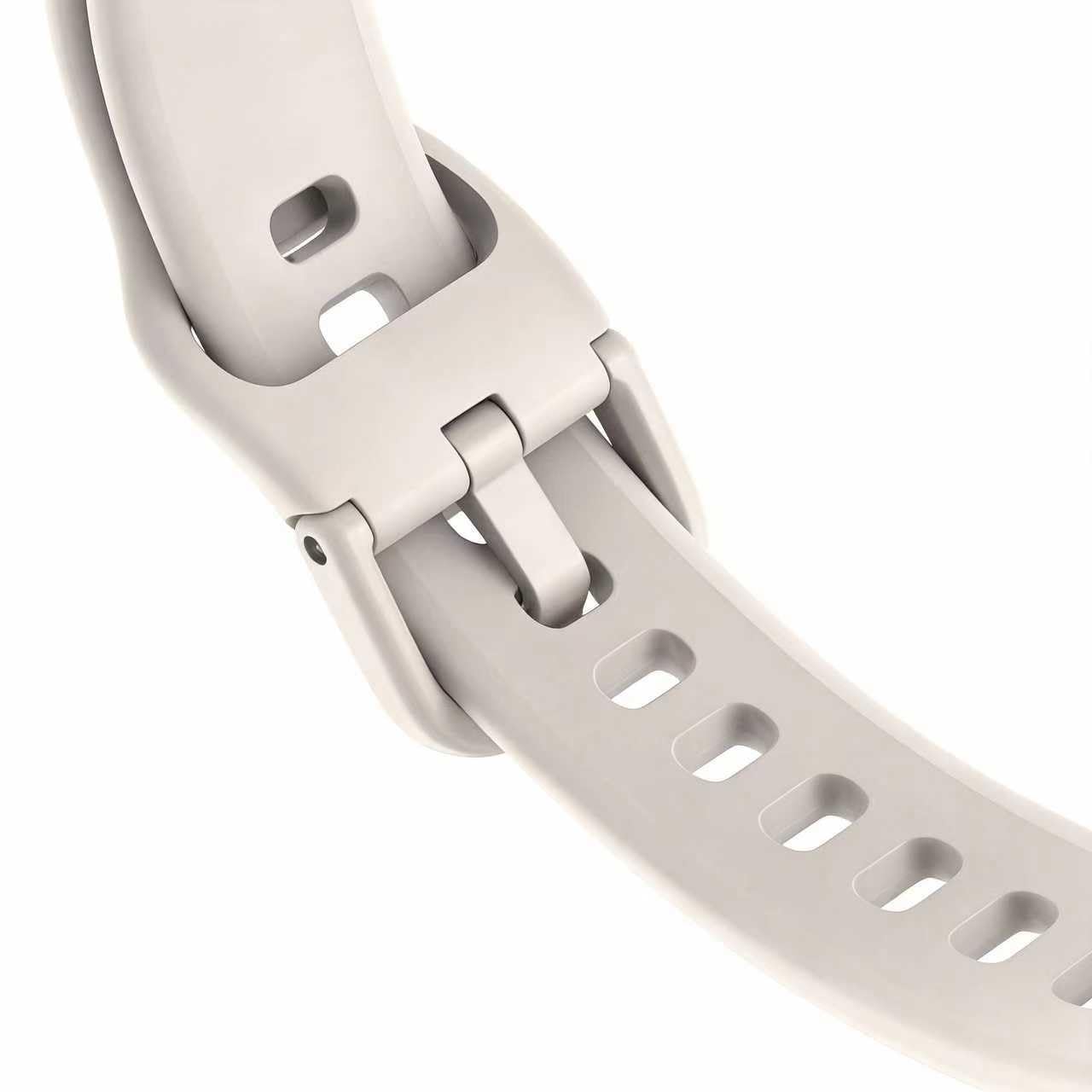
A close-up view of the fixwink Silicone Smart Watch Band, showcasing its smooth texture and secure clasp mechanism.
2. Setup
2.1 Unpacking
Carefully remove the smart watch band from its packaging. Inspect the band for any signs of damage before proceeding with installation.
2.2 Installation
- Identify the quick-release pins or attachment mechanism on your smartwatch and the band.
- Align one end of the band with the corresponding lug on your smartwatch. Insert the pin into the lug hole.
- Gently pull the quick-release lever or slide the pin to compress it, then align the other end of the band with the opposite lug hole.
- Release the lever/pin, ensuring it clicks securely into place. Tug gently on the band to confirm it is firmly attached.
- Repeat the process for the second half of the band.
3. Operating
3.1 Wearing the Band
Place the smartwatch with the attached band onto your wrist. Ensure the watch face is positioned comfortably on the top of your wrist.
3.2 Adjusting the Fit
Thread the end of the band through the buckle and adjust the length until the band fits snugly but comfortably around your wrist. Secure the excess band using the keeper loop.
4. Maintenance
4.1 Cleaning
To clean your silicone band, wipe it with a soft, damp cloth. For deeper cleaning, use mild soap and water, then rinse thoroughly and dry completely before reattaching to your smartwatch. Avoid harsh chemicals or abrasive materials.
4.2 Storage
Store the band in a clean, dry place away from direct sunlight and extreme temperatures when not in use.
5. Troubleshooting
| Issue | Solution |
|---|---|
| Band does not attach securely. | Ensure the quick-release pins are fully engaged in the smartwatch lugs. Check for any obstructions in the lug holes or on the pins. |
| Skin irritation. | Ensure the band is clean and dry. Adjust the fit to prevent it from being too tight or too loose. If irritation persists, discontinue use and consult a healthcare professional. |
6. Specifications
- Material: High-quality Silicone
- Compatibility: Designed for various smartwatches (check specific model compatibility)
Note: Other specifications such as Operating System, Connectivity Technology, and Battery information refer to the compatible smartwatch, not the band itself.
7. Warranty Information
This fixwink Smart Watch Band comes with a 1-year limited warranty from the date of purchase, covering manufacturing defects. This warranty does not cover damage caused by misuse, accidents, or unauthorized modifications.
8. Customer Support
For technical assistance, warranty claims, or general inquiries, please contact fixwink customer support. Refer to your product packaging or the official fixwink website for the most current contact information.
- Website: www.fixwink.com (Example link, please refer to actual product for correct URL)
- Email: support@fixwink.com (Example email, please refer to actual product for correct address)