Introduction
Thank you for choosing the GHB Babyphone Camera BM5G10L. This manual provides essential information for setting up, operating, and maintaining your baby monitor. Please read it thoroughly before use to ensure safe and optimal performance.
Safety Information
- Keep the camera and monitor out of reach of children.
- Ensure all cables are securely placed and not accessible to children to prevent strangulation hazards.
- Do not place the camera or monitor near water or heat sources.
- Use only the provided power adapters.
- This device is intended for indoor use only.
- The baby monitor is an aid and should not replace direct adult supervision.
Package Contents
Verify that all items are present in the package:
- Parent Unit (Monitor)
- Baby Unit (Camera)
- Power Adapter for Monitor (x1)
- Power Adapter for Camera (x1)
- User Manual

Image: The GHB Baby Monitor package contents, showing the monitor, camera, two power adapters, and the user manual. The product box is also visible.
Product Overview
Parent Unit (Monitor)
The parent unit features a 5-inch HD IPS display for clear viewing of your baby. It includes control buttons for camera functions, volume, and menu navigation.
Baby Unit (Camera)
The baby unit is equipped with a 720P camera, infrared night vision, and a temperature sensor. It supports remote pan (350°) and tilt (110°) adjustments, as well as 4x digital zoom. The camera must remain connected to a power source.

Image: The baby unit (camera) can be placed on a flat surface like a table or mounted on a crib using a compatible 1/4" screw support (not included).
Setup
- Position the Camera: Place the baby unit (camera) in a location that provides a clear view of your baby. Ensure it is at least 1 meter (3 feet) away from the baby to prevent entanglement with cables. The camera can be placed on a flat surface or mounted using a 1/4" screw support (not included).
- Connect the Camera: Plug the camera's power adapter into the camera and then into a power outlet. The camera requires continuous power to operate.
- Charge the Monitor: Plug the monitor's power adapter into the parent unit and then into a power outlet. Charge the monitor fully before first use. The monitor has a built-in 5000mAh battery.
- Power On: Press and hold the power button on both the camera and the monitor to turn them on.
- Pairing: The camera and monitor are pre-paired at the factory. If pairing is lost or you add an additional camera, refer to the "Adding/Pairing Cameras" section in the full manual.

Image: The GHB Baby Monitor uses 2.4GHz FHSS technology for a secure, private connection without Wi-Fi or a smartphone app. It supports connecting up to two cameras for split-screen viewing.
Operating Instructions
Basic Controls
- Volume Adjustment: Use the dedicated volume buttons on the monitor to increase or decrease the sound from the baby unit.
- Brightness Adjustment: Adjust screen brightness via the monitor's menu settings.
- Menu Navigation: Use the directional buttons and OK button to navigate through the monitor's menu options.
Camera Control (Pan, Tilt, Zoom)
From the parent unit, you can remotely adjust the camera's view:
- Use the directional buttons to pan the camera horizontally up to 350° and tilt vertically up to 110°.
- Press the zoom button to digitally zoom in (2x or 4x) on the image.
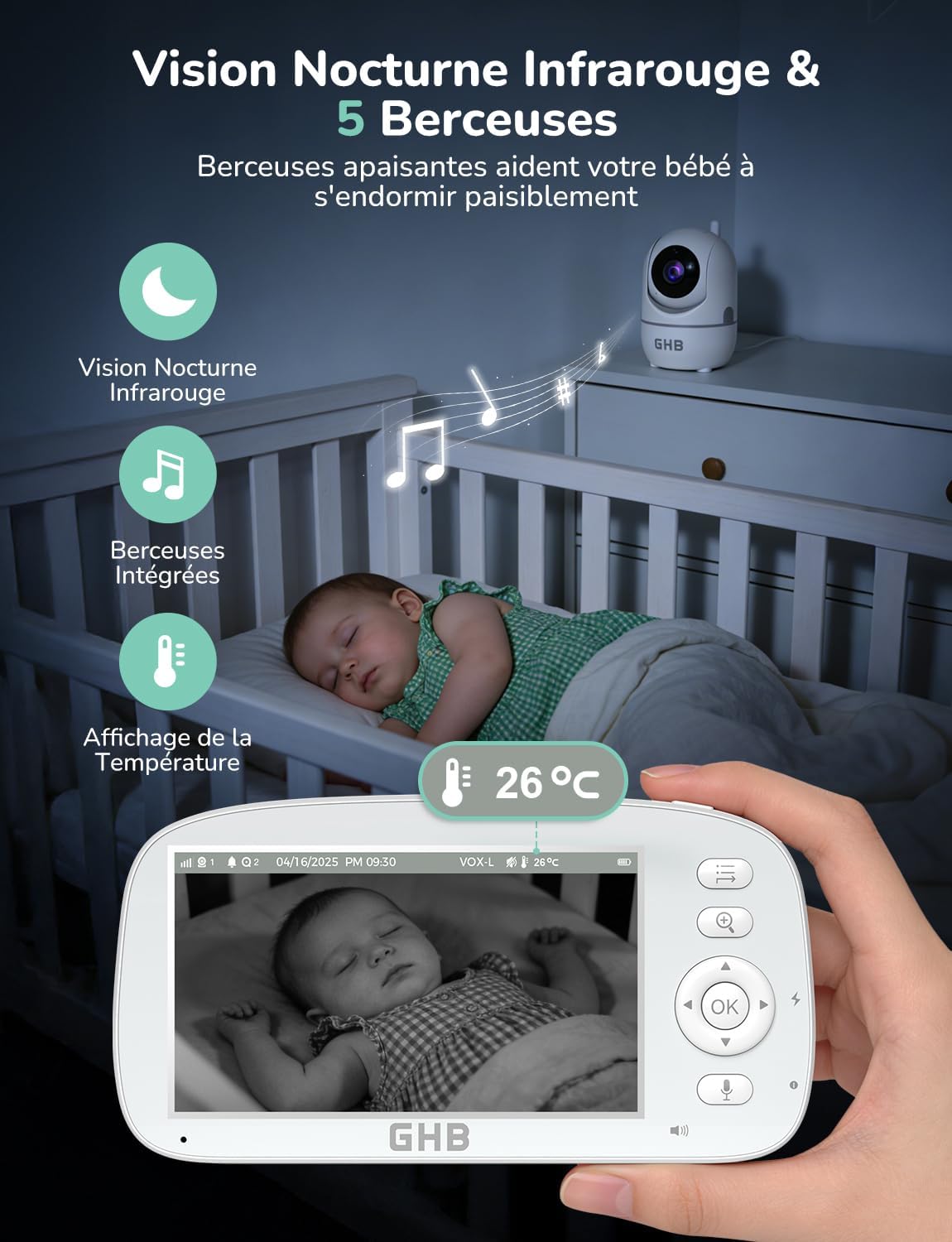
Image: The monitor displays a live feed, and the camera can be remotely controlled to pan 350° horizontally and tilt 110° vertically. Digital zoom up to 4x is also available.
Two-Way Audio
To speak to your baby, press and hold the microphone button on the parent unit. Release the button to listen.
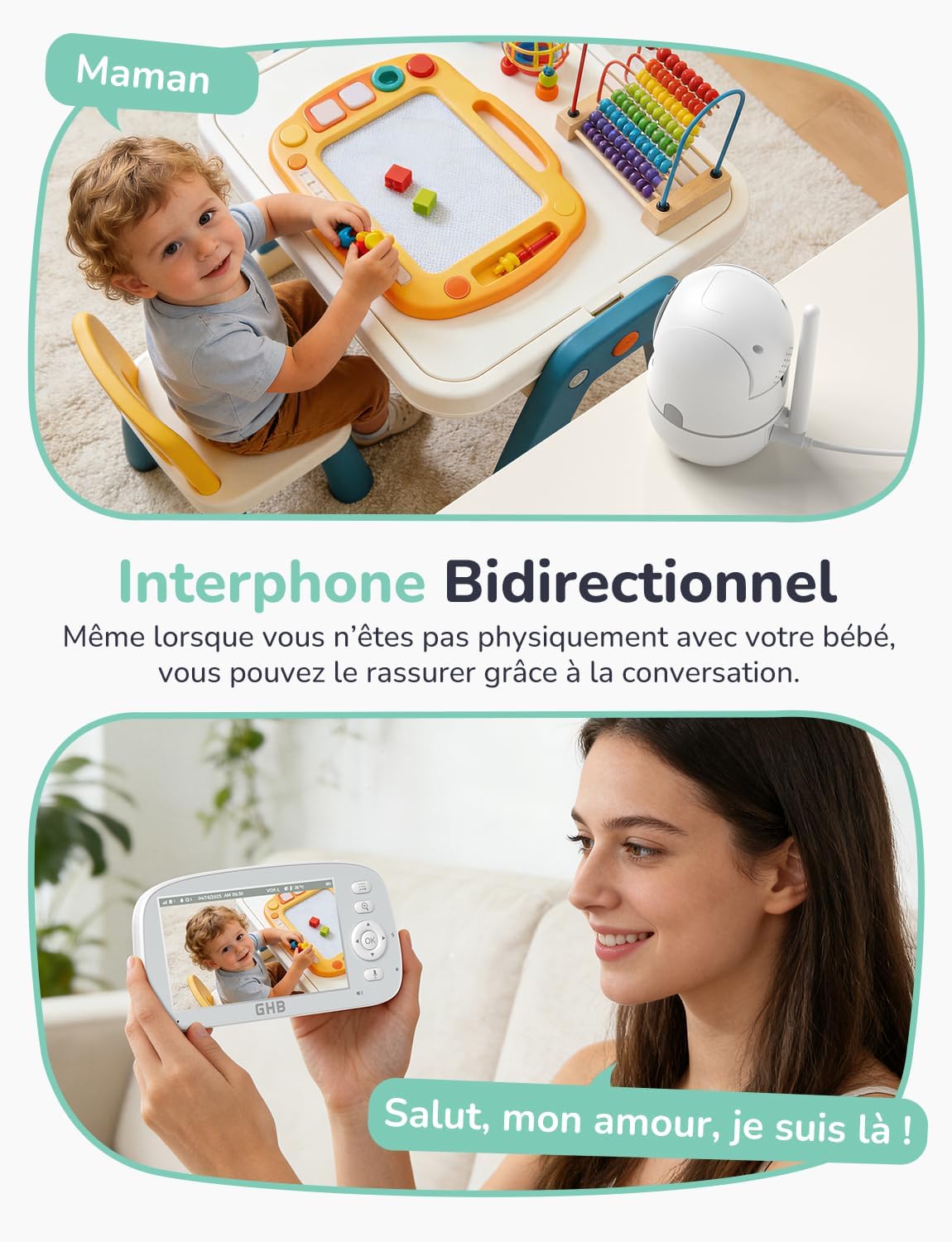
Image: The two-way audio feature allows you to speak to your baby through the monitor, providing comfort and reassurance.
VOX Mode (Voice Operated Exchange)
VOX mode conserves battery by turning off the monitor screen when the room is quiet. The screen automatically activates when sound is detected from the baby unit. Sensitivity can be adjusted in the menu.

Image: In VOX mode, the monitor screen remains off during quiet periods, activating automatically upon detecting sounds from the baby, saving battery life.
Lullabies
The monitor includes 5 pre-programmed lullabies to help soothe your baby to sleep. Access and select lullabies through the monitor's menu.

Image: The monitor displays the baby, with icons indicating active night vision, lullaby playback, and the room temperature. The camera is positioned near the crib.
Temperature Monitoring
The baby unit has a built-in temperature sensor that displays the room temperature on the parent unit. You can set custom temperature alerts in the menu.

Image: The monitor shows the room temperature (e.g., 28°C) and offers options for setting feeding reminders at intervals of 1, 2, 4, or 6 hours.
Night Vision
The camera automatically switches to infrared night vision in low-light conditions, providing a clear black-and-white image of your baby even in complete darkness.

Image: A side-by-side comparison demonstrating the clear color image during the day and the automatic black-and-white infrared night vision in low light.
Split Screen Mode (with additional camera)
If you have a second GHB BM5G10L camera (sold separately), you can connect it to the monitor and view both camera feeds simultaneously in split-screen mode.
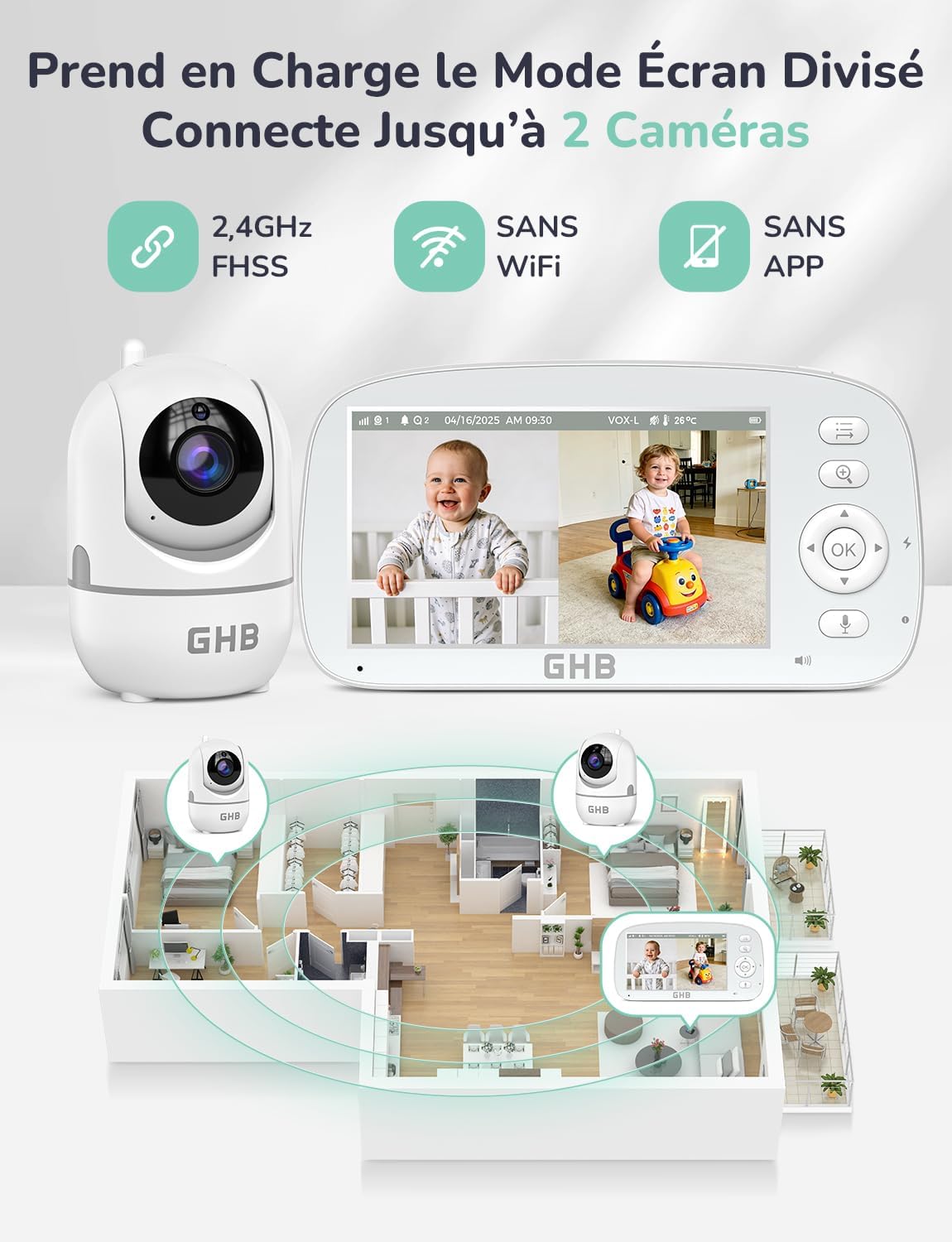
Image: The monitor in split-screen mode, showing live feeds from two separate cameras, allowing simultaneous monitoring of two areas.
Maintenance
- Cleaning: Clean the camera and monitor surfaces with a soft, dry cloth. Do not use abrasive cleaners or solvents.
- Storage: If storing the unit for an extended period, ensure the monitor battery is partially charged (around 50%) and store in a cool, dry place.
- Battery Care: To prolong battery life, avoid fully discharging the monitor battery frequently.
Troubleshooting
| Problem | Solution |
|---|---|
| No image/sound on monitor. |
|
| Poor image quality. |
|
| Monitor battery drains quickly. |
|
Specifications
| Feature | Detail |
|---|---|
| Model Number | BM5G10L |
| Wireless Technology | 2.4 GHz FHSS |
| Screen Size | 5-inch HD IPS |
| Camera Resolution | 720P |
| Pan Angle | 350° Horizontal |
| Tilt Angle | 110° Vertical |
| Digital Zoom | Up to 4x |
| Night Vision Range | Up to 5 meters |
| Monitor Battery | 5000mAh Lithium-ion |
| Monitor Battery Life | 22 hours (VOX mode), 14 hours (standard mode) |
| Power Source | AC Adapter (Camera), Rechargeable Battery (Monitor) |
| Dimensions (L x W x H) | 17.2 x 12 x 11 cm |
| Weight | 730 grams |
| Special Features | Two-Way Audio, VOX Mode, 5 Lullabies, Temperature Sensor, Feeding Reminders, Split Screen (up to 2 cameras) |

Image: Illustration of the monitor's battery life: 22 hours with VOX mode active and 14 hours with VOX mode inactive (continuous screen on).
Warranty and Support
For warranty information or technical support, please refer to the contact details provided with your purchase documentation or visit the official GHB website. Keep your proof of purchase for warranty claims.
For additional assistance, you may visit the GHB Brand Store on Amazon.


