
1. Introduction
Thank you for choosing the MechLands AJAZZ AJ139P V3 MC Wireless Gaming Mouse. This high-performance mouse is designed for precision and versatility, offering multiple connectivity modes, a high-accuracy sensor, and a lightweight ergonomic design. This manual provides essential information for setting up, operating, maintaining, and troubleshooting your device to ensure optimal performance.
2. Product Overview
The AJAZZ AJ139P V3 MC is a feature-rich wireless gaming mouse equipped with a PAW3311 sensor, adjustable DPI up to 24,000, and a 1000Hz polling rate. It supports three connectivity modes: 2.4GHz wireless, Bluetooth 5.0, and wired USB-C. An included charging base provides convenient recharging. The mouse features a lightweight 69g design and programmable buttons for a customized user experience.

Figure 2.1: Overview of the AJAZZ AJ139P V3 MC Wireless Gaming Mouse and its key features.
Package Contents:
- AJAZZ AJ139P V3 MC Wireless Gaming Mouse
- Charging Base
- USB-C Cable
- 2.4GHz USB Receiver
- User Manual
Component Identification:

Figure 2.2: Multi-functional buttons and components of the mouse and charging dock.
- Left Button: Standard left-click function.
- Right Button: Standard right-click function.
- Scroll Wheel: For scrolling and middle-click.
- Forward Button: Navigates forward in web browsers or applications.
- Backward Button: Navigates backward in web browsers or applications.
- DPI Button: Cycles through DPI settings. Long press to open web driver.
- Mouse Switch: Power on/off and mode selection (2.4GHz/BT/Wired).
- Charging Dock: Magnetic base for convenient recharging.
- Receiver Slot: Storage for the 2.4GHz USB receiver.
3. Setup
3.1 Initial Charging
Before first use, it is recommended to fully charge the mouse. Place the mouse onto the magnetic charging base. Ensure the base is connected to a power source using the provided USB-C cable. The mouse's indicator light will show charging status.
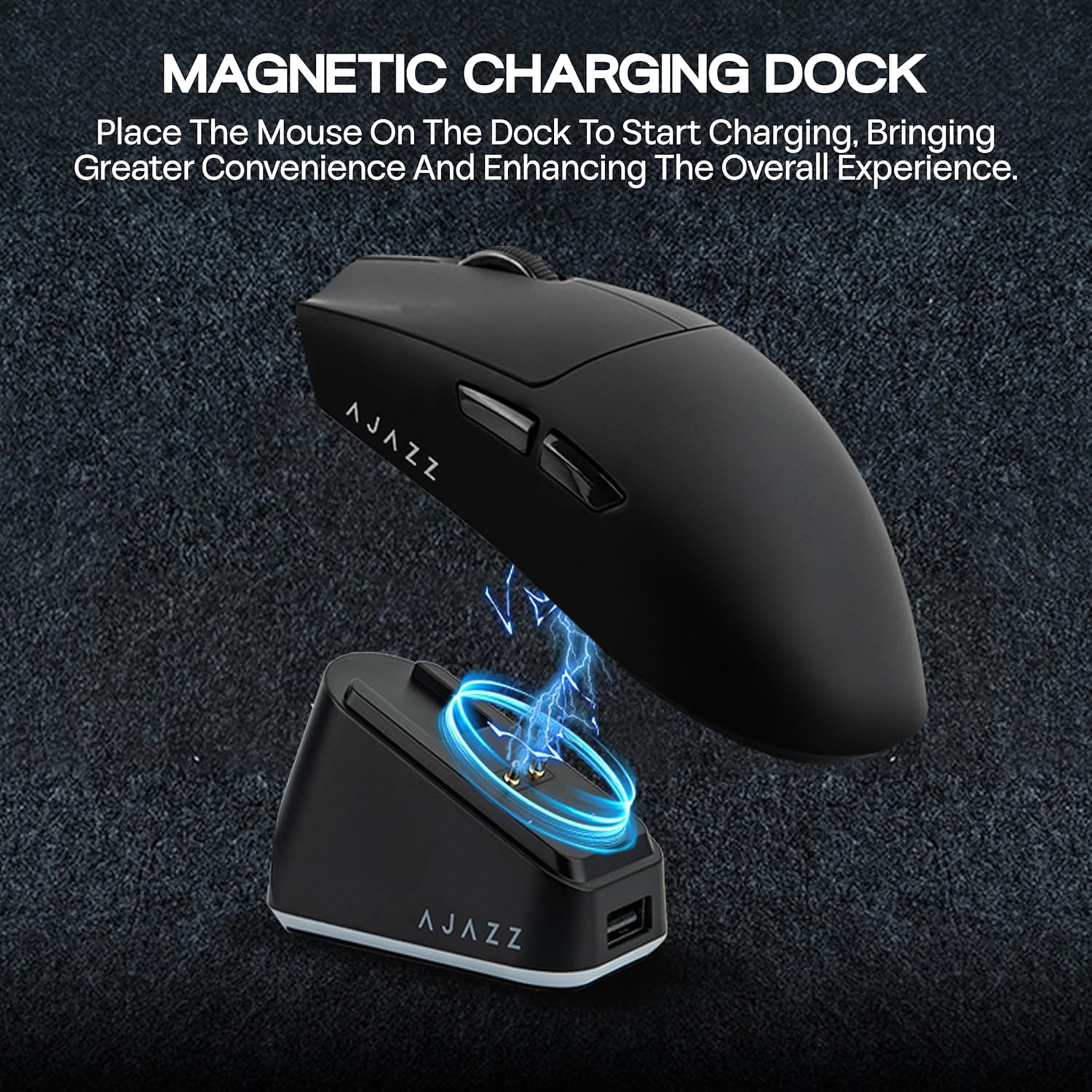
Figure 3.1: Magnetic charging dock in use.
3.2 Connectivity Modes
The AJAZZ AJ139P V3 MC mouse supports three connection methods:
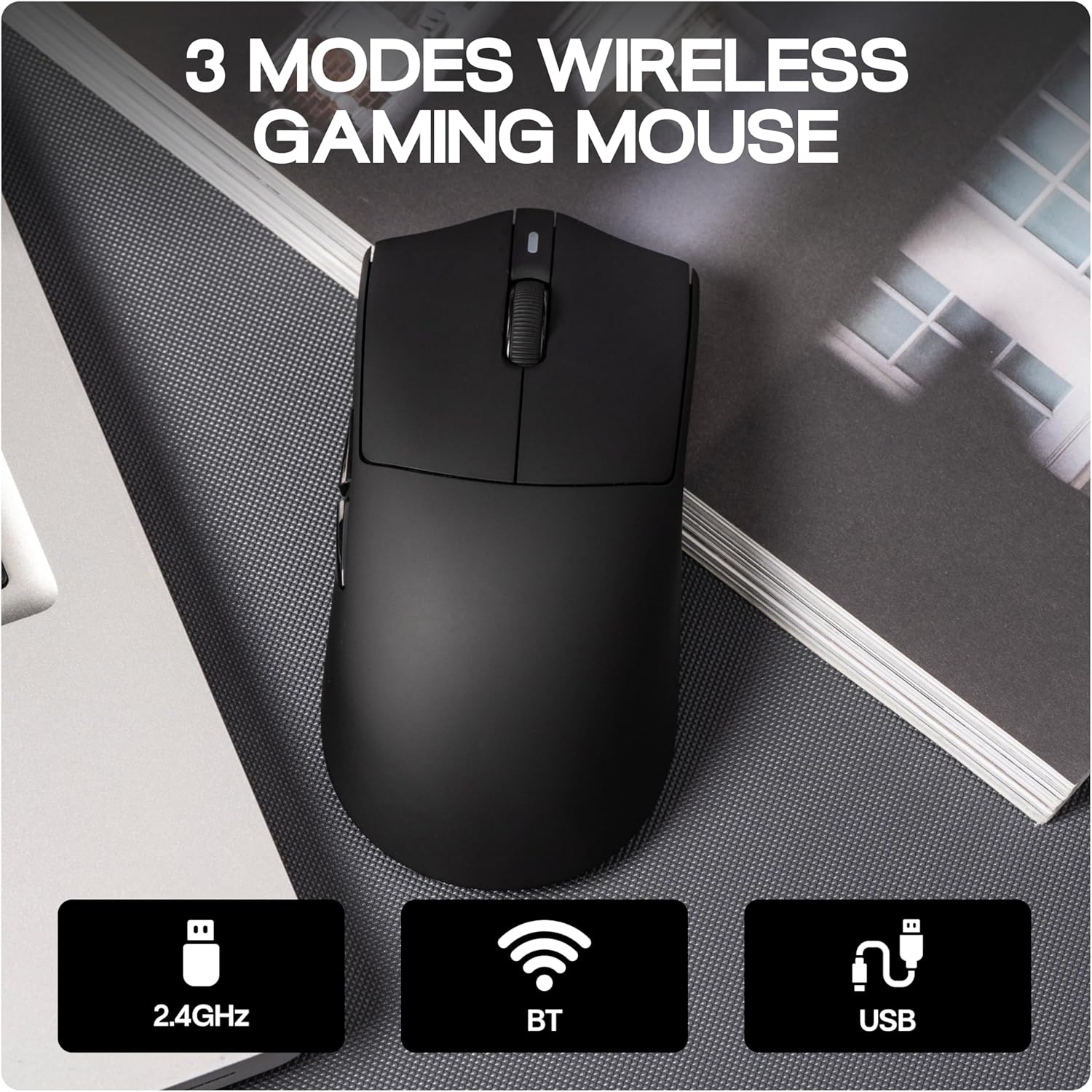
Figure 3.2: Three modes of wireless connectivity.
- 2.4GHz Wireless: For low-latency gaming. Insert the 2.4GHz USB receiver into an available USB port on your computer. Set the mouse switch to 2.4G mode. The mouse should connect automatically.
- Bluetooth 5.0: For general use and compatibility with various devices. Set the mouse switch to BT mode. On your device (PC, laptop, smartphone, tablet), search for Bluetooth devices and select "AJAZZ AJ139P V3 MC" to pair.
- Wired USB-C: Connect the mouse directly to your computer using the provided USB-C cable. This mode also charges the mouse while in use.
3.3 Software Installation (Optional)
The mouse is plug-and-play for basic functionality on Windows and Mac OS. For advanced customization, including programmable buttons, macros, and detailed DPI/polling rate adjustments, optional software is available. Long press the DPI button on the mouse to directly open the web driver for customization.

Figure 3.3: Programmable web driver interface for customization.
4. Operating Instructions
4.1 DPI Adjustment
The mouse features 6-level adjustable DPI settings, ranging from 50 to 24,000. Use the dedicated DPI button on the mouse to cycle through preset DPI levels. For precise adjustments and to access the full 24,000 DPI range, use the optional software.

Figure 4.1: DPI adjustment levels.
4.2 Polling Rate
The mouse operates at a 1000Hz polling rate in 2.4GHz wireless and wired USB-C modes, ensuring rapid response times. In Bluetooth mode, the polling rate is 125Hz.
4.3 Programmable Buttons and Macros
Utilize the optional software to assign custom functions, macros, or key combinations to the mouse's programmable buttons. This allows for personalized control and enhanced efficiency in gaming or productivity tasks.
5. Maintenance
5.1 Battery Management
The mouse is equipped with an 800mAh rechargeable battery. To maintain battery health, avoid fully discharging the mouse frequently. Recharge using the provided charging base or USB-C cable when the battery is low. The charging base offers a convenient way to keep your mouse powered.
5.2 Cleaning
To clean the mouse, use a soft, dry cloth. For stubborn dirt, a slightly damp cloth can be used, ensuring no moisture enters the internal components. Avoid using harsh chemicals or abrasive materials.
5.3 Storage
When not in use for extended periods, store the mouse in a cool, dry place. The 2.4GHz USB receiver can be stored in its dedicated slot on the mouse to prevent loss.
6. Troubleshooting
| Issue | Possible Cause | Solution |
|---|---|---|
| Mouse not responding | Low battery, incorrect connection mode, receiver not plugged in (2.4GHz), Bluetooth not paired. | Charge the mouse. Ensure the mouse switch is set to the correct mode (2.4G, BT, or Wired). For 2.4GHz, ensure the receiver is securely plugged in. For Bluetooth, re-pair the device. |
| Inconsistent mouse speed/movement | Dirty sensor, surface issues, software conflict, faulty unit. | Clean the optical sensor with a soft cloth. Use the mouse on a clean, uniform surface (e.g., a mouse pad). Check for conflicting software or drivers. If the issue persists, contact support. |
| Charging not working | Charging base not powered, mouse not correctly seated on base, faulty cable. | Ensure the USB-C cable is securely connected to the charging base and a power source. Verify the mouse is correctly placed on the magnetic contacts of the base. Try a different USB-C cable or power adapter. |
| Customization software not working | Software not installed correctly, compatibility issues. | Ensure you have the latest version of the software. Restart your computer. Check for operating system compatibility. |
7. Specifications
| Feature | Detail |
|---|---|
| Brand | MechLands |
| Model | AJAZZ AJ139P V3 MC |
| Connectivity Technology | 2.4GHz Wireless, Bluetooth 5.0, USB-C Wired |
| Movement Detection Technology | Optical (PAW3311 Sensor) |
| DPI Range | 50 - 24,000 (Adjustable) |
| Polling Rate | 1000Hz (2.4GHz & USB-C), 125Hz (Bluetooth) |
| Battery Capacity | 800mAh Rechargeable |
| Weight | 69g |
| Button Quantity | 6 (Programmable) |
| Hand Orientation | Right |
| Compatible Devices | Gaming Console, Personal Computer, Smartphone, Tablet |
| Operating System | Android, Mac OS, Windows, iOS |
| Enclosure Material | Plastic |
8. Warranty and Support
8.1 Warranty Information
The MechLands AJAZZ AJ139P V3 MC Wireless Gaming Mouse comes with a 1-year warranty from the date of purchase. This warranty covers manufacturing defects and ensures the product is free from defects in material and workmanship under normal use.
The warranty does not cover damage caused by misuse, accident, unauthorized modification, or external causes such as drops, liquid damage, or improper voltage. Proof of purchase is required for all warranty claims.
8.2 Customer Support
For technical assistance, warranty claims, or any questions regarding your MechLands AJAZZ AJ139P V3 MC Wireless Gaming Mouse, please contact MechLands US customer support. Refer to your purchase documentation or the MechLands official website for the most current contact information.