
1. Introduction
The SPC Fortune 2 MAX is a mobile phone designed for ease of use, particularly for seniors. It features a clear 2.4-inch scratch-resistant display, large keys for comfortable dialing, and a loud 104dB ringer to ensure calls are not missed. Equipped with 4G connectivity, an SOS button for emergencies, and a convenient charging base, this phone prioritizes simplicity and safety. It also includes features like remote configuration via SMS, a flashlight, FM radio, camera, hands-free function, and Bluetooth 5.0.
2. What's in the Box
Please check the package contents to ensure all items are present:
- SPC Fortune 2 MAX Mobile Phone
- Battery
- Charging Base
- USB Cable
- Quick Start Guide
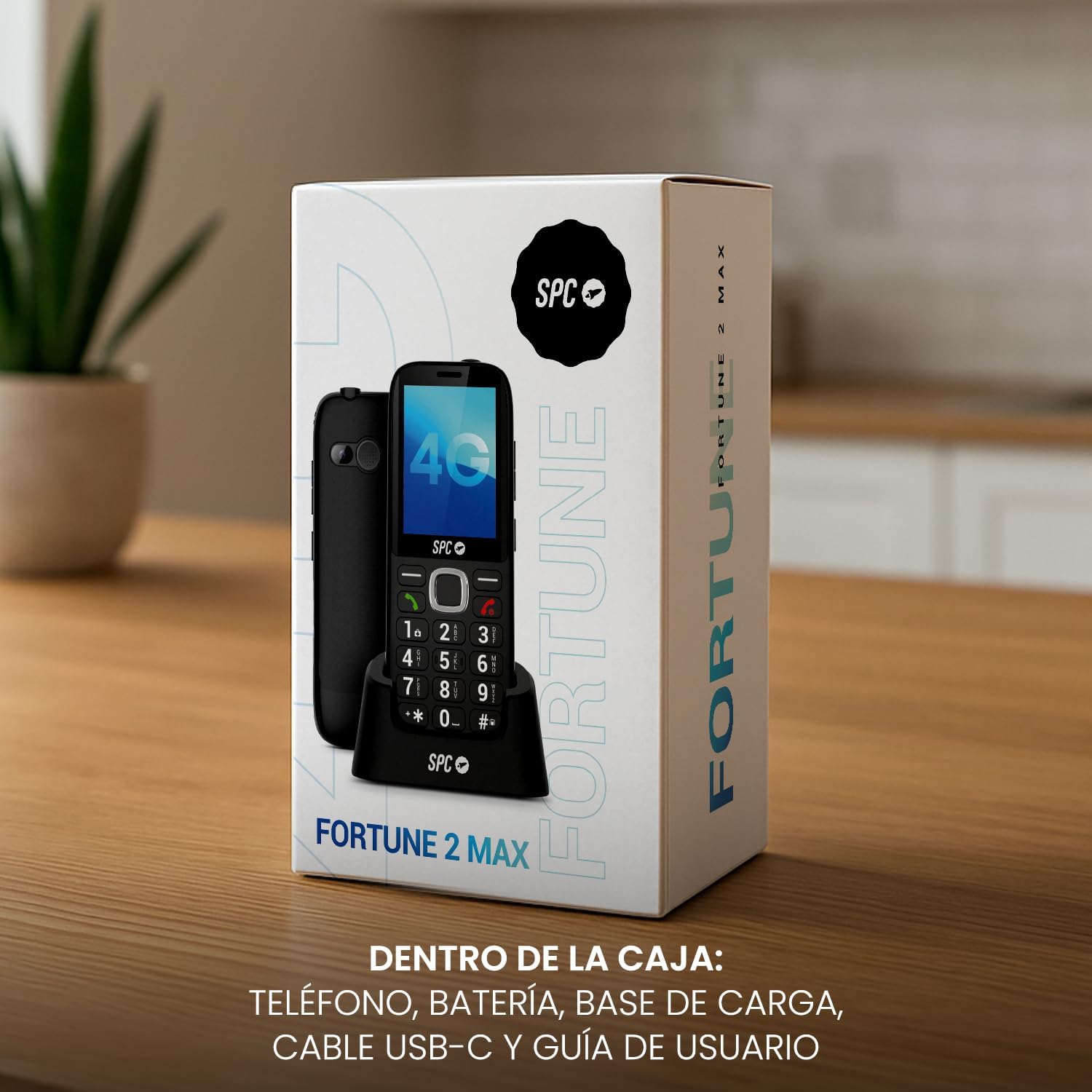
Image: Contents of the SPC Fortune 2 MAX box, including the phone, charging base, USB cable, and quick start guide.
3. Setup
3.1. Inserting the SIM Card and Battery
- Carefully remove the back cover of the phone.
- Insert your Nano SIM card into the designated slot. Ensure it is correctly oriented.
- Insert the battery, aligning the contacts with those in the phone.
- Replace the back cover until it clicks into place.

Image: The SPC Fortune 2 MAX phone with its back cover removed, showing the battery and SIM card slot.
3.2. Initial Charging
Before first use, fully charge the phone. You can use the included charging base or connect the USB cable directly to the phone.
- Connect the USB cable to the charging base and a power adapter (not included).
- Place the phone securely in the charging base. The phone will indicate that it is charging.
- Allow the phone to charge until the battery indicator shows a full charge.

Image: The SPC Fortune 2 MAX mobile phone placed securely in its charging base.
3.3. Powering On/Off
- To power on: Press and hold the red 'End Call' button until the screen lights up.
- To power off: Press and hold the red 'End Call' button, then confirm power off on the screen.
4. Operating Instructions
4.1. Basic Call Functions
- Making a Call: Enter the phone number using the large keypad and press the green 'Call' button.
- Answering a Call: When the phone rings, press the green 'Call' button to answer.
- Ending a Call: Press the red 'End Call' button.

Image: The SPC Fortune 2 MAX phone's large, clearly labeled keypad for easy dialing.
4.2. SOS Button
The dedicated SOS button on the back of the phone is for emergencies. When pressed and held, it automatically contacts up to 5 emergency numbers, making up to 3 calls to each (15 attempts total) to increase the chance of a response.

Image: A hand pressing the dedicated SOS button on the back of the phone.
4.3. Display and Menu Navigation
The 2.4-inch XL screen displays numbers, icons, and messages clearly. Use the navigation keys to move through the menu options. The central 'OK' button confirms selections.
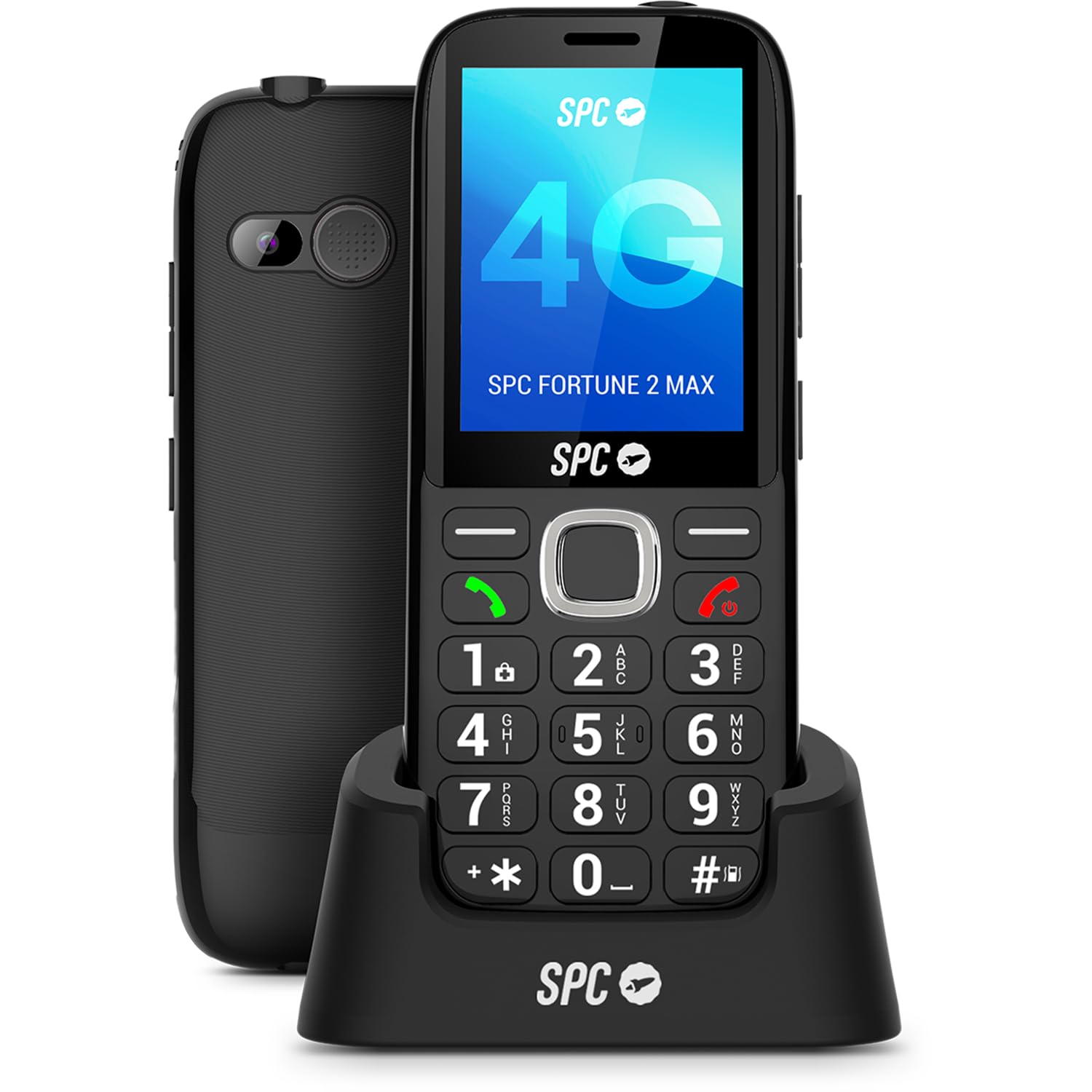
Image: The SPC Fortune 2 MAX phone's large 2.4-inch display for clear visibility.
4.4. Volume Control and Ringer
The phone features a powerful 104dB ringer to ensure you hear incoming calls even in noisy environments or from another room. Adjust call volume using the side buttons during a call.

Image: The back of the SPC Fortune 2 MAX phone, showing the powerful 104dB ringer speaker.
4.5. Additional Features
- Flashlight: Activate the dedicated flashlight button for instant illumination.
- FM Radio: Enjoy your favorite radio stations.
- Camera: Capture simple photos.
- Hands-free: Use the speakerphone function for calls.
- Bluetooth 5.0: Connect to compatible wireless accessories.
- Expandable Memory: Store more contacts and media.
4.6. Product Overview Video
Video: An unboxing and overview video of the SPC Fortune 2 MAX mobile phone, demonstrating its physical features and included accessories.
5. Maintenance
5.1. Battery Care
The SPC Fortune 2 MAX battery offers up to 7 days of usage and 13 days in standby. To maximize battery life:
- Avoid extreme temperatures.
- Charge the phone regularly, preferably before the battery is completely depleted.
- Use only the provided charging base and USB cable.
5.2. Cleaning
To clean your phone, use a soft, dry cloth. Avoid using liquid cleaners or abrasive materials, as these can damage the device.
6. Troubleshooting
If you encounter issues with your SPC Fortune 2 MAX, try the following common solutions:
- Phone not turning on: Ensure the battery is correctly inserted and charged.
- No signal: Check if the SIM card is properly inserted. Move to an area with better network coverage.
- Low call volume: Adjust the volume using the side buttons during a call. Ensure the ringer volume is set appropriately in the settings.
- SMART HELP Features: The phone includes exclusive SMART HELP functions. These can detect inactivity, increase volume after missed calls, and allow a family member to adjust phone settings remotely via SMS. If you have set up these features, they can assist in resolving certain issues.
7. Specifications
| Model Number | 2344N |
| Operating System | Nucleus OS |
| Screen Size | 2.4 Inches |
| Resolution | 240 x 320 Pixels (QVGA) |
| CPU Model | A6-5200 |
| Memory Storage Capacity | 64 GB (Expandable) |
| Wireless Carrier | Unlocked |
| Mobile Technology | 4G (LTE) |
| Connectivity Technology | Bluetooth, USB |
| SIM Card Count | One SIM (Nano SIM) |
| Battery Capacity | 1250 mAh |
| Average Battery Life (Standby) | 7 Days |
| Talk Time | 168 Hours |
| Product Dimensions | 12.8 x 5.3 x 1.4 cm |
| Product Weight | 75 Grams |
| Water Resistance Level | Not Water Resistant |
| Specific Uses For Product | Seniors |
8. Warranty and Support
8.1. Warranty Information
This product is covered by the warranty according to current applicable law. Please retain your proof of purchase for any warranty claims.
8.2. Customer Support
For further assistance or technical support, please refer to the contact information provided in your Quick Start Guide or visit the official SPC website. Remember that the SPC Fortune 2 MAX includes SMART HELP features that allow a trusted contact to configure the phone remotely via SMS, offering an additional layer of support.