
Introduction
Thank you for choosing the NekSide LP037 64GB Voice Activated Recorder. This device is designed to capture high-quality audio with advanced features for various recording needs. Its compact and portable design, combined with a large storage capacity and intelligent noise reduction, makes it an ideal tool for professionals, students, and anyone requiring reliable audio recording.
Package Contents
Please verify that all items are present in your package:
- 64GB Voice Recorder x1
- Earphones x1
- Connection cable x1
- Instruction manual x1
- Micro USB - Type-C Data Cable x1
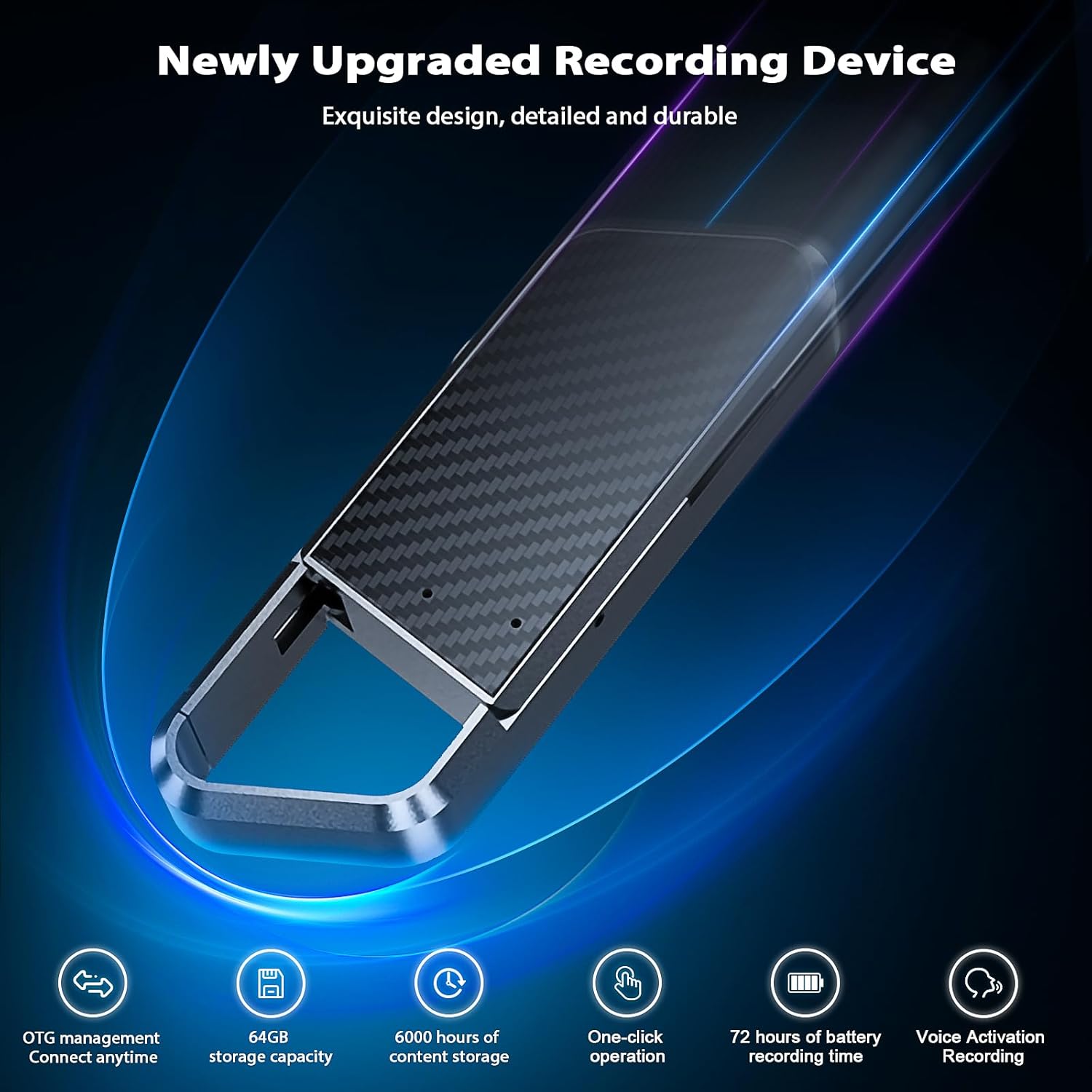
Image: The NekSide LP037 Voice Activated Recorder shown with its complete set of accessories, including earphones, charging cables, and user manual.
Video: An unboxing demonstration of the NekSide LP037 Digital Voice Recorder, showcasing all included items and their initial presentation within the packaging.
Product Overview
The NekSide LP037 is a compact and powerful recording device. It features a sleek design with a durable build, making it suitable for various environments. Key features include:
- DSP 5.0 Noise Reduction: Advanced technology for clear audio capture.
- 64GB Storage: Stores up to 6000 hours of audio.
- OTG Function: Direct data transfer to smartphones/tablets.
- Voice Activated Recording: Automatically starts recording when sound is detected.
- Magnetic Design: Allows for discreet and secure placement.

Image: A visual representation of the NekSide LP037 Voice Recorder's DSP 5.0 Noise Reduction technology, illustrating how it filters background noise for clearer recordings.

Image: The NekSide LP037 Voice Recorder with an overlay indicating its 64GB storage capacity and ability to record up to 6000 hours of audio.
Setup
- Unpack: Carefully remove all components from the packaging.
- Charge: Connect the recorder to a power source using the provided connection cable. The device will indicate charging status.
- Initial Power On: Locate the ON/OFF switch on the device. Slide it to the 'ON' position. The indicator light will flash, signifying the device is ready.
Operating Instructions
Basic Recording
- Power On: Slide the ON/OFF switch to the 'ON' position.
- Start Recording: The device will automatically begin recording when sound is detected (Voice Activated Recording). The indicator light will typically turn off or show a subtle indication to maintain discretion.
- Stop Recording: Slide the ON/OFF switch to the 'OFF' position. The recording will be automatically saved.
Voice Activated Recording (VAR)
The recorder features a voice-activated mode. When enabled, the device will only record when sound is present, conserving battery life and storage space. It pauses during silence and resumes when sound is detected.
Video: A demonstration of the remote recording test for the NekSide LP037, highlighting its voice activation capabilities and discreet operation.
Video: An explanation of the various functions of the NekSide LP037 recorder, detailing how to use its features for optimal recording.
Data Transfer
The NekSide LP037 supports OTG (On-The-Go) functionality for easy data transfer.
- To Computer: Connect the recorder to your computer using the provided USB cable. The device will appear as a removable drive. You can then access, copy, or delete your WAV audio files.
- To Smartphone/Tablet (OTG): Use the Micro USB to Type-C data cable (or appropriate adapter) to connect the recorder directly to your smartphone or tablet. This allows for instant access and management of your recordings without a computer.
- MP3 Conversion: The default recording format is WAV. To convert files to MP3, transfer them to a computer and use appropriate software for conversion.

Image: The NekSide LP037 Voice Recorder connected to a smartphone via an OTG cable, illustrating the direct data transfer capability.
Playback
You can play back recordings directly from the device using the included earphones.
- Connect Earphones: Plug the earphones into the designated port on the recorder.
- Initiate Playback: Use the controls on the earphone cable to navigate through recordings, adjust volume, and play/pause.
Maintenance
- Keep the device clean and free from dust and moisture.
- Avoid extreme temperatures and direct sunlight.
- Charge the device regularly to maintain battery health, even if not in frequent use.
- Do not attempt to disassemble the device, as this will void the warranty.
Troubleshooting
- Device not turning on: Ensure the device is fully charged.
- Poor recording quality: Check for excessive background noise. Ensure the microphone is not obstructed.
- Cannot transfer files: Verify the connection cable is securely plugged into both the recorder and the computer/device. Try a different USB port.
- Device unresponsive: Perform a soft reset by sliding the ON/OFF switch to 'OFF' and then back to 'ON'.
Specifications
| Brand | NekSide |
| Model Number | LP037 |
| Memory Storage Capacity | 64 GB |
| Digital Recording Time | 6000 hours |
| Product Dimensions | 0.58 x 0.58 x 6 inches |
| Item Weight | 4.6 ounces |
| Microphone Form Factor | Built-In |
| Format | WAV (default) |
| Hardware Interface | Micro USB Type B |
| Compatible Devices | MP3 Player, Personal Computer, Smartphone |
Warranty and Support
For warranty information or technical support, please refer to the contact details provided in your product packaging or visit the official NekSide website. Keep your proof of purchase for warranty claims.