
Introduction
Thank you for choosing the Jesebang BD86 Wireless Earbuds. These earbuds are designed to provide a high-quality audio experience with advanced Bluetooth 5.3 technology, environmental noise cancellation (ENC), and a comfortable, waterproof design. This manual will guide you through the setup, operation, and maintenance of your new earbuds.
Package Contents
Please ensure all items are present in the package:
- 1 x Fast Charging Case
- 2 x Wireless Headsets (Left and Right Earbuds)
- 1 x Type-C Charging Cable
- 1 x Instruction Manual
Product Overview
The Jesebang BD86 earbuds feature a compact design with advanced audio components and intuitive controls.

Image: Earbud Internal Components. This image displays an exploded view of the earbud, highlighting its internal structure including 14.2mm drivers, components for ENC Noise Cancelling, and HD Call functionality.

Image: Lightweight Design. This image shows the Jesebang BD86 earbuds in their charging case, emphasizing their tiny size and lightweight build for comfortable wear.
Setup
1. Charging the Earbuds and Case
Before first use, fully charge the earbuds and charging case.
- Connect the provided Type-C charging cable to the charging port on the case and a USB power source.
- The dual LED display on the charging case will show the battery level. It takes approximately 1 hour for a full charge.
- Place the earbuds into the charging case. They will automatically begin charging. The LED indicators on the earbuds will show charging status.
A single charge provides over 6 hours of playback time, and the charging case offers a total of 30 hours of music playback.
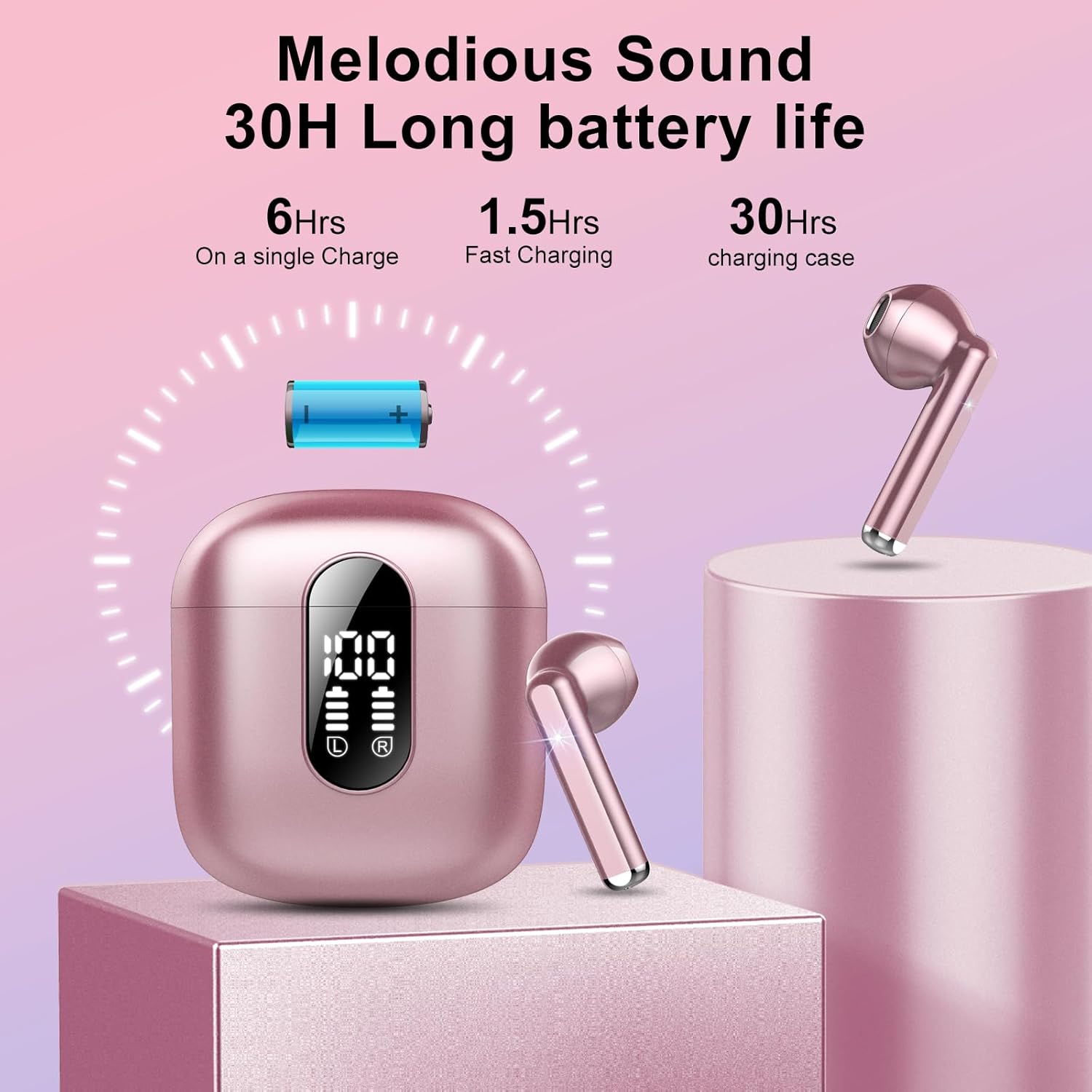
Image: Battery Life and Charging. This image illustrates the 30-hour total battery life with the charging case, including 6 hours on a single earbud charge and 1.5 hours for fast charging.
2. Pairing with Your Device
The earbuds utilize Bluetooth 5.3 for a stable connection.
- Initial Pairing: Open the charging case. The earbuds will automatically enter pairing mode.
- On your device (smartphone, tablet, etc.), enable Bluetooth and search for available devices.
- Select "BD86" from the list of devices. Once connected, you will hear a confirmation sound.
- Automatic Reconnection: After initial pairing, the earbuds will automatically connect to the last paired device when removed from the charging case.
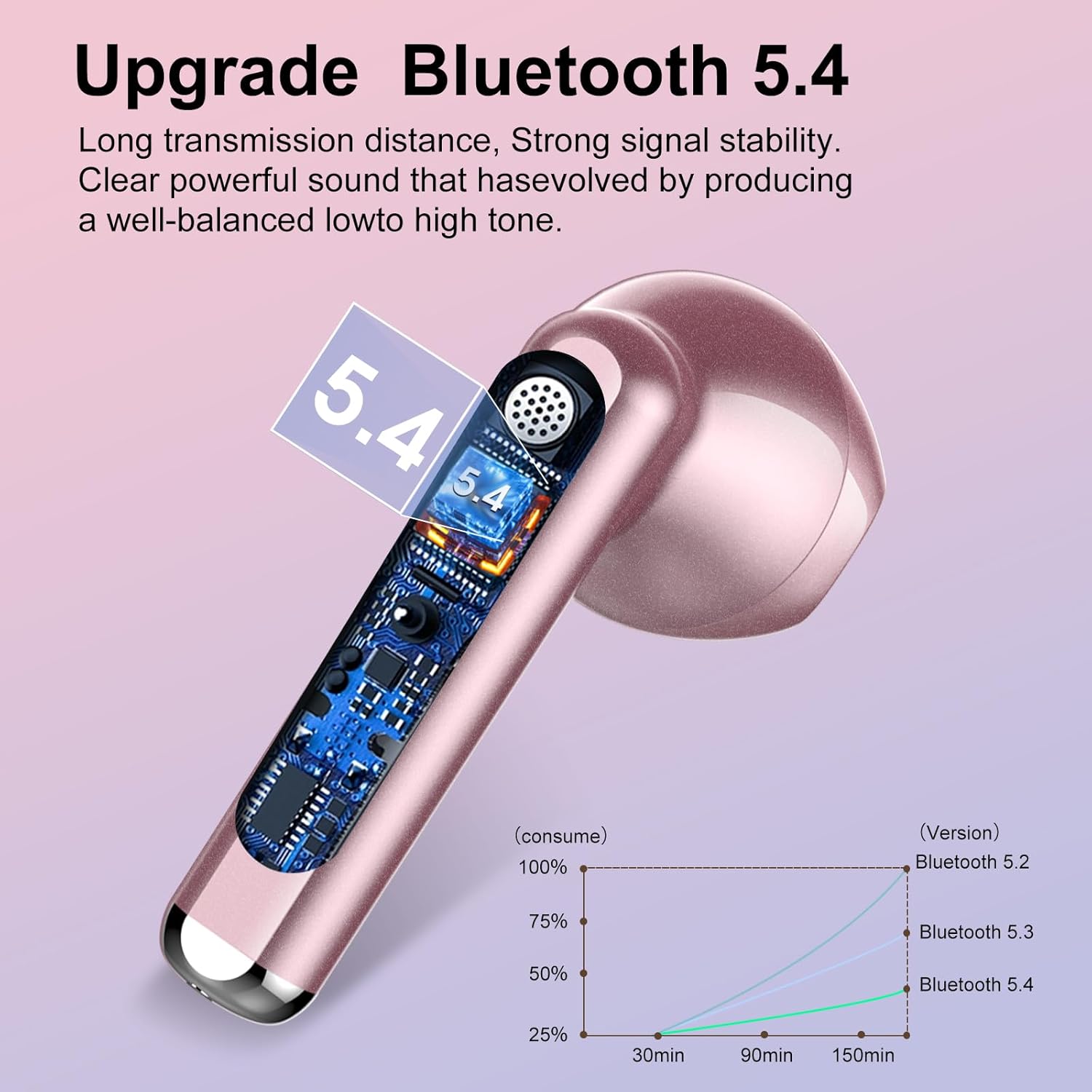
Image: Bluetooth Technology. This image visually represents the Bluetooth 5.3 technology integrated into the earbuds, indicating enhanced signal stability and transmission distance.
Operating Instructions
The BD86 earbuds feature smart touch controls for various functions.
Touch Control Functions:
- Play/Pause Music: Single tap on either earbud.
- Next Track: Double tap the right earbud.
- Previous Track: Double tap the left earbud.
- Answer/End Call: Single tap on either earbud.
- Reject Call: Press and hold either earbud for 2 seconds.
- Volume Up: Triple tap the right earbud.
- Volume Down: Triple tap the left earbud.
- Activate Voice Assistant: Press and hold either earbud for 3 seconds.
Maintenance
To ensure the longevity and optimal performance of your earbuds:
- Cleaning: Regularly clean the earbuds and charging case with a soft, dry cloth. Avoid using harsh chemicals or abrasive materials.
- Water Resistance: The earbuds have an IP7 waterproof rating, providing protection against sweat and rain. Do not submerge them in water or expose them to high-pressure water jets.
- Storage: Store the earbuds in their charging case when not in use to protect them and keep them charged. Avoid extreme temperatures.
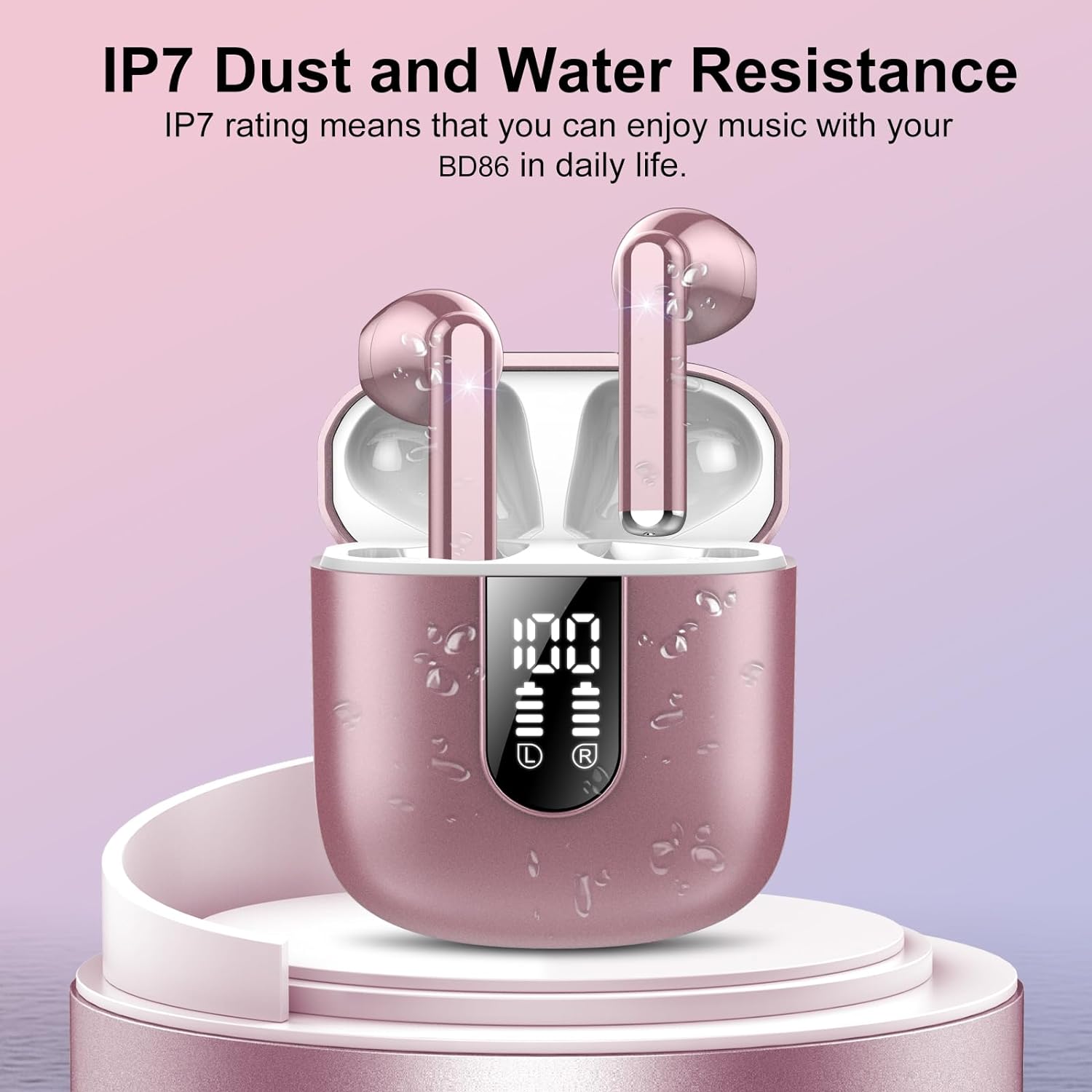
Image: IP7 Water Resistance. This image shows the earbuds and charging case with water droplets, illustrating their IP7 dust and water resistance, suitable for daily use and workouts.
Troubleshooting
If you encounter any issues, please refer to the following common solutions:
- Earbuds not pairing:
- Ensure both earbuds are charged.
- Turn off Bluetooth on your device and turn it back on.
- Delete "BD86" from your device's Bluetooth list and try pairing again.
- Place earbuds back in the case, close it, wait a few seconds, then open to re-enter pairing mode.
- Only one earbud working:
- Ensure both earbuds are charged.
- Try resetting the earbuds (refer to the full manual for specific reset instructions if needed).
- Charging issues:
- Check the charging cable and power adapter.
- Ensure the charging contacts on the earbuds and in the case are clean and free of debris.
- Poor sound quality:
- Ensure the earbuds are properly seated in your ears.
- Check the audio source device's volume and sound settings.
- Move closer to your connected device to avoid interference.
Specifications
| Model Name | BD86 |
| Connectivity Technology | Wireless (Bluetooth 5.3) |
| Audio Driver Type | Dynamic Driver (14.2mm) |
| Battery Life (Earbuds) | Up to 6 hours |
| Total Playtime (with Case) | Up to 30 hours |
| Charging Time | Approx. 1 hour (for case) |
| Water Resistance Level | IP7 Waterproof |
| Noise Control Features | Environmental Noise Cancellation (ENC) |
| Control Method | Touch |
| Weight (per earbud) | 3.3 grams |
| Included Components | Charging Case, Earbuds, Type-C Cable, Manual |
Warranty and Support
For warranty information or technical support, please refer to the contact details provided with your purchase or visit the official Jesebang website. Keep your purchase receipt as proof of purchase for any warranty claims.
