
1. Introduction
The Vosker VKX is a solar-powered 4G-LTE outdoor cellular security camera designed for remote surveillance without the need for Wi-Fi. It features motion activation, night vision, and the ability to capture 15-second video clips on demand. This manual provides detailed instructions for setting up, operating, maintaining, and troubleshooting your VKX camera.

Image: The Vosker VKX camera mounted on a wooden post, showcasing its solar panel and robust design for outdoor environments.
2. What's in the Box
Verify that all components are present in your Vosker VKX package:
- Camera Body & V-LIT-B3 Battery
- 32 GB MicroSD Card & 2 Preactivated SIM Cards
- 360-degree Swivel & Tilt Mounting Arm, Flat Mounting Plate and Wood Screw Mounting Option
- USB-A to USB-C Cable (battery charging) 3 ft/1 m
- Stickers « Protected by VOSKER®» (2X)

Image: A visual representation of all items included in the Vosker VKX product package.
3. Setup
Follow these steps to set up your Vosker VKX camera for optimal performance.
3.1 Battery and SIM Card Installation
- Charge the Battery: Before first use, fully charge the V-LIT-B3 battery using the provided USB-A to USB-C cable.
- Insert SIM Card: The camera comes with preactivated SIM cards. Ensure one is correctly inserted into the designated slot.
- Install Battery: Open the camera's front access panel and insert the charged battery. Close the panel securely.

Image: The Vosker VKX camera with its front access panel open, revealing the battery and SIM card installation area.
3.2 Mounting the Camera
The VKX camera offers flexible mounting options:
- Use the 360-degree Swivel & Tilt Mounting Arm for adjustable positioning on trees or poles.
- Utilize the Flat Mounting Plate and wood screws for direct surface attachment.
- Ensure the solar panel is positioned to receive maximum sunlight for continuous charging.

Image: A user installing the Vosker VKX camera on a wooden structure, highlighting the simple mounting process.
Video: An official Vosker video demonstrating the effortless setup and installation of the VKX camera.
3.3 App Download and Activation
- Download the Vosker app from your smartphone's app store.
- Create an account and follow the in-app instructions to add your VKX camera.
- A Vosker cellular data plan is required for photo and video transmission (a free 7-day trial is included).
4. Operating the Camera
Understand the key operational features of your Vosker VKX camera.
4.1 Motion Detection and Alerts
- The camera utilizes smart motion detection, operating both day and night, with a range of up to 100 feet.
- When motion is detected, the camera can be programmed to capture photos continuously or send alerts to your mobile device.
- Receive smart alerts on your phone or smartwatch when the VKX camera detects a person, vehicle, or animal.
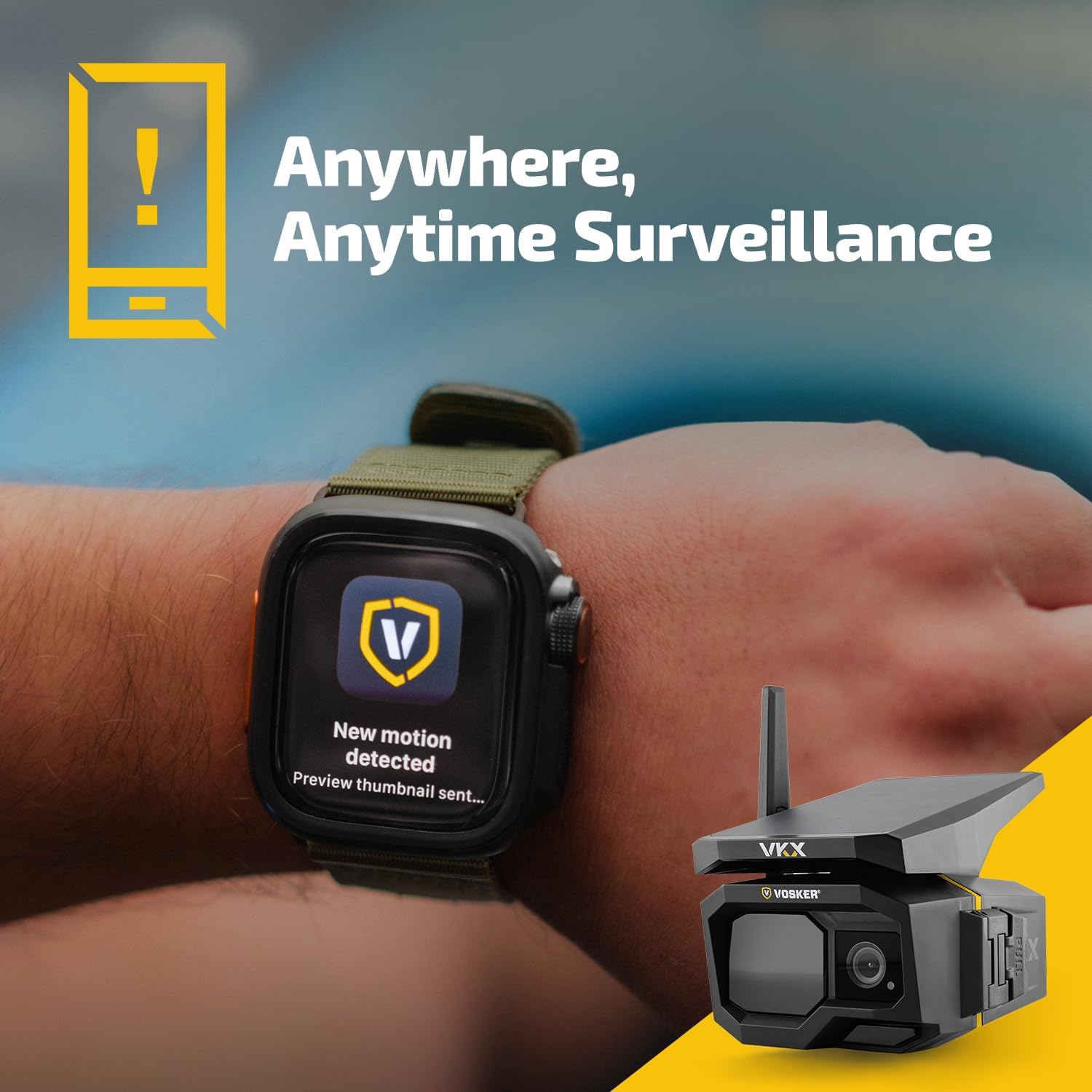
Image: A smartwatch showing a notification for motion detected by the VKX camera, illustrating remote monitoring capabilities.

Image: Screenshots of the Vosker app on a smartphone and smartwatch, showing motion detection alerts and event logs.
4.2 On-Demand Video and Photo Capture
- You can request 15-second video clips directly from the mobile app at any time. Note that continuous live streaming is not available.
- The camera can also be set to capture photos continuously upon motion detection.
Video: An official Vosker video showcasing the camera's ability to provide peace of mind through remote monitoring.
Video: An official Vosker video demonstrating the camera's features for securing property and providing peace of mind.
4.3 Privacy Control and Deterrent Light
- The app allows you to snooze detection for a set duration, providing privacy when needed.
- An integrated deterrent light activates to signal the camera's presence and deter potential intruders.
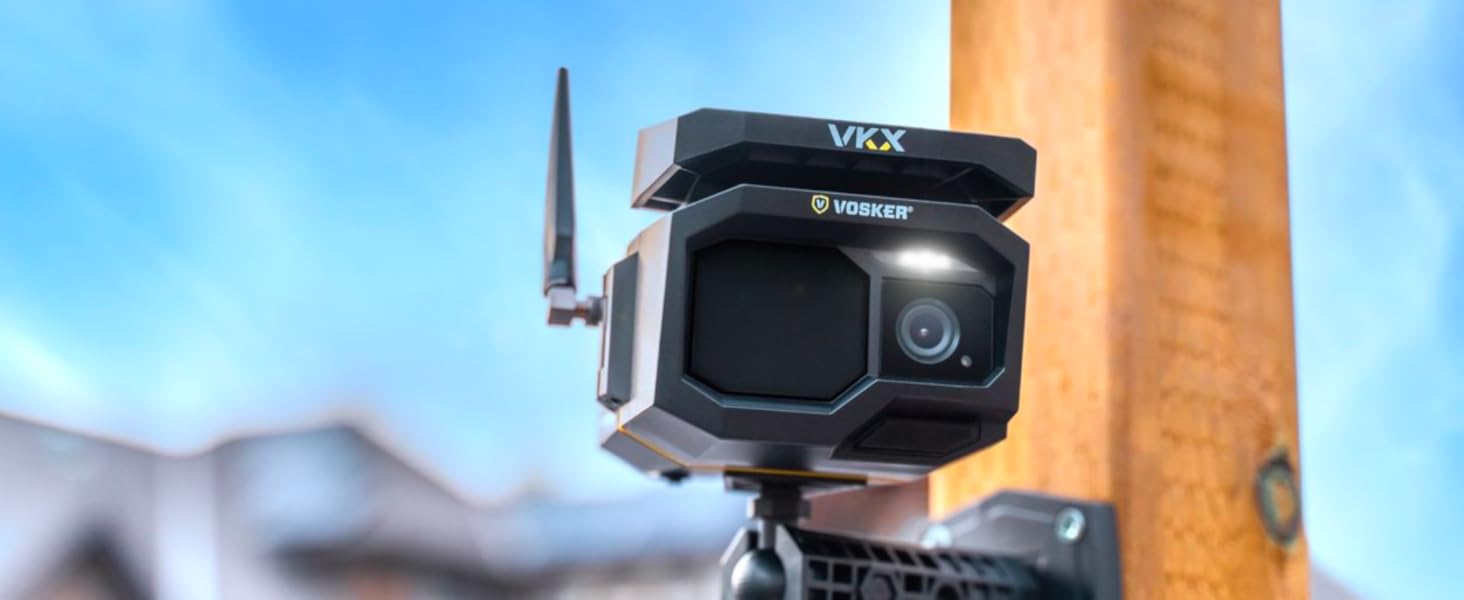
Image: The Vosker VKX camera with its deterrent light illuminated, designed to ward off unwanted activity.
5. Maintenance
Proper maintenance ensures the longevity and reliability of your VKX camera.
5.1 Power Management
- The integrated solar panel provides continuous power, offering up to 6 months of autonomy without external power sources.
- The frameless design of the solar panel helps prevent snow and dust buildup, maintaining charging efficiency.
- Batteries are easily swappable from the front access panel. Regularly check battery status via the app.

Image: The Vosker VKX camera's solar panel, designed for self-sufficient operation and extended battery life.
5.2 Weather Resistance
- The VKX camera is IP65 certified, ensuring protection against dust and water.
- Its rugged design is engineered for harsh outdoor conditions, making it suitable for various environments.
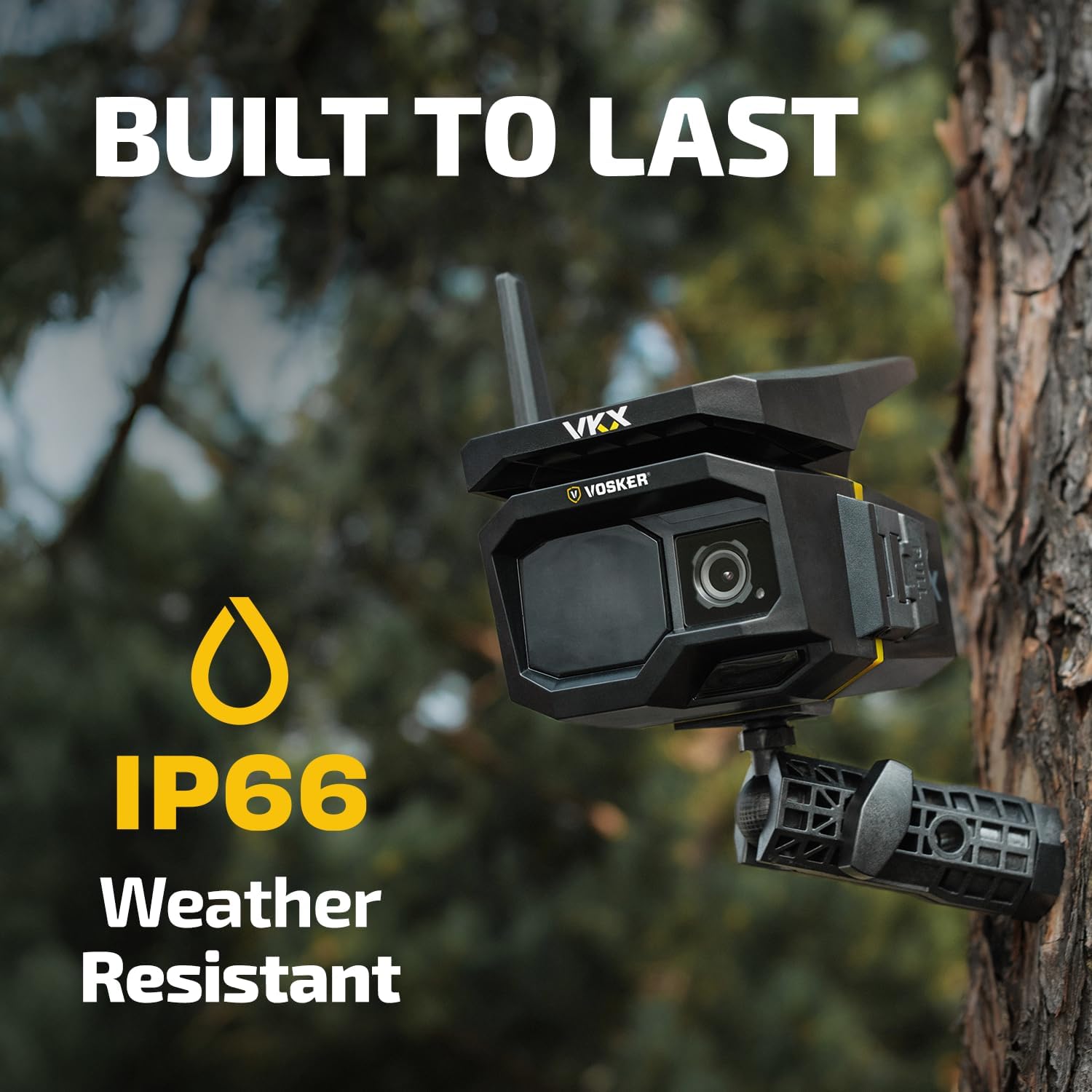
Image: The VKX camera mounted on a tree, highlighting its weather-resistant construction for outdoor durability.
6. Troubleshooting
If you encounter issues with your Vosker VKX camera, consider the following:
- No Connection/Alerts: Check the cellular signal strength in the camera's location via the app. Ensure the battery is charged and the SIM card is properly inserted. Verify your Vosker data plan is active.
- Poor Image/Video Quality: Ensure the camera lens is clean and free from obstructions. Adjust the camera's position for better lighting conditions.
- Battery Draining Quickly: Confirm the solar panel is receiving adequate direct sunlight. Reduce motion detection sensitivity or frequency of captures if not critical.
- Firmware Updates: In some cases, firmware updates may be required to resolve operational issues. These may need to be performed manually by following specific instructions from Vosker support.
Video: An official Vosker video demonstrating how the camera secures a job site day and night without Wi-Fi or external power.
7. Specifications
| Feature | Detail |
|---|---|
| Model Name | VKX-US |
| Connectivity Technology | Wireless (4G-LTE Cellular) |
| Indoor/Outdoor Usage | Outdoor |
| Waterproof Rating | IP65 |
| Effective Still Resolution | 1080 pixels (36 MP Photo Sensor) |
| Video Capture Resolution | 1080p |
| Frame Rate | 15 frames per second |
| Viewing Angle / Field of View | 90 degrees |
| Night Vision Range | 100 feet |
| Power Source | Battery Powered (Solar Panel Integrated) |
| Battery Autonomy | Up to 6 months |
| Control Method | App |
| Item Dimensions | 6 x 4.5 x 4.6 inches |
| Material | Plastic |
| UPC | 628504653692 |
8. Warranty and Support
8.1 Manufacturer's Warranty
The Vosker VKX camera includes a 2-year manufacturer warranty. Please retain your proof of purchase for warranty claims.
8.2 Customer Support
For technical assistance, troubleshooting, or warranty inquiries, please visit the official Vosker website or contact their customer support directly. Refer to the packaging or Vosker's website for the most current contact information.


