
1. Product Overview
The SGIN Y101 is a 15.6-inch laptop designed for everyday computing tasks, featuring a Core i3 processor, 16GB RAM, and a 1024GB SSD. It operates on Windows 11 Home and includes a backlit keyboard, WiFi 6 connectivity, and a 180-degree hinge for flexible use.

Image: SGIN Y101 Laptop highlighting its Core i3 processor, Windows 11, 7000mAh battery, backlit keyboard, WiFi 6, 180-degree hinge, 16GB RAM, and 1024GB SSD.
2. What's in the Box
- 1 x SGIN Y101 Laptop
- 1 x Power Adapter/Charger
- 1 x User Manual (this document)
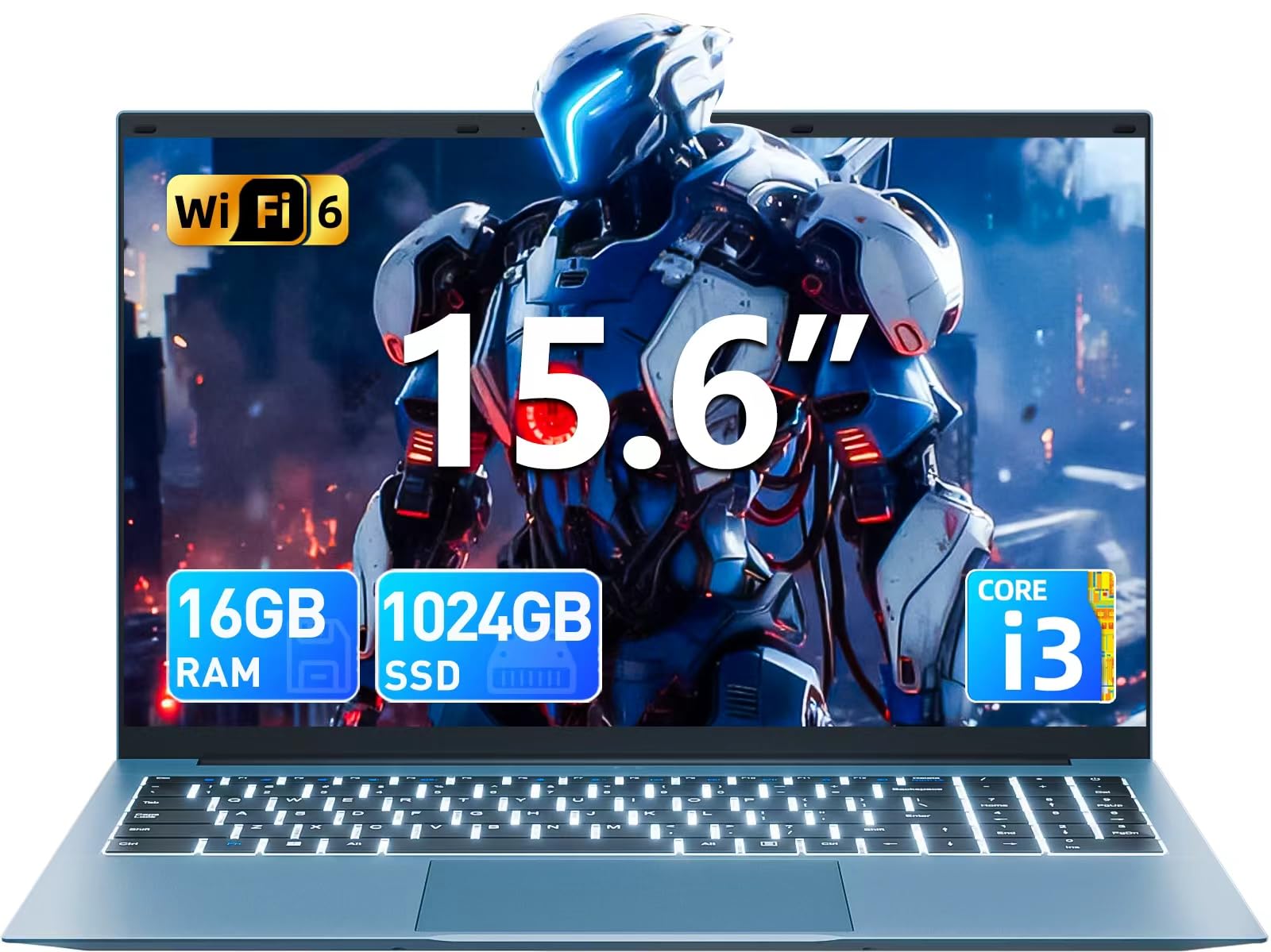
Image: The SGIN Y101 laptop, its power adapter, and the user manual as typically found in the product packaging.
3. Setup
3.1 Initial Charging and Power On
- Connect the Power Adapter: Plug the power adapter into the DC jack on the side of the laptop and then into a power outlet.
- Charge the Battery: Allow the laptop to charge for at least 30 minutes before initial use, or until the battery indicator shows sufficient charge.
- Power On: Open the laptop lid and press the power button, usually located on the top right of the keyboard, to turn on the device.
3.2 Windows 11 Setup
Follow the on-screen instructions to complete the initial Windows 11 Home setup. This typically includes:
- Selecting your region and keyboard layout.
- Connecting to a Wi-Fi network (WiFi 6 supported).
- Signing in with or creating a Microsoft account.
- Setting up a PIN or password.
3.3 Connecting Peripherals
The SGIN Y101 laptop offers various ports for connecting external devices:
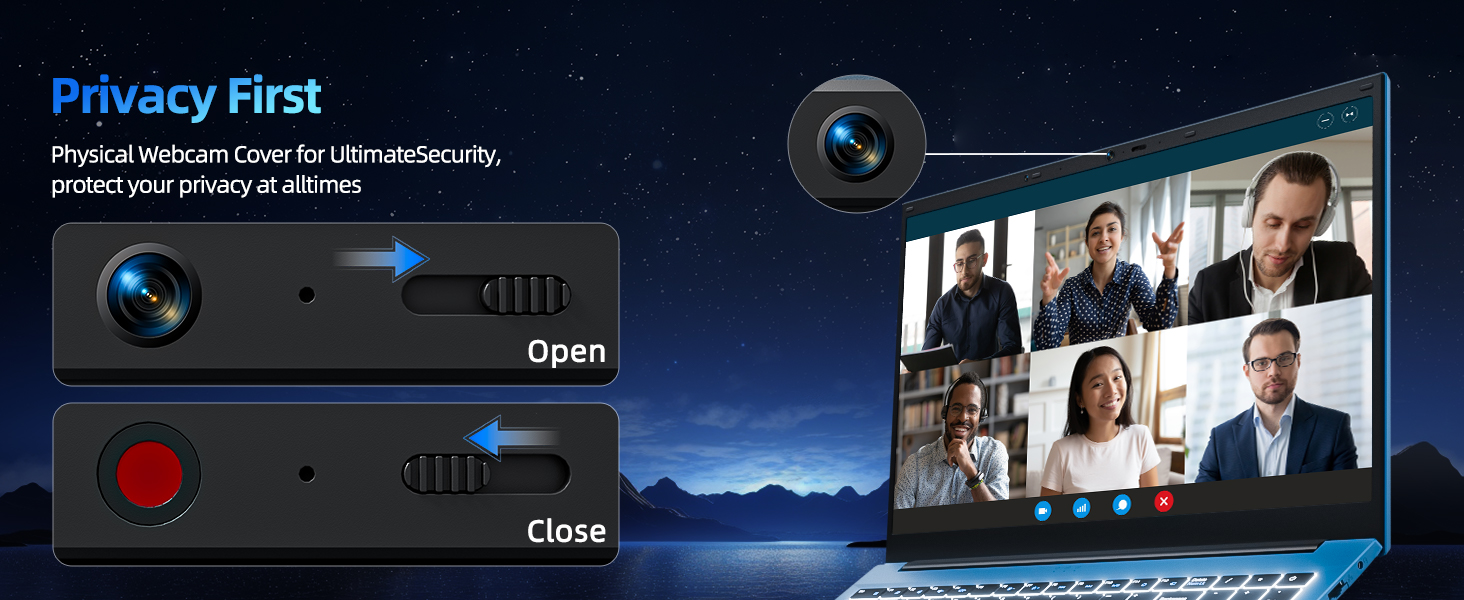
Image: Detailed view of the laptop's multiple interfaces, including DC jack, Type-C, HDMI, USB 3.2, Security lock, TF card slot, 3.5mm Headphone jack, and RJ45 Ethernet port.
- USB 3.0/3.2 Ports: For connecting USB devices like mice, keyboards, or external storage.
- HDMI Port: Connect to an external monitor or TV for extended display.
- Type-C Port: For data transfer and potentially charging compatible devices.
- Micro SD Slot: Insert a TF card for expanded storage up to 1TB.
- 3.5mm Headphone Jack: Connect headphones or external speakers.
- RJ45 Ethernet Port: For a wired internet connection.
- Kensington Lock Slot: For physical security.
4. Operating the Laptop
4.1 Keyboard and Touchpad
The laptop features a full-size keyboard with a numeric keypad and a large touchpad for navigation. The keyboard is backlit for use in low-light conditions.
- Backlit Keyboard: Press Fn + F5 to toggle the keyboard backlight on or off.
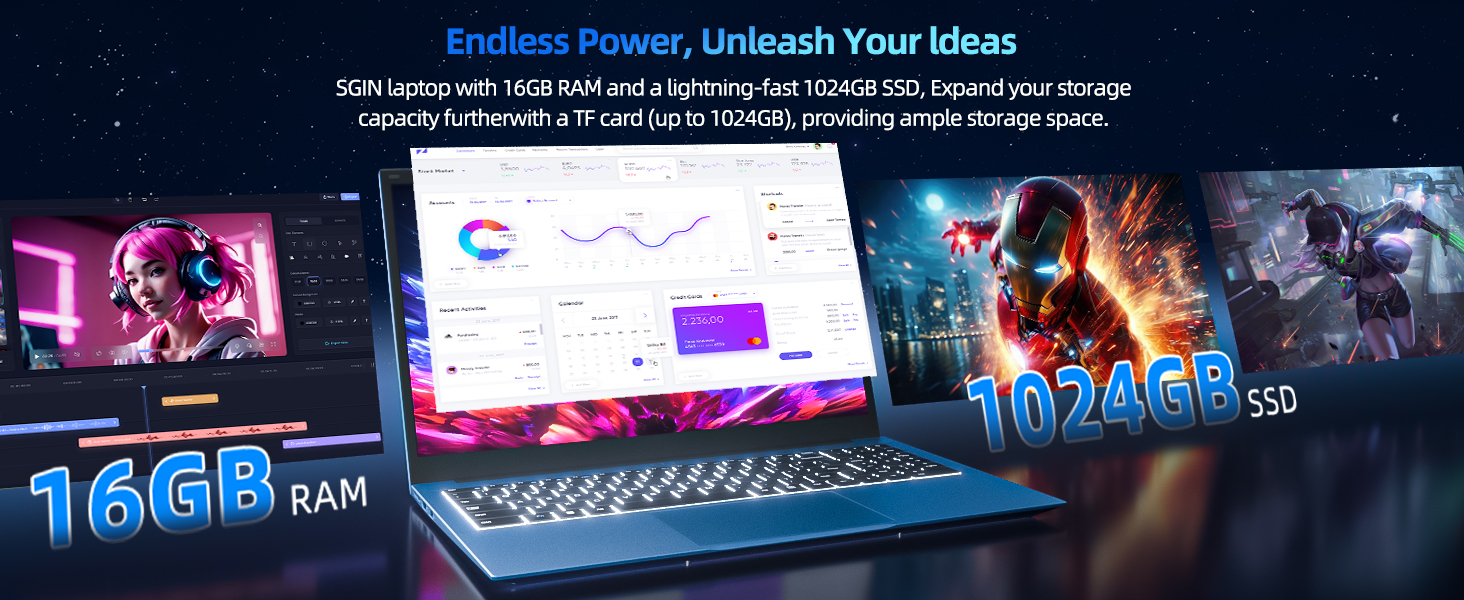
Image: Close-up of the SGIN Y101 laptop's backlit keyboard and numeric keypad, illustrating the Fn+F5 shortcut for backlight control.
4.2 Display Features
The 15.6-inch Full HD (1920x1080) IPS screen provides clear visuals and wide viewing angles. The laptop also features a 180-degree hinge, allowing the screen to lay flat for easy sharing and collaboration.
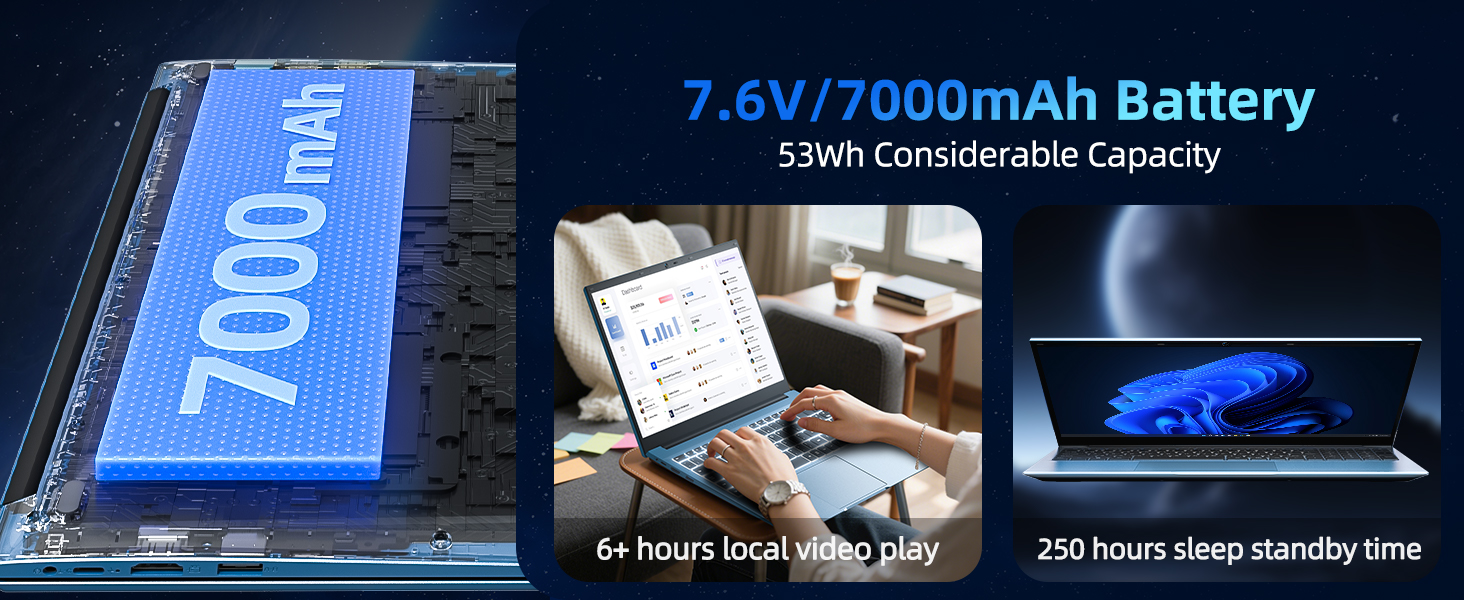
Image: The SGIN Y101 laptop displaying vibrant visuals on its 15.6-inch Full HD IPS screen.
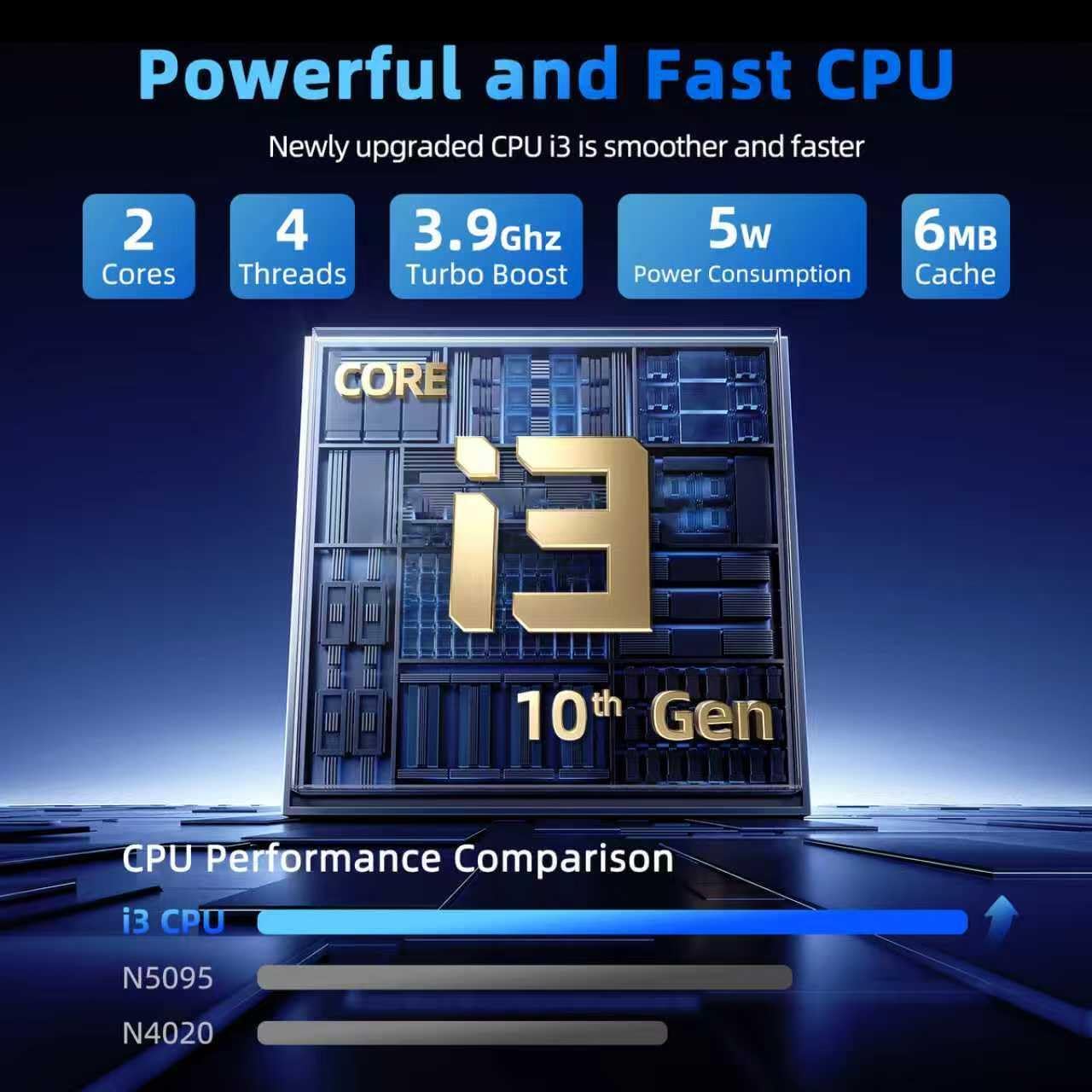
Image: The SGIN Y101 laptop open, illustrating its 180-degree hinge design for flexible viewing and sharing.
4.3 Privacy Webcam Cover
For enhanced privacy, the laptop includes a built-in physical webcam switch. Slide the cover to open or close the webcam as needed.
5. Maintenance
5.1 General Care
- Avoid exposing the laptop to extreme temperatures, direct sunlight, or high humidity.
- Keep liquids away from the device.
- Handle the laptop with care to prevent physical damage.
5.2 Cleaning
- Use a soft, lint-free cloth to clean the screen and exterior.
- For stubborn marks, slightly dampen the cloth with water or a screen-safe cleaner.
- Do not spray cleaners directly onto the laptop.
5.3 Battery Care
- To prolong battery life, avoid fully discharging the battery frequently.
- Store the laptop in a cool, dry place if not used for extended periods.
- The 7000mAh/53.2Wh battery provides up to 8 hours of typical use.
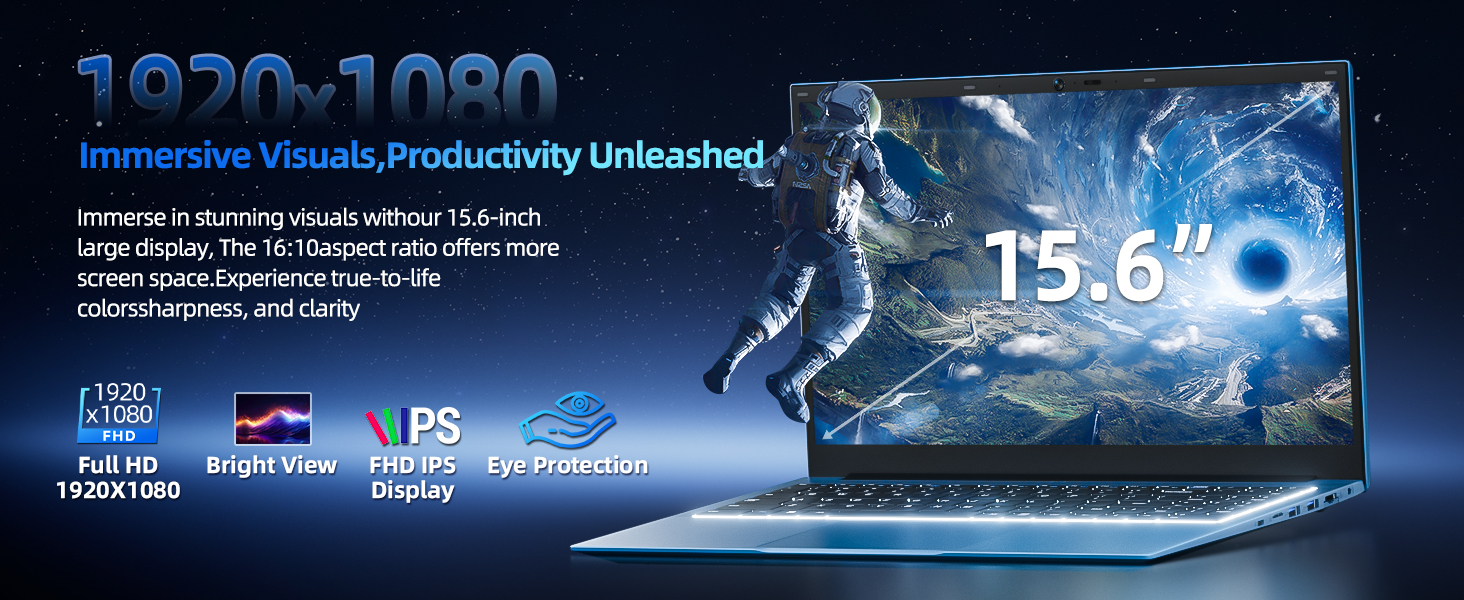
Image: Visual representation of the SGIN Y101 laptop's 7000mAh/53.2Wh large capacity battery, indicating its suitability for extended use.
6. Troubleshooting
This section addresses common issues you might encounter with your SGIN Y101 laptop.
6.1 Power and Boot Issues
- Laptop does not turn on: Ensure the power adapter is securely connected and the battery has sufficient charge. Try a different power outlet.
- Laptop turns on but screen is black: Connect to an external monitor via HDMI to check if the display is the issue. Restart the laptop.
6.2 Display and Graphics
- Screen flickering or unusual display: Update graphics drivers. If connecting to an external display, ensure the cable is secure.
- Screen appears dim or too bright: Adjust brightness settings in Windows or using keyboard function keys.
6.3 Connectivity Issues
- Wi-Fi not connecting: Check if Wi-Fi is enabled in Windows settings. Restart your router and the laptop. Ensure correct password entry.
- USB devices not recognized: Try a different USB port. Ensure the device drivers are installed.
6.4 Keyboard and Touchpad
- Keyboard not responding: Restart the laptop. Ensure no foreign objects are under the keys.
- Touchpad not working: Check Windows settings to ensure the touchpad is enabled. Restart the laptop.
- Backlight not working: Press Fn + F5 to ensure it's toggled on.
If you encounter persistent issues not covered here, please refer to the support section for assistance.
7. Specifications
| Feature | Detail |
|---|---|
| Model Name | SGIN-Y101 |
| Processor | Intel Core i3-10100 (2-core, 4-thread, 6MB cache, up to 3.9GHz) |
| RAM | 16GB DDR3 SDRAM |
| Storage | 1024GB SSD (expandable with TF card up to 1TB) |
| Display | 15.6-inch Full HD (1920x1080) IPS |
| Operating System | Windows 11 Home |
| Battery | 7000mAh / 53.2Wh (up to 8 hours battery life) |
| Wireless Connectivity | WiFi 6 (802.11ax) |
| Ports | USB 3.0, HDMI, Micro SD slot, Type-C, Kensington lock, 3.5mm Headphone jack, RJ45 Ethernet |
| Dimensions (LxWxH) | 15.6 x 9 x 0.6 inches |
| Weight | 4.97 pounds |
| Color | Gray |
8. Warranty and Support
Your SGIN Y101 laptop comes with comprehensive support and warranty:
- 1-Year Protection: Enjoy a 1-year protection plan covering manufacturing defects.
- 1-Year Repair Service: The product includes a 1-year repair service.
- 30-Day Return Policy: Eligible for returns within 30 days of purchase.
- 24/7 Customer Support: Access instant customer help for any queries or issues.
For support, please contact SGIN customer service through the official channels provided at the time of purchase or on the SGIN website.
9. Product Demonstration Video
Watch this official video for a visual guide on the SGIN 15.6 Inch Laptop Computer's features and connectivity options.
Video: An overview and demonstration of the SGIN 15.6-inch laptop, showcasing its design, features, and available ports.