
Introduction
Thank you for choosing the sunvito Bone Conduction Headphones X29. These open-ear headphones are designed to provide a safe and comfortable audio experience, allowing you to stay aware of your surroundings while enjoying your music. This manual provides detailed instructions for setup, operation, maintenance, and troubleshooting to ensure optimal performance.
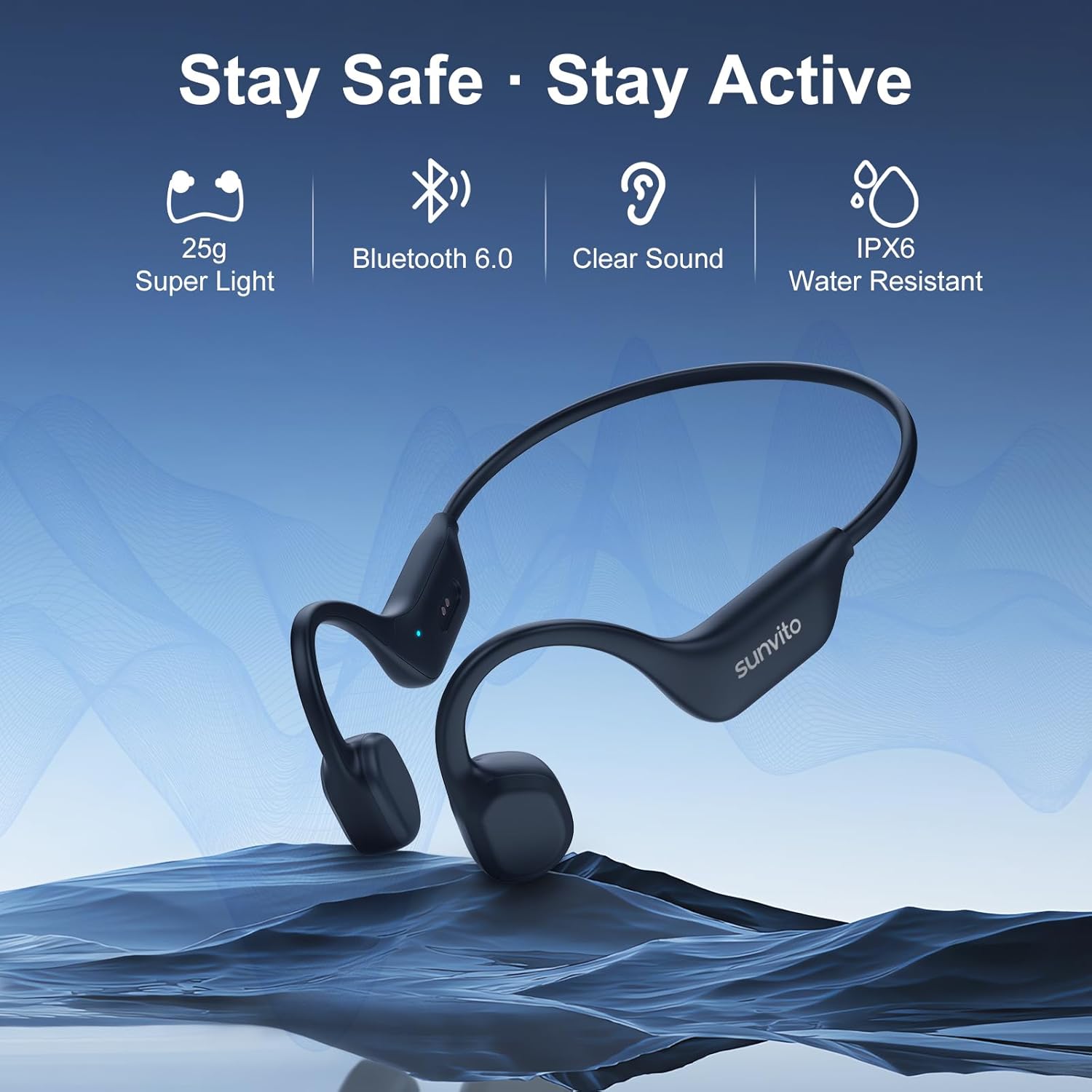
Image: The sunvito Bone Conduction Headphones X29, highlighting key features such as 25g super light design, Bluetooth 6.0 connectivity, clear sound, and IPX6 water resistance.
What's in the Box
Please check the package contents to ensure all items are present:
- Bone Conduction Headphones × 1
- Magnetic Charging Cable × 1
- User Manual × 1
- Earplugs × 1 Pair
- Adjustment Strap × 1

Image: A visual representation of all items included in the sunvito Bone Conduction Headphones X29 retail package.
Product Overview
The sunvito X29 headphones utilize bone conduction technology to deliver audio through your cheekbones, leaving your ears open to ambient sounds. This design enhances safety during outdoor activities.
- Open-Ear Design: Allows awareness of surroundings.
- Lightweight: Weighing only 29 grams for comfortable, all-day wear.
- Bluetooth 6.0: Provides stable and fast wireless connectivity.
- IPX6 Sweatproof: Resistant to sweat and light rain, suitable for workouts.
- 16mm Vibrating Unit: Delivers clear and balanced sound.

Image: An exploded view of the 16mm vibrating unit, demonstrating the crystal-clear sound technology.

Image: Illustrates the open-ear design, allowing users to hear their surroundings for enhanced safety during activities like cycling.
Setup
1. Charging the Headphones
Before first use, fully charge your headphones. Connect the magnetic charging cable to the charging port on the headphones and plug the USB end into a compatible power source (e.g., computer USB port, USB wall adapter). A full charge takes approximately 2 hours.
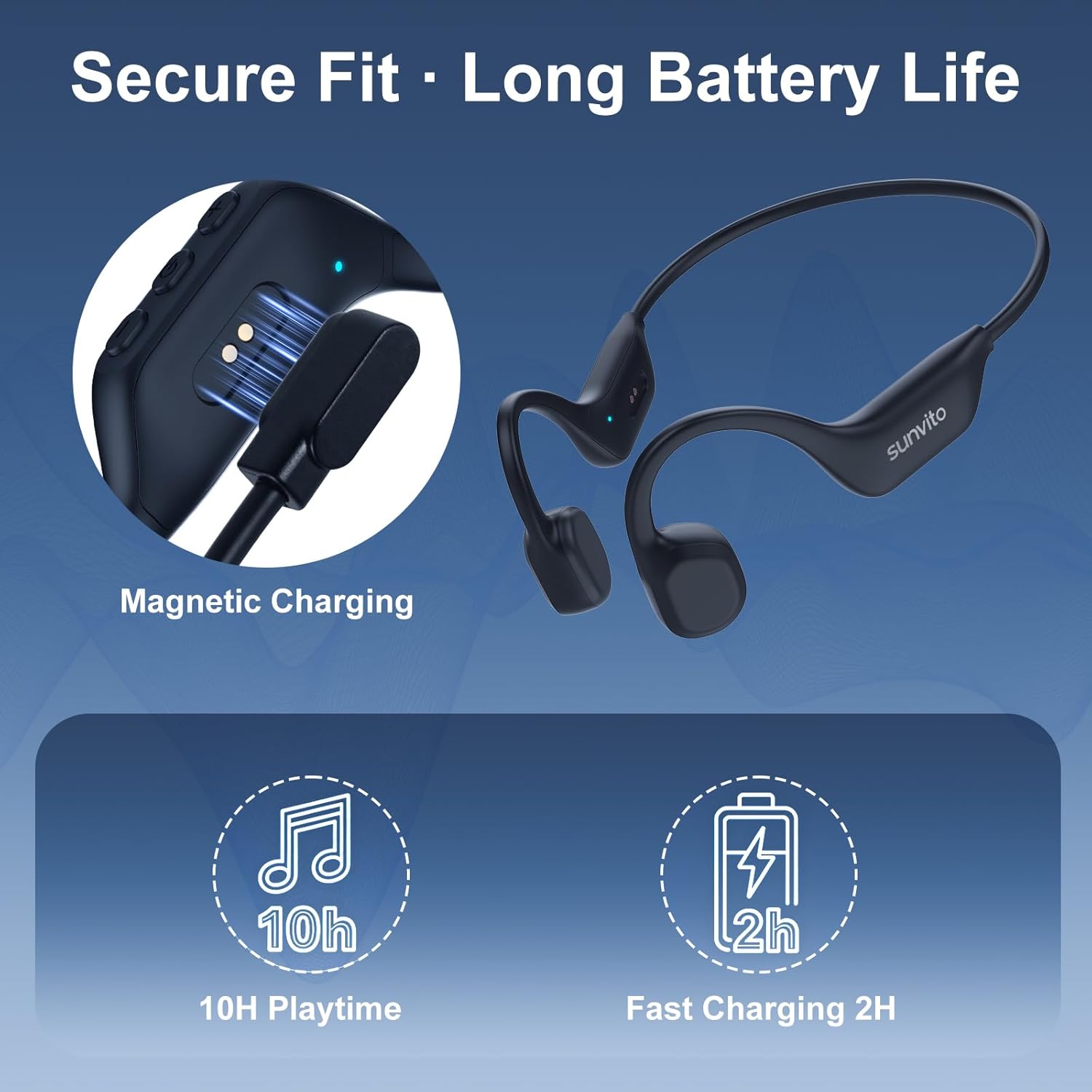
Image: Magnetic charging connection and battery life indicators.
2. Wearing the Headphones
For optimal sound and comfort, ensure the headphones are worn correctly.
- Hold both ends of the headphones and gently open the frame.
- Place the ear hooks over your ears and rest the speakers in front of your ears, on your cheekbones.
- Fine-tune the fit with the adjustable strap until it feels secure and comfortable.

Image: Step-by-step guide for wearing the headphones.
3. Bluetooth Pairing
To connect your headphones to a device:
- Ensure the headphones are charged and powered off.
- Press and hold the Power/Multi-function Button until the indicator light flashes blue and red, indicating pairing mode.
- On your device (phone, tablet, laptop), enable Bluetooth and search for available devices.
- Select "sunvito X29" from the list. Once connected, the indicator light will turn solid blue.

Image: Successful Bluetooth connection shown on a smartphone.
Operating Instructions
The sunvito X29 headphones feature intuitive button controls for easy management of audio and calls.

Image: Detailed view of the headphone controls.
| Function | Button Action |
|---|---|
| Power On/Off | Press and hold Power/Multi-function Button |
| Play/Pause | Single press Power/Multi-function Button |
| Volume Up | Single press Volume+ Button |
| Volume Down | Single press Volume- Button |
| Next Track | Press and hold Volume+ Button |
| Previous Track | Press and hold Volume- Button |
| Answer/End Call | Single press Power/Multi-function Button |
| Reject Call | Press and hold Power/Multi-function Button during incoming call |
| Activate Voice Assistant | Double press Power/Multi-function Button |
Maintenance
Proper care will extend the life of your sunvito X29 headphones.
- Cleaning: Wipe the headphones with a soft, damp cloth. Do not use harsh chemicals or abrasive cleaners.
- Water Resistance: The headphones are IPX6 sweatproof, meaning they can withstand sweat and light rain. They are not designed for swimming or submersion in water.
- Storage: Store the headphones in a cool, dry place away from direct sunlight and extreme temperatures.
- Battery Care: To maintain battery health, avoid fully discharging the battery frequently. Charge regularly, even if not in use for extended periods.

Image: Demonstrates the IPX6 sweatproof design, suitable for intense workouts but not for swimming.
Troubleshooting
If you encounter issues with your headphones, refer to the following common solutions:
| Problem | Possible Solution |
|---|---|
| Headphones won't turn on | Ensure the headphones are fully charged. Connect to the magnetic charging cable for at least 10 minutes. |
| Cannot pair with device | Make sure the headphones are in pairing mode (flashing blue/red light). Turn off and on your device's Bluetooth. Ensure the headphones are within 10 meters of your device. Forget previous pairings on your device and try again. |
| No sound or low volume | Check the volume levels on both the headphones and your connected device. Ensure the headphones are properly positioned on your cheekbones. Re-pair the headphones with your device. |
| Poor call quality | Ensure the microphone is not obstructed. Move closer to your connected device to improve signal strength. Avoid noisy environments. |
| Intermittent connection | Ensure no obstacles are between the headphones and your device. Stay within the 10-meter Bluetooth range. Avoid areas with strong Wi-Fi or other wireless interference. |
Specifications
| Feature | Detail |
|---|---|
| Brand | sunvito |
| Model Number | X29 |
| Ear Placement | Open Ear |
| Connectivity Technology | Wireless (Bluetooth) |
| Bluetooth Version | 6.0 |
| Bluetooth Range | 10 Meters |
| Water Resistance Level | IPX6 (Sweatproof) |
| Battery Average Life | 10 Hours |
| Battery Charge Time | 2 Hours |
| Item Weight | 29 Grams |
| Audio Driver Type | Bone Conduction Driver |
| Audio Driver Size | 16 Millimeters |
| Impedance | 8 Ohms |
| Frequency Response | 20 KHz |
| Sensitivity | 105 dB |
| Control Type | Button Control |
| Microphone | Included |
| Compatible Devices | Cellphones, Desktops, Laptops, Tablets |
| Enclosure Material | Acrylonitrile Butadiene Styrene (ABS) |
Warranty and Support
Warranty Information
The sunvito Bone Conduction Headphones X29 come with a 24-month warranty from the date of purchase. This warranty covers manufacturing defects and issues arising from normal use. It does not cover damage caused by misuse, accidents, unauthorized modifications, or exposure to conditions beyond the product's specifications (e.g., submersion in water).
Customer Support
For any questions, technical assistance, or warranty claims, please contact sunvito customer support through the retailer's platform or the official sunvito website. Please have your purchase receipt and product model number (X29) ready when contacting support.