
Introduction
This manual provides detailed instructions for the assembly, operation, and maintenance of your HeroSet RC2014 Leather Office Chair. Please read this manual thoroughly before use to ensure proper function and longevity of your product.
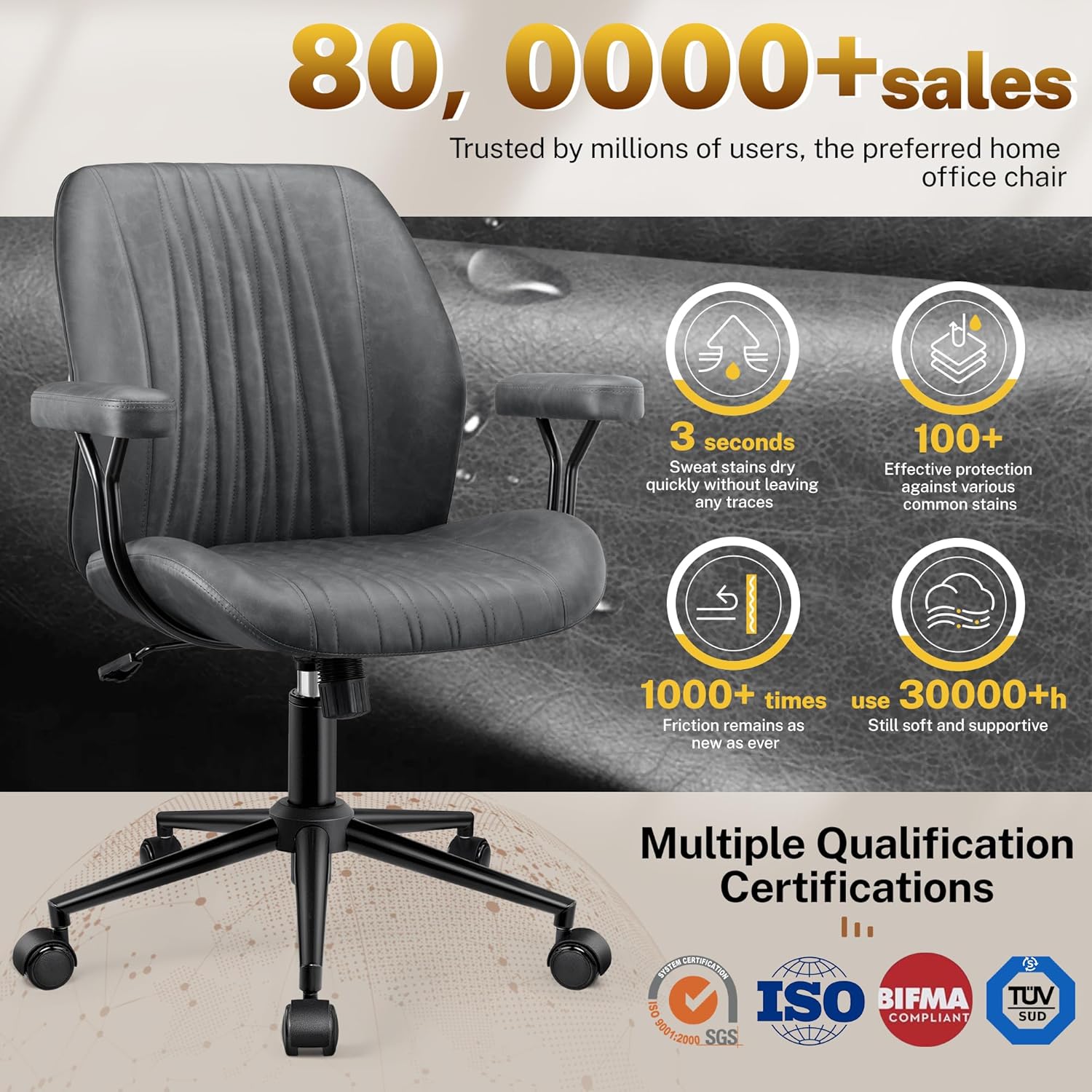
Image: The HeroSet RC2014 Leather Office Chair, dark gray, positioned in a contemporary home office environment, showcasing its design and ergonomic features.
Safety Information
Always follow the manufacturer's assembly instructions carefully to ensure safe and proper use of the chair.
- Ensure all screws and bolts are tightened securely before use.
- Do not stand on the chair.
- Do not use the chair if any parts are damaged or missing.
- Keep children away from moving parts during assembly.
- Maximum weight recommendation: 300 pounds. Do not exceed this limit.
Package Contents
Verify that all components are present before beginning assembly. Refer to the installation video for visual guidance on parts identification.
- Backrest (1)
- Seat Cushion (1)
- Bracket (2)
- Armrest (2)
- Base Plate (1)
- Air Rod (1)
- Central Base Tube (1)
- Split Base Tube (5)
- Castor (5)
- Steel Plate (1)
- Screws (M6x14mm) (10)
- Screws (M6x20mm) (10)
- Screws (M6x25mm) (8)
- Hexagon Wrench (L-Shape) (1)

Image: An illustration showing all individual components of the chair, including the seat, backrest, armrests, base, casters, and hardware.
Setup and Assembly
Follow these steps to assemble your HeroSet RC2014 Office Chair. An installation video is provided for visual assistance.
Video: Official installation guide for the HeroSet RC2014 Office Chair, demonstrating each assembly step.
- Assemble the Base:
- Remove the central base buckle from the central base tube.
- Insert the five split base tubes into the central base tube.
- Secure the split base tubes to the central base tube using the M6x14mm screws and the hexagon wrench.
- Insert the five castors into the ends of the split base tubes.
- Place the air rod through the central base buckle into the hole of the central base tube.

Image: The sturdy five-star base with smooth-rolling casters and the pneumatic lift cylinder, ready for the seat assembly.
- Attach Armrests and Base Plate to Seat Cushion:
- Lay the seat cushion flat on a higher surface (e.g., the packaging box).
- Secure the two brackets to the bottom of the seat cushion using M6x20mm screws.
- Attach the two armrests to the brackets using M6x20mm screws, ensuring the "FRONT" labels on the armrests face forward.
- Secure the base plate to the bottom of the seat cushion, aligning it with the designated screw holes, using M6x20mm screws. Ensure the control lever faces the rear.

Image: A composite image illustrating the chair's adaptability with armrests attached for standard use and removed for alternative sitting positions.
- Attach Backrest to Seat Cushion:
- Align the steel plate with the designated screw holes on the backrest. Secure it using M6x25mm screws. Note: The short side of the steel plate is installed on the backrest.
- Align the holes in the steel plate (installed on the backrest) with the openings in the base plate (installed on the seat cushion). Secure them with M6x25mm screws and tighten them with the hexagon wrench.
- Connect Upper Part to Base:
- Hold the fully assembled upper part (seat and backrest).
- Align the hole on the bottom of the mechanism with the top of the air rod.
- Push down vertically and firmly until the chair is securely fixed onto the air rod.
Operating Instructions
Your HeroSet RC2014 Office Chair offers several adjustable features for personalized comfort.
Video: Demonstrates the adjustable features of the HeroSet Leather Office Chair, including swivel, height adjustment, rocking function, and removable armrests.
- Height Adjustment:
To adjust the chair height, pull the lever located under the seat upwards while seated. To lower the chair, remain seated and pull the lever. To raise the chair, stand up and pull the lever. Release the lever at the desired height. The chair offers 3 height positions with a 3.9-inch adjustment range.

Image: Close-up of the chair's underside, highlighting the recline lock and tilt tension adjustment knobs.
- Rocking Function (Tilt):
To enable the rocking function, pull the lever outwards. To lock the chair in an upright position, push the lever inwards. The chair supports a rocking angle of 90°-120°.
- Tilt Tension Adjustment:
Rotate the round knob under the seat to adjust the tension of the rocking mechanism. Turn clockwise to increase tension (requiring more force to recline) and counter-clockwise to decrease tension (allowing easier recline).
- 360° Swivel:
The chair features a 360° swivel function for easy movement and access to your workspace.

Image: A visual representation of the chair's 360-degree rotation capability, showing its flexibility in an office setting.
- Removable Armrests:
The armrests are detachable, allowing for various sitting postures, including cross-legged. To remove, unscrew the bolts securing them to the seat cushion. Reattach by reversing the process.
Maintenance
- Cleaning: Wipe clean with a damp cloth. Avoid harsh chemicals that may damage the faux leather upholstery.
- Inspection: Periodically check all screws and bolts to ensure they remain tight. Retighten as necessary.
- Caster Care: Keep casters free of debris (hair, dust) to ensure smooth rolling on various surfaces like hardwood floors, marble, and carpets.
- Upholstery Care: The premium PU leather is designed for durability and easy cleaning. For spills, wipe immediately with a soft, dry cloth.
Troubleshooting
| Problem | Possible Cause | Solution |
|---|---|---|
| Chair does not adjust height. | Pneumatic lift not engaged or damaged. | Ensure the lever is fully pulled. If the issue persists, contact customer support for assistance. |
| Chair wobbles or feels unstable. | Loose screws or uneven assembly. | Check and tighten all screws, especially those connecting the base and seat. Ensure the chair is on a flat surface. |
| Casters do not roll smoothly. | Debris caught in casters or damaged casters. | Remove any hair or debris from the casters. If damaged, contact customer support for replacement parts. |
| Rocking function is too stiff or too loose. | Tilt tension not adjusted correctly. | Adjust the tilt tension knob located under the seat. Turn clockwise to increase tension, counter-clockwise to decrease. |
Specifications
| Brand | HeroSet |
| Model Name | RC2014 Office Chair |
| Color | Dark Gray |
| Upholstery Material | Faux Leather |
| Fill Material | Sponge |
| Product Dimensions (D x W x H) | 21" x 21" x 39" |
| Item Weight | 33 pounds |
| Maximum Weight Recommendation | 300 Pounds |
| Special Features | Adjustable Height, Removable Armrests, Back Support, Ergonomic Design, Rolling Casters, Swivel, Tilting (90°-120°), Tilt Tension Adjustment |
| Leg Style | Wheels |
| Surface Recommendation | Hard Floor, Carpet |
| Indoor/Outdoor Usage | Indoor |

Image: A diagram illustrating the key dimensions of the chair, including height, width, and depth, along with maximum load capacity.
Warranty and Support
HeroSet is committed to providing excellent customer service and product support.
- Lifetime After-Sales Service: We provide lifetime after-sales service for your product.
- Customer Support: Our team responds quickly to any issues within 24 hours, including parts replacement or technical guidance.
- Return Policy: This product is eligible for a 30-day refund/replacement return policy.
- Contact Information: For support, please contact us via your Amazon account (Your Orders -> Find the Order -> Click Contact Seller) or directly via email at cs@herosets.com or phone at +1 (978) 647-3329.

Image: HeroSet branding with details on how to contact customer support for assistance.