
1. Product Overview
The Vonztek BT882BJ Wireless Headset is designed for clear communication in various environments, including remote work, meetings, and call centers. It features advanced AI noise-cancelling technology, Bluetooth V5.3 connectivity, and a flexible microphone for optimal voice capture.
What's in the Box
- Wireless Headset with Microphone x1
- USB Dongle x1
- Type-C Charge Cable x1
- User Manual
- Storage Bag x1
2. Setup and Connection
2.1 Powering On/Off
Locate the power switch on the headset. Slide the switch to the "ON" position to power on the device. You will hear an audio prompt indicating "Power On" and "Pairing". To power off, slide the switch to the "OFF" position.
2.2 Bluetooth Connection Method
1. Ensure the headset is powered on and in pairing mode (indicated by a blinking blue light).
2. On your device (smartphone, tablet, laptop), go to Bluetooth settings.
3. Search for available devices and select "BT-882" from the list.
4. Once connected, the headset will indicate "Connected".

Image: Bluetooth connection method displayed on a smartphone, showing the headset successfully paired.
2.3 USB Dongle Connection Method
1. Plug the provided USB dongle into an available USB port on your computer (PC or Mac).
2. The dongle will automatically connect to the headset. This is a plug-and-play solution, requiring no additional drivers for most operating systems.
3. Ensure your computer's audio settings are configured to use the "BT-882 Dongle" for both input and output.
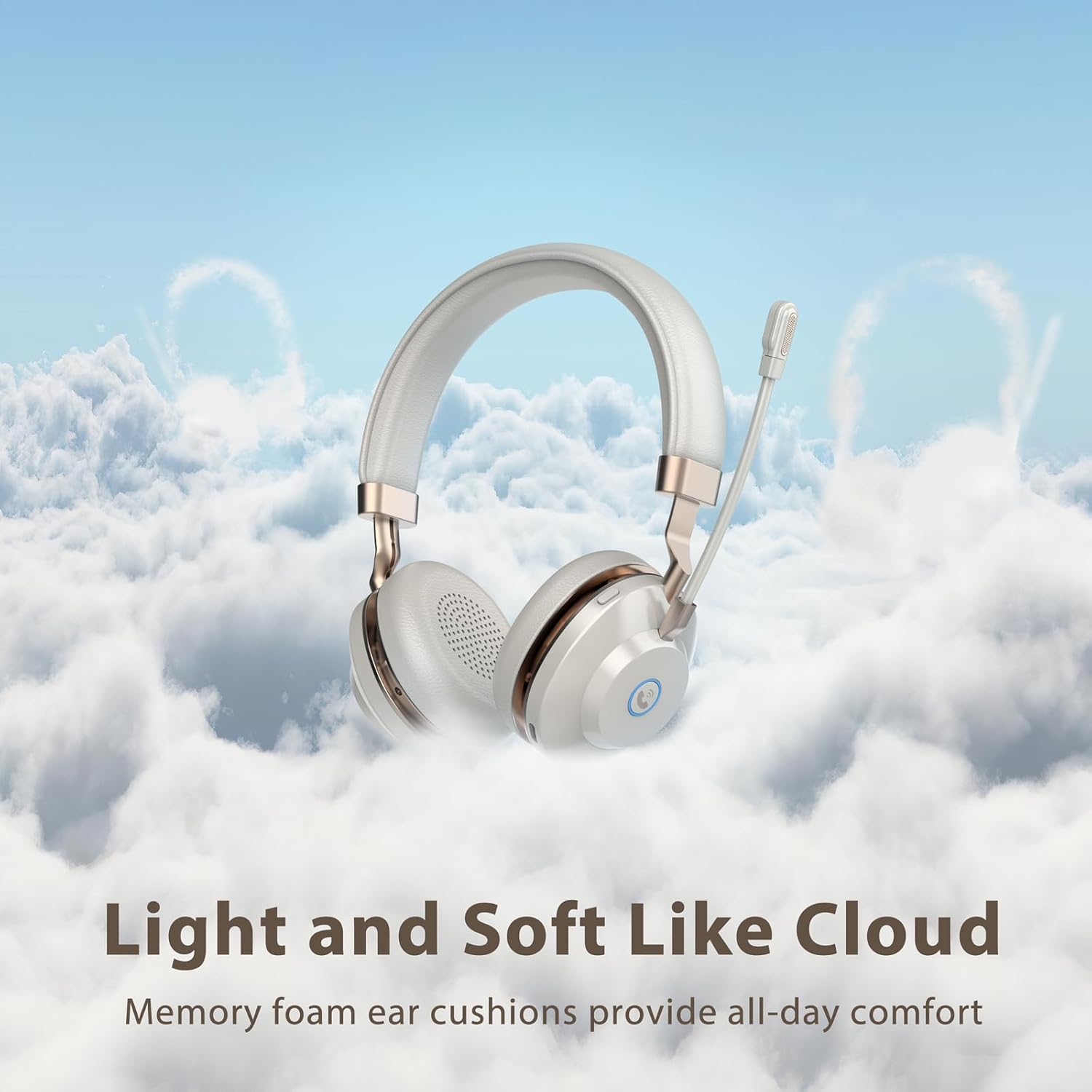
Image: USB dongle connected to a laptop, illustrating the plug-and-play connection for the headset.
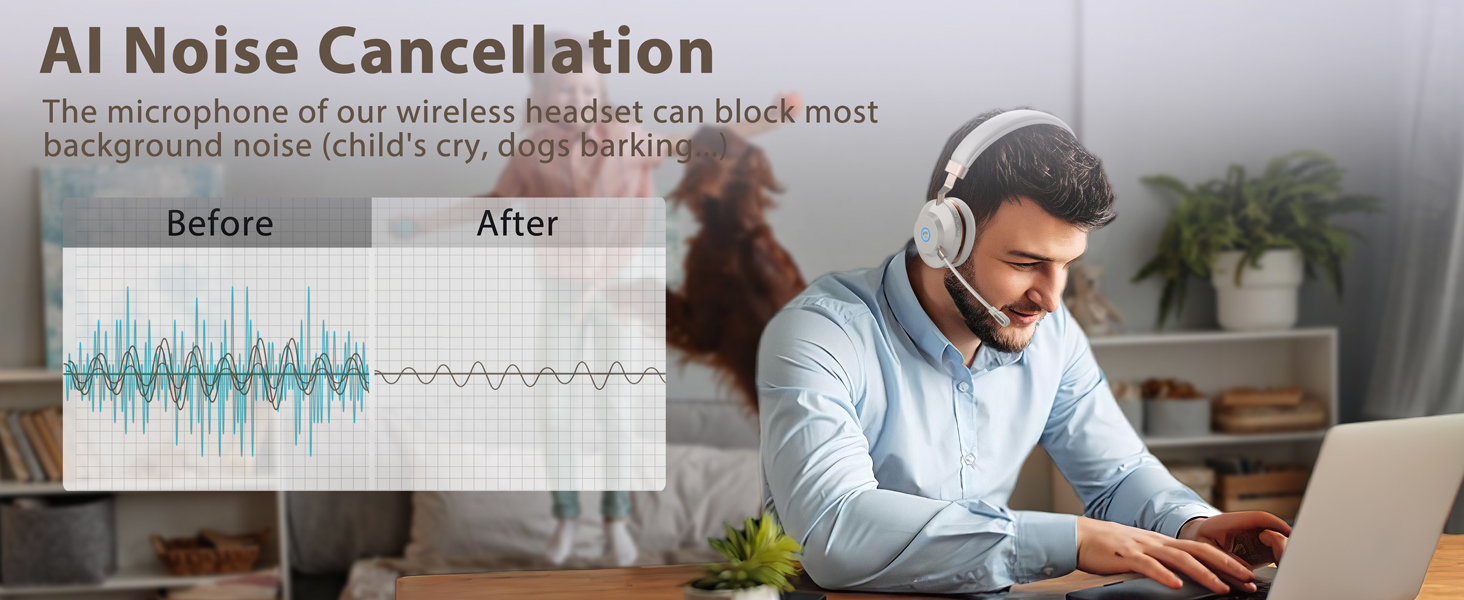
Image: A computer screen displaying sound settings, with the BT-882 Dongle selected as the primary audio input and output device.
3. Operating Instructions
3.1 Controls and Buttons
The headset features intuitive controls for managing calls and audio playback:
- Call Button: Press to answer or end phone calls (mobile phones only).
- Mute Button: Press to mute/unmute the microphone during calls or meetings. The headset provides audio prompts for mute on/off status. This function works with popular platforms like Zoom, Skype, and Teams.
- Volume Controls: Adjust volume up or down using the dedicated buttons.
- Power Switch: Slide to turn the headset on or off.
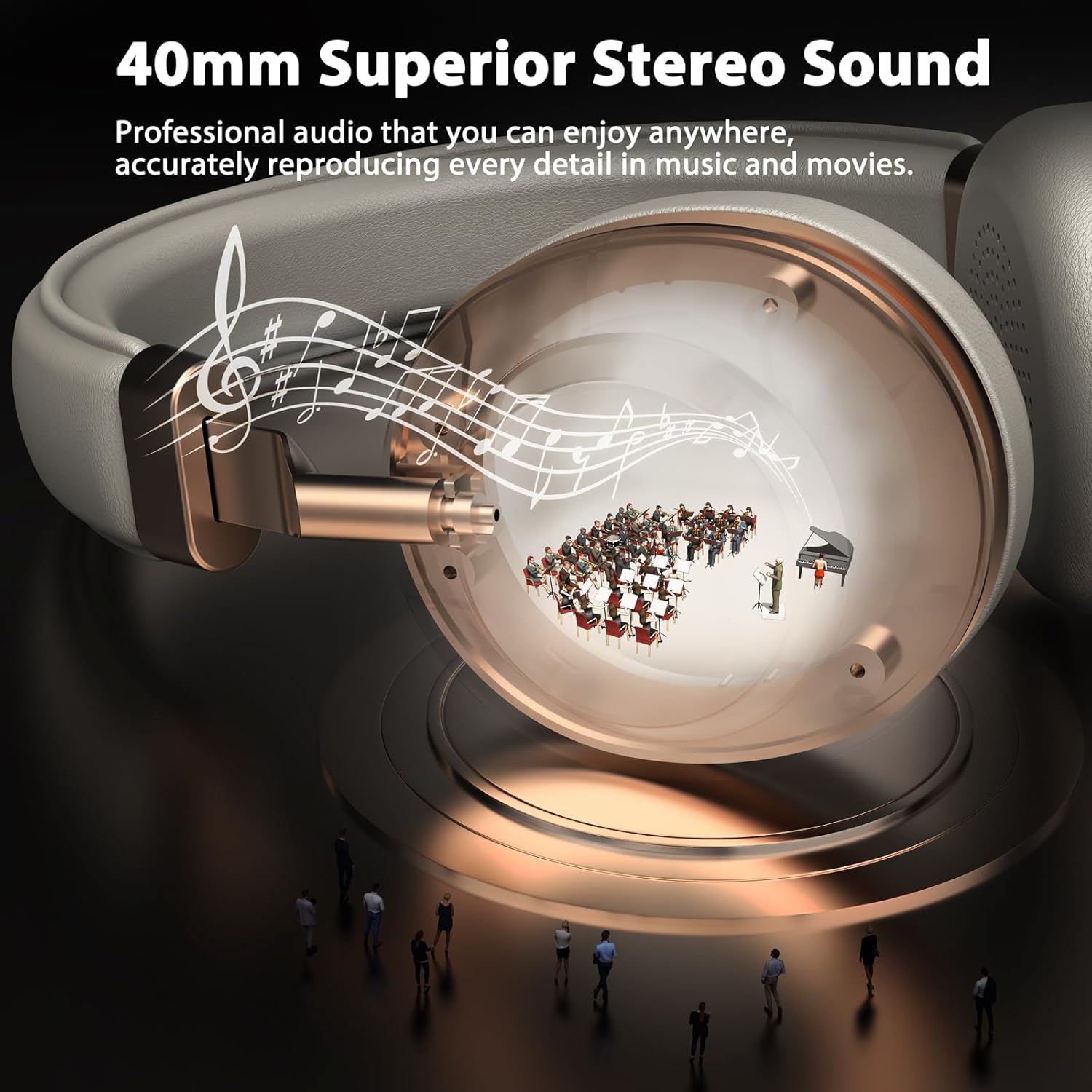
Image: A close-up view of the headset's ear cup, highlighting the mute button and call button for easy access during use.
3.2 Microphone Usage
The headset is equipped with an AI noise-cancelling bidirectional microphone, powered by a Qualcomm chip, designed to reduce up to 99.6% of surrounding noise. The microphone arm is flexible and can be rotated 270° to position it optimally for your mouth, ensuring clear voice capture. It can be worn on either side of the head.
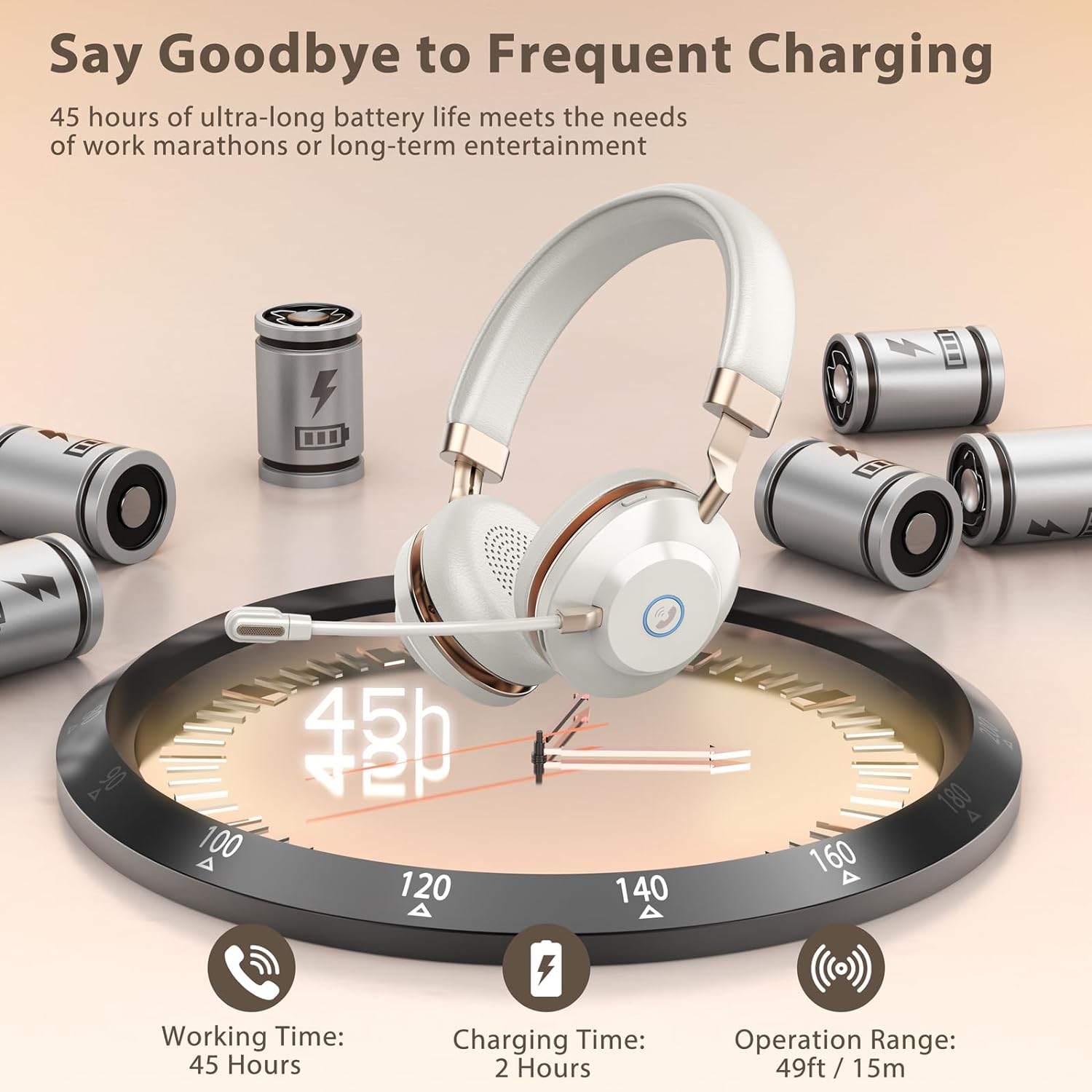
Image: A diagram showing the bidirectional microphone's voice pickup pattern, emphasizing its focus on the user's voice while minimizing ambient noise.
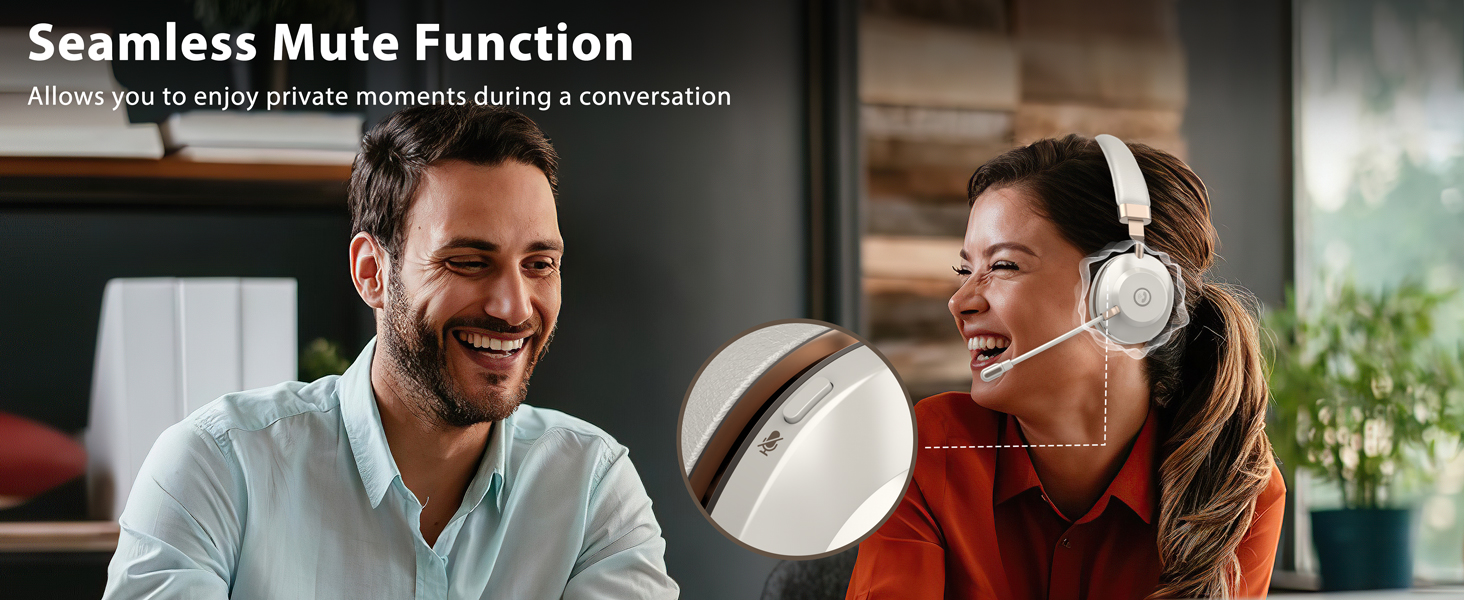
Image: An illustration detailing the 270-degree rotation of the flexible microphone and the adjustable metal headband for personalized fit.
4. Comfort and Design
The Vonztek BT882BJ headset is designed for extended wear with maximum comfort. It features ultra-soft memory foam ear cushions and an adjustable one-piece steel headband to ensure a secure yet comfortable fit for various head sizes, including those who wear glasses.
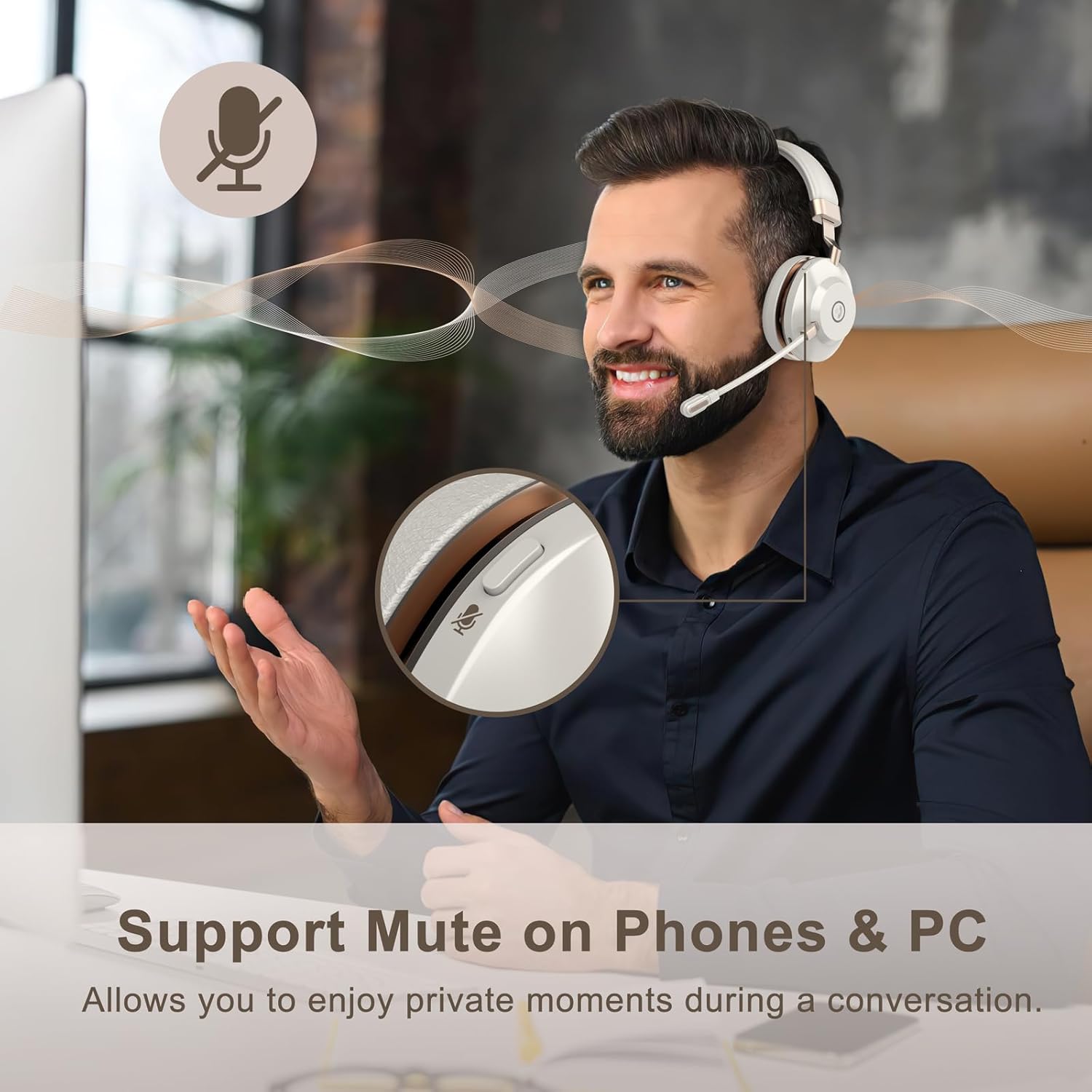
Image: The headset highlighting its soft memory foam ear cushions and adjustable headband, designed for long-lasting comfort.
5. Battery Life and Charging
The headset offers up to 45 hours of continuous working time and over 200 hours of standby time on a single charge. A full charge takes approximately 2 hours using the provided Type-C charging cable.

Image: An infographic detailing the headset's impressive battery life (45 hours working time, 200+ hours standby) and quick charging time (2 hours).
6. Compatibility
The Vonztek BT882BJ headset is widely compatible with most devices and conferencing platforms, including laptops, desktops, smartphones, tablets, Zoom, Skype, Microsoft Teams, FaceTime, GoToMeeting, and Google Meet.
Image: The headset displayed alongside logos of popular communication platforms, indicating wide compatibility.
7. Specifications
| Feature | Detail |
|---|---|
| Model Name | XSY-BT882M-BJ-D-N1 |
| Connectivity Technology | Wireless (Bluetooth V5.3) |
| Bluetooth Range | 15 Meters (49FT) |
| Microphone | AI Noise-Cancelling Bidirectional Mic (Qualcomm chip) |
| Audio Driver Size | 40 Millimeters |
| Battery Life (Working) | Up to 45 Hours |
| Charging Time | 2 Hours |
| Control Type | Volume Control, Mute Button, Call Button |
| Ear Placement | On Ear (Memory Foam Cushions) |
| Material | Acrylonitrile Butadiene Styrene (ABS), Aluminum, Faux Leather, Plastic, Stainless Steel |
| Item Weight | 13.1 ounces |
8. Maintenance
To ensure the longevity and optimal performance of your Vonztek BT882BJ Wireless Headset, please follow these maintenance guidelines:
- Cleaning: Use a soft, dry cloth to clean the headset. Avoid using harsh chemicals or abrasive materials.
- Storage: Store the headset in the provided storage bag when not in use to protect it from dust and scratches.
- Charging: Use only the provided Type-C charging cable. Avoid overcharging the battery.
- Temperature: Do not expose the headset to extreme temperatures (hot or cold) or high humidity.
- Water Resistance: The headset is not water resistant. Avoid contact with liquids.
9. Troubleshooting
If you encounter any issues with your headset, please refer to the following common troubleshooting steps:
- No Power: Ensure the headset is fully charged. Connect it to a power source using the Type-C cable.
- Cannot Pair:
- Make sure the headset is in pairing mode (blinking blue light).
- Ensure Bluetooth is enabled on your device.
- Move the headset closer to your device.
- Forget the device from your Bluetooth list and try pairing again.
- No Audio/Poor Audio Quality:
- Check the volume levels on both the headset and your connected device.
- Ensure the headset is selected as the audio output device in your device's sound settings.
- If using the USB dongle, confirm it's properly inserted and selected as the default audio device.
- Try restarting both the headset and your connected device.
- Microphone Not Working:
- Ensure the microphone is not muted (check the mute button).
- Verify the headset microphone is selected as the input device in your device's sound settings.
- Adjust the microphone arm closer to your mouth.
10. Warranty and Support
The Vonztek BT882BJ Wireless Headset comes with a 12-MONTH Warranty. For any questions or support, please contact our professional customer service team. More detailed information can be found in the included user manual.
For 24/7 online service, please refer to the contact information provided in your product packaging or visit the official Vonztek website.
11. Product Videos
Video: An overview of the BT882BJ Wireless Headset with Microphone, showcasing its features and design.
Video: A detailed review of the BT882BJ Bluetooth Headset with Microphone, covering its functionality and user experience.
Video: A short demonstration of the BT882BJ Wireless Headset with Mic, highlighting its key features.
Video: A demonstration of the BT882BJ Wireless Headphones with Mic, focusing on audio quality and comfort.
Video: A demonstration of the BT882BJ Headset with Microphone for PC, showing its use with a computer.
Video: A brief preview of the BT882BJ Wireless Headset with Mic for Work, highlighting its suitability for professional use.


