
1. Introduction
This manual provides detailed instructions for the proper use and maintenance of your TOMLOV TM3K-AF Autofocus Digital Microscope. This device is designed for precise inspection tasks, offering a 3K resolution display, advanced autofocus capabilities, and a flexible arm stand for versatile positioning. Please read this manual thoroughly before operating the microscope to ensure optimal performance and longevity.
2. Package Contents
Verify that all items listed below are included in your package. If any items are missing or damaged, please contact customer support.
- TOMLOV TM3K-AF Digital Microscope Unit with 10.1-inch IPS Screen
- Flexible Arm Stand (Gen 6)
- Dual Gooseneck LED Lights
- Remote Control
- Power Adapter
- USB Cable
- Repair Mat (Optional accessory, may be included depending on package)
- User Manual

Image: Overview of the TOMLOV TM3K-AF Digital Microscope and its included accessories.
3. Setup
3.1 Assembling the Flexible Arm Stand
- Attach the clamp base to a sturdy desk or workbench. Ensure it is securely tightened.
- Insert the flexible arm into the clamp base.
- Secure the microscope unit to the end of the flexible arm.
- Attach the dual gooseneck LED lights to the microscope unit or stand as desired, ensuring they can be positioned to illuminate your subject.

Image: Illustration of the flexible arm stand assembly and attachment of the microscope unit.
3.2 Power Connection
Connect the power adapter to the microscope unit and plug it into a standard electrical outlet. The device is ready for use once powered on.
4. Operating Instructions
4.1 Power On/Off
Press the POWER button located on the front of the screen to turn the microscope on or off. The screen will illuminate upon startup.
4.2 Autofocus Function
The TM3K-AF features advanced autofocus. When enabled, the microscope automatically adjusts its focus to provide a clear image of your subject. This function ensures sharp, precise imaging without manual adjustment.
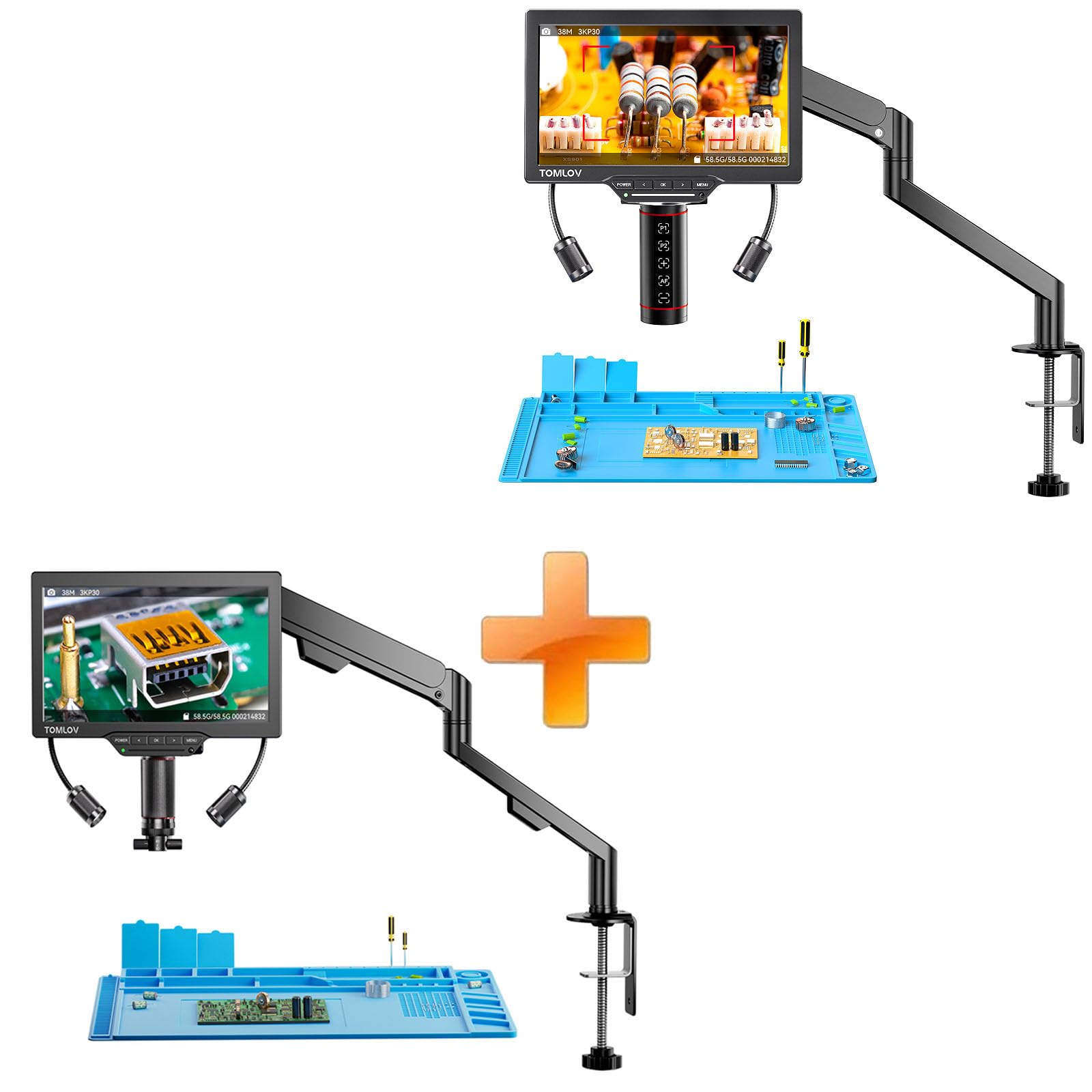
Image: The microscope screen demonstrating the autofocus feature, quickly achieving clarity on a circuit component.
4.3 P1/P2 Preset Memory Function
This feature allows you to store and recall two specific focus heights (P1 and P2). This is particularly useful for repetitive tasks where consistent viewing positions are required.
- To Set a Preset: Adjust the microscope to your desired viewing height and focus. Press and hold either the P1 or P2 button on the microscope unit until a confirmation appears on the screen.
- To Recall a Preset: Briefly press the P1 or P2 button. The microscope will automatically return to the saved viewing height.
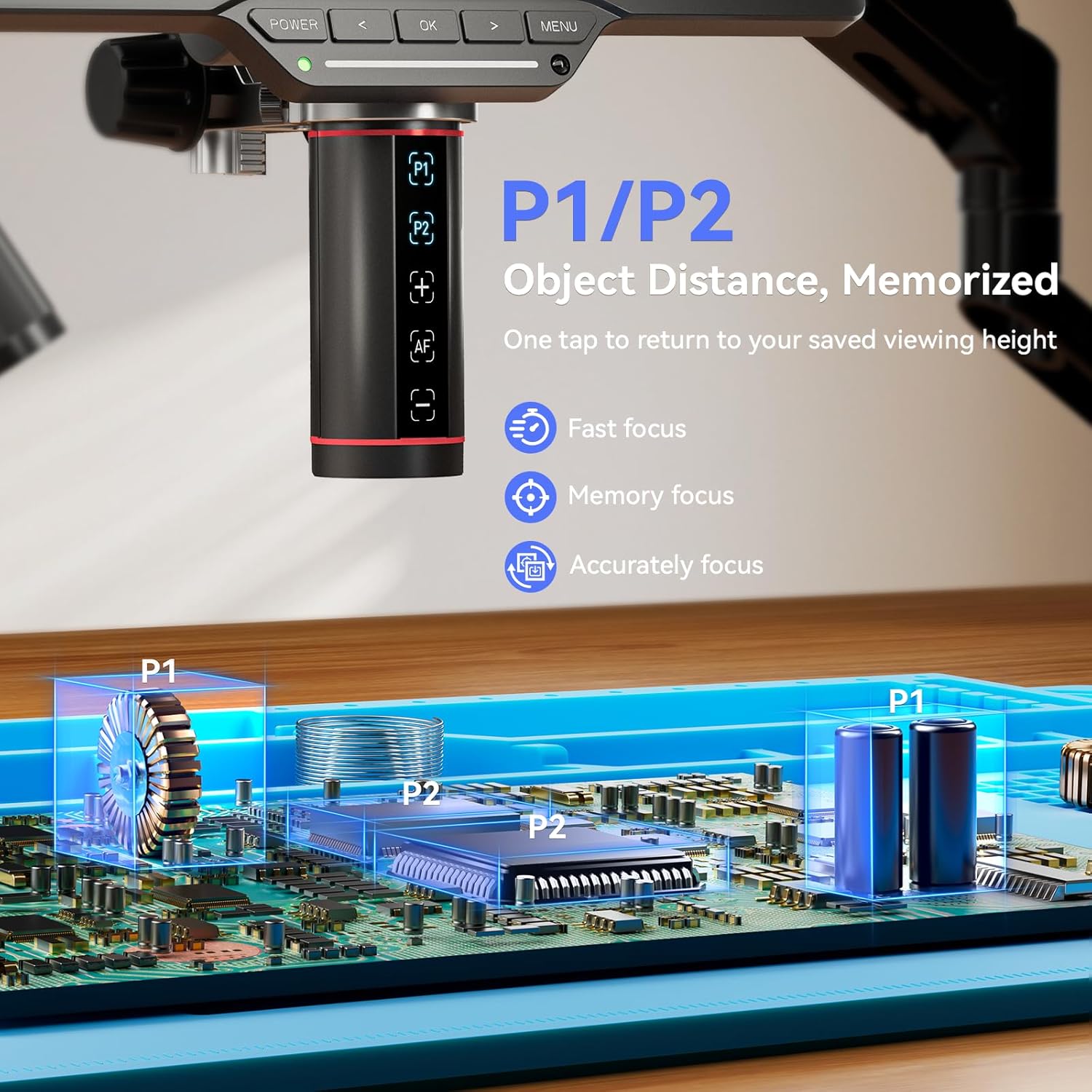
Image: The microscope unit highlighting the P1 and P2 buttons for object distance memory, with an illustration of saved viewing heights.
4.4 Magnification Adjustment
The microscope offers a wide range of magnification, capable of up to 2000X digital zoom. Adjust the distance between the lens and the object, and use the digital zoom controls (if available via menu or remote) to achieve the desired magnification level.

Image: A visual representation of the microscope's magnification capabilities, showing a coin at 1000X and 2000X zoom.
4.5 Gooseneck Lighting
The dual gooseneck LED lights provide shadow-free illumination. Each light can be independently positioned and adjusted for brightness and aperture to optimize lighting for various subjects, such as fine solder joints or reflective surfaces.
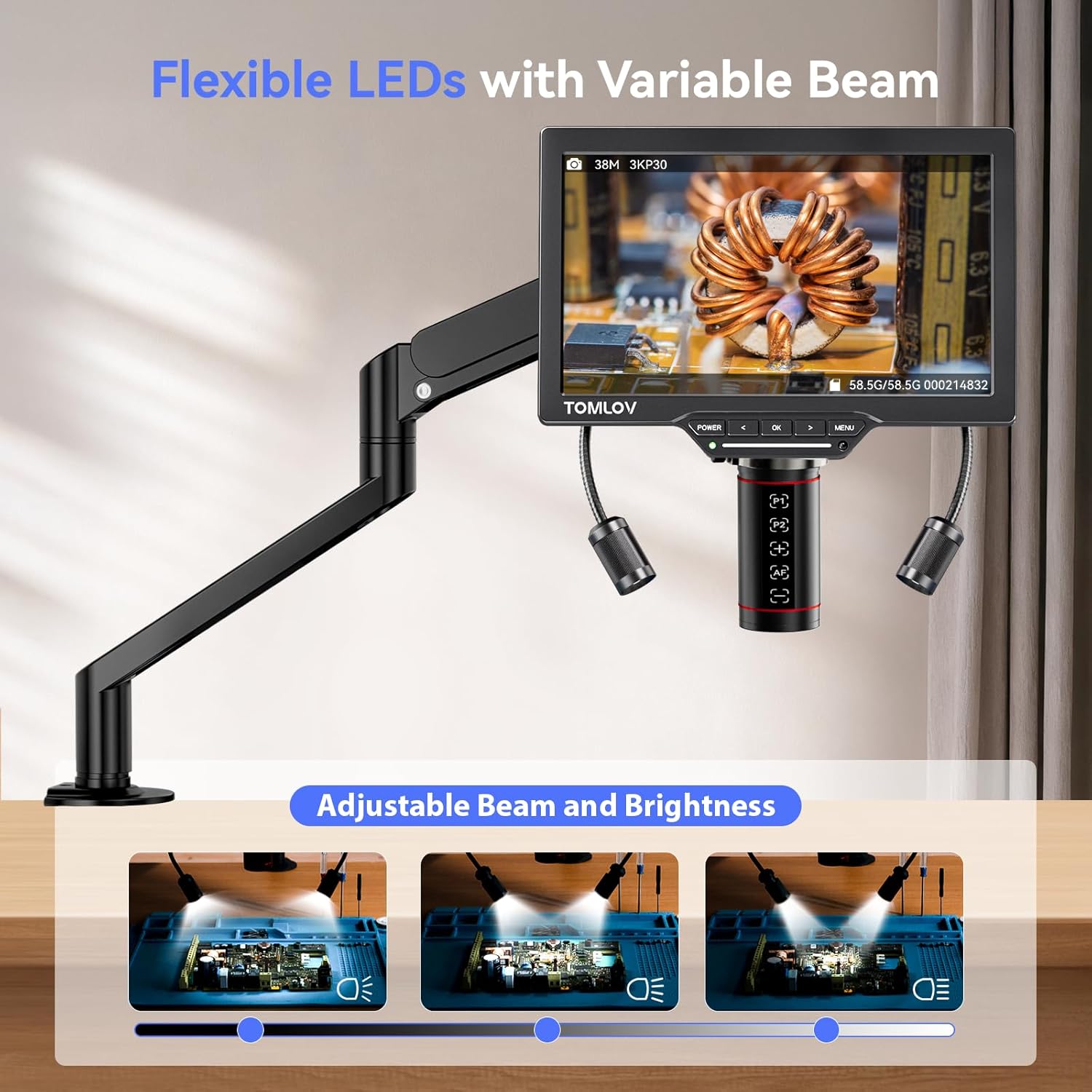
Image: The microscope setup demonstrating the flexibility and adjustable beam of the dual gooseneck LED lights for optimal illumination.
4.6 3K IPS Screen Display
The integrated 10.1-inch IPS screen displays images in 3K resolution with 100% sRGB color gamut and 178° wide viewing angles, ensuring true color accuracy and clear detail for your observations.

Image: The 10.1-inch IPS screen highlighting its 3K resolution, wide gamut, and true color accuracy.
4.7 Remote Control
The included remote control allows for convenient operation of various microscope functions, such as capturing images, adjusting settings, and navigating menus, without directly touching the unit.

Image: The microscope setup including the remote control and an optional repair mat, demonstrating hands-free operation.
5. Maintenance
- Cleaning the Lens: Use a soft, lint-free cloth specifically designed for optical lenses. For stubborn smudges, a small amount of lens cleaning solution can be applied to the cloth, not directly to the lens.
- Cleaning the Screen: Wipe the screen gently with a microfiber cloth. Avoid harsh chemicals or abrasive materials.
- General Cleaning: Keep the microscope unit and stand free from dust and debris. Use a soft, dry cloth for cleaning external surfaces.
- Storage: When not in use, store the microscope in a clean, dry environment, away from direct sunlight and extreme temperatures.
6. Troubleshooting
| Problem | Possible Cause | Solution |
|---|---|---|
| No power/Screen off | Power cable not connected; Power adapter faulty; Device not turned on. | Ensure power cable is securely connected. Try a different power outlet. Press the POWER button. |
| Image blurry/Out of focus | Autofocus not engaged; Object too close/far; Lens dirty. | Ensure autofocus is active. Adjust the distance of the object from the lens. Clean the lens. |
| Gooseneck lights not working | Lights not connected; Brightness set to minimum; Faulty lights. | Check connections. Adjust brightness settings. Contact support if lights remain non-functional. |
| Remote control unresponsive | Batteries low/dead; Obstruction between remote and microscope; Remote sensor blocked. | Replace remote batteries. Ensure clear line of sight to the microscope's IR sensor. |
7. Specifications
- Model: TM3K-AF
- Display: 10.1-inch IPS Screen
- Resolution: 3K (38MP sensor)
- Focus System: Autofocus
- Magnification: Up to 2000X (digital zoom)
- Stand: Gen 6 Flexible Arm Stand
- Lighting: Dual Gooseneck LEDs (adjustable brightness/aperture)
- Memory Function: P1/P2 Preset Focus Heights
- Connectivity: HDMI output (for external display), USB
8. Warranty & Support
Your TOMLOV TM3K-AF Digital Microscope comes with a standard manufacturer's warranty. For specific warranty details, please refer to the warranty card included in your package or visit the official TOMLOV website. For technical support, troubleshooting assistance, or to inquire about replacement parts, please contact TOMLOV customer service through their official channels.
Contact Information: Please refer to the contact details provided on the TOMLOV official website or your product packaging for the most up-to-date support information.


