
Introduction
Thank you for choosing the Dsoon NV8161 & NV8360 Night Vision Goggles. These advanced binoculars are designed for clear observation in low-light and total darkness conditions, featuring high-resolution photo and video capabilities, multiple mounting options, and a long-lasting rechargeable battery. This manual provides essential information for the proper setup, operation, and maintenance of your device.
Product Overview
The Dsoon NV8161 & NV8360 Night Vision Goggles are equipped with an 850nm infrared illuminator and a Starlight CMOS sensor, providing clear visibility up to 1312 feet (400 meters) in complete darkness. Key features include:
- Advanced Night Vision: 7 adjustable IR levels and 7-step fill light for optimal clarity.
- High-Resolution Capture: Record 4K video and capture 36MP photos.
- 8x Digital Zoom: Enhance visibility of distant objects.
- Versatile Use: Handheld, headband-mounted, or helmet-mounted (helmet not included).
- Long Battery Life: Built-in 4500mAh battery with Type-C fast charging.
- Durable Design: IP54 dust and splash-proof rating.
- Adjustable Eyepieces: Dual adjustable eyepieces with ±6 diopters for clear vision without glasses.
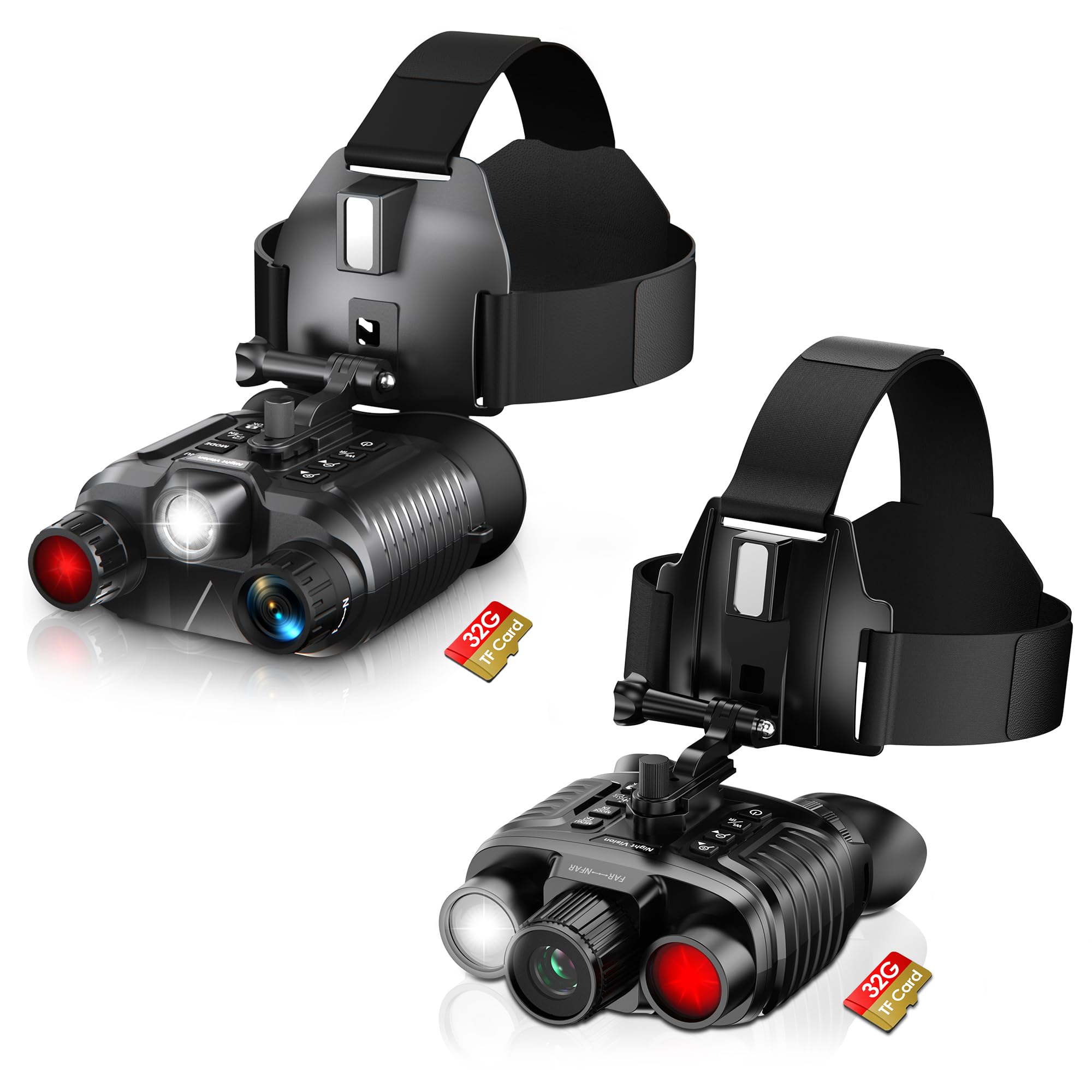
Image: Dsoon Night Vision Goggles shown with included head mount and an illustration of helmet mounting.
Package Contents
Please check the package for the following items:
- Dsoon Night Vision Goggles (NV8161 or NV8360)
- Neck Strap
- Head Mount
- Mounting Bracket
- Type-C Charging Cable
- Carrying Bag
- User Manual
Note: A TF (MicroSD) card is not included and must be purchased separately for recording photos and videos.
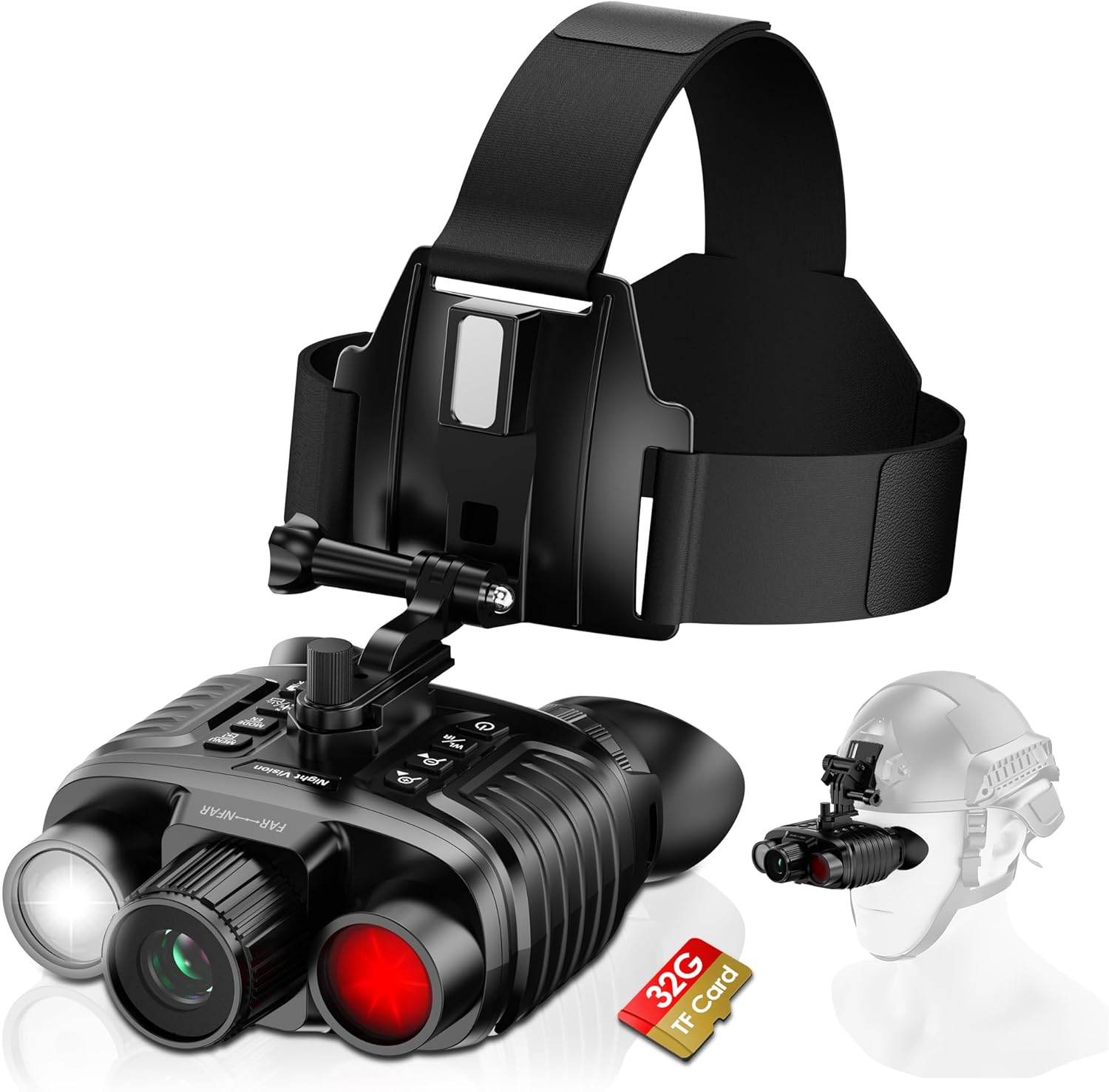
Image: The night vision goggles with the head mount and an icon indicating a 32GB TF card (not included).
Setup
1. Charging the Device
Before first use, fully charge the night vision goggles. Connect the provided Type-C cable to the charging port on the device and to a compatible USB power source. A full charge takes approximately 2.5 hours.
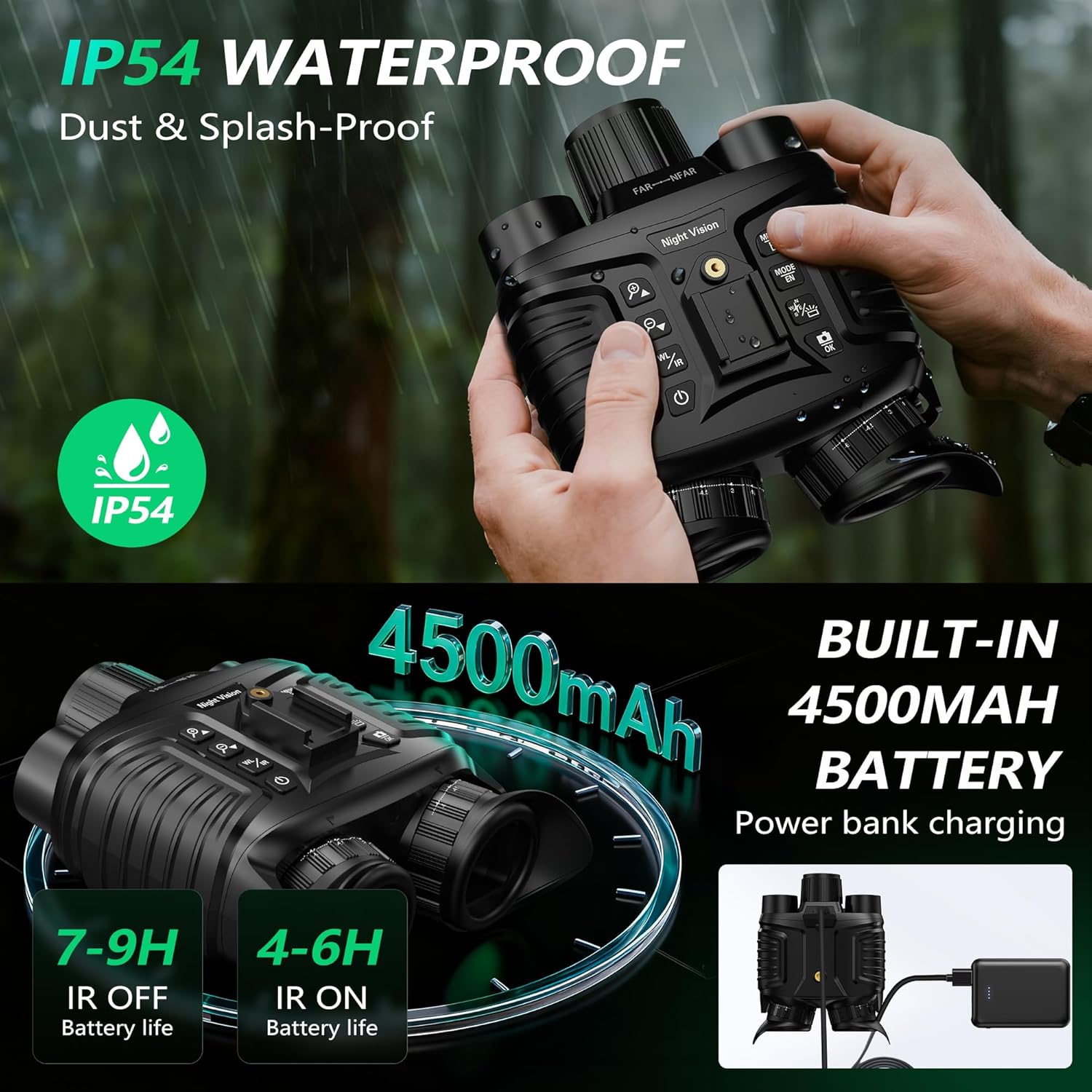
Image: Illustration highlighting the IP54 waterproof rating and the built-in 4500mAh battery with charging via power bank.
2. Inserting a TF Card (Optional)
To record photos and videos, insert a TF (MicroSD) card into the designated slot. Ensure the card is inserted correctly until it clicks into place. The device supports various capacities (check specifications for maximum supported size).
3. Mounting Options
The goggles can be used in three ways:
- Handheld: Use the device directly by holding it.
- Headband-Mounted: Attach the goggles to the included headband for hands-free operation. Ensure the headband is securely fitted. Note: The headband is suitable for small range movements; exercise caution during wider movements.
- Helmet-Mounted: Use the provided bracket to attach the goggles to a compatible helmet (helmet not included). Ensure the strong magnet keeps the device secure.
4. Adjusting Eyepieces and Focus
Adjust the dual eyepieces and the focus wheel to achieve a clear image. The device supports ±6 diopters, allowing users with myopia or hyperopia to use it without corrective glasses. Rotate the focus wheel until the image appears sharp.

Image: Close-up of the night vision goggles highlighting the dual adjustable eyepieces and the focus wheel for clear vision.
Operating Instructions
1. Power On/Off
Press and hold the power button to turn the device on or off.
2. Day and Night Modes
The goggles automatically detect ambient light conditions. You can switch between daytime (color) and nighttime (black and white/green) modes as needed. In night mode, the infrared illuminator activates.
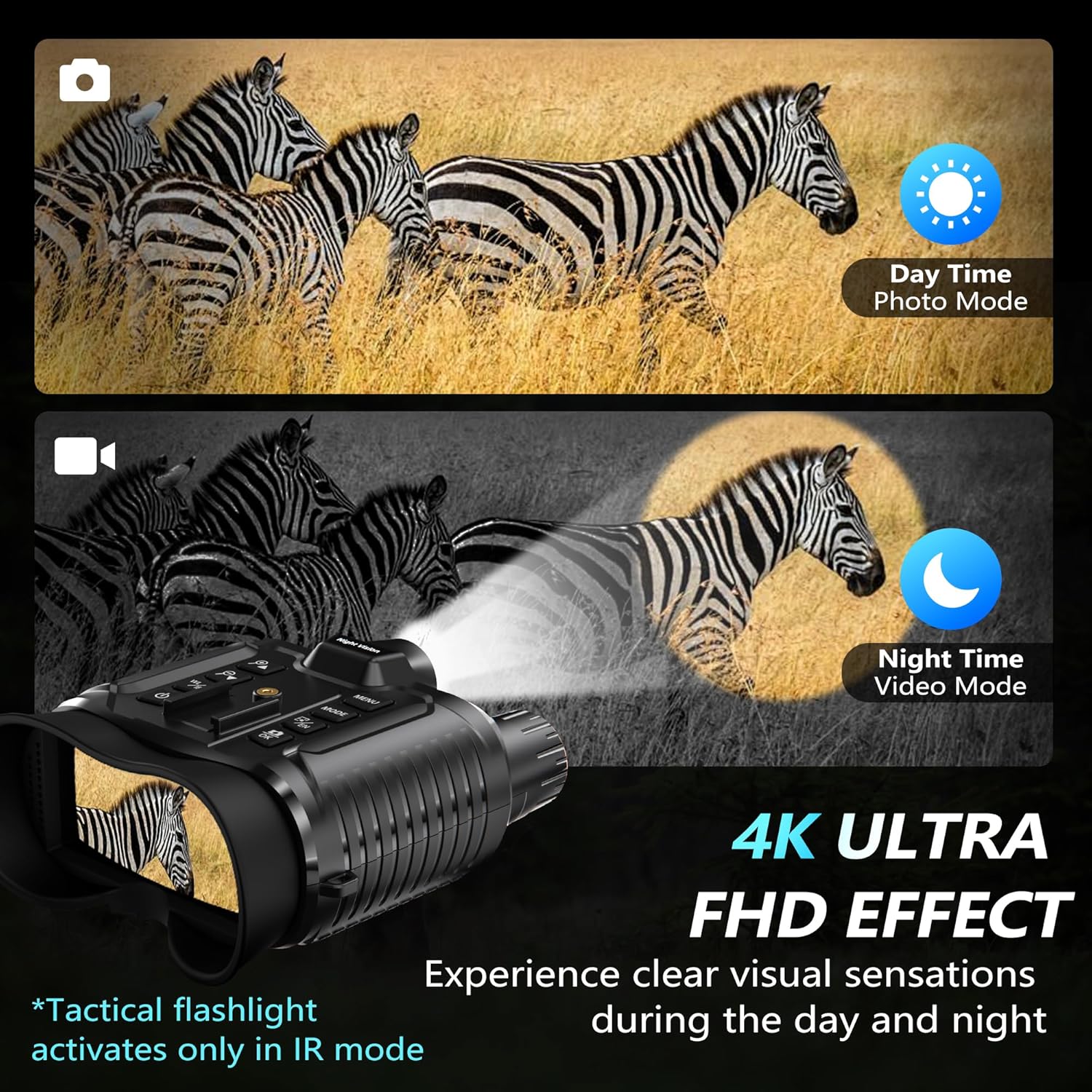
Image: Comparison of daytime photo mode (color) and nighttime video mode (monochrome with infrared illumination) using the goggles.
3. Adjusting IR Levels and Fill Light
In night mode, use the dedicated buttons to adjust the 7 IR levels and 7-step fill light. Higher IR levels provide greater visibility in darker conditions but may consume more battery.
4. Recording Photos and Videos
Press the photo button to capture 36MP still images. Press the video button to start and stop 4K video recording. Ensure a TF card is inserted to save your media.

Image: Examples of 4K 30 FPS video and 36MP images captured with the Dsoon Night Vision Goggles, showing clarity and detail.
5. Using 8x Digital Zoom
Use the zoom buttons to digitally magnify the view up to 8 times. This feature helps in observing distant objects more clearly.
6. Key Backlight
The device features a manually switchable key backlight for easy operation in total darkness. Activate it to quickly recognize buttons and ensure accurate pressing.

Image: Close-up of the night vision goggles' control panel, illustrating the manually switchable key backlight for use in dark environments.
Maintenance
1. Cleaning
Gently wipe the lenses and body of the goggles with a soft, lint-free cloth. For stubborn smudges on lenses, use a specialized lens cleaning solution. Avoid abrasive materials or harsh chemicals.
2. Storage
Store the device in its carrying bag in a cool, dry place away from direct sunlight and extreme temperatures. Ensure the battery is partially charged before long-term storage.
3. Water Resistance
The Dsoon Night Vision Goggles are IP54 rated, meaning they are protected against dust ingress and splashing water from any direction. They are not designed for submersion in water.
Troubleshooting
- Device not powering on: Ensure the battery is fully charged. If the issue persists, contact support.
- Blurry image: Adjust the focus wheel and dual eyepieces until the image is clear. Ensure lenses are clean.
- Poor night vision performance: Increase the IR level and fill light intensity. Ensure there are no obstructions to the IR illuminator.
- Cannot record photos/videos: Verify that a TF card is inserted correctly and has sufficient free space. Check if the card is formatted correctly.
For further assistance, please refer to the Warranty and Support section.
Specifications
| Infrared Illuminator | 850nm |
| Sensor Type | Starlight CMOS |
| IR Levels | 7 adjustable levels |
| Fill Light | 7-steps |
| Night Vision Range | Up to 1312 feet (400 meters) in total darkness |
| Video Resolution | 4K |
| Photo Resolution | 36MP |
| Digital Zoom | 8x |
| Battery Capacity | Built-in 4500mAh |
| Charging Time | Approx. 2.5 hours (Type-C fast charging) |
| Battery Life (IR On) | 3-5 hours |
| Battery Life (Daytime Mode) | Up to 12 hours |
| Waterproof Rating | IP54 (Dust & Splash-Proof) |
| Diopter Adjustment | ±6 diopters |
Warranty and Support
Dsoon is committed to providing high-quality products and customer satisfaction. Your Dsoon Night Vision Goggles come with hassle-free support. If you encounter any issues or have questions regarding your device, please contact our customer support team. We aim to respond to all inquiries within 8 hours.
For specific warranty details and to initiate a support request, please refer to the contact information provided with your purchase or visit the official Dsoon website.
