
Introduction
This manual provides detailed instructions for the installation, operation, and maintenance of your GlowPop M9 1080p Wireless Security Camera. Please read this manual thoroughly before using the product to ensure proper function and safety. This camera is designed to provide reliable home security with features such as AI human detection, night vision, and two-way audio communication.
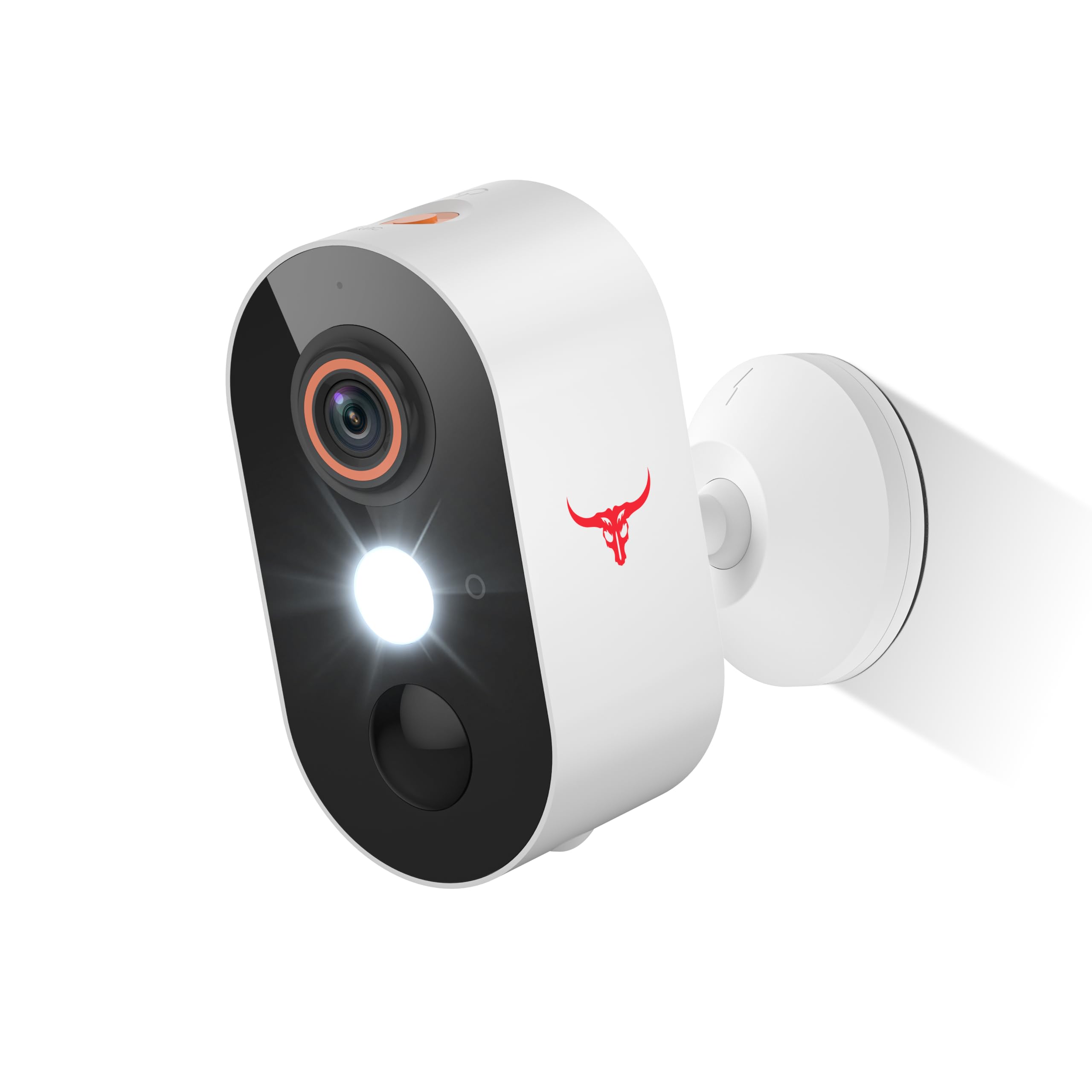
Image: The GlowPop M9 Wireless Security Camera, highlighting its key features including 2.4GHz WiFi, 1080p video, AI Human Detection, Two-way Audio, and Cloud Storage capabilities.
What's in the Box
- GlowPop M9 Security Camera Body (1 unit)
- Mounting Accessories (screws, wall anchors)
- USB Charging Cable
- User Manual
Product Overview and Features
The GlowPop M9 camera offers advanced features for comprehensive home surveillance.
1. 1080p Full HD Video & 2.4G WiFi Connectivity
Experience clear, high-definition video surveillance with 1080p resolution. The camera connects to your home network via 2.4GHz WiFi for stable wireless operation.

Image: The camera indicating support for 2.4GHz WiFi and 1080p video resolution.
2. AI Human Detection
The camera is equipped with Artificial Intelligence to accurately detect human shapes, reducing false alarms from pets or inanimate objects. You will receive real-time alerts on your smartphone when human motion is detected.

Image: A visual representation of the AI Human Detection feature, distinguishing between human and animal movement to minimize irrelevant notifications.
3. Two-Way Talk
Communicate directly with visitors or deter intruders using the built-in microphone and speaker. This feature allows for instant, real-time conversations through the camera via your smartphone.

Image: An example of two-way audio in use, showing interaction between a homeowner and a delivery person.
4. Night Vision
The camera provides clear surveillance even in low-light conditions. It features full-color night vision to capture detailed images after dark.

Image: A comparison illustrating the enhanced visibility and color detail provided by the camera's color night vision mode versus standard night vision.
5. Weather Resistant Design
Designed for outdoor use, the camera is built to withstand various weather conditions, including heat, cold, rain, and sun.

Image: The camera depicted in different weather scenarios (sun, rain, snow) to demonstrate its weather-resistant construction.
6. Cloud Storage (Optional)
Securely store your video recordings in the cloud. This is an optional subscription service, providing an alternative to local storage.

Image: The camera connected to a cloud icon, illustrating the optional cloud storage service for video recordings.
Setup Instructions
- Charge the Camera: Before initial use, fully charge the camera battery using the provided USB cable. A full charge ensures optimal performance.
- Download the App: Search for the companion application (e.g., Aiwit app) on your smartphone's app store (iOS or Android) and install it.
- Create an Account: Open the app and follow the on-screen instructions to create a new user account.
- Add Device: In the app, select the option to add a new device. Power on your camera. The app will guide you through the pairing process, which typically involves scanning a QR code on the camera or connecting to its temporary Wi-Fi hotspot.
- Connect to Wi-Fi: Ensure your camera is connected to a 2.4GHz Wi-Fi network. The camera does not support 5GHz Wi-Fi.
- Mount the Camera: Choose a suitable location for mounting. Use the provided screws and wall anchors to securely attach the camera to a wall or other stable surface. Ensure the camera has a clear field of view and is within range of your Wi-Fi router.
Operating Instructions
Live View
Open the app and select your camera from the device list to access the live video feed. You can monitor your property in real-time.
Two-Way Audio
While in live view, tap the microphone icon in the app to speak through the camera's speaker. Tap again to end communication. Use the speaker icon to listen to audio from the camera's microphone.
Motion Detection Settings
Navigate to the camera settings within the app to customize motion detection sensitivity, set detection zones, and schedule recording times. Enable or disable AI Human Detection as needed.
Night Vision Mode
The camera automatically switches to night vision mode in low-light conditions. You can typically find options in the app settings to adjust night vision preferences, such as enabling or disabling color night vision.
Recording and Playback
Recordings are triggered by motion detection or can be initiated manually through the app. Access recorded footage via the app's playback or history section. If using cloud storage, recordings will be stored there. Local storage options (if available) may require an SD card (not included).
Maintenance
- Battery Charging: Recharge the camera battery when the app indicates a low battery level. Use the provided USB cable and a standard 5V/1A USB power adapter (not included).
- Cleaning: Gently wipe the camera lens and body with a soft, dry cloth to remove dust and smudges. Do not use harsh chemicals or abrasive materials.
- Firmware Updates: Periodically check the app for available firmware updates for your camera. Keeping the firmware updated ensures optimal performance and security.
- Environmental Conditions: While weather-resistant, avoid prolonged exposure to extreme temperatures or direct water submersion.
Troubleshooting
- Camera Not Connecting to Wi-Fi:
- Ensure your Wi-Fi network is 2.4GHz. The camera does not support 5GHz networks.
- Check Wi-Fi signal strength at the camera's location. Move the camera closer to the router if necessary.
- Verify the Wi-Fi password entered in the app is correct.
- Restart your Wi-Fi router and the camera.
- Poor Video Quality:
- Check your internet connection speed. A stable and fast connection is required for 1080p streaming.
- Clean the camera lens.
- Ensure adequate lighting for optimal image clarity, especially during the day.
- Motion Detection Not Working or Too Many False Alarms:
- Adjust motion detection sensitivity in the app settings.
- Define specific detection zones to exclude areas with frequent irrelevant movement (e.g., busy roads).
- Ensure AI Human Detection is enabled if you wish to filter out non-human motion.
- Battery Drains Quickly:
- Frequent motion detection events and live view usage consume more battery. Adjust settings to optimize battery life.
- Ensure the camera is fully charged before deployment.
- Extreme cold weather can reduce battery performance.
Specifications

Image: Physical dimensions of the GlowPop M9 camera.
| Feature | Detail |
|---|---|
| Model Name | M9 |
| Video Capture Resolution | 1080p |
| Connectivity Technology | Wireless (2.4G Wi-Fi) |
| Power Source | Battery Powered (2 A batteries included) |
| Special Feature | Night Vision, AI Human Detection, 2-Way Talk |
| Indoor/Outdoor Usage | Indoor (Recommended Uses For Product: Outdoor Security) |
| Compatible Devices | Smartphone (Android) |
| Mounting Type | Wall Mount (Screw In) |
| Night Vision Range | 33 Feet |
| Product Dimensions (L x W x H) | 3.54 x 1.89 x 1.87 inches |
| Item Weight | 9.9 ounces |
| Color | White |
Warranty Information
GlowPop products typically come with a limited manufacturer's warranty. Please refer to the product packaging or the official GlowPop website for specific warranty terms and conditions. Keep your purchase receipt as proof of purchase for any warranty claims.
Support
For technical assistance, troubleshooting not covered in this manual, or further inquiries, please visit the official GlowPop support website or contact their customer service. Contact information can usually be found on the product packaging or the manufacturer's website.