
Inandon M6
InAndOn Karaoke Machine M6: User Manual
Model: M6
Introduction
The InAndOn Karaoke Machine M6 is an all-in-one entertainment system designed for home, parties, and events. It integrates a karaoke system, speakers, mixer, amplifier, and an HD touchscreen into a single device. Key features include unlimited music access through various apps, powerful 800W peak sound, a foldable 12.2" full-view touchscreen, and professional UHF wireless microphones.
Product Overview

Figure 1: InAndOn Karaoke Machine M6 with its integrated touchscreen and two wireless microphones.
The InAndOn M6 combines multiple audio components into one sleek unit, simplifying setup and operation. It features a robust speaker system and a user-friendly interface for an immersive karaoke experience.
Setup Guide
- Unpacking: Carefully remove all components from the packaging. Verify that all items listed in the packing list are present, including the karaoke machine, two UHF wireless microphones, power adapter, and user manual.
- Power Connection: Connect the power adapter to the DC 15V input port on the rear of the machine and plug it into a standard electrical outlet. Ensure the power switch is in the "OFF" position before connecting.
- Initial Power On: Flip the "POWER" switch on the rear panel to the "ON" position. The integrated 12.2" HD touchscreen will power on.
- Microphone Setup:
- Insert 2 AA batteries into each wireless microphone (if not pre-installed).
- Turn on the microphones using their respective power buttons. They should automatically pair with the karaoke machine.
- Place the microphones in their designated charging slots on the top panel when not in use to ensure they remain charged.
- Network Connection: Connect the machine to your Wi-Fi network via the touchscreen settings for online music access and app downloads.
- External Display (Optional): For a larger display, connect an HDMI cable from the "HDMI OUT" port on the rear of the machine to your television or monitor.
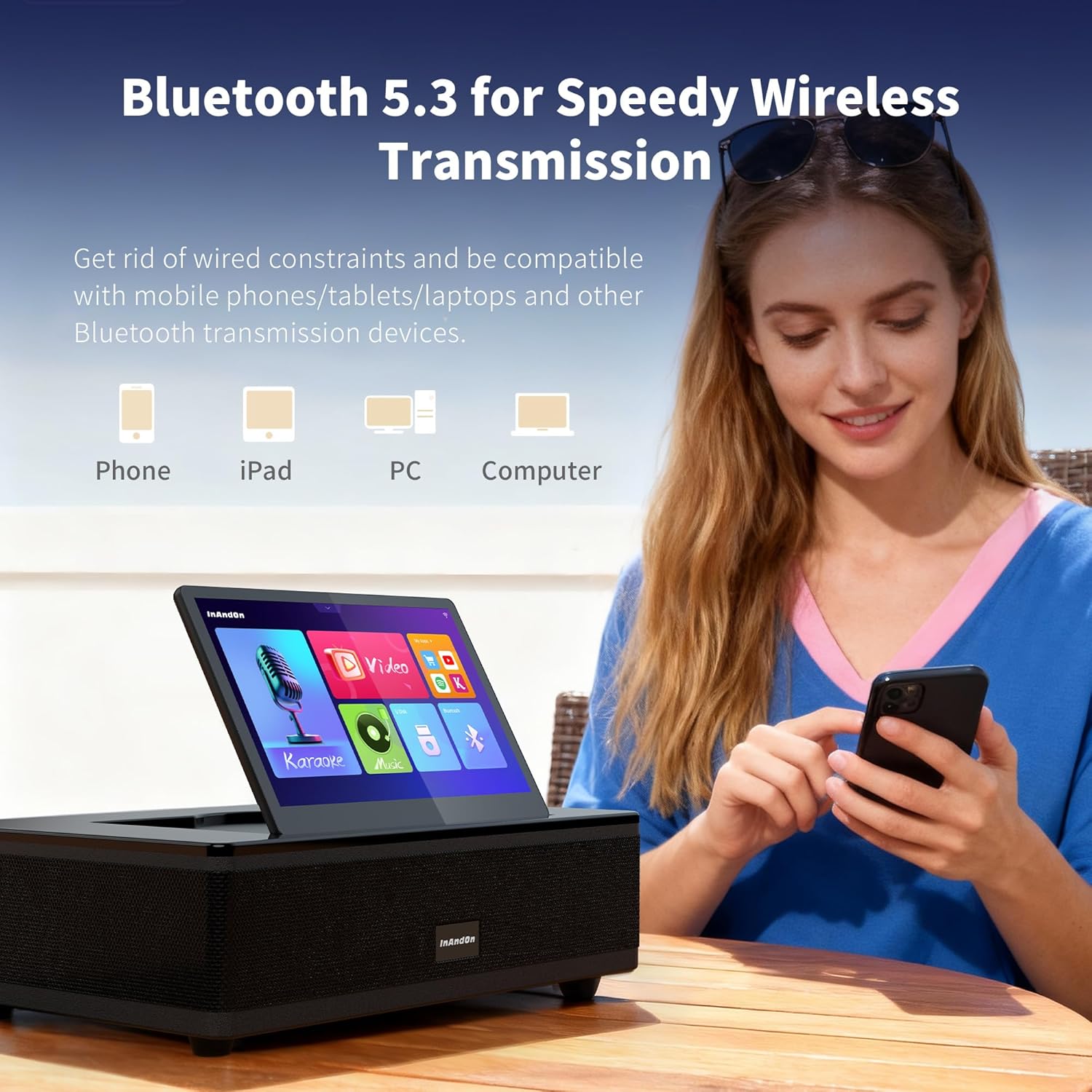
Figure 2: Rear panel connections for power, HDMI, and other inputs.
Operating Instructions
1. Touchscreen Interface
- Navigation: Use the 12.2" HD touchscreen to navigate through menus, select songs, and adjust settings. The screen can be folded 90 degrees for optimal viewing.
- Music Selection: Access the cloud library with over 650,000 songs, or use integrated apps like YouTube, Karafun, and Spotify. Songs can be searched by artist, title, or genre.
- Lyrics Display: Lyrics are displayed on the touchscreen and can be mirrored to an external display via HDMI.

Figure 3: The 12.2-inch foldable touchscreen interface.

Figure 4: Lyrics displayed on the touchscreen and mirrored to a TV.
2. Microphone Usage
- Wireless Operation: The two UHF wireless microphones offer freedom of movement. Ensure they are charged before use.
- Volume Control: Adjust microphone volume directly on the microphones or through the touchscreen interface.
- Voice Effects: The system may offer various voice effects (e.g., echo, reverb) accessible via the touchscreen or dedicated controls.

Figure 5: Professional UHF wireless microphone.
3. Connectivity
- Bluetooth 5.3: Connect your smartphone or tablet wirelessly to stream music.
- HDMI Output: Connect to a TV for a larger display of lyrics and videos.
- USB/TF Card: Play local media files from USB drives or TF cards.
- Line-In: Connect external audio sources via the Line-In port.
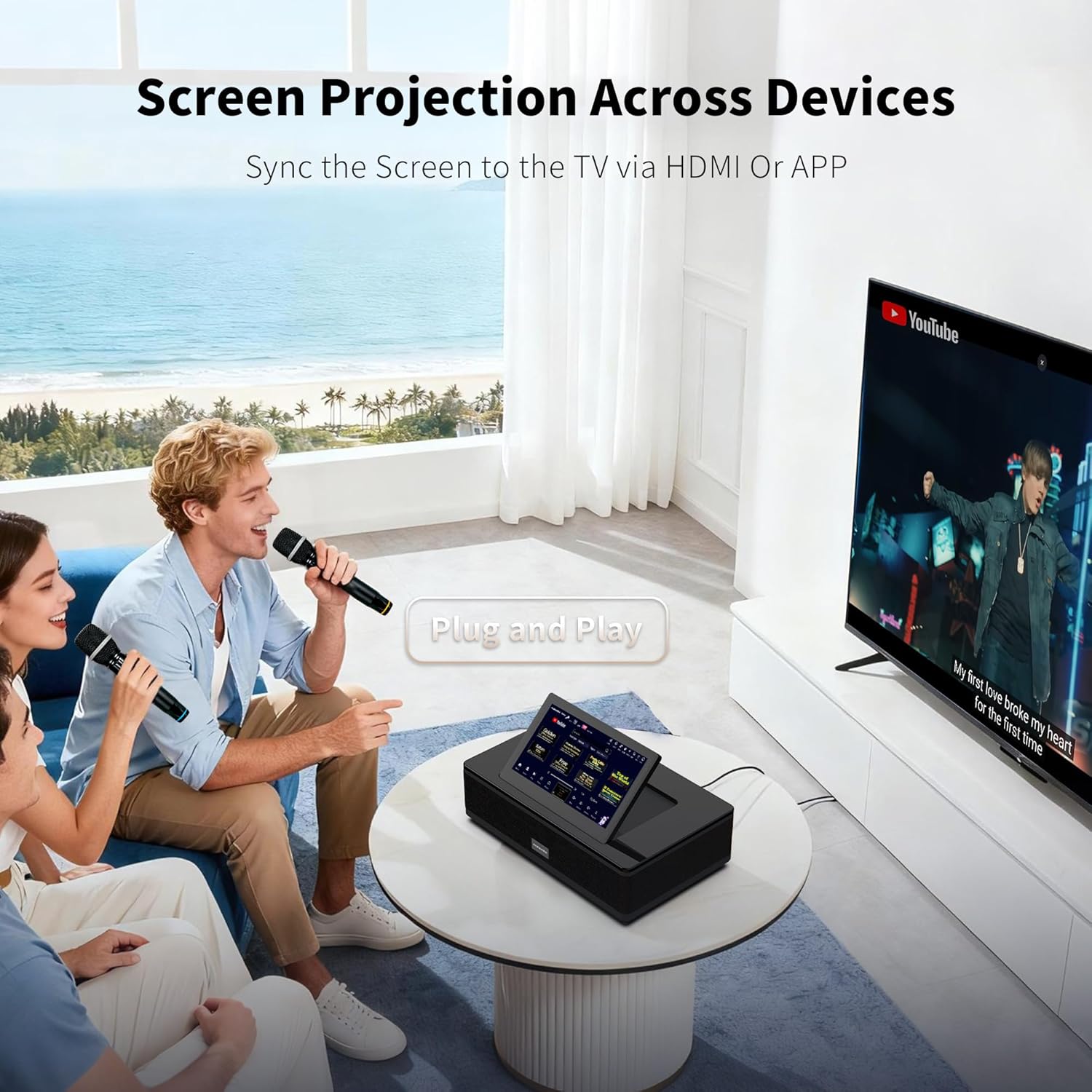
Figure 6: Bluetooth connectivity for smart device control.
4. Sound and Lighting
- 800W Peak Power: Experience powerful and clear audio with deep bass and crisp highs.
- Multi-Driver Speaker System: Features 2" tweeters, 2" surround drivers, 3" midranges, and 6.5" subwoofers for immersive sound.
- LED Lights: The machine may include integrated LED lighting effects that can be controlled via the interface.

Figure 7: Internal speaker configuration for optimal sound.
Maintenance
- Cleaning: Use a soft, dry cloth to clean the exterior of the machine and touchscreen. Avoid abrasive cleaners or solvents.
- Storage: Store the machine in a cool, dry place away from direct sunlight and extreme temperatures.
- Battery Care: Ensure wireless microphones are regularly charged. If storing for extended periods, fully charge the microphones and the main unit, then power off.
- Software Updates: Periodically check for software updates via the system settings to ensure optimal performance and access to new features.
Troubleshooting
| Problem | Possible Cause | Solution |
|---|---|---|
| No power | Power cable disconnected; unit not charged. | Check power cable connection; charge the unit. |
| No sound from speakers | Volume too low; incorrect input selected; external device muted. | Increase master volume; select correct audio source; check external device volume. |
| Microphone not working | Microphone off; low battery; not paired. | Turn on microphone; replace/charge batteries; re-pair microphone with unit. |
| Cannot connect to Wi-Fi/Bluetooth | Incorrect password; out of range; interference. | Verify password; move closer to router/device; reduce interference. |
| Screen mirroring not working | HDMI cable loose; incorrect TV input. | Check HDMI cable connection; select correct HDMI input on TV. |
Specifications
- Model: M6
- Dimensions: 22.36 x 14.49 x 10.55 inches
- Item Weight: 26.4 pounds
- Screen: 12.2" HD Touchscreen (90° Foldable)
- Power Output: 800W Peak Power
- Speaker System: Dual-core DSP, 2" Tweeter, 2" Surround Driver, 3" Midrange, 6.5" Subwoofer
- Microphones: 2 UHF Wireless Microphones (Rechargeable)
- Connectivity: Bluetooth 5.3, HDMI, USB, TF Card, Line-In
- Storage: 500GB Hard Disk (for offline songs)
- Battery: 1 Lithium Ion battery (included)
- Included Components: Microphone
Official Product Videos
InAndOn All-in-One Karaoke Machine M6 Overview
This video provides a comprehensive overview of the InAndOn All-in-One Karaoke Machine M6, demonstrating its features such as the foldable touchscreen, YouTube integration for unlimited music, lyrics display, mobile phone song selection, and the 6.5-inch subwoofer for cinematic audio-visual experience.
Warranty and Support
For warranty information, technical support, or service inquiries, please refer to the contact details provided on the official Inandon website or your purchase documentation. Keep your proof of purchase for warranty claims.
Related documentsM6


Ask a question about this manual
Ask about setup, troubleshooting, compatibility, parts, safety, or missing instructions. Manuals+ will review the question and use this page’s manual context to help answer it.