
Introduction
Thank you for choosing the Zebronics ZEB-JET 7.1 Premium Wired USB Gaming Headphone. This manual provides detailed instructions for setup, operation, maintenance, and troubleshooting to ensure optimal performance and longevity of your device. This headphone is designed for an immersive gaming experience on PC and laptops, featuring simulated 7.1 surround sound and 40mm neodymium drivers.

Image: Zebronics ZEB-JET 7.1 headphone in use, highlighting simulated 7.1 surround sound and Windows software compatibility.
Product Features
- 40mm Neodymium Drivers: Experience clear audio detail and powerful bass with the 40mm neodymium drivers.
- Simulated 7.1 Surround Sound: Advanced virtual 7.1 surround processing creates accurate positional audio for improved directional awareness.
- Advanced Windows Software: Dedicated PC software enables detailed control of audio tuning, customizable EQ, virtual surround settings, and microphone levels.
- Adaptive Flexible Microphone: A flexible microphone arm ensures clear and consistent voice capture for reliable communication.
- 2-meter Braided Cable: The 2-meter braided cable provides increased durability and reduces tangling.
- Premium Comfort Design: Designed with a suspension headband and soft ear cushioning for comfort during long gaming sessions.
- Multicolor LED Illumination: Built-in dynamic multicolor LED lighting adds a visual touch to the headset.
- Integrated Control Module: An inline control pod offers immediate access to volume, microphone, and lighting adjustments.
- USB Interface: A dedicated USB connection ensures stable power delivery and consistent audio output, optimized for PC and laptop.

Image: Detail of the 40mm Neodymium drivers on the ZEB-JET 7.1 headphone.

Image: The flexible microphone of the ZEB-JET 7.1 headphone.
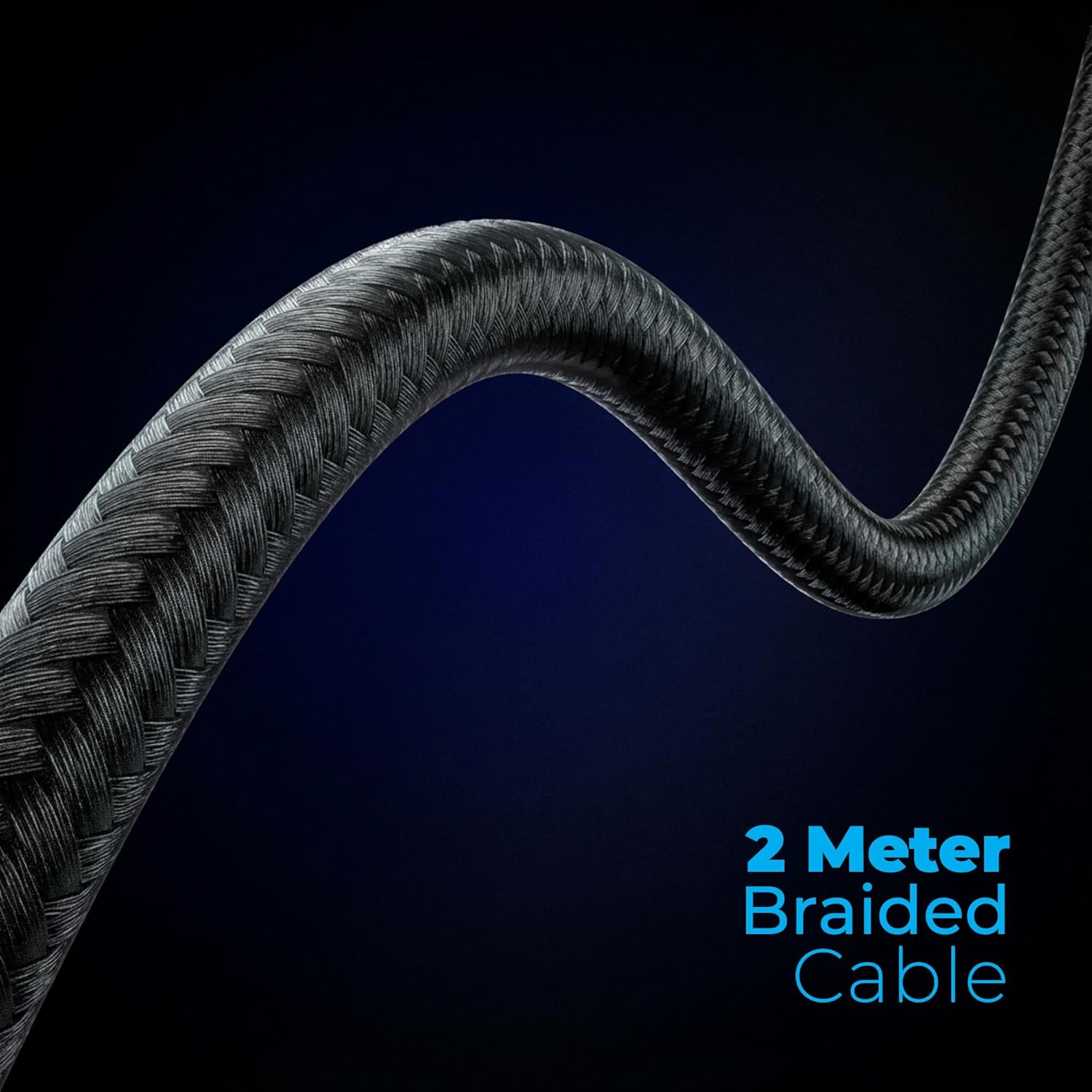
Image: The 2-meter braided cable for enhanced durability.

Image: Suspension headband and soft ear cushions for comfort.

Image: Earcup with multicolor LED lighting.
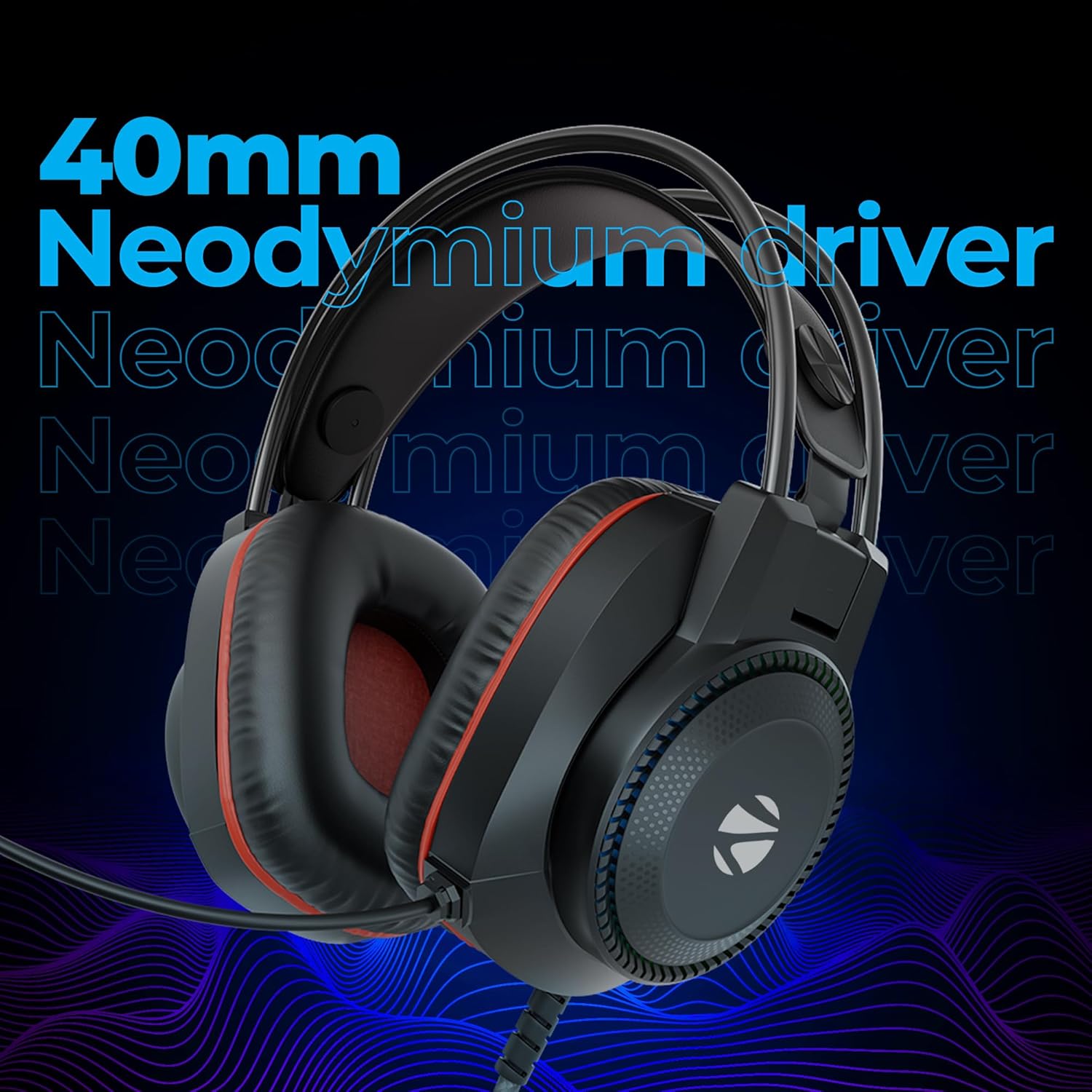
Image: Integrated control module for quick adjustments.
Package Contents
- Zebronics ZEB-JET 7.1 Gaming Headphone - 1 unit
Setup
1. Connecting the Headphone
- Locate an available USB port on your PC or laptop.
- Plug the USB connector of the ZEB-JET 7.1 headphone into the USB port.
- Your operating system should automatically detect and install the necessary drivers.

Image: USB connector for PC/laptop connection.
2. Software Installation (Windows)
- For advanced features like customizable EQ and 7.1 virtual surround sound, download the dedicated Windows software from the official Zebronics website.
- Follow the on-screen instructions to install the software.
- Restart your computer if prompted to complete the installation.
Operating Instructions
Control Module Functions
The inline control module allows for quick adjustments:
- Volume Controller: Use the scroll wheel or buttons to adjust the audio output volume.
- Mic On/Off: Toggle the microphone function.
- Audio Mute: Mute or unmute the headphone audio.
- LED On/Off: Control the multicolor LED illumination.
Software Usage (Windows)
Once the Windows software is installed, you can access advanced settings:
- Customizable EQ: Adjust audio frequencies to your preference.
- 7.1 Virtual Surround Sound: Enable and configure the virtual surround sound for enhanced spatial audio.
- Mic Control: Fine-tune microphone levels and other settings.

Image: Advanced Windows software interface for audio customization.
Maintenance
- Cleaning: Use a soft, dry cloth to clean the headphone. Do not use liquid cleaners or abrasive materials.
- Storage: Store the headphone in a cool, dry place away from direct sunlight and extreme temperatures. Avoid tangling the cable.
- Ear Cushions: While comfortable, ear cushions may show wear over time. Consider replacement if significant tearing or discomfort occurs.
Troubleshooting
- No Sound:
- Ensure the USB connector is fully plugged into a working USB port.
- Check the volume level on the inline control module and your computer's sound settings.
- Verify that the headphone is selected as the default audio output device in your computer's sound settings.
- Ensure the audio is not muted via the control module.
- Microphone Not Working:
- Ensure the microphone is not muted on the inline control module.
- Check your computer's sound settings to ensure the microphone is enabled and selected as the default input device.
- Adjust microphone levels in the Windows software or system settings.
- Ensure the microphone is positioned correctly.
- LED Lights Not Working:
- Ensure the LED function is turned on via the inline control module.
- Check software settings for LED control.
Specifications
| Feature | Detail |
|---|---|
| Model Name | ZEB-JET 7.1 |
| Connectivity Technology | Wired (USB) |
| Driver Size | 40mm Neodymium |
| Frequency Response | 20Hz - 20kHz (Standard range, assuming 20000 KHz is a typo for 20kHz) |
| Sensitivity | 120 dB |
| Special Features | Simulated 7.1 Surround Sound, Adaptive Mic, Multicolor LED Illumination, Windows Software |
| Cable Length | 2 meters (Braided) |
| Compatible Devices | Desktops, Laptops |
| Item Weight | 283 Grams |
| Product Dimensions (LxWxH) | 11 x 20 x 22.5 cm |
| Material | Plastic |
| Country of Origin | China |
Warranty and Support
Your Zebronics ZEB-JET 7.1 Gaming Headphone comes with a standard manufacturer's warranty. For specific warranty terms and conditions, please refer to the warranty card included with your product or visit the official Zebronics website.
For technical support, service, or inquiries, please contact Zebronics customer service. Contact details can typically be found on the official Zebronics website or on the product packaging.
Manufacturer: Zebronics India Private Limited, No.13/7, Smith Road, Royapettah, Chennai-600002.
An optional 1-year extended warranty by OneAssist may be available for purchase separately.


