
Introduction
Thank you for choosing the LEEMC S12 Wireless Earbuds. These earbuds are designed to provide a high-quality audio experience with enhanced stability and comfort, especially during sports and active use. Featuring Bluetooth 5.4 technology, ergonomic silicone ear hooks, an impressive 80-hour total playtime with the charging case, and IPX7 waterproofing, the S12 earbuds are built for performance and durability. This manual will guide you through the setup, operation, and maintenance of your new earbuds.
What's in the Box
- S12 Sport Earbuds (Left and Right)
- Charging Case
- Eartips (S/M/L Size) - Medium size pre-installed
- USB-C Charging Cable
- User Manual
Product Overview
The LEEMC S12 Wireless Earbuds are engineered for a secure and comfortable fit, ideal for active lifestyles. Each earbud features an ergonomic silicone ear hook that wraps around the ear, ensuring stability during intense activities. The charging case includes an LED digital display to show the remaining power of both the earbuds and the case at a glance.

Image: LEEMC S12 Earbuds and Charging Case with LED Power Display. The display shows battery levels for both earbuds and the case.
Earbud Components
- Ear Hook: Soft silicone for secure fit.
- Ear Tip: Provides in-ear comfort and sound isolation. Replaceable with S/M/L sizes.
- Control Button: Multi-function button for various operations.
- LED Indicator: Shows pairing status and power.
- Microphone: For calls and voice assistant.
Charging Case Components
- LED Digital Display: Shows battery percentage of the case and individual earbuds.
- USB-C Charging Port: For charging the case.
Setup and Pairing
Initial Use and Charging
- Activate Battery: If earbuds have charge upon arrival, use them until they shut off automatically, then fully charge to 100%. If earbuds arrive with an empty battery, just charge them to 100% before using.
- Remove Protective Film: Before first use, remove any protective film from the charging contacts on the earbuds. Otherwise, the earbuds will not be able to charge.
- Charge the Case: Connect the USB-C charging cable to the charging port on the case and a power source. The LED display will show the charging progress.
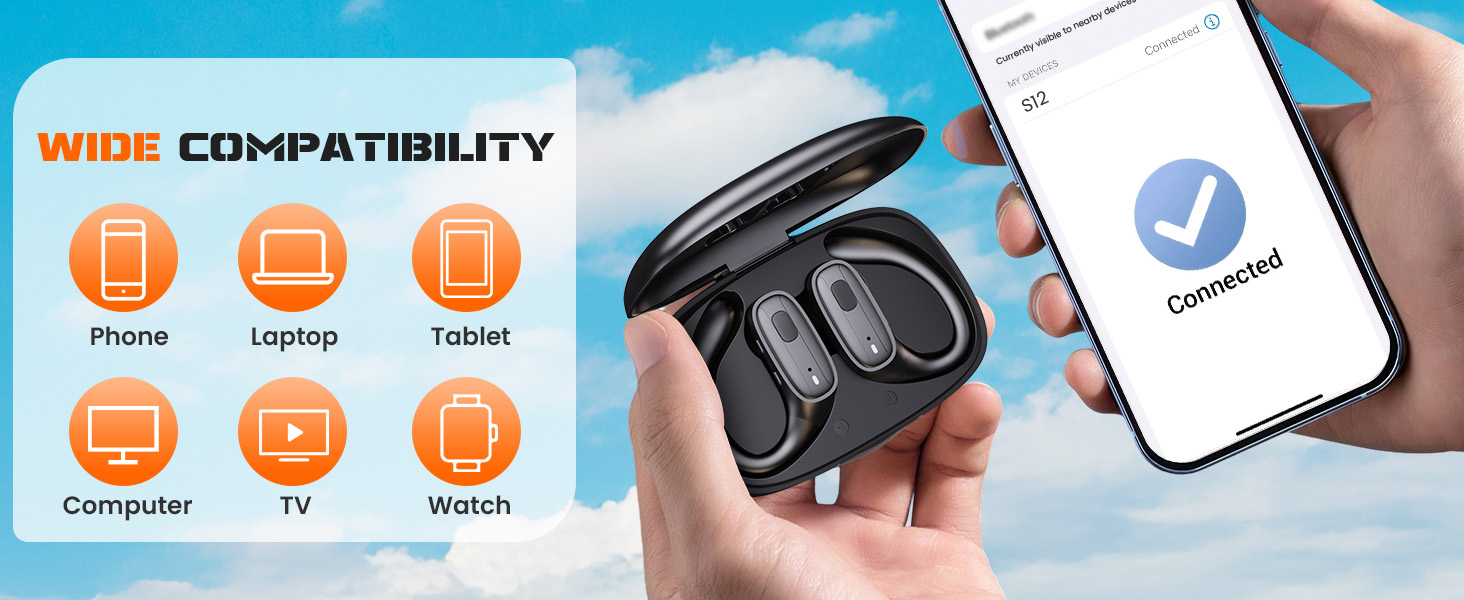
Image: Instructions for initial battery activation and protective film removal.
Bluetooth Pairing
- Ensure the earbuds are charged and inside the charging case.
- Open the charging case. The earbuds will automatically enter pairing mode.
- On your device (smartphone, tablet, laptop), enable Bluetooth.
- Search for available devices and select "S12" from the list.
- Once connected, the earbuds will indicate successful pairing, and the LED indicator will change.
Video: Demonstrates the one-step pairing process for the S12 Wireless Earbuds with a mobile device.
Operating Instructions
The S12 earbuds feature both smart touch controls and physical buttons for convenient operation.
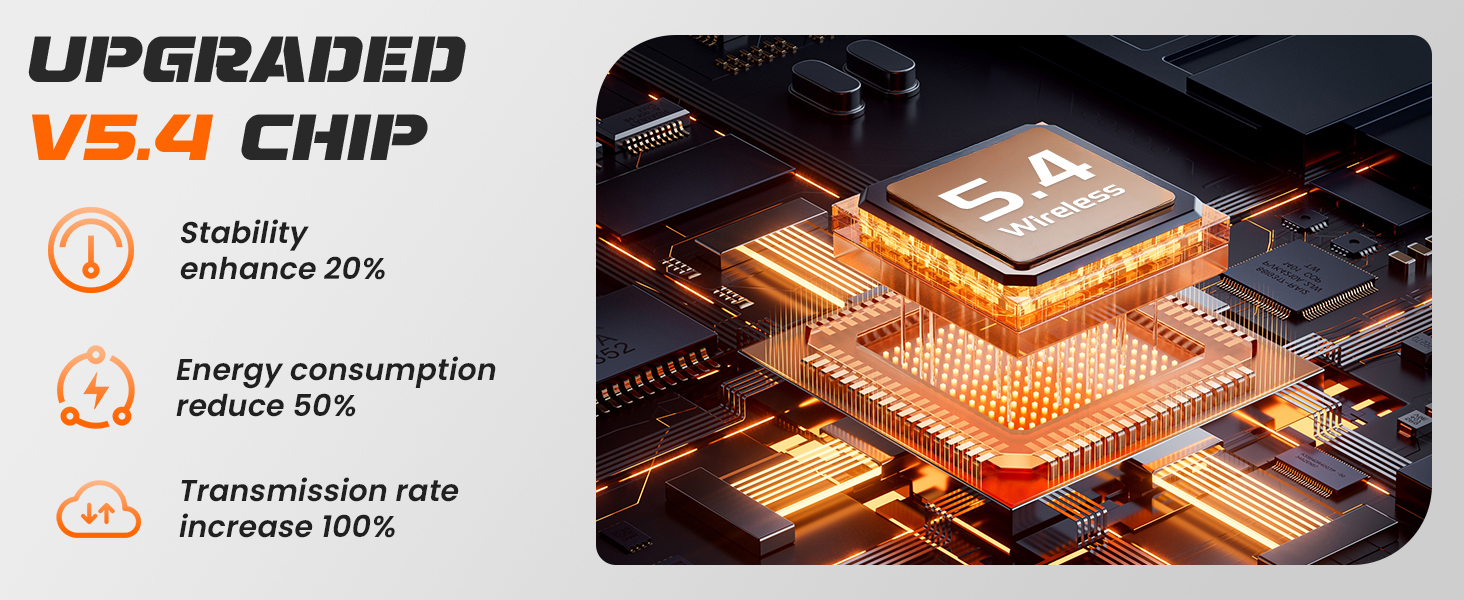
Image: Detailed diagram showing the touch and physical button controls on the earbuds.
Music Control
- Play/Pause: Single tap the control button on either earbud.
- Next Song: Double tap the control button on the right earbud.
- Previous Song: Triple tap the control button on the left earbud.
Call Control
- Answer/Hang Up: Single tap the control button on either earbud.
- Reject Incoming Call: Double tap the control button on either earbud.
Volume Control
- Volume Up: Press the physical volume up button on the right earbud.
- Volume Down: Press the physical volume down button on the left earbud.
Voice Assistant
- Activate Voice Assistant: Press and hold the control button for 3 seconds on either earbud.
Power On/Off
- Power On: Press and hold the control button for 3 seconds.
- Power Off: Press and hold the control button for 5 seconds.
Charging and Battery Life
The LEEMC S12 earbuds offer extended listening time. Each earbud provides up to 15 hours of playtime on a single charge, and the portable charging case extends the total playtime to up to 80 hours. The case supports 1-hour fast charging for quick power-ups.
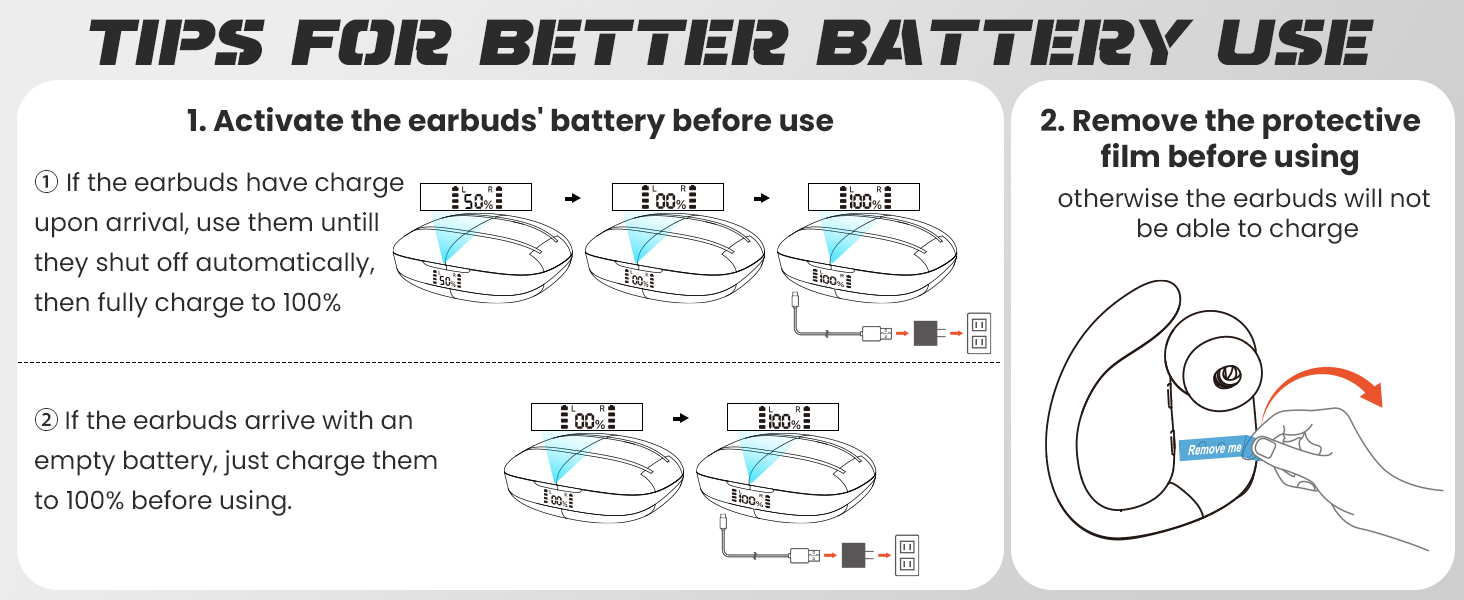
Image: Visual representation of the earbuds' 15-hour single charge and 80-hour total battery life with the charging case.
LED Battery Display
The charging case features an LED digital display that clearly shows the remaining battery percentage of the case and the individual charge status of each earbud. This allows you to monitor power levels easily and avoid unexpected power loss.
Fit and Comfort
The S12 earbuds are designed with ergonomic silicone ear hooks to ensure a secure and comfortable fit for all-day wear and during high-intensity activities. Three pairs of silicone ear tips (S/M/L) are included to help you find the perfect seal for optimal sound and comfort. The medium size is pre-installed.
Image: Step-by-step guide on how to properly wear the earbuds for a secure and comfortable fit.
Water Resistance
The LEEMC S12 Wireless Earbuds are rated IPX7 waterproof. This means they are resistant to sweat, rain, and splashes, making them suitable for workouts in various weather conditions. Note: IPX7 rating means they can withstand immersion in water up to 1 meter for 30 minutes. They are not recommended for swimming or showering.
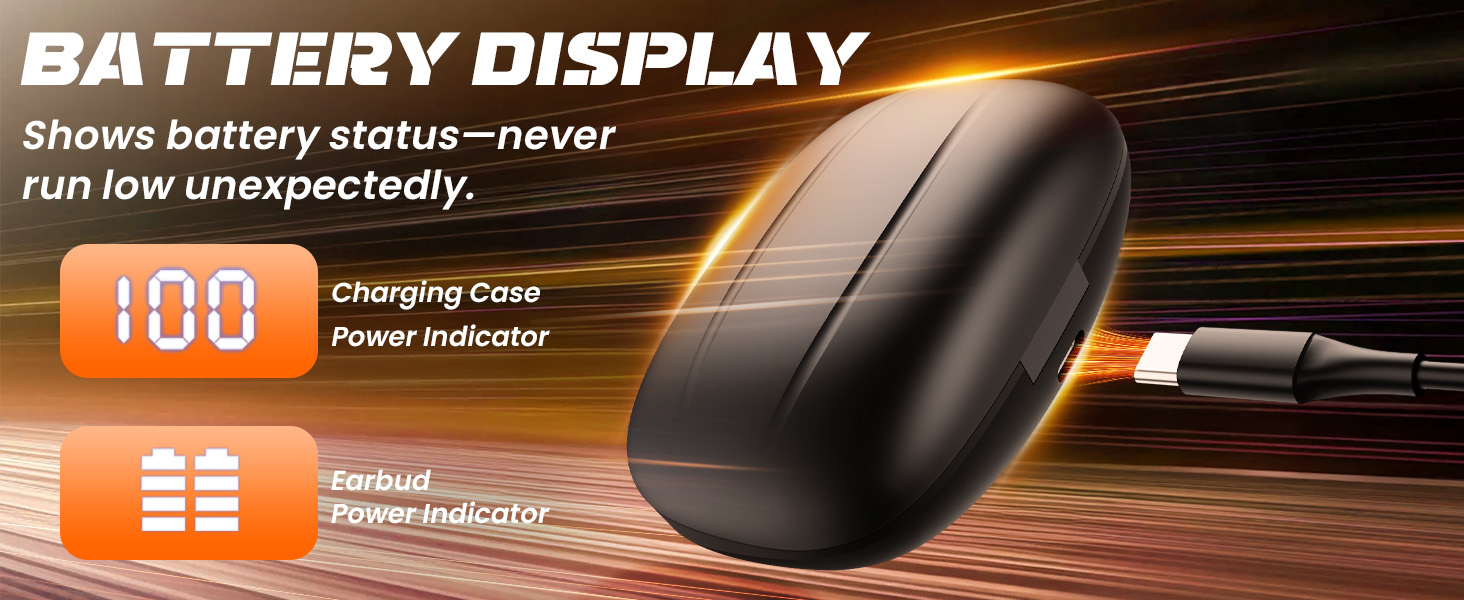
Image: Earbuds demonstrating IPX7 water resistance against splashes.
Specifications
| Feature | Detail |
|---|---|
| Model Name | S12 |
| Connectivity Technology | Wireless (Bluetooth 5.4) |
| Bluetooth Range | 10-15 Meters |
| Audio Driver Type | Dynamic Driver (14.2mm) |
| Noise Control | Environmental Noise Cancellation (ENC) |
| Single Earbud Playtime | Up to 15 hours |
| Total Playtime (with case) | Up to 80 hours |
| Charging Time | 1 hour (earbuds) |
| Water Resistance Level | IPX7 |
| Control Type | Touch Control, Physical Buttons |
| Earpiece Shape | Hook |
| Material | ABS, Silicone |
| Item Weight | 82.7 Grams (total) |
| Case Dimensions | 3.55 × 2.33 × 1.39 inches |
Troubleshooting
Earbuds Not Pairing
- Ensure both earbuds are fully charged.
- Make sure Bluetooth is enabled on your device.
- Place earbuds back in the case, close the lid, then open it again to re-enter pairing mode.
- Forget/delete "S12" from your device's Bluetooth list and try pairing again.
No Sound or Low Volume
- Check the volume levels on both your earbuds and your connected device.
- Ensure earbuds are properly seated in your ears and the correct size ear tips are used for a good seal.
- Reconnect the earbuds to your device.
Charging Issues
- Verify the USB-C cable is securely connected to both the case and the power source.
- Check for any debris in the charging port of the case or on the earbud charging contacts.
- Ensure the protective film has been removed from the earbud charging contacts.
Maintenance
- Cleaning: Regularly clean the earbuds, especially the ear tips and charging contacts, with a soft, dry cloth.
- Storage: Store the earbuds in their charging case when not in use to protect them and keep them charged.
- Avoid Extreme Conditions: Do not expose the earbuds to extreme temperatures, humidity, or corrosive liquids.
Warranty and Support
LEEMC products are manufactured to high-quality standards. For warranty information, technical support, or any questions regarding your S12 Wireless Earbuds, please refer to the contact information provided on the product packaging or visit the official LEEMC website. Please retain your proof of purchase for warranty claims.