
1. Introduction
This manual provides essential information and instructions for using your Redmi 15C 5G smartphone. Please read this guide carefully to ensure proper operation and to maximize the device's features. Keep this manual for future reference.
2. What's in the Box
Upon unboxing your Redmi 15C 5G, verify that all the following items are included:
- Redmi 15C 5G Smartphone
- Charger
- USB Type-C Cable
- SIM Eject Tool
- Warranty Card
- User Guide (this document)
- Protective Case
3. Device Overview
Familiarize yourself with the physical components of your Redmi 15C 5G.
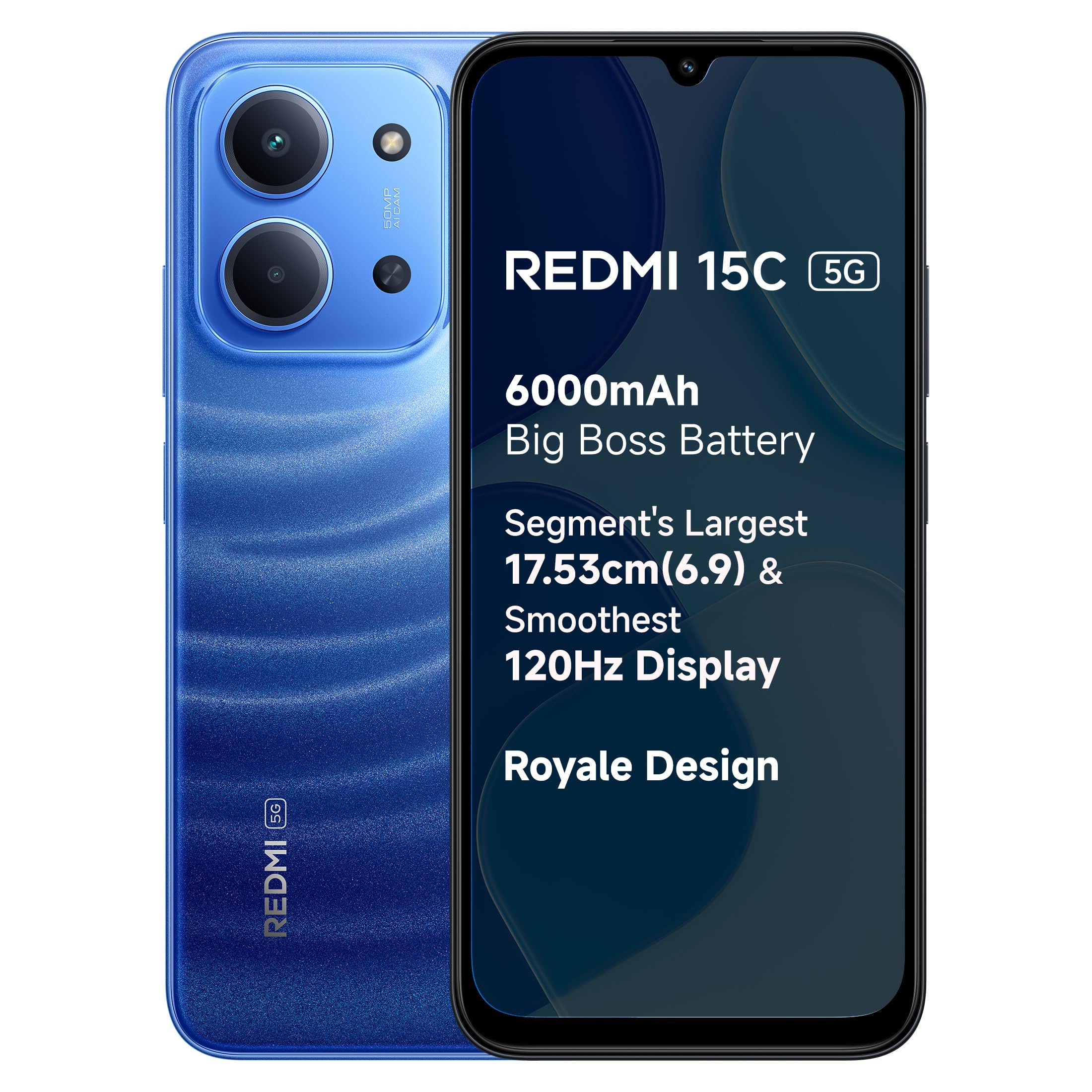
Image: Redmi 15C 5G Moonlight Blue smartphone, showcasing its sleek design and camera setup.
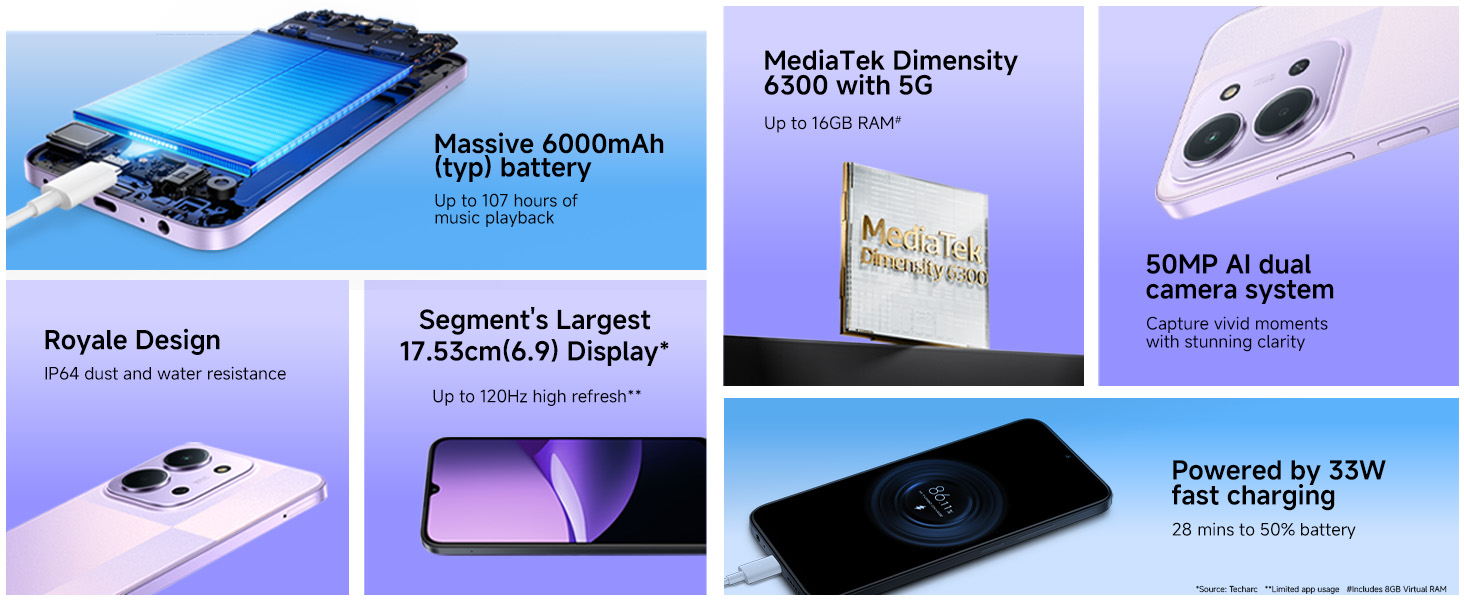
Image: Key features of the Redmi 15C 5G, including its 6000mAh battery, Royale Design, 17.53cm display, MediaTek Dimensity 6300 5G processor, 33W fast charging, and 50MP AI Dual Camera.
4. Setup
4.1 Inserting the SIM Card
- Locate the SIM card tray on the side of your phone.
- Insert the SIM eject tool into the small hole next to the tray and press firmly until the tray pops out.
- Place your Nano-SIM card(s) into the tray with the gold contacts facing down. Ensure proper orientation.
- Carefully push the tray back into the phone until it clicks into place.
4.2 Initial Power On and Setup
- Press and hold the Power button until the Redmi logo appears.
- Follow the on-screen instructions to select your language, region, and connect to a Wi-Fi network.
- Sign in with your Google account or create a new one.
- Set up screen lock methods such as PIN, pattern, or password.
- Configure biometric security features like Fingerprint Recognition and Face Recognition for enhanced security and convenience.
5. Operating the Device
5.1 Basic Navigation
Your Redmi 15C 5G runs on Android 15 with Xiaomi HyperOS, offering intuitive navigation. You can choose between gesture navigation or traditional on-screen buttons (Back, Home, Recents) in the settings.
5.2 Power On/Off and Restart
- Power On: Press and hold the Power button until the device vibrates and the logo appears.
- Power Off: Press and hold the Power button for a few seconds, then tap 'Power off' on the screen.
- Restart: Press and hold the Power button for a few seconds, then tap 'Restart' on the screen.
5.3 Volume Controls
Use the Volume Up and Volume Down buttons located on the side of the device to adjust media volume, call volume, and notification volume.
6. Camera Features
The Redmi 15C 5G is equipped with a 50MP AI Dual Camera system to capture intricate details and vibrant colors, along with an 8MP front camera for selfies and video calls.

Image: The 50MP AI Dual Camera system of the Redmi 15C 5G, designed to capture detailed and colorful images.
6.1 Camera Modes
- Photo: Standard mode for everyday photography.
- Portrait: Creates a depth-of-field effect, blurring the background.
- Night Mode: Enhances photos taken in low-light conditions.
- Video: Records videos at up to 1080p resolution.
- Pro Mode: Offers manual control over settings like ISO, shutter speed, and white balance.
- filmCamera: Applies various film-like filters and effects to your photos.
6.2 Using the Flash
The LED flash can be set to Auto, On, or Off within the camera interface to assist in low-light photography.
7. Battery and Charging
The Redmi 15C 5G features a massive 6000mAh battery, providing extended usage, and supports 33W fast charging.
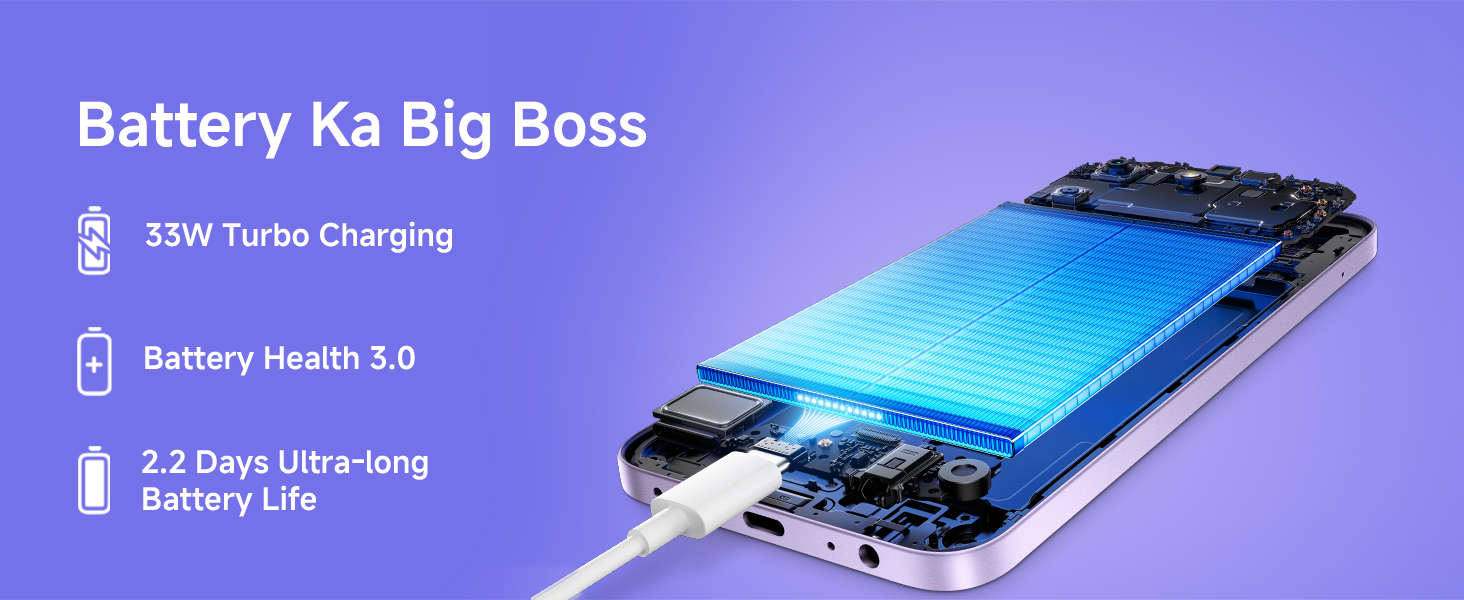
Image: An internal view of the Redmi 15C 5G highlighting its large 6000mAh battery and USB-C charging port.
7.1 Charging Your Device
- Connect the USB Type-C cable to the phone's charging port and the other end to the provided 33W charger.
- Plug the charger into a power outlet.
- The device supports 33W fast charging, allowing it to reach 50% battery in approximately 28 minutes.
7.2 Battery Life Estimates
- Up to 107 hours of music playback.
- Up to 23.06 hours of YouTube video playback.
- Up to 329.6 hours of standby time.
7.3 Battery Care
To prolong battery lifespan, avoid extreme temperatures, use only the official charger, and try to keep the battery level between 20% and 80% for daily use.
8. Display Features
Experience immersive visuals on the Redmi 15C 5G's large 17.53cm (6.9-inch) display with up to 120Hz Adaptive Sync refresh rate.
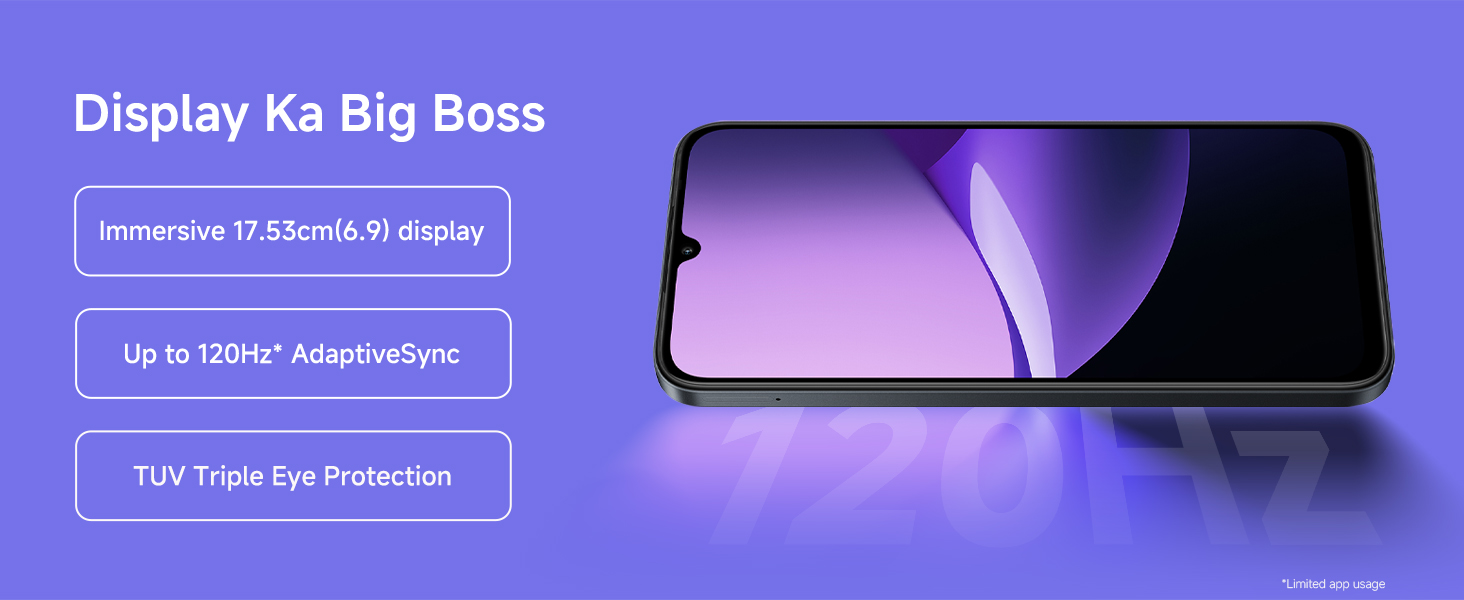
Image: The large 17.53cm (6.9-inch) display of the Redmi 15C 5G, featuring up to 120Hz Adaptive Sync for smooth visuals.
- Screen Size: 17.53cm (6.9 inches)
- Resolution: 1280 x 720 pixels
- Refresh Rate: Up to 120Hz Adaptive Sync
- Display Type: LCD
- Eye Protection: Features TUV Triple Eye Protection for reduced eye strain.
9. Performance
The Redmi 15C 5G is powered by the MediaTek Dimensity 6300 5G processor, ensuring smooth performance for daily tasks and gaming.
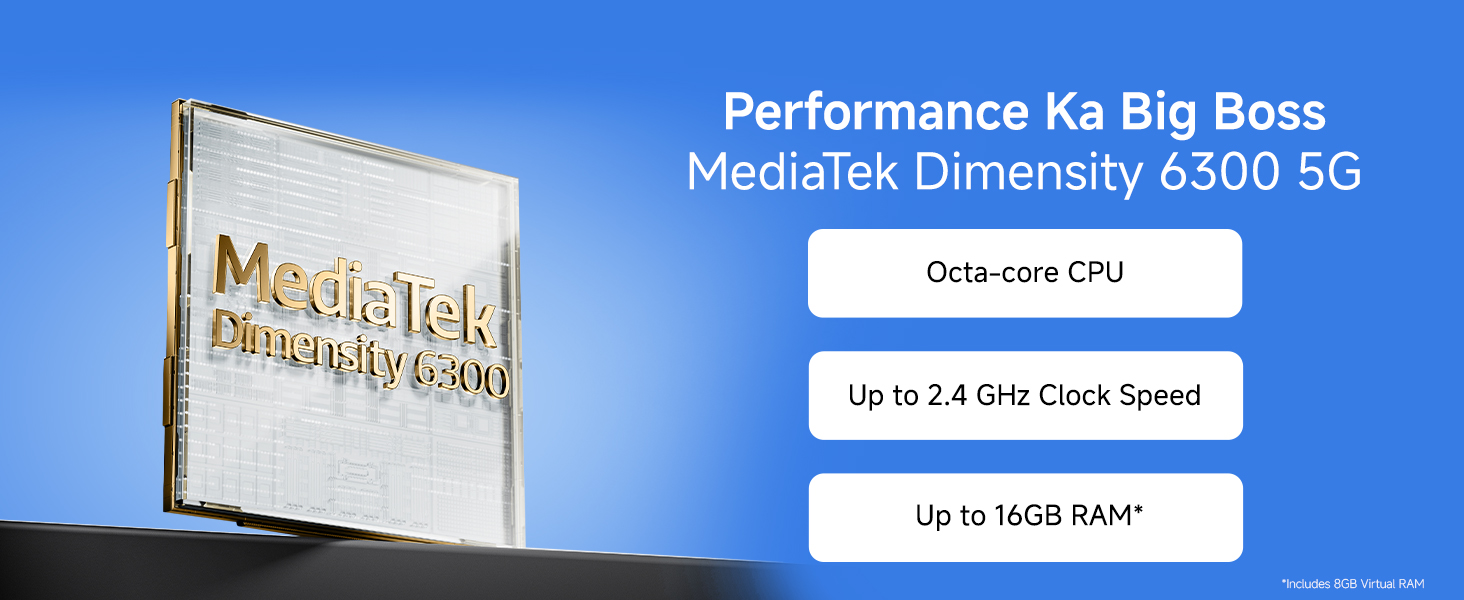
Image: The MediaTek Dimensity 6300 5G processor, an octa-core CPU with up to 2.4 GHz clock speed, powering the Redmi 15C 5G.
- Processor: MediaTek Dimensity 6300 5G (Octa-core CPU, up to 2.4 GHz)
- RAM: 4GB (expandable up to 16GB with virtual RAM)
- Internal Storage: 128GB
- Operating System: Android 15 with Xiaomi HyperOS
10. Durability
The Redmi 15C 5G is designed for durability, featuring an IP64 rating for dust and water resistance.
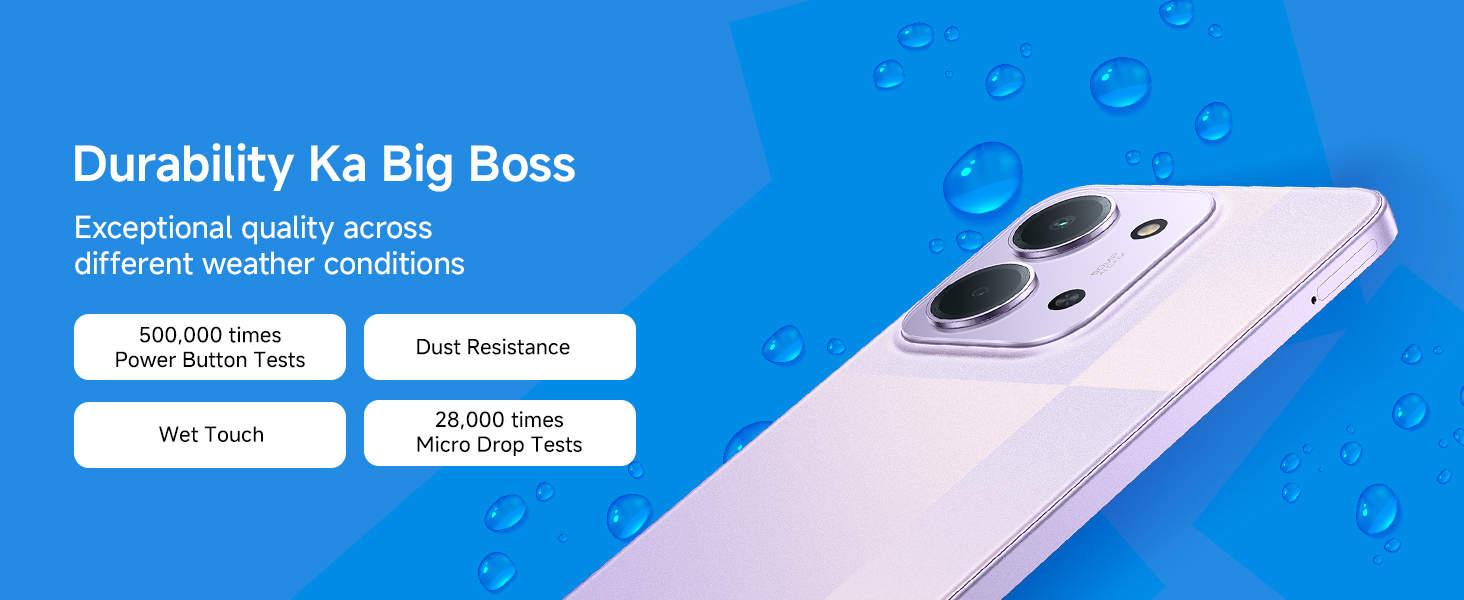
Image: The Redmi 15C 5G demonstrating its IP64 dust and water resistance, ensuring durability in various conditions.
- IP64 Rating: Provides protection against dust ingress and splashes of water from any direction.
- Tested Durability: Undergoes rigorous testing, including 500,000 power button tests and 28,000 micro drop tests.
11. Maintenance
11.1 Cleaning Your Device
- Use a soft, lint-free cloth to clean the screen and body of the phone.
- Avoid using harsh chemicals, abrasive materials, or aerosol sprays.
- For stubborn smudges, slightly dampen the cloth with water or a screen cleaner specifically designed for electronics.
11.2 Software Updates
Regularly check for and install software updates to ensure your device has the latest features, security patches, and performance improvements. Go to Settings > About phone > MIUI version to check for updates.
11.3 Data Backup
Periodically back up your important data (photos, contacts, documents) to a cloud service or a computer to prevent data loss.
12. Troubleshooting
If you encounter issues with your Redmi 15C 5G, try the following solutions before contacting support.
12.1 Common Issues and Solutions
- Phone Not Responding: Press and hold the Power button for about 10-15 seconds to force a restart.
- Apps Crashing/Freezing:
- Close the app and reopen it.
- Clear the app's cache and data (Settings > Apps > Manage apps > [App Name] > Clear data).
- Update the app from the Google Play Store.
- Network Connectivity Issues:
- Toggle Airplane Mode on and off.
- Restart your phone.
- Check your SIM card insertion.
- Reset network settings (Settings > Connection & sharing > Reset Wi-Fi, mobile networks, and Bluetooth).
- Battery Draining Quickly:
- Reduce screen brightness.
- Disable unused features like GPS, Bluetooth, and Wi-Fi when not needed.
- Identify and close power-intensive apps running in the background.
12.2 Factory Reset
Warning: A factory reset will erase all data from your phone. Back up important data before proceeding.
To perform a factory reset, go to Settings > About phone > Factory reset and follow the on-screen instructions.
13. Specifications
| Feature | Specification |
|---|---|
| Brand | Redmi |
| Model | 15C 5G |
| Operating System | Android 15, Xiaomi HyperOS |
| Processor | MediaTek Dimensity 6300 |
| RAM | 4 GB (Up to 16GB with virtual RAM) |
| Internal Storage | 128 GB |
| Display Size | 17.53 cm (6.9 Inches) |
| Display Resolution | 1280 x 720 |
| Refresh Rate | 120 Hz |
| Rear Camera | 50 MP AI Dual Camera |
| Front Camera | 8 MP |
| Battery Capacity | 6000 mAh |
| Charging | 33W Fast Charging |
| Connectivity | 5G, Bluetooth, NFC, Wi-Fi |
| SIM Card Slot | Single SIM (Nano) |
| Biometric Security | Fingerprint Recognition, Face Recognition |
| Water Resistance Level | Water Resistant (IP64 Rated) |
| Dimensions | 17.2 x 7.9 x 0.8 Centimeters |
| Weight | 212 Grams |
| Model Year | 2025 |
14. Warranty and Support
14.1 Warranty Information
Your Redmi 15C 5G comes with a 1-year manufacturer warranty for the device from the date of purchase. In-box accessories, including batteries, are covered by a 6-month manufacturer warranty from the date of purchase.
14.2 Manufacturer Contact Information
For warranty claims, technical support, or service inquiries, please contact:
Manufacturer: BYD INDIA PRIVATE LIMITEDDEVELOPED PLOT NO.OZ-7, SIPCOT ORAGADAM,
SRIPERUMBUDUR (TK) KANCHEEPURAM DISTRICT 602105 TAMIL NADU.
Please refer to your warranty card for detailed terms and conditions.


