
Introduction
Welcome to the user manual for your new Redmi 15C 5G Prime Edition smartphone. This guide provides essential information to help you set up, operate, maintain, and troubleshoot your device. Please read this manual thoroughly to ensure optimal performance and longevity of your smartphone.
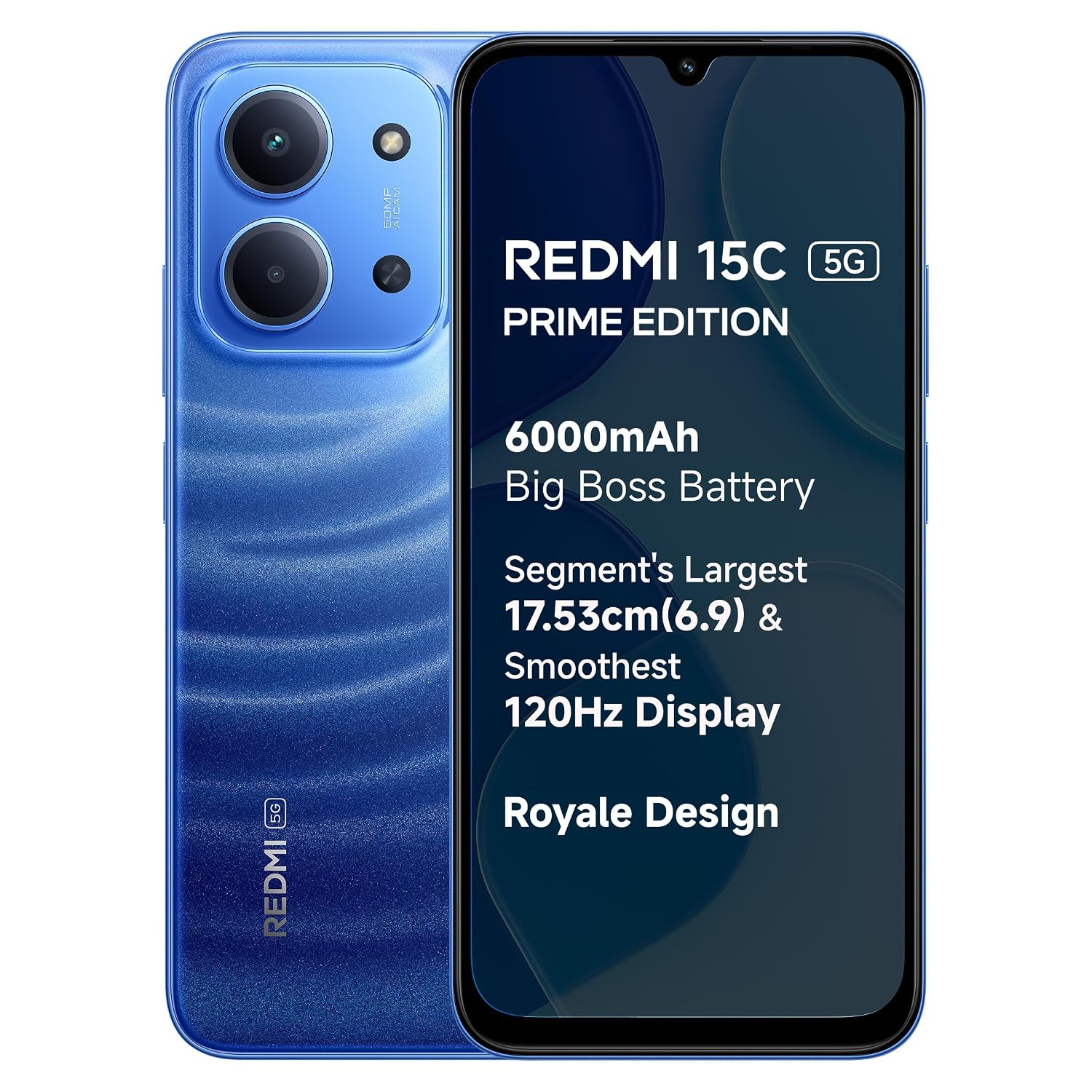
Image: The Redmi 15C 5G Prime Edition smartphone in Moonlight Blue, showcasing its sleek design.
What's in the Box
Upon unboxing your Redmi 15C 5G Prime Edition, verify that all the following items are included:
- Redmi 15C 5G Prime Edition Smartphone
- Charger
- USB Type-C Cable
- SIM Eject Tool
- Warranty Card
- User Guide (this document)
- Protective Case
Product Overview
The Redmi 15C 5G Prime Edition is designed for a powerful and smooth user experience. Key features include:
- Royale Design: A sleek and elegant aesthetic.
- Massive 6000mAh Battery: Provides extended usage time.
- Segment's Largest & Smoothest Display: A 17.53cm (6.9 inch) display with up to 120Hz refresh rate.
- MediaTek Dimensity 6300 Processor: Ensures robust 5G performance.
- 50MP AI Dual Camera: For capturing high-quality photos.
- IP64 Rated: Offers dust and water resistance.

Image: An infographic highlighting the main features of the Redmi 15C 5G, such as the 6000mAh battery, 120Hz display, MediaTek Dimensity 6300 processor, and 50MP AI Dual Camera.
Setup
1. Inserting the SIM Card
- Locate the SIM card tray on the side of your device.
- Insert the provided SIM eject tool into the small hole next to the tray and press firmly until the tray pops out.
- Place your Nano-SIM card into the tray with the gold contacts facing down. Ensure it is correctly seated.
- Carefully push the tray back into the slot until it is flush with the device.

Image: Side view of the Redmi 15C 5G smartphone, illustrating the location of the SIM card tray.
2. Initial Charging and Power On
- Connect the USB Type-C cable to your smartphone and the charger. Plug the charger into a power outlet.
- Allow the device to charge for a few minutes before powering it on. The Redmi 15C 5G supports 33W fast charging.
- Press and hold the Power button (located on the side) until the Redmi logo appears on the screen.
- Follow the on-screen instructions to complete the initial setup, including language selection, Wi-Fi connection, and Google account setup.
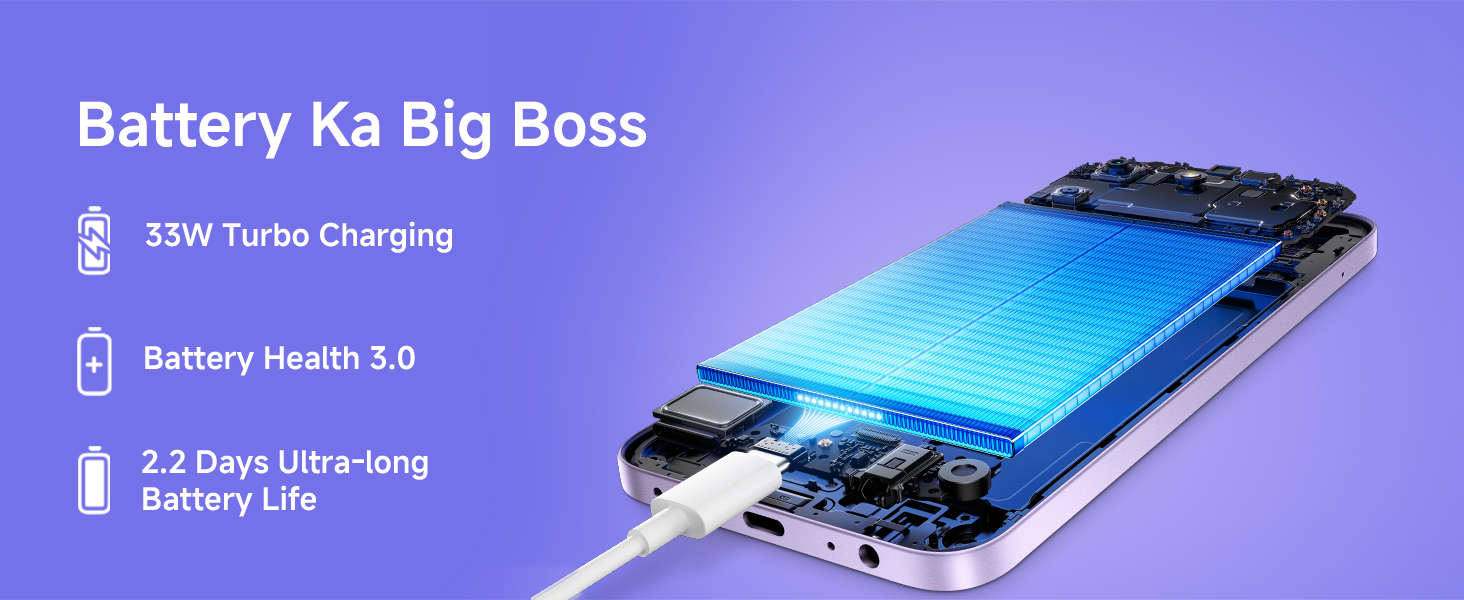
Image: A visual representation of the Redmi 15C 5G being charged, highlighting its 33W Turbo Charging capability.
Operating Your Device
Basic Navigation
Your Redmi 15C 5G runs on Android 15 with Xiaomi HyperOS, offering an intuitive user interface. Use gestures or navigation buttons to move between apps, return to the home screen, and access recent applications.
- Swipe Up: Go to the home screen.
- Swipe Up and Hold: Open recent applications.
- Swipe from Left/Right Edge: Go back.
Display Features
The large 17.53cm (6.9 inch) display offers an immersive viewing experience with a 120Hz Adaptive Sync refresh rate for smooth scrolling and animations. It also features Triple TUV Certification for eye protection.
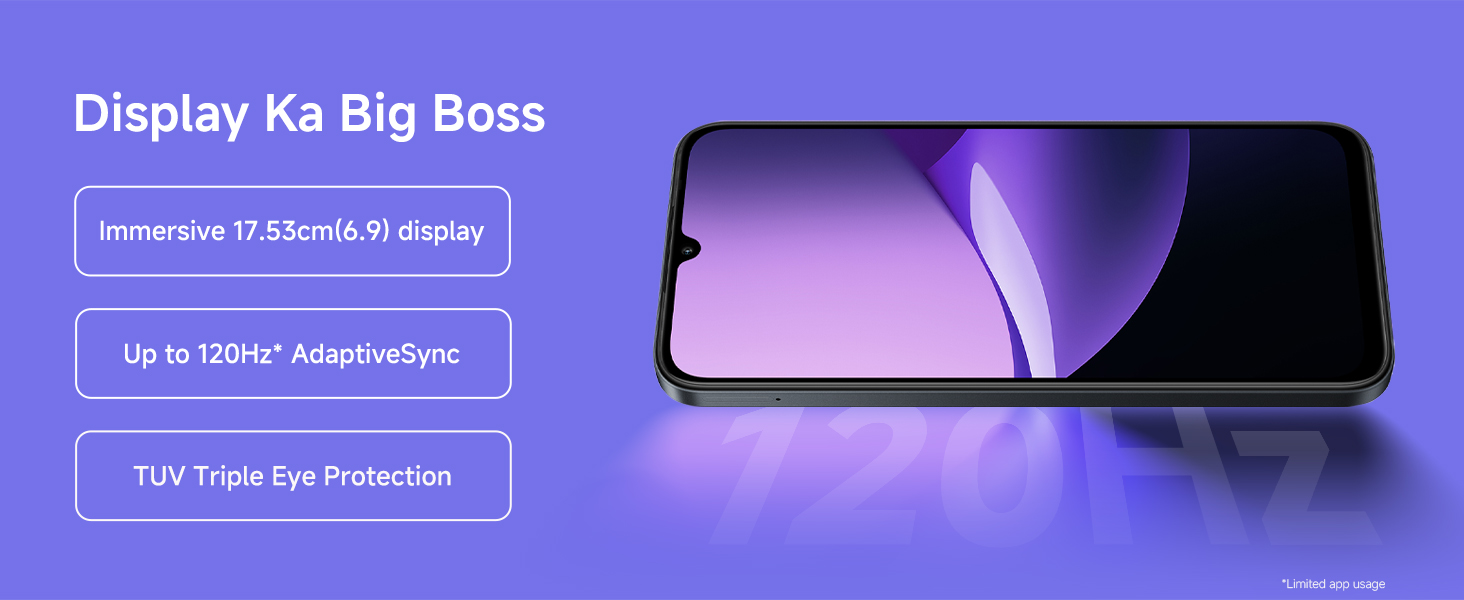
Image: A graphic illustrating the Redmi 15C 5G's display, emphasizing its 120Hz Adaptive Sync and TUV Triple Eye Protection.
5G Connectivity
Your device supports 5G cellular technology, providing faster download and upload speeds, and lower latency where 5G networks are available. Ensure your SIM card and plan support 5G for optimal performance.
Camera Features
The Redmi 15C 5G is equipped with a 50MP AI Dual Camera system, designed to capture intricate details and vibrant colors in your photos. The AI features assist in optimizing settings for various scenes.

Image: A detailed view of the Redmi 15C 5G's 50MP AI Dual Camera module on the back of the phone.
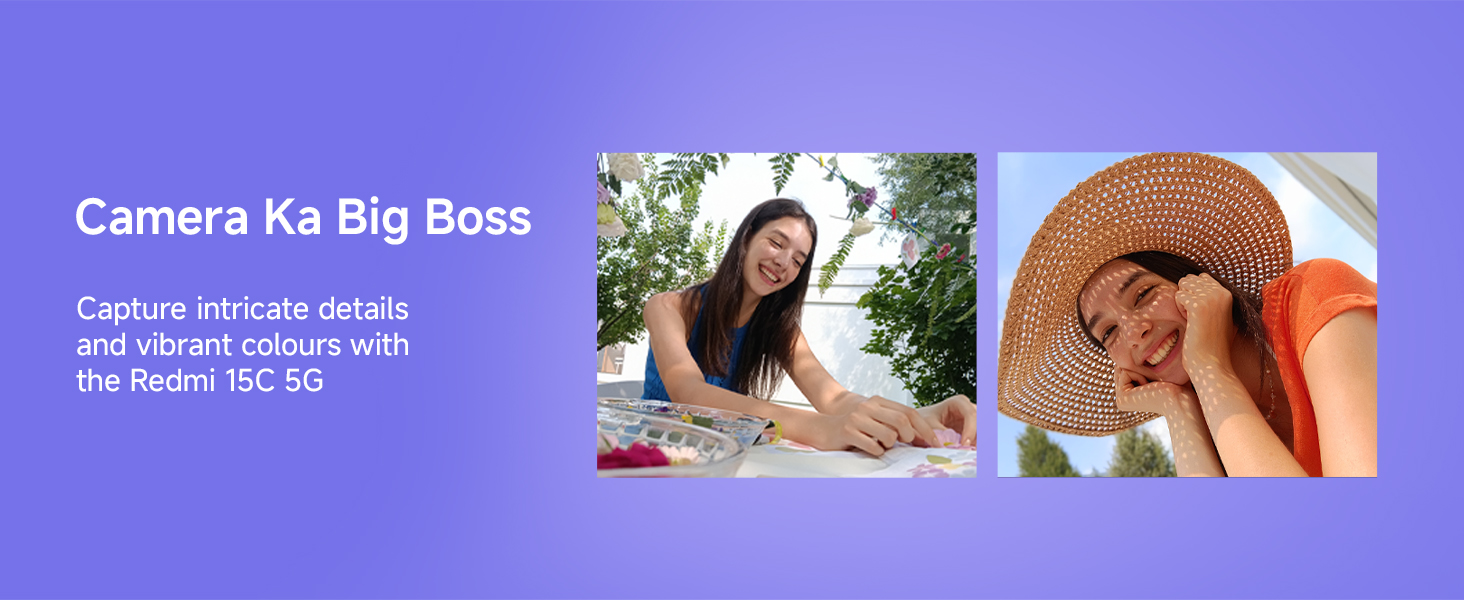
Image: Examples of photographs captured with the Redmi 15C 5G camera, demonstrating its ability to capture intricate details and vibrant colors.
Battery Management
Your Redmi 15C 5G features a massive 6000mAh battery, providing extended usage. With 33W Turbo Charging, you can quickly recharge your device.
- Charging: Use the provided charger and cable for optimal charging speed.
- Battery Life: Expect up to 107 hours of music playback or 23.1 hours of YouTube video playback on a full charge.
- Battery Health: To prolong battery lifespan, avoid extreme temperatures and fully discharging the battery regularly.

Image: An infographic detailing the exceptional power performance of the 6000mAh battery, including standby, music listening, and YouTube video playback times.
Performance
The MediaTek Dimensity 6300 5G processor powers the Redmi 15C 5G, offering robust performance for daily tasks, gaming, and multitasking. It features an Octa-core CPU with speeds up to 2.4 GHz and supports up to 16GB RAM (including virtual RAM).
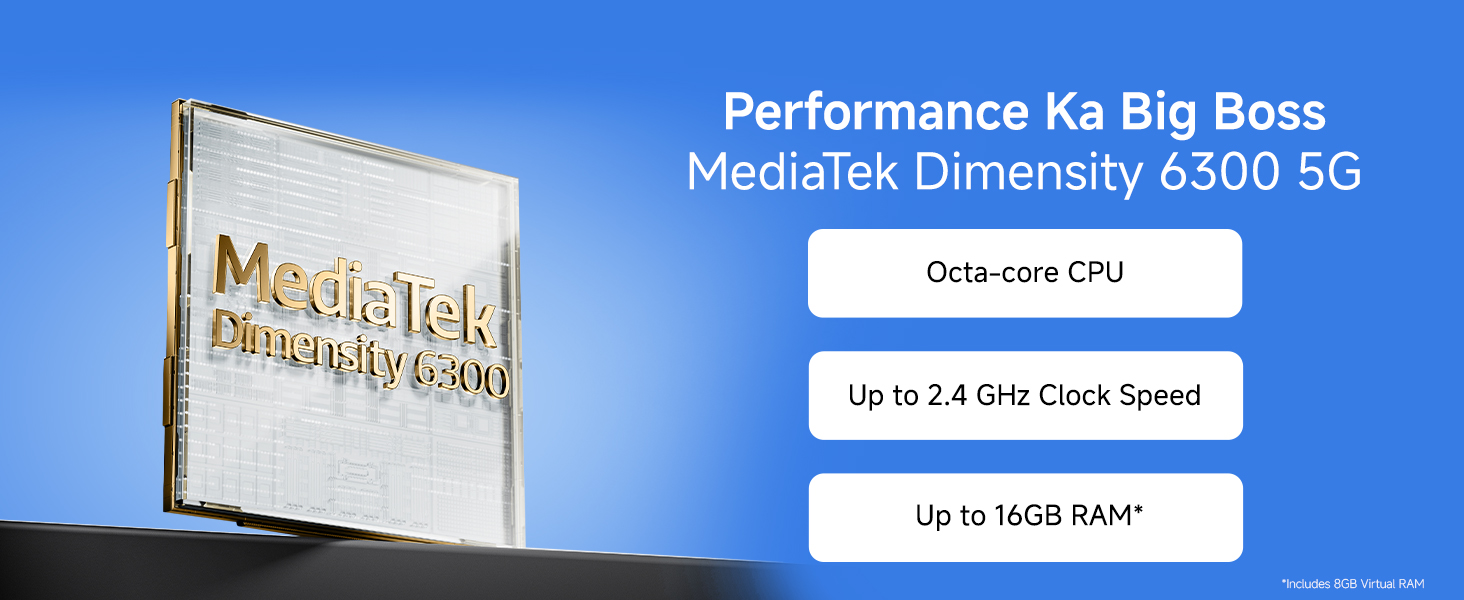
Image: A graphic showcasing the MediaTek Dimensity 6300 5G processor, highlighting its Octa-core CPU, clock speed, and RAM support.
Durability and Care (Maintenance)
The Redmi 15C 5G is built with durability in mind, featuring an IP64 rating for dust and water resistance. This provides protection against splashes and dust ingress, ensuring exceptional quality across different weather conditions.
- Dust Resistance: Protects against dust particles.
- Water Resistance: Offers protection against splashing water from any direction. Not intended for submersion.
- Hydro Touch: Allows for screen interaction even with wet hands.
Cleaning Your Device
To clean your smartphone, use a soft, lint-free cloth. Avoid abrasive materials, solvents, or aerosol sprays. If necessary, slightly dampen the cloth with water. Do not expose the device to excessive moisture or submerge it in liquids.
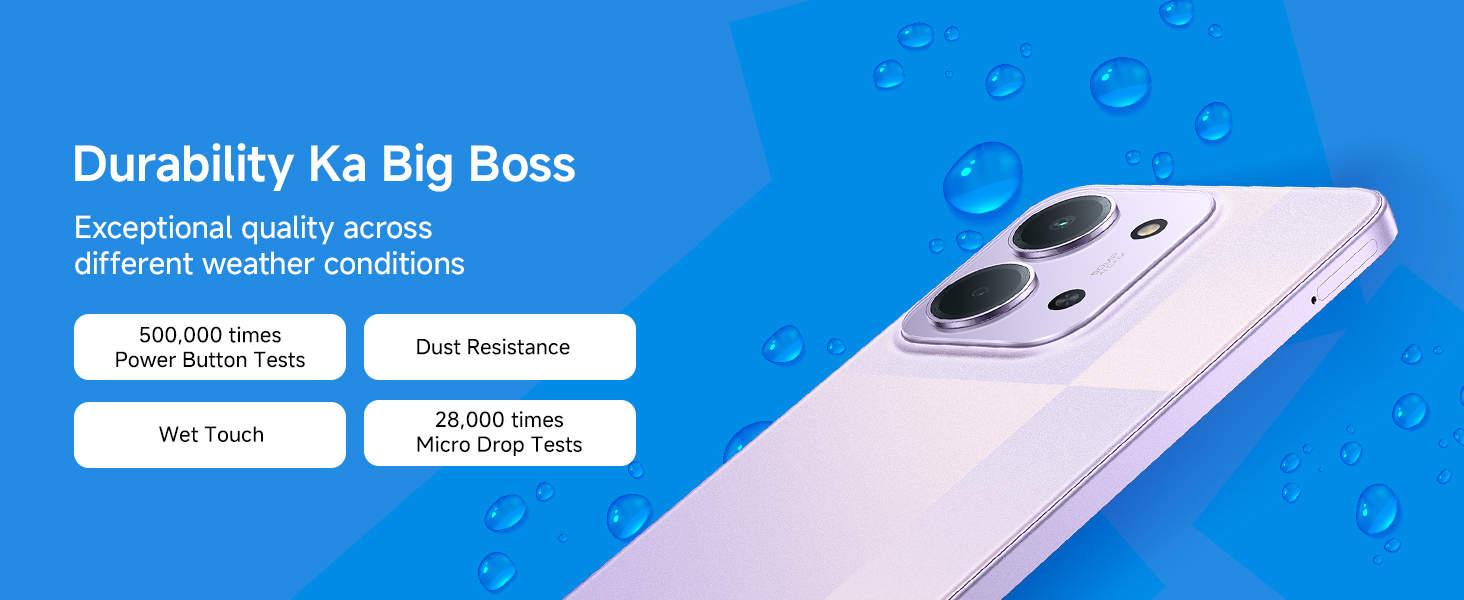
Image: An infographic detailing the durability features of the Redmi 15C 5G, including dust resistance, water resistance, and Hydro Touch capability.
Troubleshooting
If you encounter issues with your Redmi 15C 5G, try the following common troubleshooting steps:
- Device Not Turning On: Ensure the battery is charged. Connect to the charger and wait a few minutes, then try pressing the power button again.
- Screen Unresponsive: Restart the device by holding the power button for approximately 10-15 seconds until it reboots.
- App Crashing: Close the problematic app from recent apps and reopen it. If the issue persists, clear the app's cache and data in Settings, or uninstall and reinstall the app.
- Network Issues (No Signal/Slow Data): Check if your SIM card is properly inserted. Toggle Airplane Mode on and off. Restart your device. Verify your mobile data settings and plan with your carrier.
- Charging Problems: Ensure the charger and cable are securely connected and undamaged. Try a different power outlet.
- Overheating: Close background applications. Avoid using the device while charging or in direct sunlight for extended periods. If overheating persists, contact support.
For more complex issues, refer to the online support resources or contact customer service.
Specifications
| Feature | Detail |
|---|---|
| Brand | Redmi |
| Model | 15C 5G Prime Edition |
| Operating System | Android 15, Xiaomi HyperOS |
| RAM Memory | 6 GB (up to 16GB with virtual RAM) |
| Internal Storage | 128 GB |
| CPU Model | MediaTek Dimensity 6300 |
| Display Size | 17.53 cm (6.9 Inches) |
| Display Type | LCD |
| Refresh Rate | 120 Hz |
| Rear Camera Resolution | 50 MP (Dual Camera) |
| Battery Capacity | 6000 mAh |
| Charging | 33W Fast Charging |
| Connectivity | 5G Cellular Technology, USB Type C |
| SIM Card Type | Nano SIM (Single SIM) |
| Water Resistance Level | IP64 (Water Resistant) |
| Dimensions | 17.2 x 7.9 x 0.8 Centimeters |
| Weight | 212 Grams |
Warranty Information
The Redmi 15C 5G Prime Edition comes with a 1-year manufacturer warranty for the device itself, starting from the date of purchase. In-box accessories, including batteries, are covered by a 6-month manufacturer warranty from the date of purchase.
Please retain your proof of purchase for warranty claims. For detailed terms and conditions, refer to the warranty card included in your product box or visit the official Redmi support website.
Support
For further assistance, technical support, or service inquiries regarding your Redmi 15C 5G Prime Edition, please contact:
- Manufacturer: BYD INDIA PRIVATE LIMITED
- Importer: Xiaomi Technology India Private Limited, Building Orchid. Block E, Embassy Tech Village, Marathahalli Outer Ring Road, Devarabisanahalli, Bengaluru 560103
You can also visit the official Redmi website for FAQs, software updates, and additional support resources.


