
1. Introduction
This manual provides essential information for the proper setup, operation, and maintenance of your STRICH SDP-350S 88-Key Digital Piano. Please read this manual thoroughly before using the instrument to ensure safe and efficient operation. The STRICH SDP-350S is designed to offer an authentic piano playing experience with its hammer-action weighted keys and versatile sound capabilities.
2. What's in the Box
Carefully unpack all components and ensure the following items are present:
- STRICH SDP-350S Digital Piano Unit
- Piano Stand Components
- Triple Pedal Unit
- Headphones
- Key Stickers
- Power Adapter
- User Manual (this document)

Image: All included components for the STRICH SDP-350S Digital Piano.
3. Setup Instructions
Follow these steps to assemble and set up your digital piano:
- Assemble the Stand: Attach the piano legs to the main piano unit using the provided screws and tools. Ensure all connections are secure.
- Place the Piano: Carefully place the assembled piano on a stable, level surface.
- Connect the Triple Pedal: Locate the pedal input port on the rear of the piano (labeled 'PEDAL') and connect the triple pedal unit cable.
- Connect Power: Insert the power adapter cable into the DC 9V-12V input port on the rear of the piano. Plug the adapter into a standard electrical outlet.
- Connect Headphones (Optional): For private practice, plug the headphones into the 6.35mm headphone output jack on the rear panel.
- Apply Key Stickers (Optional): If desired, apply the included key stickers to assist with learning note identification.

Image: The STRICH SDP-350S Digital Piano assembled and ready for use.

Image: Detailed view of the rear panel connections, including power, pedal, and audio ports.
4. Operating Instructions
4.1. Power On/Off
To power on the piano, press the 'On/Off' button located on the rear panel. Press it again to power off the instrument.
4.2. Sound Features
The SDP-350S offers a rich array of sound options:
- Tones: Select from 128 preset timbres to explore various instrument sounds.
- Rhythms: Utilize 200 drum rhythms for accompaniment and practice.
- Polyphony: Enjoy a maximum of 128-note polyphony, allowing complex musical passages without note drop-out.
- Auto Chord Function: The intelligent auto chord function provides depth to your playing.

Image: Overview of the piano's authentic and rich sound features.
4.3. Key Action and Feel
The 88 fully weighted, full-size keys feature a hammer-action mechanism with simulated ivory texture, designed to replicate the touch and response of an acoustic grand piano. This provides a dynamic and expressive playing experience.

Image: Demonstrating the true-to-acoustic piano touch of the hammer-action keyboard.
4.4. Connectivity
- Audio-in Port: Connect external audio sources to play along through the piano's speakers.
- MIDI USB: Connect to a computer or other MIDI devices for recording, sequencing, or using educational software.
- Wireless Connect (Bluetooth): Pair your piano with compatible devices wirelessly for audio streaming or MIDI data transfer.
- Headphone Jack: Use the 6.35mm jack for silent practice.

Image: Bluetooth and MIDI connectivity options for versatile use.
4.5. Additional Functions
Explore various functions to enhance your musical expression:
- Chorus Effects: Add depth and richness to your sound.
- Layer/Split: Layer two different tones or split the keyboard for dual-voice or duet playing.
- Octave Shift: Adjust the pitch of the keyboard in octave increments.
- Transpose: Change the key of the entire keyboard without altering your finger positions.
4.6. Speaker System
The piano features two 25W speakers, delivering clear and balanced stereo sound. The professional balance ensures an immersive audio experience.

Image: The stereo surround sound speaker system.
4.7. Sliding Key Cover
The integrated sliding key cover protects the keys from dust when not in use. When closed, it transforms the piano into a sleek tabletop, offering both protection and functionality.

Image: The piano with its sliding key cover closed, functioning as a desktop.
5. Maintenance
Proper care will extend the life and performance of your digital piano:
- Cleaning: Use a soft, dry cloth to wipe the surface of the piano. For stubborn dirt, slightly dampen the cloth with water. Avoid abrasive cleaners, solvents, or waxes, as they can damage the finish.
- Key Care: Keep the keys clean. If they become dirty, wipe them gently with a soft, slightly damp cloth.
- Dust Protection: Always close the sliding key cover when the piano is not in use to prevent dust accumulation.
- Environment: Avoid exposing the piano to direct sunlight, extreme temperatures, high humidity, or excessive dust. Keep it away from heat sources and strong electromagnetic fields.
- Transportation: When moving the piano, ensure it is properly disassembled or handled with care to prevent damage.
6. Troubleshooting
If you encounter issues with your STRICH SDP-350S, refer to the following common problems and solutions:
| Problem | Possible Cause | Solution |
|---|---|---|
| No sound | Power not connected, volume too low, headphones connected. | Check power adapter connection. Increase master volume. Disconnect headphones if using speakers. |
| Keys not responding | Piano not powered on, internal issue. | Ensure piano is powered on. If problem persists, power cycle the unit (turn off, wait 10 seconds, turn on). |
| Sound is distorted or unclear | Volume too high, speaker obstruction, audio cable issue. | Reduce volume. Ensure speakers are not obstructed. Check audio cable connections if external audio is used. |
| Settings reset after power off | Normal operation for some settings. | Some settings are designed to reset to default upon power cycle. Reconfigure desired settings after turning on. |
| Sustain pedal not working | Pedal cable loose or disconnected, faulty pedal. | Ensure the triple pedal unit is securely connected to the 'PEDAL' input. Test with another compatible pedal if available. |
| Bluetooth connectivity issues | Device not in pairing mode, interference, distance. | Ensure both devices are in pairing mode. Reduce distance between devices. Avoid sources of interference. |
If the problem persists after attempting these solutions, please contact STRICH customer support for further assistance.
7. Specifications
Key technical specifications for the STRICH SDP-350S Digital Piano:
- Brand: STRICH
- Model Name: SDP-350S
- Number of Keys: 88
- Key Action: Hammer Action, Weighted Keys with Simulated Ivory Texture
- Polyphony: 128 (max)
- Tones: 128 Preset Timbres
- Rhythms: 200 Drum Rhythms
- Speakers: 2 x 25W Built-In Speakers
- Connectivity: MIDI USB, Wireless (Bluetooth), Audio-in, 6.35mm Headphone Jack
- Power Source: Corded Electric (Power Adapter included)
- Included Components: Headphones, Key Stickers, Triple Pedal, User Manual, Power Adapter
- Dimensions (D x W x H): 12.6"D x 51.6"W x 34.3"H (32 cm D x 131 cm W x 87 cm H)
- Style: Vintage Furniture Look
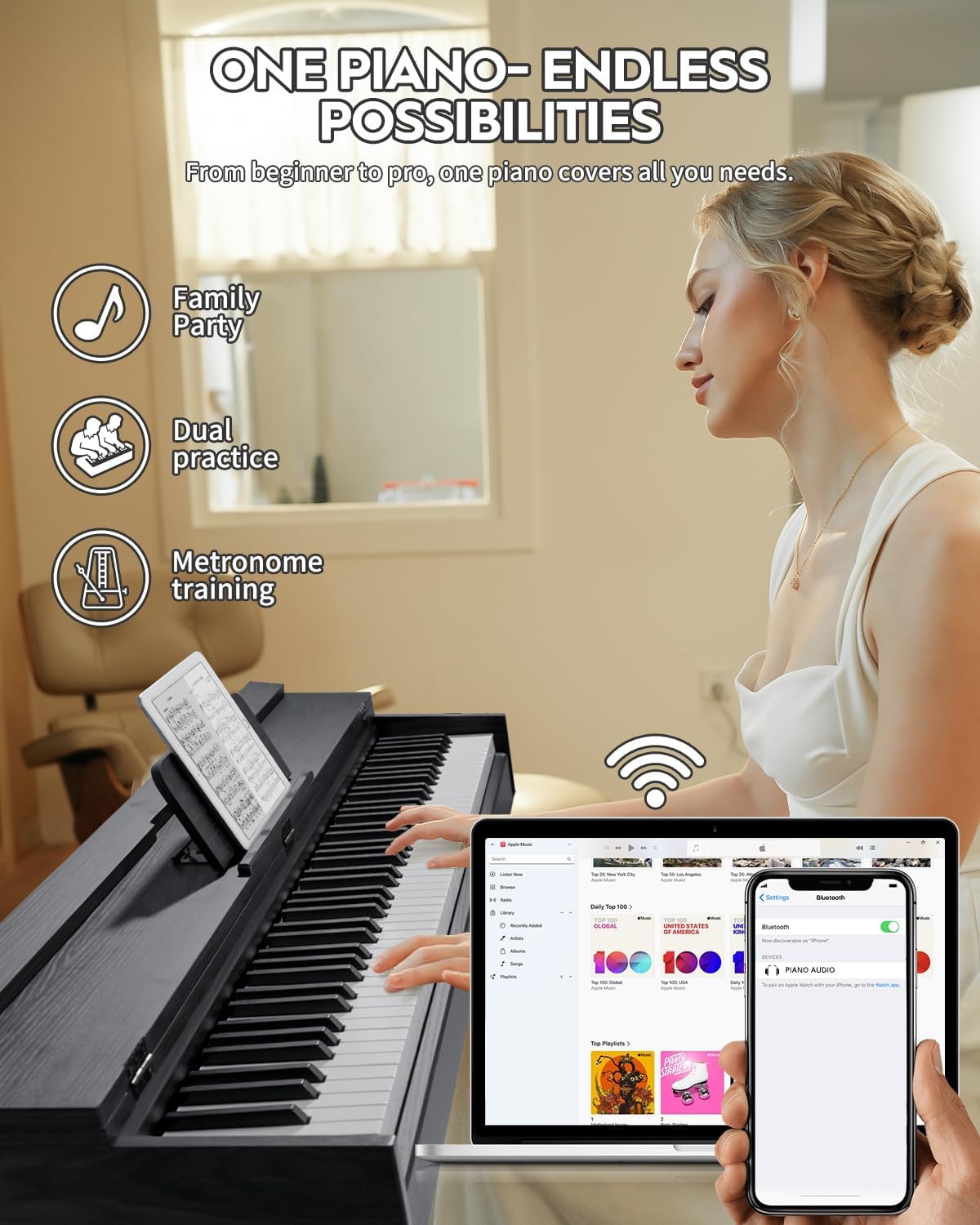
Image: The STRICH SDP-350S Digital Piano in use, highlighting its design and functionality.
8. Warranty and Support
For warranty information and customer support, please refer to the documentation included with your purchase or visit the official STRICH website. Keep your purchase receipt as proof of purchase for any warranty claims.
For direct assistance, you may contact STRICH customer service through their official channels. Please have your model number (SDP-350S) and purchase date ready when contacting support.

