
1. Introduction
Thank you for choosing the coioc S10 Portable Bluetooth Speaker. This manual provides essential information for the safe and efficient use of your device. Please read it thoroughly before operation and retain it for future reference. The coioc S10 speaker features 360° high-fidelity stereo sound, TWS pairing capability, an LED display, IP68 water and dust resistance, dynamic RGB lighting, and multiple connectivity options for a versatile audio experience.
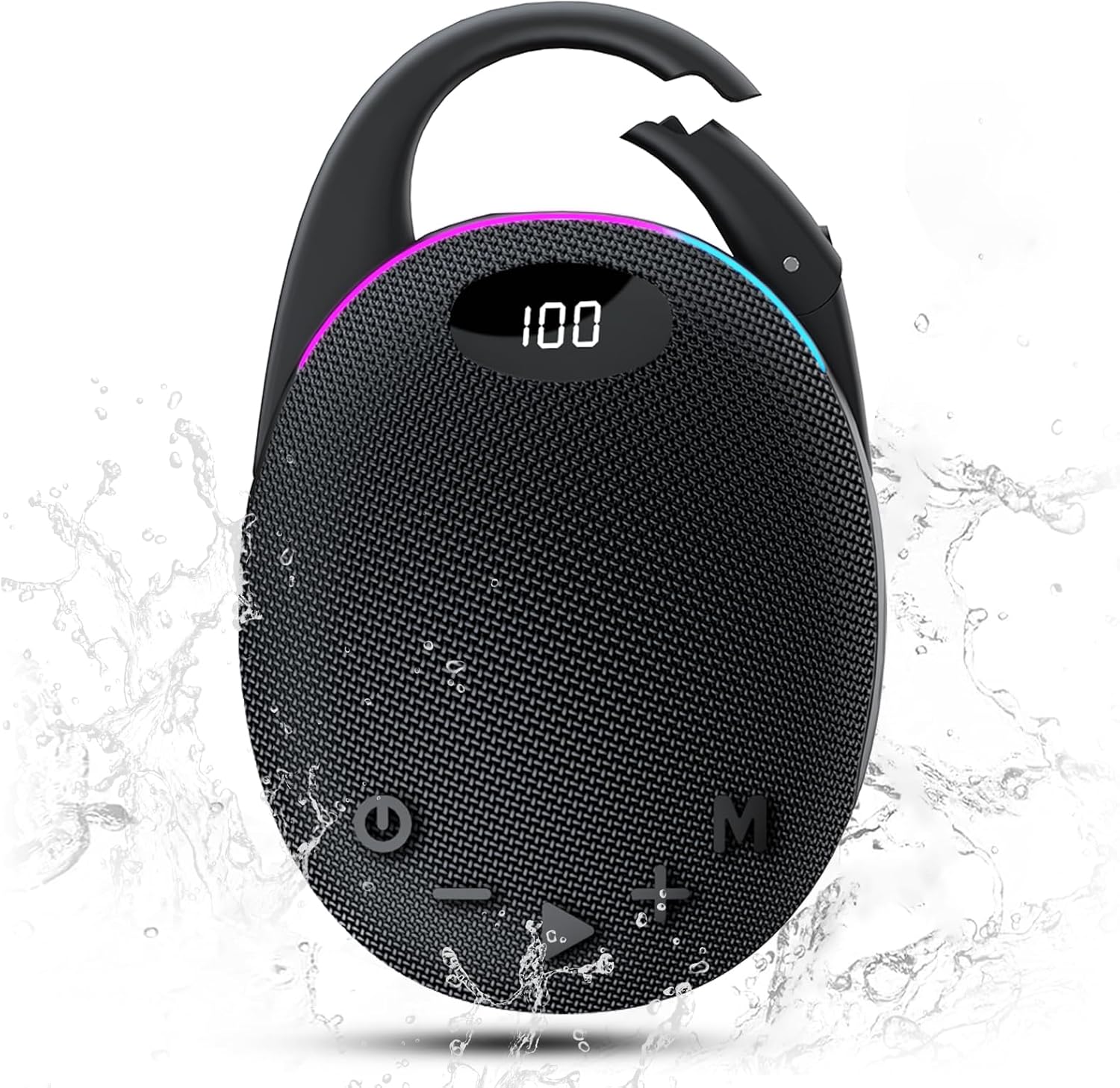
Image: The coioc S10 Portable Bluetooth Speaker, showcasing its compact design and integrated carabiner.
2. Package Contents
Ensure all items are present in the package. If any item is missing or damaged, please contact customer support.
- coioc S10 Portable Bluetooth Speaker
- USB-C Charging Cable
- Quick Start Guide
3. Product Overview and Controls
Familiarize yourself with the speaker's components and control buttons.

Image: Diagram illustrating the control buttons and ports on the coioc S10 speaker.
- Power Button: Press and hold for 2 seconds to power on/off.
- Mode Button (M): Short press to switch between Bluetooth, AUX, and TF card modes.
- Volume Up (+): Short press to increase volume. Long press for next track.
- Volume Down (-): Short press to decrease volume. Long press for previous track.
- Play/Pause Button: Short press to play/pause music. Short press to answer/end calls. Long press to reject calls.
- Light Button: Press and hold for 3 seconds to cycle through RGB light modes or turn off lights.
- LED Display: Shows battery level and current mode.
- Integrated Carabiner: For easy portability.
- Ports: USB-C charging port, AUX input, TF card slot.
4. Setup and Basic Operation
4.1 Charging the Speaker
Before first use, fully charge the speaker.
- Connect the USB-C charging cable to the speaker's charging port.
- Connect the other end of the cable to a USB power adapter (not included) or a computer's USB port.
- The LED display will show the charging status. A full charge is indicated by 100% on the display.
A full charge provides approximately 30 hours of playback time.
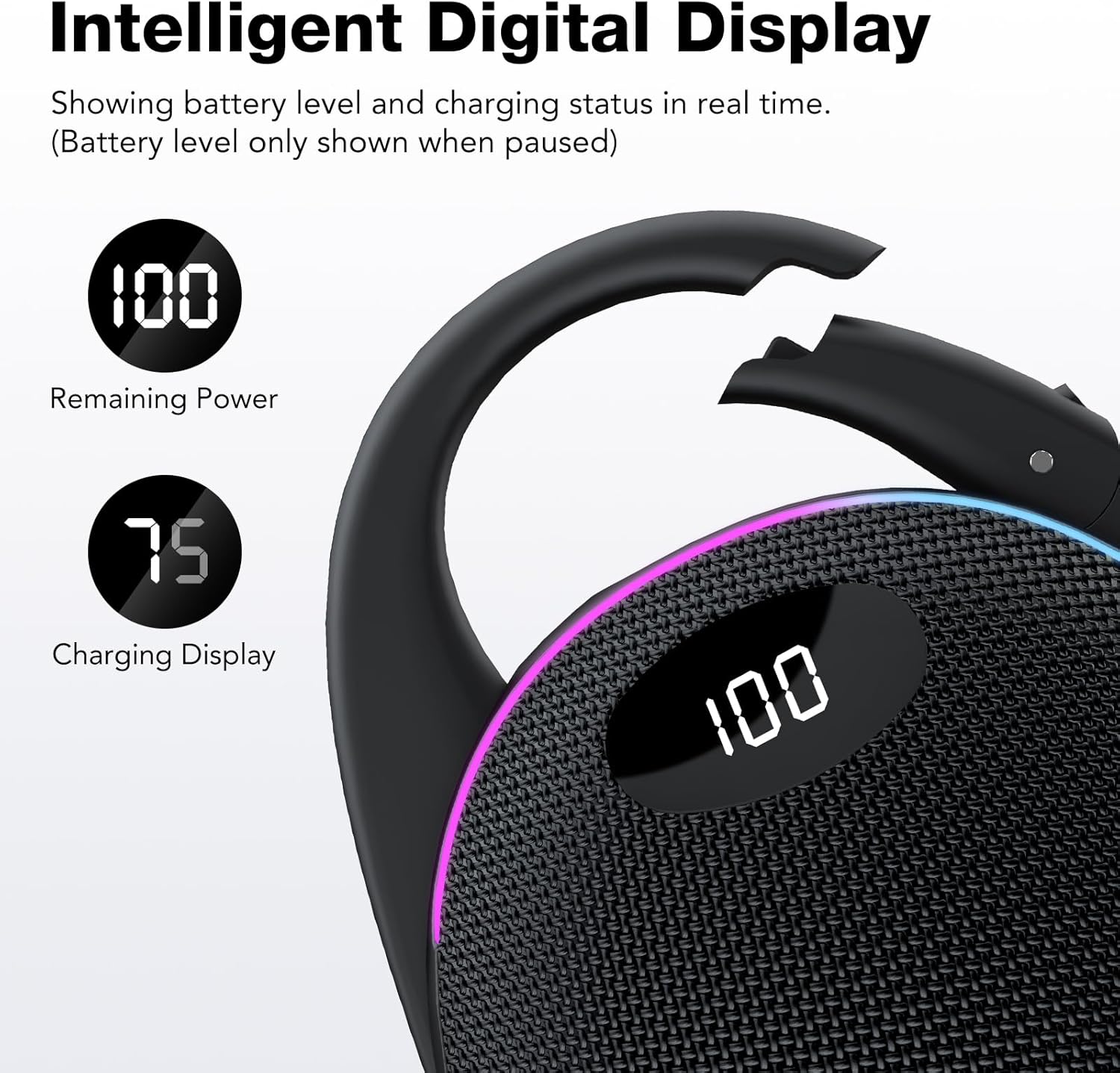
Image: The coioc S10 speaker's LED display showing the battery percentage.
4.2 Powering On/Off
- To power on, press and hold the Power button for 2 seconds.
- To power off, press and hold the Power button for 2 seconds.
5. Operating Instructions
5.1 Bluetooth Pairing
Connect your speaker to a Bluetooth-enabled device.
- Power on the speaker. It will automatically enter Bluetooth pairing mode, indicated by a flashing Bluetooth icon on the LED display.
- On your device (smartphone, tablet, computer), enable Bluetooth and search for available devices.
- Select "S10" from the list of devices.
- Once connected, the speaker will emit a confirmation sound, and the Bluetooth icon on the LED display will stop flashing.
The speaker will automatically reconnect to the last paired device when powered on, if within range. The Bluetooth range is up to 15 meters.
5.2 True Wireless Stereo (TWS) Pairing
Pair two coioc S10 speakers for an immersive stereo sound experience.
- Ensure both S10 speakers are powered on and not connected to any Bluetooth device.
- On one speaker (this will be the primary speaker), double-press the Power button (or TWS button if available) to initiate TWS pairing.
- The speakers will search for each other and connect automatically. A confirmation sound will indicate successful pairing.
- Once paired, connect your device to the primary speaker via Bluetooth as described in section 5.1.
To disconnect TWS, double-press the Power button on either speaker.

Image: Two coioc S10 speakers positioned to demonstrate True Wireless Stereo (TWS) pairing.
5.3 Using AUX, TF Card, and USB Input
The speaker supports multiple audio input sources.
- AUX Mode: Connect an audio device using a 3.5mm AUX cable (not included) to the AUX port. The speaker will automatically switch to AUX mode or you can press the Mode button (M) to select it.
- TF Card Mode: Insert a TF (MicroSD) card with audio files (WAV/FLAC/APE/MP3 formats supported) into the TF card slot. The speaker will automatically switch to TF card mode or you can press the Mode button (M) to select it.
- USB Mode: Connect a USB drive with audio files to the USB port. The speaker will automatically switch to USB mode or you can press the Mode button (M) to select it.

Image: Close-up of the coioc S10 speaker's input ports, including Microphone, TF card, Type-C, and AUX.
5.4 RGB Lighting Modes
The speaker features dynamic RGB lighting with five modes.
- Press and hold the Light button for 3 seconds to cycle through the following modes: Rhythm, Rainbow, Breathing, Gradient, and Off.
- The lights synchronize with the music for an enhanced audio-visual experience.
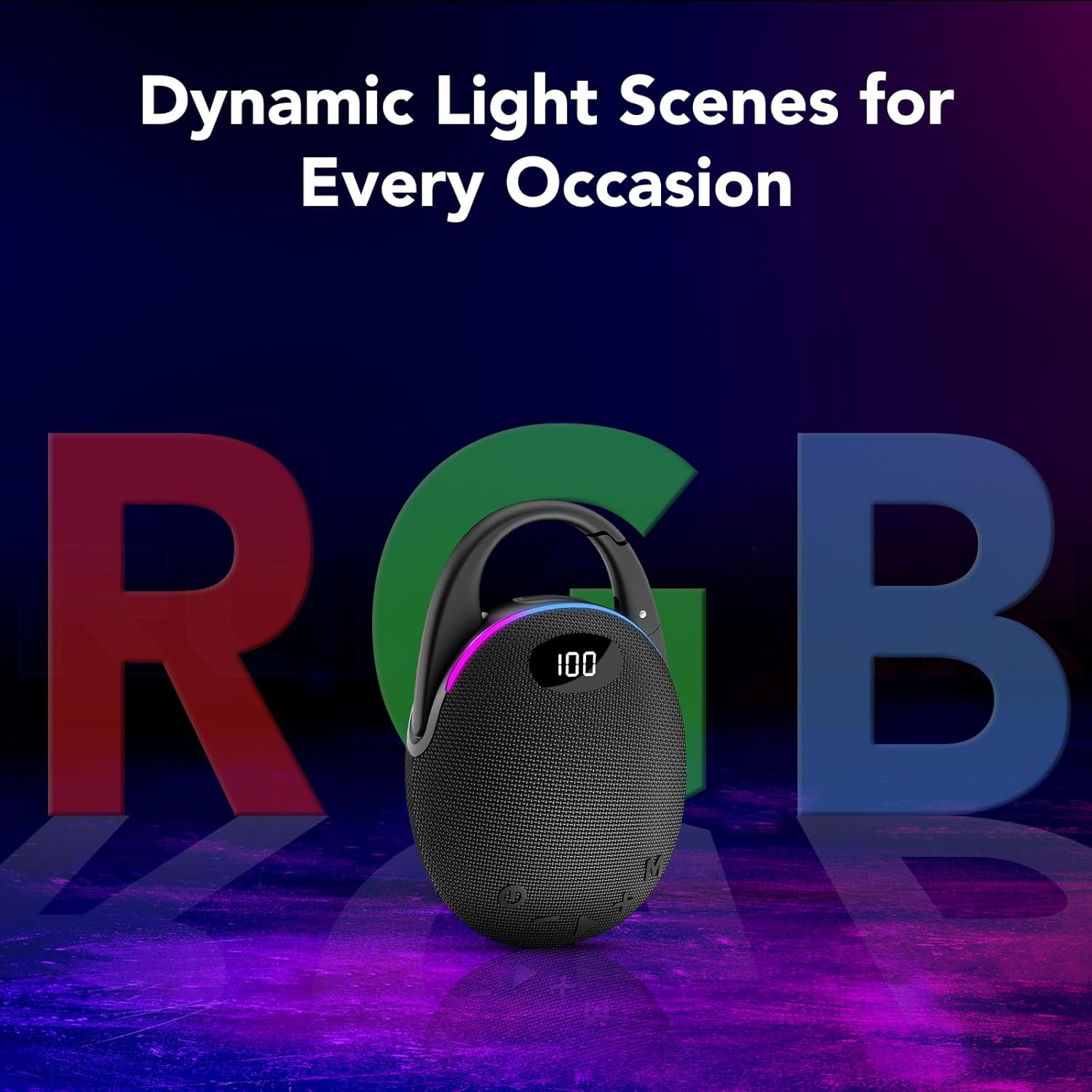
Image: The coioc S10 speaker displaying its vibrant RGB lighting effects.
5.5 Making and Receiving Calls
The built-in microphone allows for hands-free calling when connected via Bluetooth.
- Answer/End Call: Short press the Play/Pause button.
- Reject Call: Long press the Play/Pause button.
6. Water and Dust Resistance (IP68)
The coioc S10 speaker is rated IP68, meaning it is protected against dust ingress and can withstand immersion in water up to 1.5 meters for 30 minutes.
- Ensure all port covers are securely closed before exposing the speaker to water or dust.
- Do not intentionally submerge the speaker for extended periods or beyond the specified depth.
- After exposure to water, wipe the speaker dry before charging to prevent damage.

Image: Visual representation of the coioc S10 speaker's IP68 rating, showing its resistance to water splashes, drops, and sand.
7. Maintenance
- Cleaning: Use a soft, dry cloth to clean the speaker. Do not use abrasive cleaners or solvents.
- Storage: Store the speaker in a cool, dry place away from direct sunlight and extreme temperatures.
- Battery Care: To prolong battery life, charge the speaker at least once every three months if not in regular use.
8. Troubleshooting
| Problem | Possible Cause | Solution |
|---|---|---|
| Speaker does not power on. | Low battery. | Charge the speaker fully. |
| Cannot pair via Bluetooth. | Speaker is not in pairing mode; device Bluetooth is off; speaker is already connected to another device. | Ensure speaker is in pairing mode. Turn on Bluetooth on your device. Disconnect from other devices. |
| No sound. | Volume too low; incorrect input mode; device not playing. | Increase speaker and device volume. Switch to correct input mode (Bluetooth, AUX, TF). Ensure audio is playing on your device. |
| TWS pairing fails. | Speakers are too far apart; one speaker is already paired to a device. | Ensure speakers are close to each other. Disconnect both speakers from any Bluetooth devices before TWS pairing. |
| RGB lights not working. | Lights are turned off. | Press and hold the Light button for 3 seconds to cycle through modes. |
9. Specifications
| Feature | Detail |
|---|---|
| Model Name | S10 |
| Brand | coioc |
| Output Power | 30 Watts |
| Speaker Type | Portable Speaker |
| Audio Output Mode | Stereo |
| Connectivity Technology | Bluetooth 5.4, AUX, TF Card, USB |
| Bluetooth Range | 15 Meters |
| Water Resistance Level | IP68 (Waterproof and Dustproof) |
| Battery Life | Up to 30 hours (playback) |
| Charging Port | USB-C |
| Special Features | Bass amplification, TWS pairing, LED display, RGB lights, Built-in microphone, Portable carabiner |
| Material | Plastic |
| Dimensions (L x W x H) | 16 x 5 x 5 cm (approx.) |
| Compatible Devices | Personal computer, Laptop, Smartphone, Tablet, Television |
10. Warranty and Support
The coioc S10 Portable Bluetooth Speaker comes with a limited warranty. Please refer to the warranty card included in your package for specific terms and conditions.
For technical support, troubleshooting assistance, or warranty claims, please contact coioc customer service through the retailer where you purchased the product or visit the official coioc website.
Manufacturer: coioc
Country of Origin: China