
1. Introduction and Safety Guidelines
This manual provides essential information for the safe operation, assembly, maintenance, and troubleshooting of your NAVEE ST3 Pro Electric Scooter. Please read this manual thoroughly before using the scooter to ensure your safety and prolong the product's lifespan.
1.1 Safety Certifications
The NAVEE ST3 Pro Electric Scooter is UL2272 Certified, ensuring it meets rigorous safety standards for electrical systems. It also features a 3-layer Battery Management System (BMS) for overcharge, short-circuit, and explosion protection.
1.2 General Safety Precautions
- Always wear a helmet and appropriate safety gear (knee pads, elbow pads) while riding.
- Familiarize yourself with local laws and regulations regarding electric scooter usage.
- Do not ride in heavy traffic, on slippery surfaces, or in adverse weather conditions.
- Maintain a safe speed and always be aware of your surroundings.
- Regularly inspect your scooter for any signs of damage or wear before each ride.
2. Product Overview
The NAVEE ST3 Pro is a high-performance electric scooter designed for adults, offering an extended range, powerful motor, and enhanced safety features.
2.1 Key Features
- Extended Range: Up to 47 miles (75 km) on a single charge with a 46.8V 12.75Ah lithium battery.
- Powerful Motor: 1350W peak motor, capable of reaching speeds up to 25 mph (40 km/h) and tackling 28% inclines.
- Dual Damping Arm Suspension: Provides a smooth and comfortable ride over various terrains.
- Triple Braking System: Front drum brake, rear disc brake, and EABS for 20% shorter stopping distances.
- 10-inch Self-Sealing Tubeless Tires: Enhanced traction and puncture resistance.
- Foldable Design: 3S folding system for easy portability and storage.
- IPX5 Waterproof Rating: Suitable for all-weather conditions.
- Smart Riding Ecosystem: Connects via Bluetooth to the NAVEE app for speed modes, diagnostics, and Apple Find My tracking.
2.2 Scooter Components

Figure 1: NAVEE ST3 Pro Electric Scooter overview.
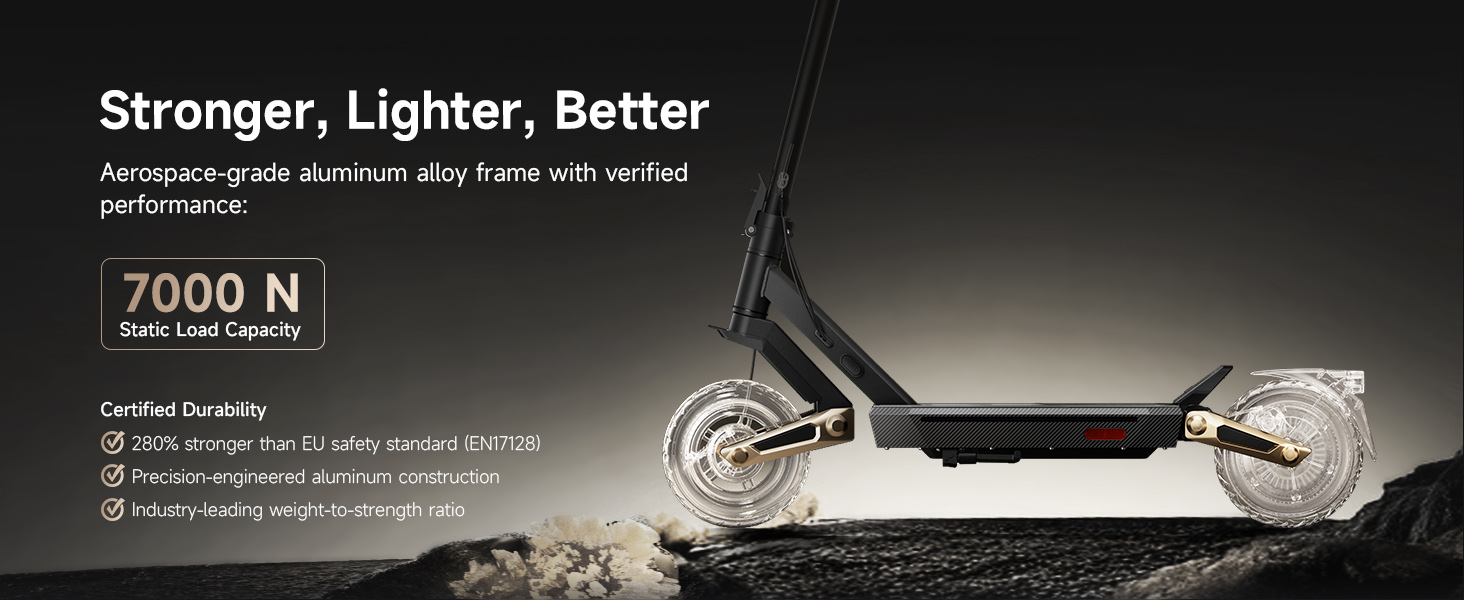
Figure 2: Close-up of the patented Damping Arm™ Suspension, designed for smoother rides.
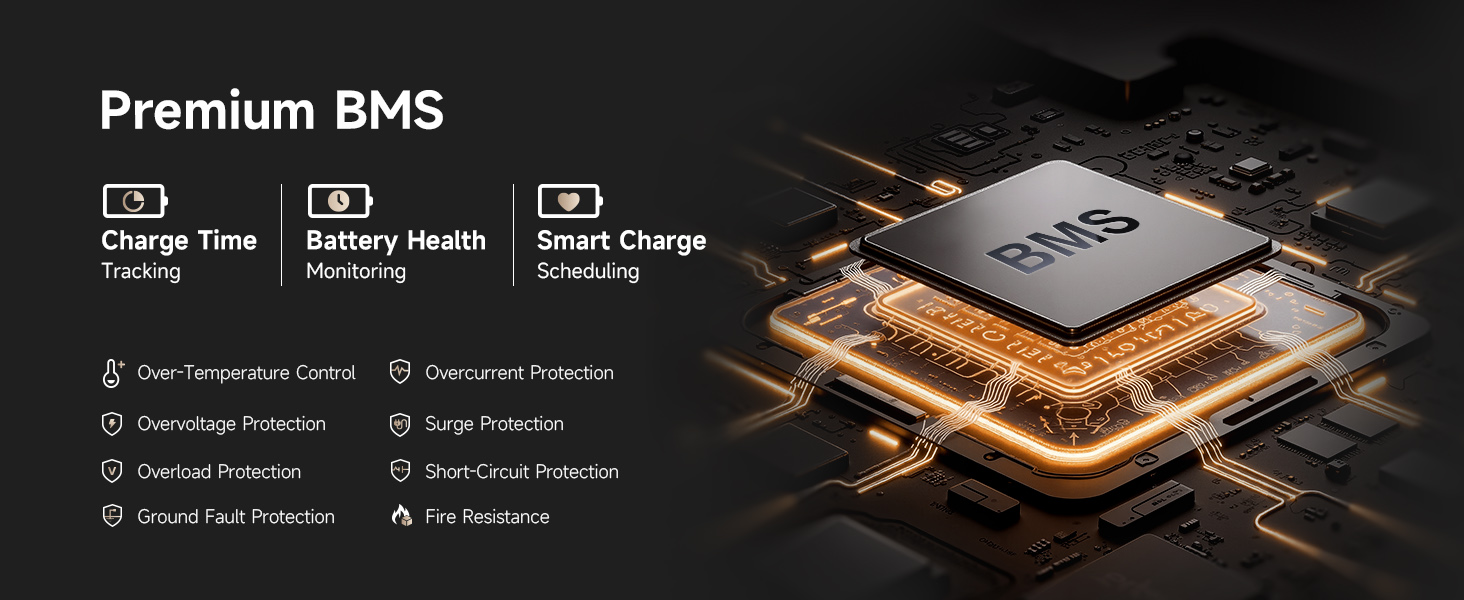
Figure 3: Illustration of the 1350W TurboDrive™ Motor, highlighting its power and efficiency.
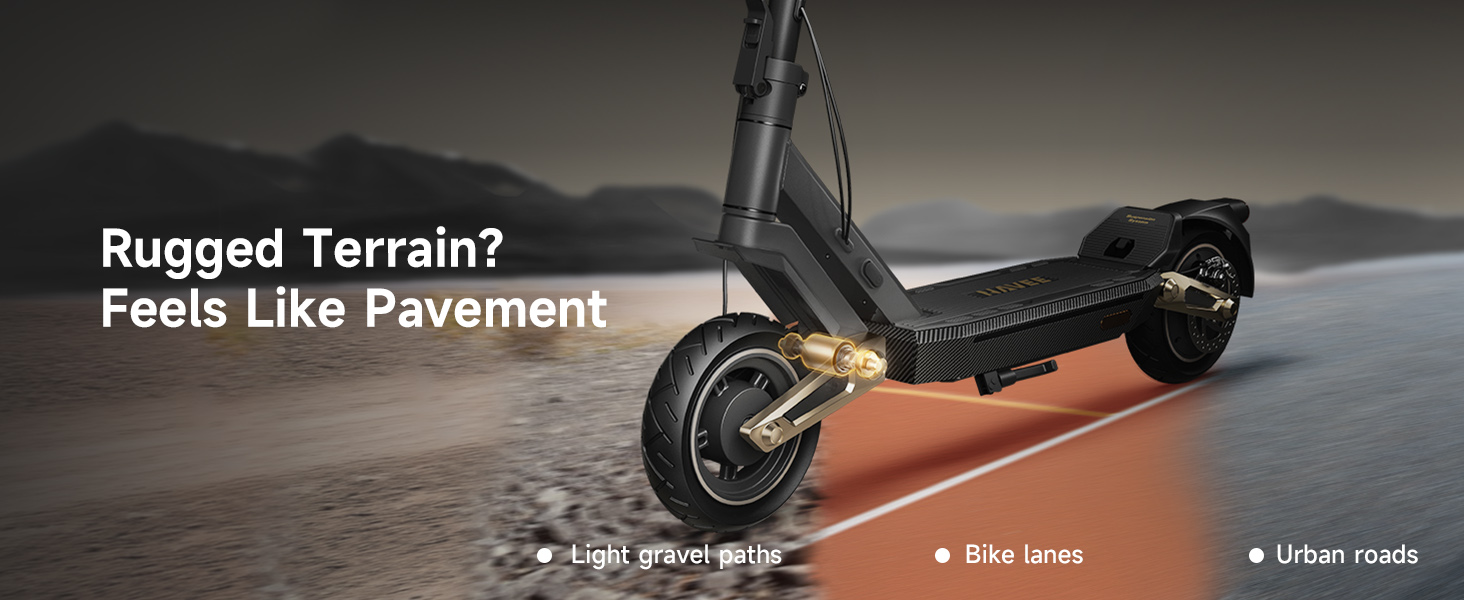
Figure 4: Detailed view of the Drum + Disc + EABS Triple Braking System for enhanced safety.
3. Setup and Assembly
Your NAVEE ST3 Pro Electric Scooter comes partially assembled. Follow these steps to complete the assembly and prepare for your first ride.
3.1 Unboxing and Initial Inspection
Carefully remove all components from the packaging. Verify that all parts listed in the packing list are present and undamaged. If any parts are missing or damaged, contact customer support immediately.
3.2 Handlebar Installation
- Insert the handlebar assembly into the main stem.
- Align the handlebar with the front wheel for stable steering.
- Secure the handlebar using the provided screws and Allen key.
3.3 Kickstand Installation
- Unfold the kickstand.
- Locate the appropriate Allen wrench from the toolkit.
- Remove the two screws for the kickstand base.
- Install the kickstand base in the correct direction.
- Reinsert and tighten the screws securely.
- Adjust the kickstand's retraction limit if it touches the battery compartment when folded.
3.4 Rear Mud Guard Installation
- Locate the rear mud guard from the included accessories.
- Align the mounting holes on the mud guard with the bracket.
- Place the washers on the innermost side.
- Tighten the screws into their corresponding holes.
3.5 Tire Pressure Check
Before initial use, check the tire pressure of each wheel. It is recommended to inflate the tire pressure to 35 PSI. If your inflator lacks a pressure gauge, you can manually check by squeezing the tire with maximum force; it should feel extremely firm and barely compressible.
3.6 Initial Battery Charge
Fully charge the battery before the first use. The charging port is located on the side of the deck. The charger indicator light is red during charging and turns green when fully charged. If the device is unused for extended periods, perform a full charge-discharge cycle monthly (charge to 100% → use up the battery to 0% → recharge to 100%). This helps prolong battery lifespan and maintain stable performance.
Video 1: Detailed installation instructions for the NAVEE ST3 Pro Electric Scooter.
4. Operating Instructions
Familiarize yourself with the controls and functions of your NAVEE ST3 Pro Electric Scooter.
4.1 Power On/Off and Display
- Press and hold the power button on the keypad to power up the scooter.
- The display will show the power-up password (default: 000). Use the plus (+) and minus (-) buttons to select digits, and short press the power button to confirm each digit. Double press the power button after selecting all three digits to confirm.
- The display shows speed, riding mode, turn signal indicators, Bluetooth connection, traction control, Apple Find My status, and remaining battery life.
4.2 Riding Modes
The scooter offers three optimized speed modes:
- Eco Mode: For energy efficiency and lower speeds.
- STD (Standard) Mode: Balanced performance for daily commuting.
- Turbo Mode: Maximum performance and speed.
Toggle between modes by pressing the plus (+) and minus (-) buttons on the keypad.
4.3 Lighting and Turn Signals
- Press the light button on the keypad to toggle the headlight (2W automatic headlight) and taillight.
- Press the power button to toggle the battery compartment ambient light on or off (15 colors available via app).
- Use the turn signal switch (lever left or right) to activate the left and right turn signals respectively.
4.4 Cruise Control
The cruise control feature can be enabled or disabled via the settings. When enabled, the scooter will maintain its current speed after throttle release. Applying the brake will automatically cancel cruise control.
4.5 Zero Speed Start Function
This function determines if the scooter can engage the throttle from a standstill. If the scooter does not start but remains stationary when the throttle is engaged, check if this feature is enabled in the settings. Deactivate this mode to engage the throttle from a standstill.
4.6 NAVEE App Integration
Connect your scooter via Bluetooth to the NAVEE app to access additional features:
- Customize speed modes.
- Real-time diagnostics.
- Apple Find My tracking.
- Remote lock/unlock (NavFlylock).
- Customize ambient lighting.
Video 2: Overview of the NAVEE ST3 Pro's motor and suspension in action.
Video 3: Demonstration of the patented Damping Arm Suspension for a smooth ride.
5. Maintenance
Regular maintenance ensures the longevity and optimal performance of your NAVEE ST3 Pro Electric Scooter.
5.1 Battery Care
- Always use the original charger provided.
- Avoid completely draining the battery. Recharge regularly.
- For long-term storage, charge the battery to approximately 50-70% and store in a cool, dry place.
- Perform a full charge-discharge cycle monthly if unused for extended periods.
5.2 Tire Maintenance
- Regularly check tire pressure and inflate to 35 PSI.
- Inspect tires for wear, punctures, or damage. Replace if necessary.
5.3 General Cleaning and Inspection
- Clean the scooter regularly with a damp cloth. Avoid using high-pressure water jets.
- Check all screws and bolts for tightness.
- Inspect brake cables and pads for wear.
- Ensure the folding mechanism operates smoothly and securely.
6. Troubleshooting
If you encounter issues with your scooter, refer to the following common troubleshooting tips. For more complex problems, consult the NAVEE app diagnostics or contact customer support.
- Scooter not powering on: Ensure the battery is charged. Check all connections.
- Reduced range or power: Check tire pressure. Ensure battery is fully charged. Riding conditions (hills, rider weight) can affect performance.
- Brakes not responsive: Inspect brake cables and pads. Adjust brake tension if needed.
- Error codes on display: Refer to the NAVEE app for specific error code meanings and solutions.
7. Specifications
| Feature | Specification |
|---|---|
| Brand | NAVEE |
| Model Name | ST3 Pro-U |
| Motor Power (Peak) | 1350W |
| Max Speed | 25 mph (40 km/h) |
| Max Range | 47 Miles (75 km) |
| Battery | 46.8V 12.75Ah Lithium (597 Wh) |
| Charging Time | 10 Hours |
| Weight Limit | 264 Pounds (120 kg) |
| Item Weight | 55 Pounds (25 kg) |
| Product Dimensions (LxWxH) | 47.2" x 23.6" x 51.3" |
| Wheel Size | 10 Inches |
| Suspension Type | Dual Damping Arm Suspension |
| Brake Style | Front Drum, Rear Disc, Rear EABS |
| Waterproof Rating | IPX5 |
8. Warranty and Support
NAVEE is committed to providing high-quality products and excellent customer service.
8.1 Warranty Information
The NAVEE ST3 Pro Electric Scooter comes with a 24-month limited warranty. The battery is covered by a 12-month warranty. Please retain your proof of purchase for warranty claims.
8.2 Customer Support
For any questions, technical assistance, or warranty claims, please contact NAVEE customer support. We offer 24/7 customer support to ensure your riding experience is smooth and hassle-free.
You can find contact information and further resources on the official NAVEE website: www.naveetech.com


