
Introduction
Thank you for choosing the FORTHiQ Knee Massager Pro+. This advanced 6-in-1 cordless device is designed to provide targeted comfort and support for your knees through a combination of heat, dual-wavelength red light therapy, and adjustable vibration. This manual will guide you through the proper setup, operation, and maintenance of your device to ensure optimal performance and longevity.
Important Safety Information
Please read all safety instructions carefully before using the FORTHiQ Knee Massager Pro+.
- Do not use on broken skin or areas with impaired sensation.
- Keep away from water.
- Do not use while sleeping or taking medication that causes drowsiness.
- Consult a doctor before use if you have a medical condition or are pregnant.
- Keep out of reach of children.
- This product is not intended to diagnose, treat, cure, or prevent any disease or health condition.
Product Overview and Features
The FORTHiQ Knee Massager Pro+ is designed for enhanced relaxation and comfort. Its 6-in-1 features include:
- Heat Therapy: Four adjustable levels of soothing heat with a fast 30-second warm-up.
- Dual-Wavelength Red Light Therapy: Advanced 660nm and 850nm light for deep penetration.
- Vibration Massage: Four customizable levels of vibration to target discomfort.
- Memory Function: Remembers your last settings for convenience.
- Cordless & Portable: Use it anywhere, anytime, whether relaxing, working, or standing.
- Adjustable Straps: Ensures a comfortable and secure fit for various knee sizes.
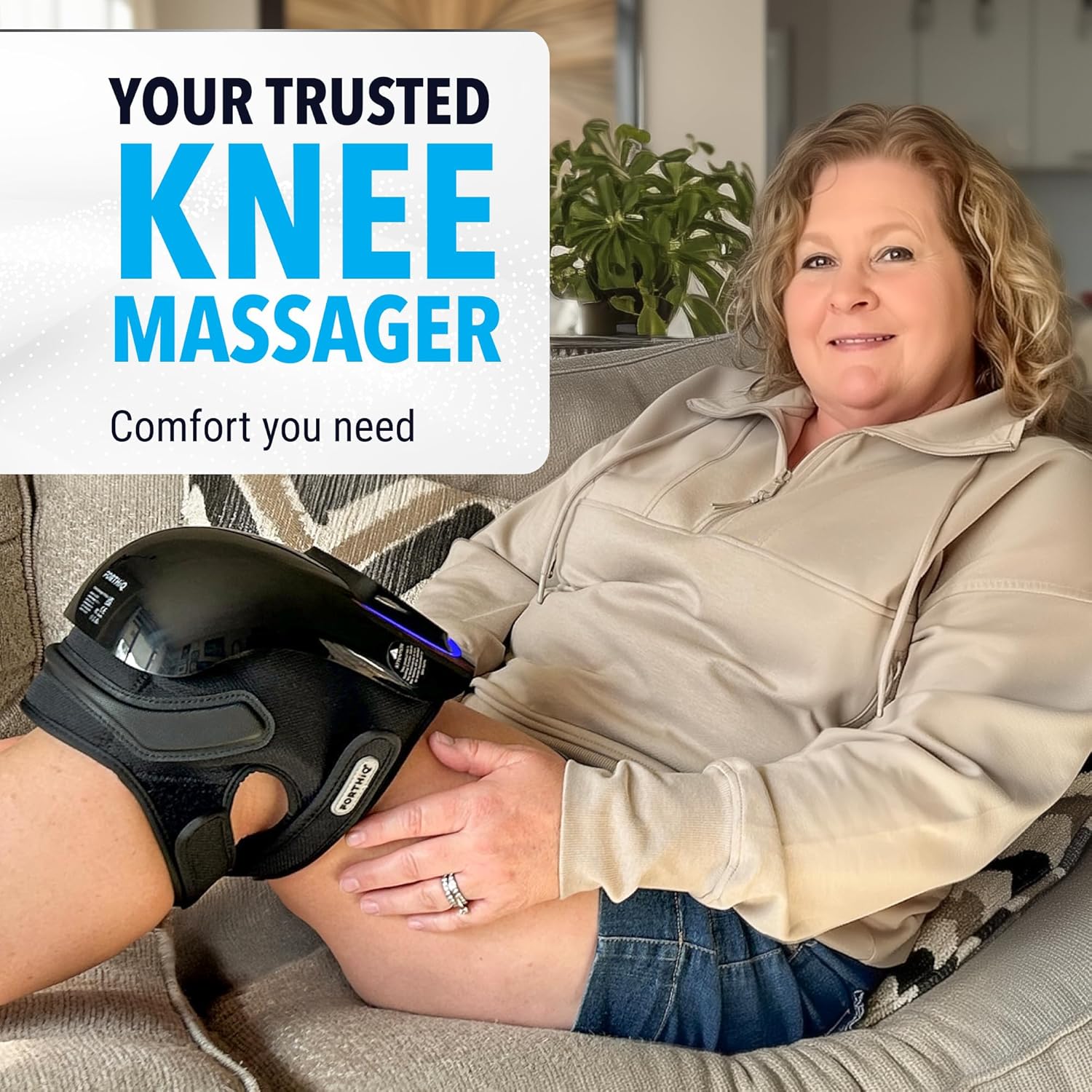
Image: The FORTHiQ Knee Massager Pro+ in use on a person's knee, demonstrating its ergonomic design and portability.
Setup
1. Charging the Device
Before first use, fully charge your FORTHiQ Knee Massager Pro+.
- Locate the USB-C charging port on the device.
- Connect the provided USB-C cable to the device and a suitable power source (e.g., wall adapter, computer USB port).
- The LED indicator on the control panel will show charging status. A full charge typically takes several hours.
2. Attaching the Device to Your Knee
- Place the massager onto your knee, ensuring the control panel faces upwards and the red light array is centered over your kneecap.
- Secure the device using the adjustable straps. Thread the straps through the buckles and tighten them to achieve a snug yet comfortable fit.
- The design allows for use on various joint sizes. If needed, the internal padding can be adjusted or removed for more room.

Image: A person demonstrating how to secure the FORTHiQ Knee Massager Pro+ onto their knee using the adjustable straps.
Operating Instructions
The control panel features intuitive touch buttons for easy operation.

Image: Close-up of the FORTHiQ Knee Massager Pro+ control panel, showing buttons for Vibration, Heating, Red Light, Memory, and Power.
1. Power On/Off
- To power on, press and hold the Power button (U) for a few seconds until the device activates.
- To power off, press and hold the Power button (U) again. The device has an automatic shut-off after 15 minutes of continuous use.
2. Adjusting Vibration Settings
- Press the Vibration button (SSS) to cycle through the four vibration intensity levels: Low, Medium, High, and Auto.
- The corresponding indicator lights on the control panel will illuminate to show the selected level.
3. Adjusting Heat Settings
- Press the Heating button (fire icon) to cycle through the four heat levels: Low, Medium, High, and Off.
- The corresponding indicator lights will show the selected heat level.
4. Activating Red Light Therapy
- Press the Red Light button (sun icon) to turn the dual-wavelength red light therapy on or off.
- For optimal red light therapy, ensure the device is in direct contact with your skin or through thin clothing.
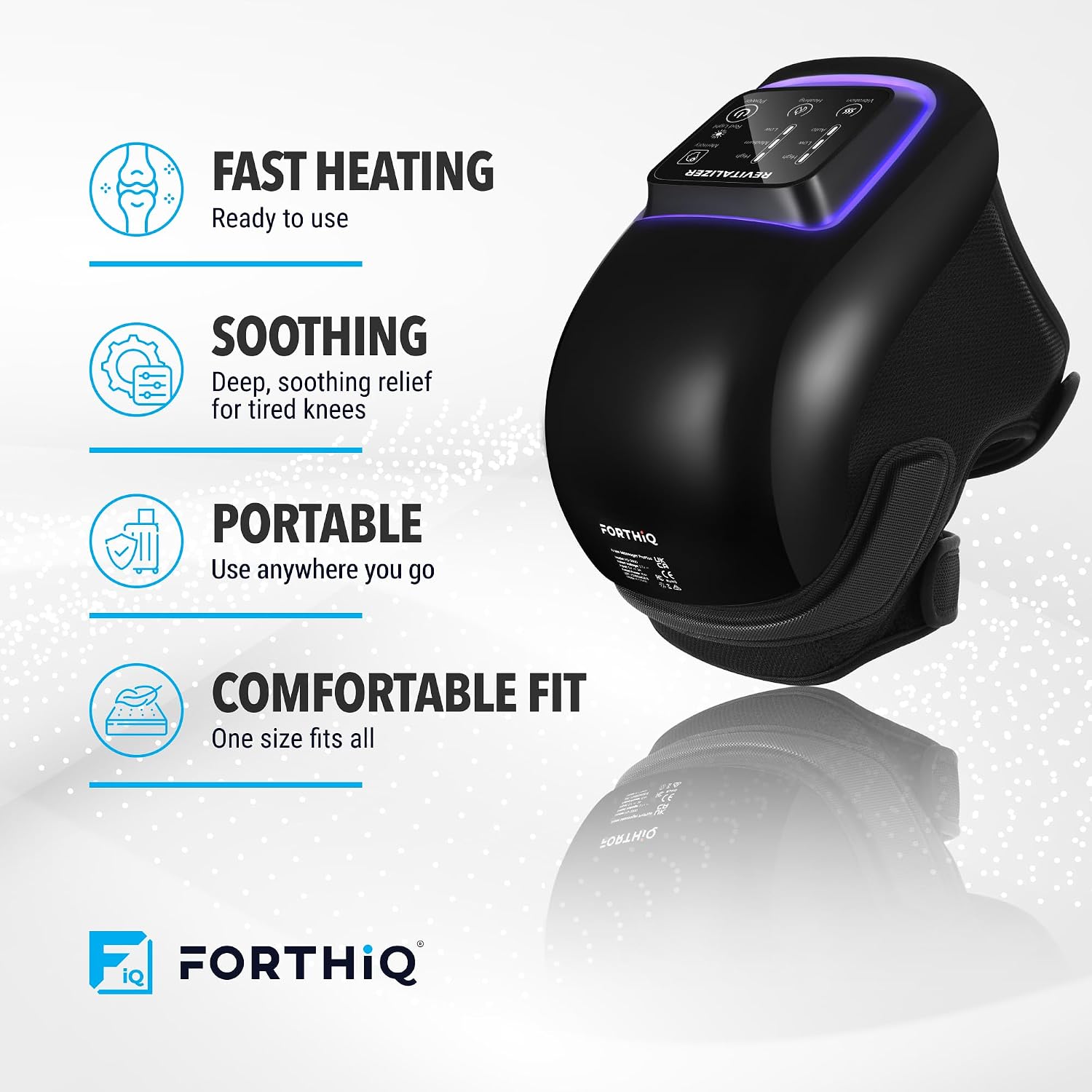
Image: The FORTHiQ Knee Massager Pro+ with its red light therapy function activated, showing the internal red LEDs.
5. Using the Memory Function
- Once you have set your preferred combination of vibration, heat, and red light settings, press the Memory button (head icon) to save them.
- The device will remember these settings for your next use, allowing for quick and convenient startup.
Video: A FORTHiQ representative demonstrating the various functions and memory feature of the Knee Massager Pro+.
Maintenance
- Cleaning: Wipe the device with a soft, damp cloth. Do not use abrasive cleaners or immerse the device in water.
- Storage: Store the massager in a cool, dry place away from direct sunlight when not in use.
- Battery Care: To prolong battery life, avoid fully discharging the device frequently. Charge it regularly, even if not used daily.
Troubleshooting
| Problem | Possible Cause | Solution |
|---|---|---|
| Device does not power on. | Low battery or device is off. | Charge the device fully. Press and hold the Power button to turn on. |
| No heat or insufficient heat. | Heat setting is too low or off. | Increase the heat intensity using the Heating button. Ensure direct skin contact for best results. |
| Vibration is weak or absent. | Vibration setting is too low or off. | Increase the vibration intensity using the Vibration button. |
| Red light is not working. | Red light function is off. | Press the Red Light button to activate. |
Specifications
- Model Number: FQ-2000
- Product Dimensions: 8.7 x 6.3 x 6.3 inches
- Item Weight: 1.54 Pounds
- Battery: 1 C battery required (included)
- Color: Black
- Material: Electronics
- Special Features: Auto Shut-Off, Cordless, Heat, Portable, Quiet
- Manufacturer: LeapEdge Limited
Warranty & Support
For warranty information and customer support, please refer to the documentation included in your product packaging or visit the official FORTHiQ website. You can also contact FORTHiQ customer service directly for assistance with any product-related inquiries.
Contact Information: Please refer to your product packaging or the FORTHiQ official website for the most up-to-date contact details.