
Introduction
This manual provides essential information for setting up, operating, and maintaining your HP 15.6" Pavilion FHD Touchscreen Laptop. Please read these instructions carefully to ensure proper use and longevity of your device.
Setup
Unpacking and Initial Power-On
- Carefully remove the laptop and all accessories from the packaging.
- Connect the power adapter to the laptop's AC Smart pin adapter plug and then to a power outlet.
- Open the laptop lid. The laptop may power on automatically, or you may need to press the power button.
- Follow the on-screen instructions to complete the initial Windows 11 setup, including language selection, network connection, and user account creation.
Connecting Peripherals
Your laptop is equipped with various ports for connecting external devices:
- USB 3.2 Gen 1 Type-A: For connecting standard USB devices like mice, keyboards, or external drives.
- USB 3.2 Gen 1 Type-C: For connecting compatible USB-C devices.
- HDMI 1.4b: For connecting to an external display or projector.
- Headphone/Microphone Combo: For connecting headphones or a headset with a microphone.
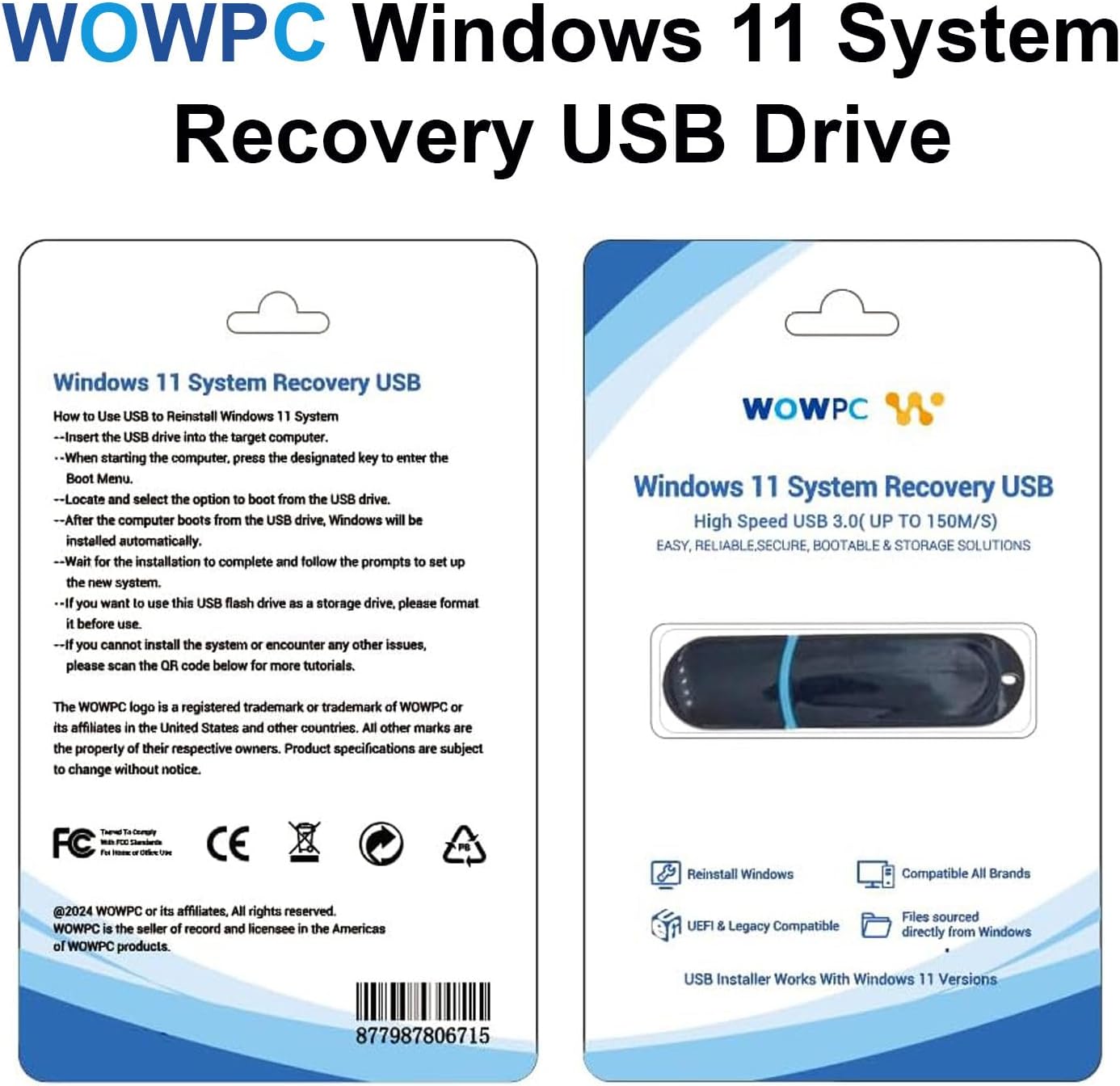
Image: Overview of the laptop's ports for connecting external devices.
Operating the Laptop
Power Management
The laptop features a battery life of up to 10.25 hours. To optimize battery performance, utilize the Smart Power Management features within Windows 11. Ensure the laptop is charged using the provided AC adapter.
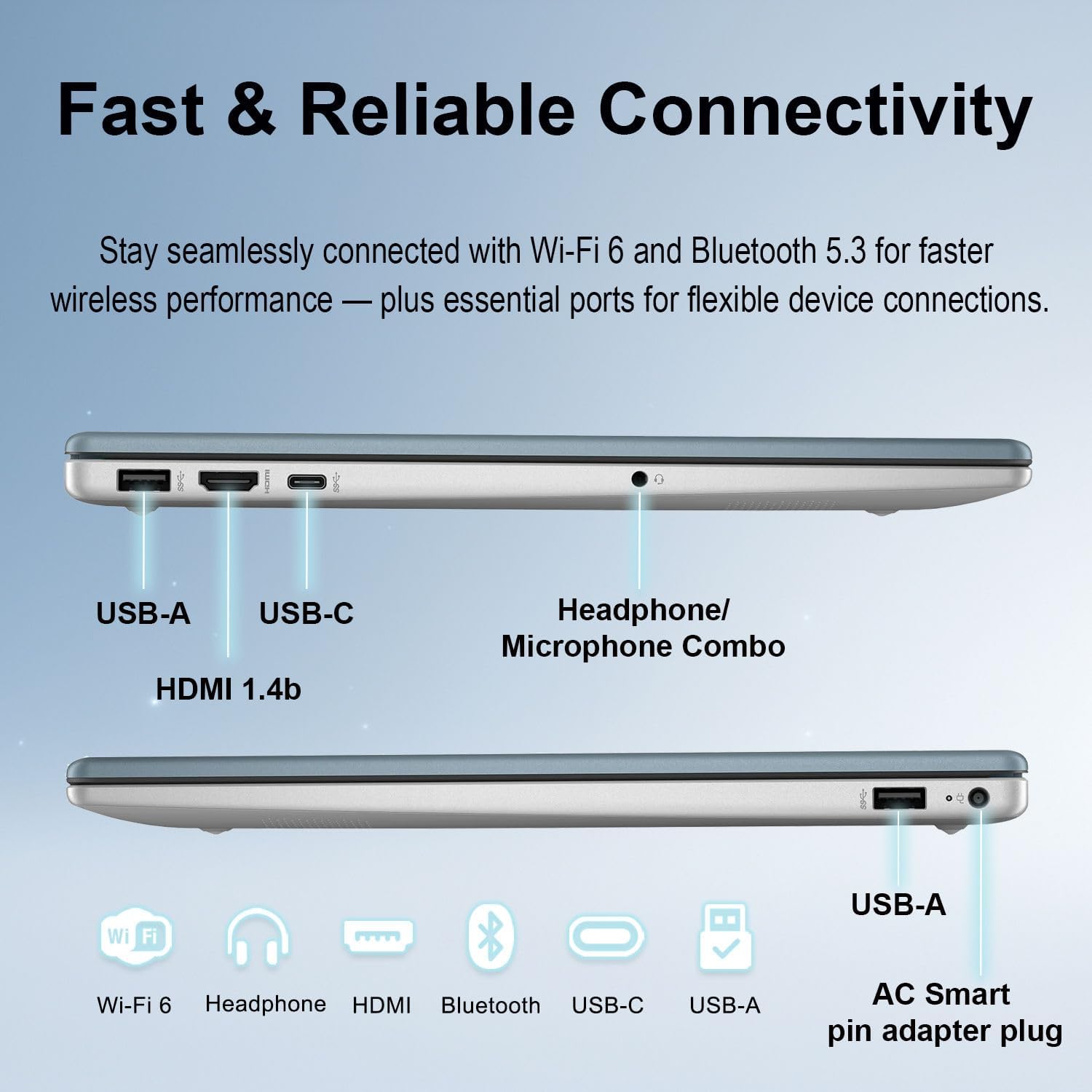
Image: Illustration of the laptop's battery life and smart power management features.
Keyboard and Touchpad
The full-size keyboard includes a numeric keypad for efficient data entry. The precision touchpad supports multi-touch gestures for navigation and control.
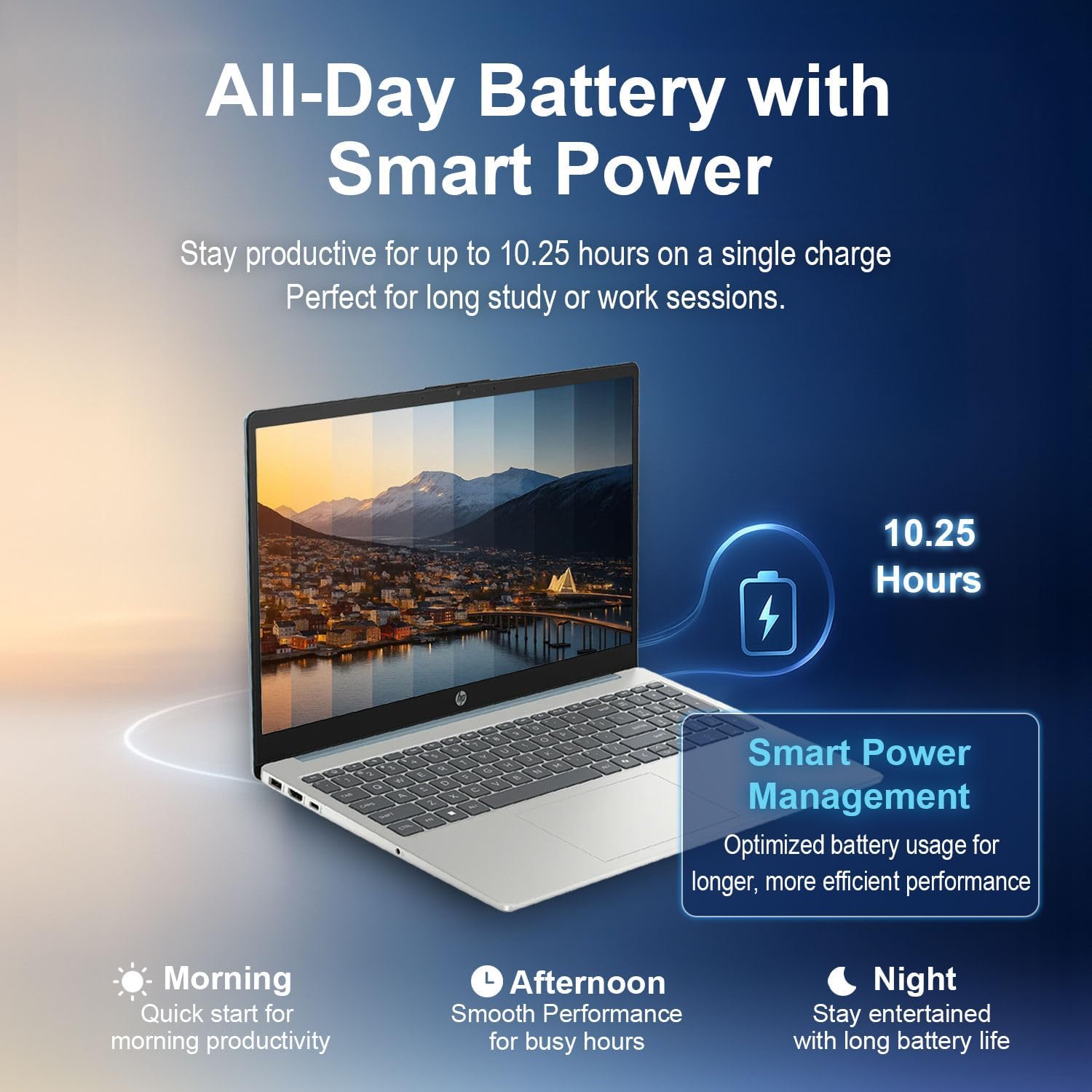
Image: Detailed view of the laptop's keyboard, numeric keypad, and touchpad.
Touchscreen Functionality
The 15.6-inch Full HD (1920x1080) IPS touchscreen allows for direct interaction with the display. Use gestures such as tapping, swiping, and pinching to navigate applications and content.
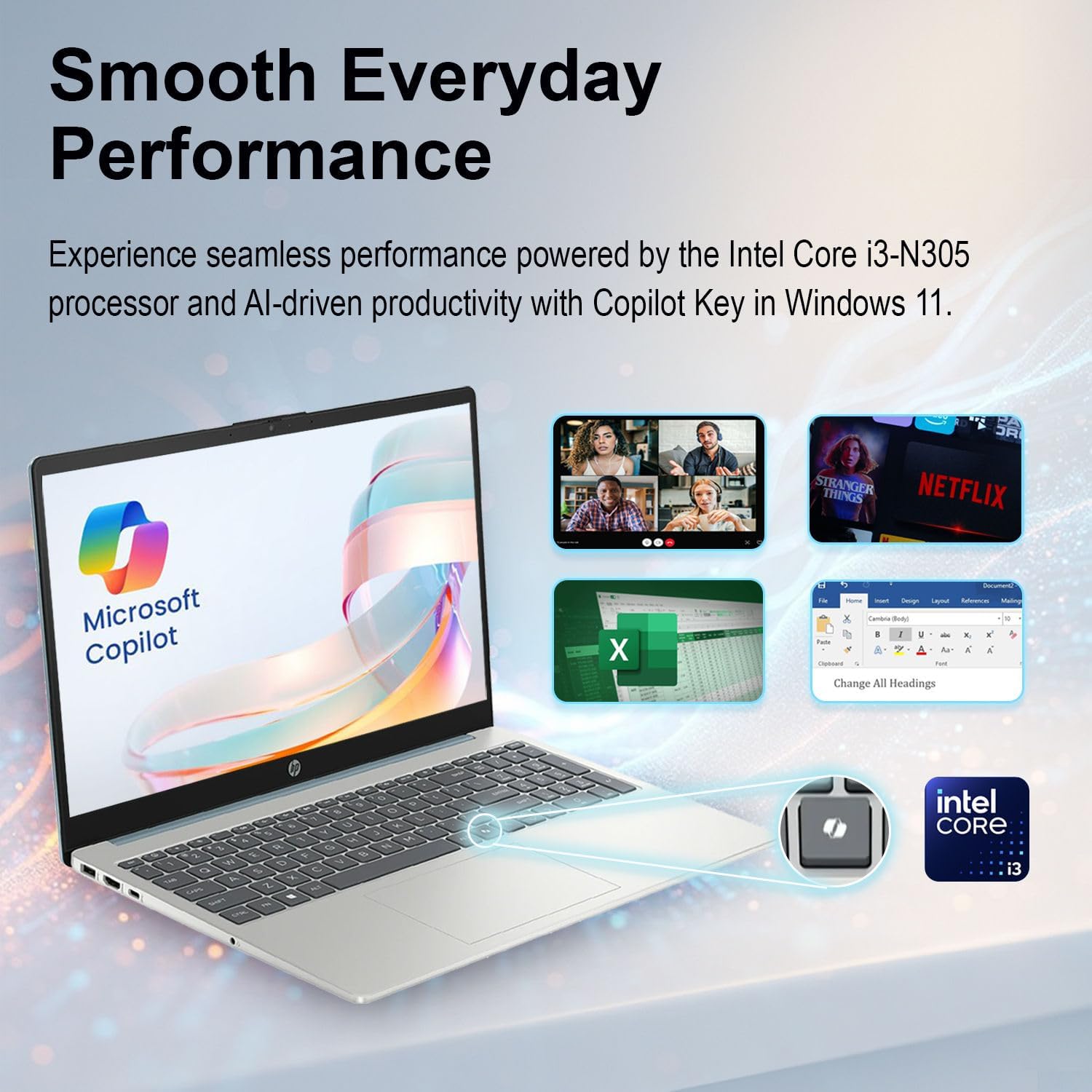
Image: Demonstrating the vivid 15.6" Full HD touchscreen functionality.
Windows 11 and Copilot
Your laptop comes with Windows 11 Home pre-installed, featuring Microsoft Copilot integration. Copilot assists with tasks, generates summaries, and provides intelligent suggestions to enhance productivity.
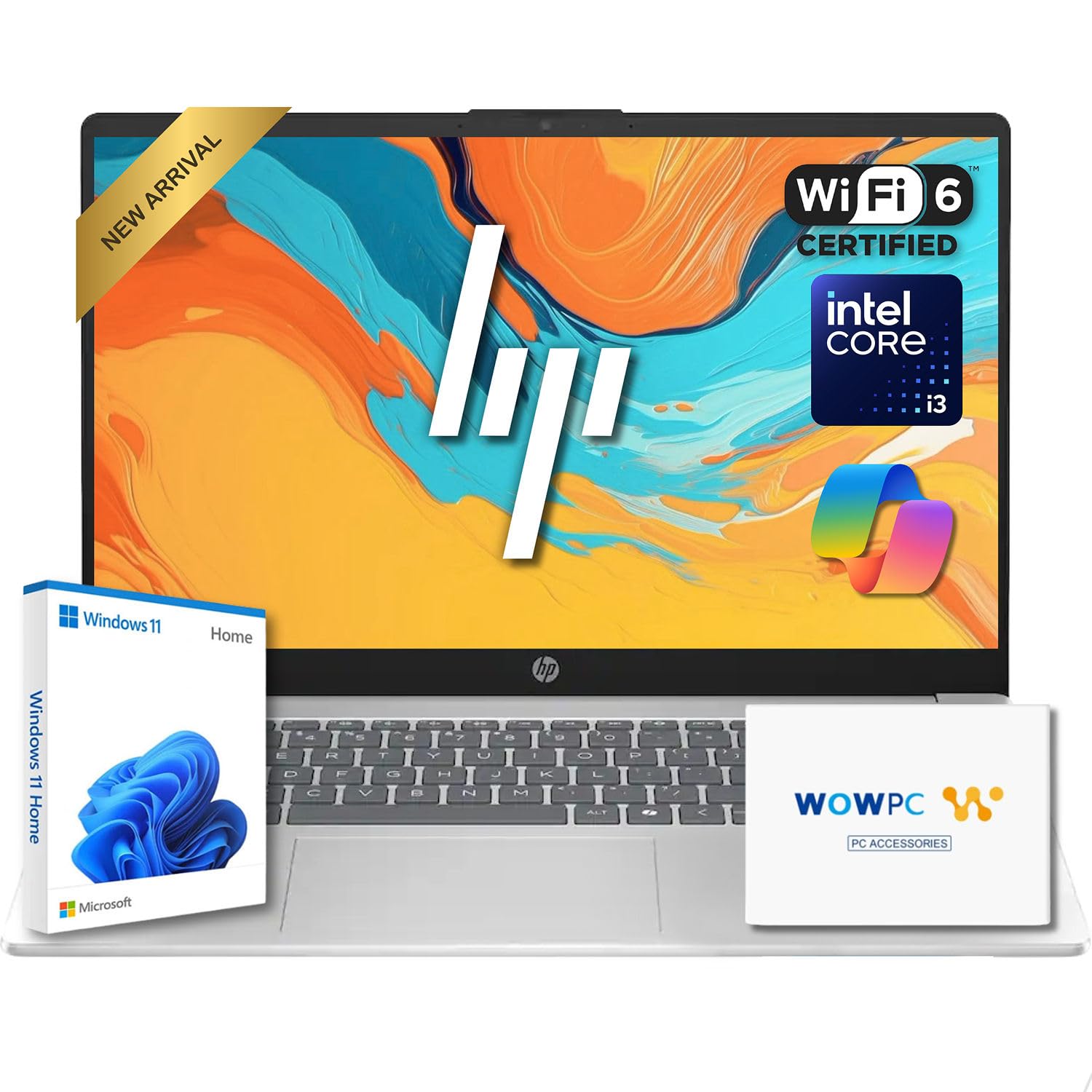
Image: The laptop showcasing Windows 11 and Microsoft Copilot for enhanced productivity.
Audio and Webcam
The laptop features an HP True Vision 720p HD camera with a privacy shutter for secure video calls. Dual-array microphones with AI noise reduction ensure clear audio input, and a microphone mute key provides instant privacy control.
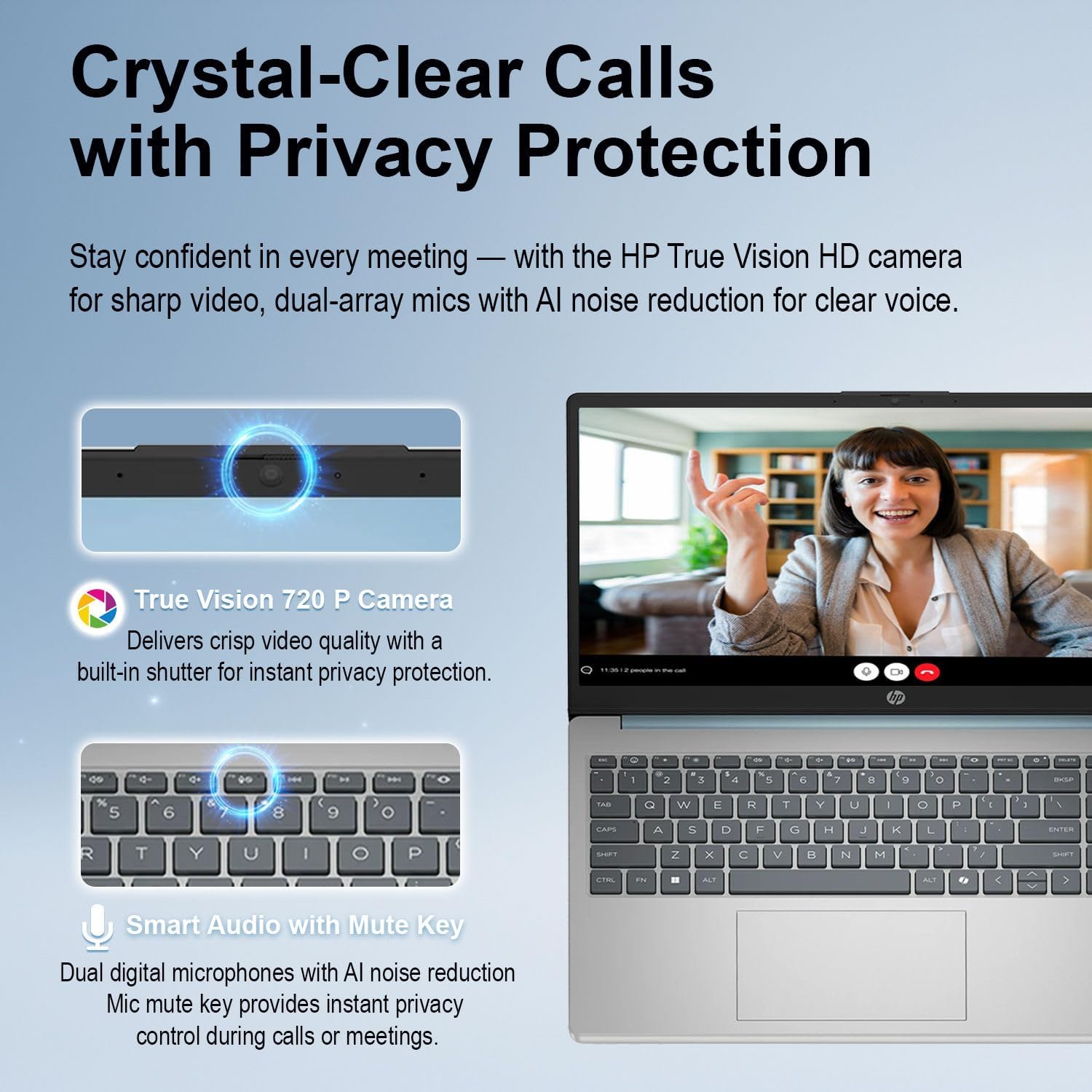
Image: Details of the laptop's HD webcam, privacy shutter, and AI noise-reducing microphones.
Connectivity
The laptop supports Wi-Fi 6 (802.11ax) for fast wireless internet access and Bluetooth 5.3 for connecting wireless peripherals such as headphones or mice.
- Wi-Fi 6: Provides faster speeds and improved performance in congested network environments.
- Bluetooth 5.3: Offers reliable and efficient wireless connections to compatible devices.
Maintenance
Cleaning the Laptop
- Use a soft, lint-free cloth slightly dampened with water or a screen cleaner to clean the display.
- For the keyboard and chassis, use a soft, dry cloth. Avoid harsh chemicals or abrasive materials.
- Regularly clean dust from vents to ensure proper airflow and prevent overheating.
Software Updates
Keep your operating system and drivers updated to ensure optimal performance and security. Windows Update will automatically notify you of available updates.
Battery Care
To prolong battery life, avoid extreme temperatures and fully discharging the battery frequently. Store the laptop with a partial charge if not used for extended periods.
Troubleshooting
| Problem | Possible Solution |
|---|---|
| Laptop does not power on. | Ensure the power adapter is securely connected and the outlet is functional. Try pressing and holding the power button for 15 seconds. |
| Wi-Fi connection issues. | Check if Wi-Fi is enabled in Windows settings. Restart your router and the laptop. Ensure drivers are up to date. |
| Touchscreen is unresponsive. | Restart the laptop. Check for any physical obstructions on the screen. Ensure Windows updates are installed. |
| Slow performance. | Close unnecessary applications. Check for background processes. Ensure sufficient free space on the SSD. Run a system scan for malware. |
Specifications
- Processor: Intel Core i3-N305 (8 Cores, 8 Threads, up to 3.8 GHz)
- Graphics: Intel UHD Graphics (Integrated)
- Operating System: Windows 11 Home 64-bit with Microsoft Copilot
- Memory: 8GB DDR4 3200 MHz
- Storage: 256GB PCIe SSD
- Display: 15.6" FHD (1920 x 1080) IPS, anti-glare touchscreen, micro-edge, BrightView, 250 nits, 45% NTSC
- Connectivity: Wi-Fi 6 (802.11ax), Bluetooth 5.3
- Audio: Stereo speakers with HD Audio, dual array digital microphones with AI noise reduction
- Webcam: HP True Vision 720p HD camera with privacy shutter
- Keyboard: Full-size with Numeric Keypad
- Ports: 2x USB 3.2 Gen 1 Type-A, 1x USB 3.2 Gen 1 Type-C, 1x HDMI 1.4b, 1x Headphone/microphone combo, 1x AC Smart pin adapter plug
- Battery Life: Up to 10.25 hours
- Dimensions (LxWxH): 14.17 x 9.29 x 0.73 inches
- Weight: 3.53 lbs
- Certifications: ENERGY STAR certified, EPEAT Gold registered

Image: The laptop's certifications for sustainability and design.
Warranty and Support
For warranty information and technical support, please refer to the documentation included with your product or visit the official HP support website. Protection plans are available for extended coverage.
The product includes a charger. For system recovery, a WOWPC Windows 11 System Recovery USB Drive may be used. Instructions for its use are typically provided with the drive itself.
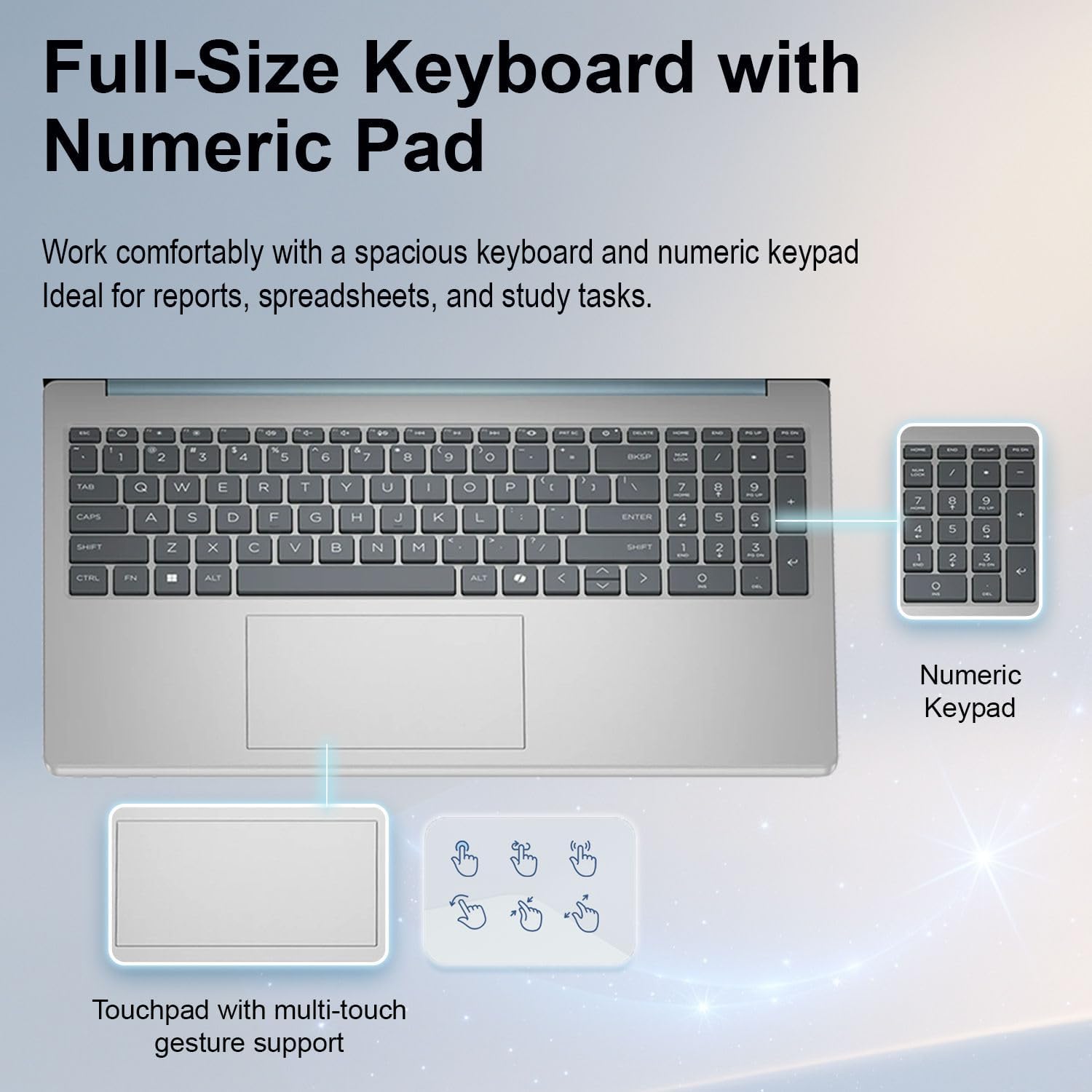
Image: WOWPC Windows 11 System Recovery USB Drive packaging with usage instructions.


