
1. Introduction
This manual provides essential information for the proper installation, operation, and maintenance of your new LDGSUPH LCD Display Screen, designed specifically as a replacement for the Bosch Serie 8 CTL836EC6/07 coffee machine. Please read this manual thoroughly before attempting any installation or use to ensure safe and correct functionality.
2. Safety Information
- Power Disconnection: Always ensure the coffee machine is completely unplugged from the power source before beginning any installation or maintenance procedures.
- Professional Installation Recommended: Replacing internal components of a coffee machine can be complex. If you are not confident in your technical abilities, it is highly recommended to seek assistance from a qualified technician.
- Handle with Care: The LCD display is a delicate electronic component. Avoid applying excessive force, bending, or dropping the screen.
- Static Electricity: Take precautions against static discharge, which can damage electronic components. Consider using an anti-static wrist strap.
- Compatibility: This display is specifically designed for Bosch Serie 8 CTL836EC6/07 models. Using it with incompatible models may cause damage.
3. Product Overview
The LDGSUPH LCD Display Screen is a high-quality replacement part for your Bosch Serie 8 CTL836EC6/07 coffee machine. It restores full display functionality, allowing you to interact with your coffee machine's settings and receive important operational feedback.
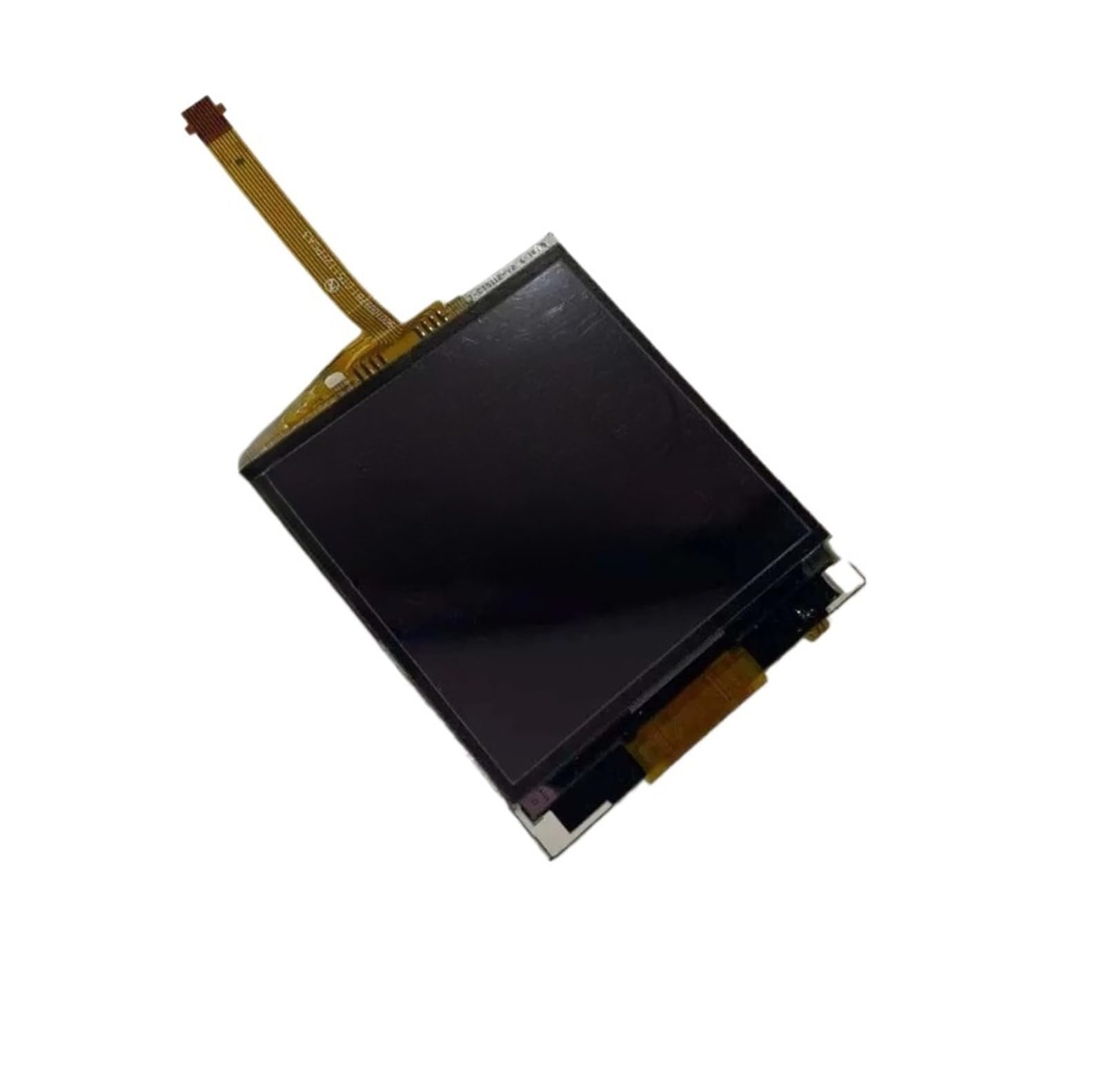
Image 1: Rear view of the LDGSUPH LCD Display Screen, showing the flexible ribbon cable connector and the integrated circuit board.
Key Features:
- Rich Display Content: Shows parameters such as extraction time, water temperature, coffee volume, coffee bean balance, and water hardness.
- Fault Prompt and Diagnosis: Displays fault codes or prompt messages to assist in quickly identifying and resolving issues.
- Operation Status Display: Indicates current machine status, including heating cycles, active brewing, or frothing operations.
- User-Defined Settings Storage: Supports storage of personalized settings like coffee concentration, cup size, and temperature for quick recall.
4. Setup and Installation
This section outlines the general steps for replacing the LCD display. Specific disassembly and reassembly procedures for your Bosch Serie 8 CTL836EC6/07 coffee machine may vary. Refer to your coffee machine's service manual or a professional guide for detailed instructions on accessing internal components.
Required Tools (Not Included):
- Small Phillips head screwdriver
- Plastic prying tools (spudgers)
- Anti-static wrist strap
- Clean, lint-free cloth
Installation Steps:
- Power Off and Unplug: Ensure the coffee machine is turned off and completely disconnected from the main power supply.
- Access the Display Area: Carefully disassemble the coffee machine's casing to gain access to the existing LCD display. This typically involves removing screws and gently prying open plastic panels. Refer to your coffee machine's specific service manual for precise instructions.
- Disconnect Old Display: Locate the ribbon cable and any other connectors attached to the old LCD display. Gently unlatch the connectors and carefully remove the old display. Avoid pulling on the cables.
- Prepare New Display: Carefully unpackage the new LDGSUPH LCD Display Screen. Inspect it for any visible damage.
- Connect New Display: Align the ribbon cable of the new display with its corresponding connector on the coffee machine's main board. Gently insert the cable and secure the latch. Ensure all connections are firm and correctly seated.
- Mount New Display: Secure the new display in its housing. Ensure it is properly aligned and seated.
- Reassemble: Carefully reassemble the coffee machine's casing, ensuring all screws are tightened and panels are securely closed. Do not force any parts.
- Test Functionality: Plug the coffee machine back into the power supply and turn it on. Verify that the new LCD display powers on, shows clear content, and responds to touch inputs (if applicable to your model).
5. Operating the Display
Once installed, the LDGSUPH LCD Display Screen functions identically to the original display of your Bosch Serie 8 CTL836EC6/07 coffee machine. All operational aspects, including menu navigation, setting adjustments, and status monitoring, will be performed as described in your coffee machine's primary user manual.
Display Information:
- Brewing Parameters: View real-time data such as extraction time, water temperature, and coffee volume during the brewing process.
- System Status: Monitor the machine's current state, including heating cycles, active brewing, or frothing operations.
- Resource Levels: Check indicators for coffee bean balance and water hardness, prompting refills or maintenance as needed.
- Personalized Settings: Access and recall your saved preferences for coffee concentration, cup size, and temperature.
6. Maintenance
Proper maintenance ensures the longevity and clarity of your LCD display.
- Cleaning: Gently wipe the display surface with a soft, lint-free cloth. For stubborn smudges, slightly dampen the cloth with water or a screen-safe cleaner. Avoid abrasive materials or harsh chemicals.
- Avoid Pressure: Do not press firmly on the display surface, as this can cause damage to the LCD panel.
- Liquid Contact: Prevent liquids from seeping into the edges of the display or into the coffee machine's internal components.
7. Troubleshooting
If you encounter issues with your new display, refer to the following common troubleshooting steps:
| Problem | Possible Cause | Solution |
|---|---|---|
| Display does not turn on. | Loose or incorrect cable connection. Power issue with the coffee machine. Damaged display. | Ensure all ribbon cables are securely connected. Verify the coffee machine is receiving power. If connections are secure and power is present, the display may be faulty. |
| Display shows distorted images or lines. | Loose or damaged ribbon cable. Internal display damage. | Check ribbon cable for proper seating and any visible damage. Re-seat if necessary. If the issue persists, the display may be damaged. |
| Touch function (if applicable) is unresponsive. | Incorrect installation of touch layer. Software glitch. Damaged touch digitizer. | Ensure the display is correctly seated and any touch connectors are firm. Try restarting the coffee machine. If the issue persists, the touch digitizer may be faulty. |
| Error codes appear on display. | Coffee machine internal fault. | Refer to your Bosch Serie 8 CTL836EC6/07 coffee machine's primary user manual for specific error code meanings and solutions. The display is merely showing the machine's diagnostic output. |
If these steps do not resolve the issue, please contact customer support or a qualified service technician.
8. Specifications
- Model Compatibility: Bosch Serie 8 CTL836EC6/07 Coffee Machine
- Part Type: LCD Display Screen with Touch Functionality (if original had touch)
- Material: Plastic (housing/frame), Electronic components
- Item Weight: Approximately 1.76 ounces (50 grams)
- Package Dimensions: Approximately 0.39 x 0.39 x 0.39 inches (1 x 1 x 1 cm) - Note: These dimensions appear to be generic packaging and not the display itself.
- Manufacturer: lihuanxiaodian (as per product data)
9. Warranty and Support
For warranty information and customer support regarding your LDGSUPH LCD Display Screen, please refer to the documentation provided at the time of purchase or contact your retailer. Keep your proof of purchase for warranty claims.
For technical assistance or further inquiries, please contact the manufacturer or seller directly.