
1. Introduction
Thank you for choosing the Gotopceed OL-T35-V2 Rechargeable Bathroom Light. This innovative lighting solution is designed to enhance your bathroom experience with its versatile features and robust construction. It offers IP65 waterproofing, a convenient magnetic mounting system, a wide range of 12 RGB colors, 3 adjustable white light temperatures, and intuitive control via touch or remote. Please read this manual thoroughly before use to ensure proper installation, operation, and maintenance.
2. Safety Information
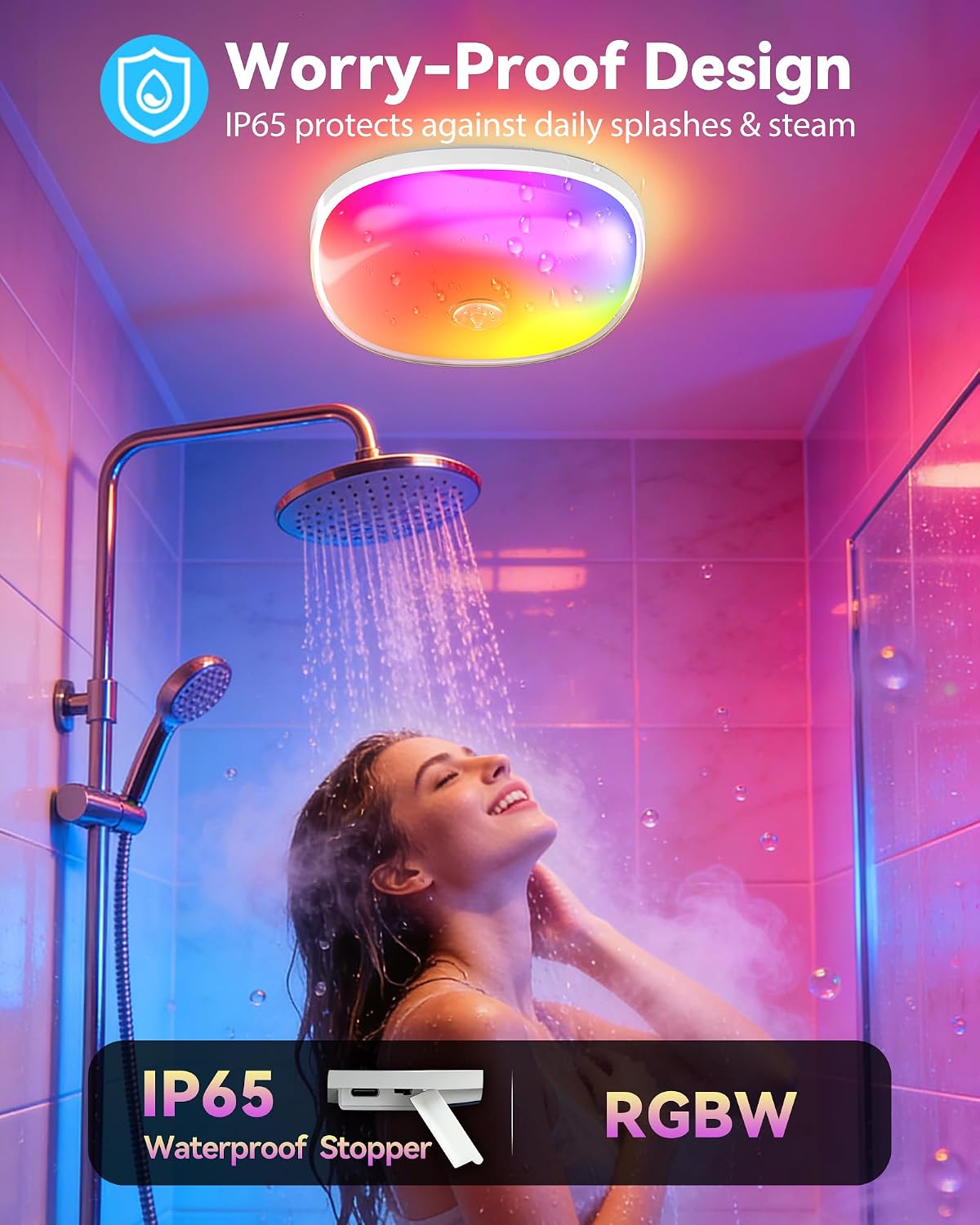
- Do not submerge the light unit in water. The IP65 rating protects against splashes and steam, but not full submersion.
- Ensure the charging port is securely sealed with the waterproof stopper before exposing the light to water.
- Keep the device away from extreme temperatures and direct sunlight.
- Do not attempt to disassemble or modify the light. This may void the warranty and pose a safety risk.
- Use only the provided charging cable or a certified USB-C cable for charging.
- Keep out of reach of children.
3. Package Contents
Please check the package for the following items:
- Gotopceed OL-T35-V2 Rechargeable Bathroom Light (Shade included)
- Remote Control
- Magnetic Mounting Plate with Adhesive
- USB-C Charging Cable
- Mounting Screws and Wall Anchors
- User Manual
4. Product Overview
The Gotopceed OL-T35-V2 is a versatile and durable lighting solution for your bathroom. Key features include:
- IP65 Waterproof Rating: Designed to withstand daily splashes and steam, making it ideal for shower environments.
- Dual Lighting Modes: Offers 12 vibrant RGB colors and 3 adjustable white light temperatures (warm, neutral, cool white) for various moods and tasks.
- High Brightness: Delivers up to 300 lumens for effective illumination.
- Convenient Control: Easily switch modes, colors, and brightness via the integrated touch control or the included remote control.
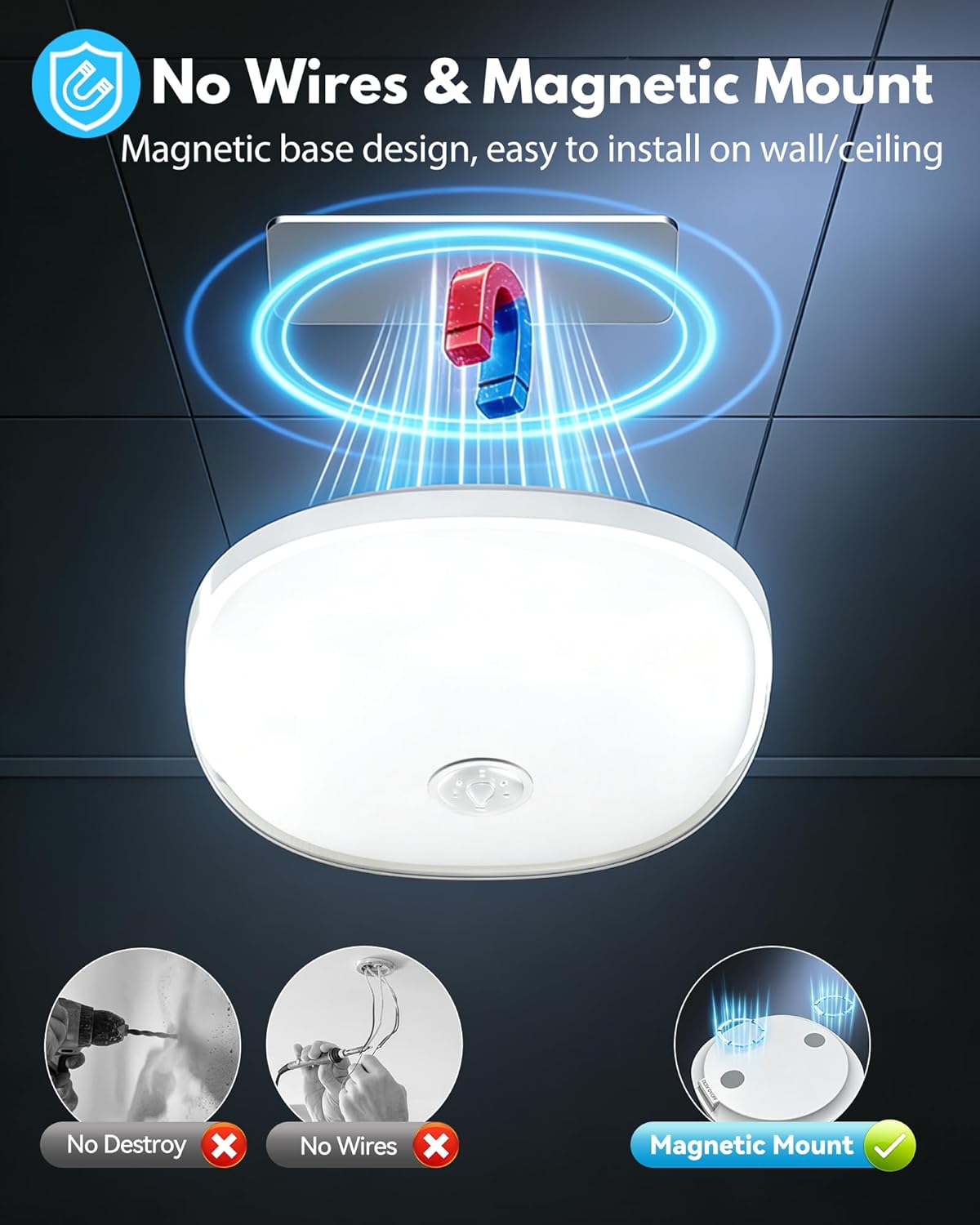
- Magnetic Mount: Simple, drill-free installation with a strong magnetic base.
- Long-Lasting Rechargeable Battery: Equipped with a 10000mAh battery for extended use between charges.
5. Setup
5.1 Initial Charging
- Locate the waterproof stopper on the side of the light unit. Gently open it to reveal the USB-C charging port and the ON-OFF switch.
- Connect the provided USB-C charging cable to the light and a suitable USB power adapter (not included).
- The indicator light will turn red while charging and green when fully charged.
- A full charge typically takes 3-5 hours. Ensure the waterproof stopper is firmly closed after charging to maintain IP65 rating.

5.2 Mounting the Light
The light offers two mounting options: adhesive magnetic plate or screw-in magnetic plate.
- Prepare the Surface: Ensure the desired mounting surface (wall or ceiling) is clean, dry, and smooth.
- Attach Magnetic Plate:
- Adhesive Method: Peel off the protective film from the adhesive side of the magnetic mounting plate. Firmly press the plate onto the desired surface for at least 30 seconds. Allow 24 hours for the adhesive to fully cure before attaching the light.
- Screw Method: Use the provided screws and wall anchors to securely attach the magnetic mounting plate to the surface.
- Attach the Light: Once the magnetic plate is securely installed, simply align the back of the light unit with the magnetic plate. The strong magnets will hold the light in place.
5.3 Activate the Light
Before first use, slide the ON-OFF switch located inside the waterproof stopper to the "ON" position.
6. Operating Instructions
6.1 Touch Control
The center of the light unit features a touch-sensitive area for basic control:
- Single Tap: Turns the light ON/OFF.
- Long Press: Cycles through different colors or adjusts brightness (depending on the current mode).

6.2 Remote Control
The included remote control provides full functionality:

- ON/OFF: Press the ON or OFF buttons to power the light.
- Brightness Adjustment: Use the Sun Up (increase) and Sun Down (decrease) buttons to adjust brightness.
- White Light Modes: Select from WW (Warm White), NW (Neutral White), or CW (Cool White).
- RGB Colors: Choose from 12 preset RGB colors using the dedicated color buttons.
- Dynamic Modes:
- SMOOTH: Transitions smoothly between colors.
- FLASH: Cycles through colors with a flashing effect.
- Timer Function: Set the light to turn off automatically after 30 MIN, 60 MIN, or 120 MIN.

7. Maintenance
- Cleaning: Wipe the light with a soft, damp cloth. Do not use abrasive cleaners or solvents.
- Battery Care: To prolong battery life, avoid fully discharging the battery frequently. Recharge the light when the brightness noticeably diminishes.
- Storage: If storing the light for an extended period, charge it fully and then recharge every 3-6 months to prevent battery degradation.
8. Troubleshooting
| Problem | Possible Cause | Solution |
|---|---|---|
| Light does not turn on. | Battery is discharged. | Charge the light using the provided USB-C cable. |
| ON-OFF switch is in the "OFF" position. | Slide the internal ON-OFF switch to "ON". | |
| Remote control is not working. | Remote battery is low or depleted. | Replace the remote control battery (CR2025, not included). |
| Obstruction between remote and light. | Ensure a clear line of sight between the remote and the light. | |
| Light falls off the wall. | Adhesive not properly cured or surface not clean. | Re-apply the magnetic plate to a clean, dry surface, allowing 24 hours for adhesive to cure. Consider using screws for a more secure mount. |
9. Specifications
| Feature | Detail |
|---|---|
| Model Number | OL-T35-V2 |
| Brand | Gotopceed |
| Light Type | LED |
| Special Feature | Rechargeable |
| Light Color | RGB colors, warm/neutral/cool white |
| Brightness | 300 Lumen (White Brightness) |
| Indoor Outdoor Usage | Indoor |
| Power Source | Battery Powered |
| Control Method | Remote, Touch |
| Material Type | Plastic |
| Waterproof Rating | IP65 |
| Battery Capacity | 10000mAh |
| Charging Type | Type-C |
| Charging Time | 3-5 Hours |
| Battery Life | 7-15 Hours (depending on usage) |
10. Warranty and Support
The Gotopceed OL-T35-V2 Rechargeable Bathroom Light comes with a 1-year manufacturer's warranty from the date of purchase. This warranty covers defects in materials and workmanship under normal use.
For any questions, concerns, or warranty claims, please contact our customer support team at Suplenry@outlook.com. Please provide your model number (OL-T35-V2) and purchase details for faster service.