
Product Overview
The Surtime 46-inch Black Ceiling Fan (Model 8968) offers a sleek, flush mount design with integrated RGB and 3CCT dimmable LED lighting. This modern low-profile fan is suitable for various indoor spaces and covered outdoor areas. It features a quiet, reversible DC motor for year-round comfort and can be controlled via a remote or a dedicated mobile application.
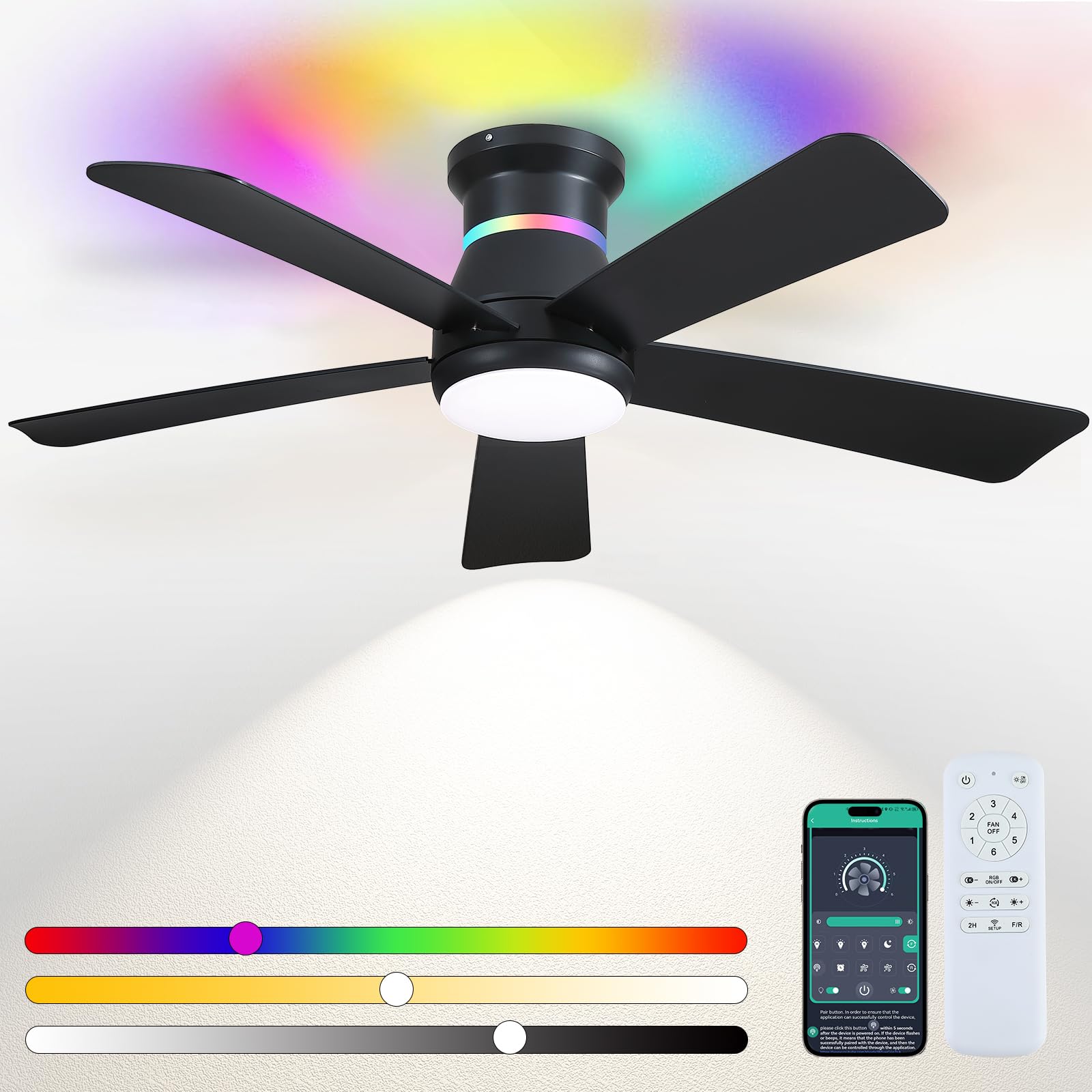
Image: The Surtime 46-inch Black Ceiling Fan, showcasing its sleek design and integrated lighting.
Setup and Installation
Before beginning installation, ensure the main power supply to the installation area is turned off at the circuit breaker to prevent electrical shock. It is recommended to have at least 12 inches of clearance between the fan blades and any surrounding objects or walls.
Installation Steps Video
Video: Detailed steps for installing the Surtime 8968 Ceiling Fan. This video guides users through the assembly and mounting process.
Product Dimensions

Image: Diagram illustrating the dimensions of the 46-inch ceiling fan, including blade length and overall height.
Remote Control Overview
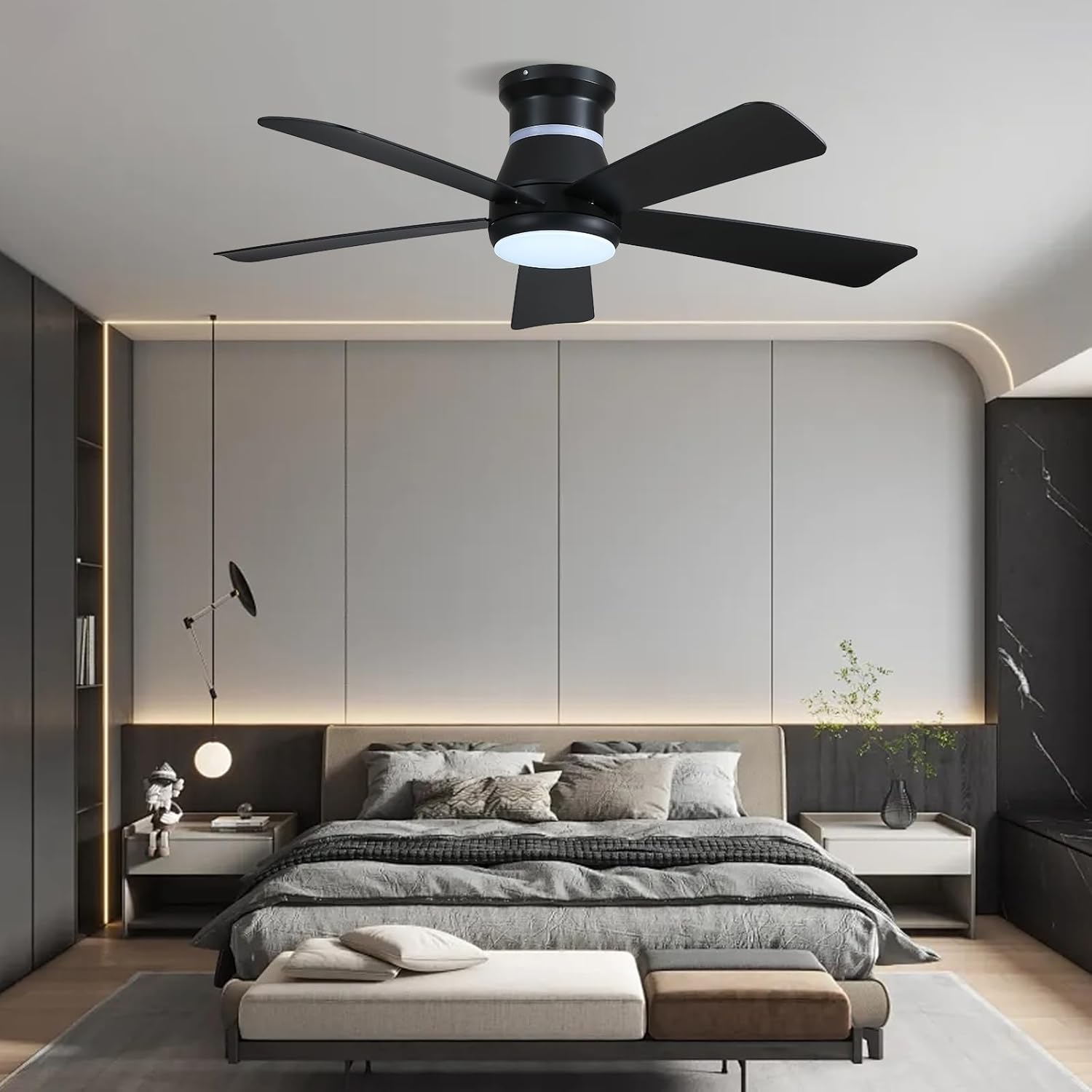
Image: Layout of the remote control for the Surtime ceiling fan, showing buttons for fan speed, light control, RGB, and timer functions.
Operating Instructions
Fan Operation
The fan features 6 adjustable speeds to suit your comfort needs. Use the remote control or mobile app to select your desired speed.
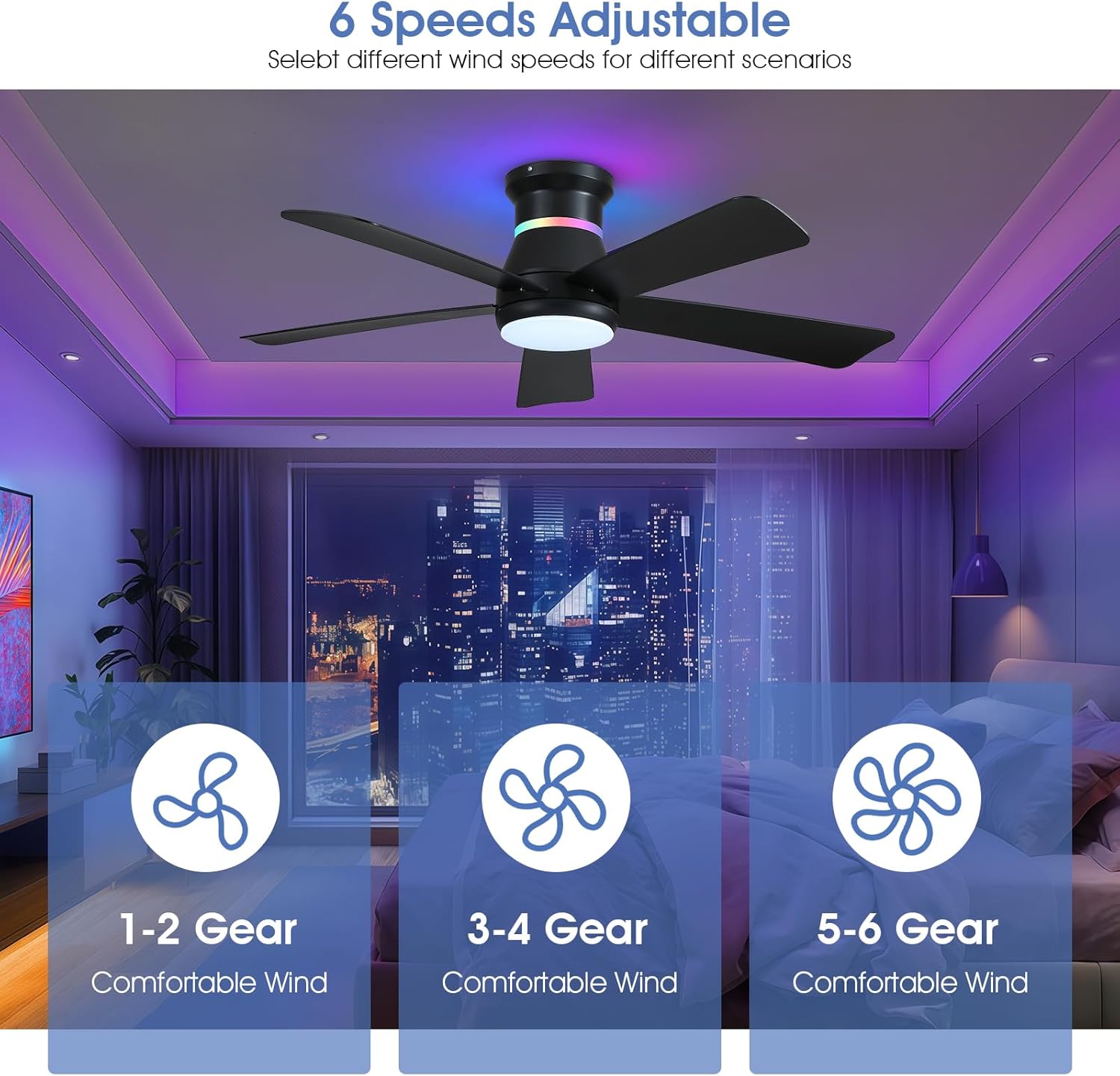
Image: Visual representation of the 6 adjustable fan speeds, indicating suitable scenarios for each.
The reversible DC motor allows for year-round use. In summer, set the fan to clockwise downdraft to create a cooling breeze. In winter, switch to counter-clockwise updraft to circulate warm air efficiently.

Image: Diagram showing the clockwise downdraft for summer cooling and counter-clockwise updraft for winter air circulation.
Lighting Control
The fan includes 3CCT dimmable LED lighting and 7 RGB colors. Both the main lighting and RGB lights can be controlled independently. Adjust brightness and color temperature (3000K-6000K) for the main light, and select from various RGB colors or a color-changing mode for ambient lighting.

Image: Illustration of the dimmable 3CCT (Warm, Natural, White) and 7 RGB color options for the fan's lighting.
Smart Control (Mobile App)
Control your Surtime ceiling fan conveniently using the dedicated mobile application. The app allows for fan speed adjustment, lighting control (including RGB and dimming), and setting the 2-hour timer.
Video: Instructions on how to connect and control the Surtime ceiling fan using the mobile application.
Video: A real-life demonstration of the RGB lighting and control methods for the Surtime ceiling fan.
Maintenance
To maintain optimal performance and appearance, regularly clean the fan blades and motor housing with a soft, damp cloth. Avoid using harsh chemicals or abrasive cleaners. Periodically check all screws and connections to ensure they are secure.
Troubleshooting
If the fan or light does not operate, first check the main power supply and ensure the circuit breaker is on. Verify that the remote control batteries are functional and that the fan is properly paired with the remote or app. For further assistance, refer to the support section or contact customer service.
Product Specifications
| Feature | Specification |
|---|---|
| Brand | Surtime |
| Model Number | 8968 |
| Size | 46 inches |
| Color | Black |
| Electric Fan Design | Ceiling Fan |
| Power Source | DC |
| Style | Modern |
| Product Dimensions | 46"D x 46"W x 11"H |
| Room Type | Bedroom, Game Room, Garage, Home Office, Living Room |
| Special Features | App Operable, Dimmable Light, Individual Control of Lighting, RGB Light, Remote Controlled |
| Number of Speeds | 6 |
| Noise Level | 30 Decibels |
| Wattage | 75 watts |
| Number of Blades | 5 |
| Indoor Outdoor Usage | Indoor, Covered Outdoor (Note: not waterproof) |
| Control Method | App, Remote |
| Material | Acrylic |
Warranty and Support
Surtime ceiling fans come with a worry-free 1-year warranty on quality-related issues. If you encounter any problems, please do not hesitate to contact us.
Frequently Asked Questions
- What should I do if I can't install it? If you can't find the installation instructions, you can click the video for installation guide or contact Surtime!
- How can I get a response from Surtime right away? Click the store entrance on the product homepage to view.


