
1. Introduction
Thank you for choosing the TAGRY H08 Hybrid Active Noise Cancelling Headphones. This manual provides detailed instructions for setting up, operating, and maintaining your headphones to ensure optimal performance and longevity. Please read this manual thoroughly before using the product.

Image 1: TAGRY H08 Hybrid Active Noise Cancelling Headphones
2. Important Safety Information
To prevent damage to your headphones or injury to yourself, please observe the following safety precautions:
- Do not expose headphones to extreme temperatures or humidity.
- Avoid dropping or subjecting the headphones to strong impacts.
- Do not disassemble or modify the headphones. This will void the warranty.
- Clean only with a dry, soft cloth. Do not use harsh chemicals or detergents.
- Keep out of reach of children.
- Avoid listening at high volume levels for extended periods to prevent hearing damage.
3. What's in the Box
Please check that all the following items are included in your package:
- TAGRY H08 Headphones
- User Manual
- AUX 3.5mm Audio Cable
- Travel Pouch
- Type C Charging Cable
4. Product Overview
The TAGRY H08 headphones are designed for comfort and superior audio experience. They feature intuitive button controls for easy management of music, calls, and Active Noise Cancellation (ANC).
Image 2: Headphone Button Controls
The headphones are also foldable for easy portability and feature an adjustable headband for a comfortable fit.
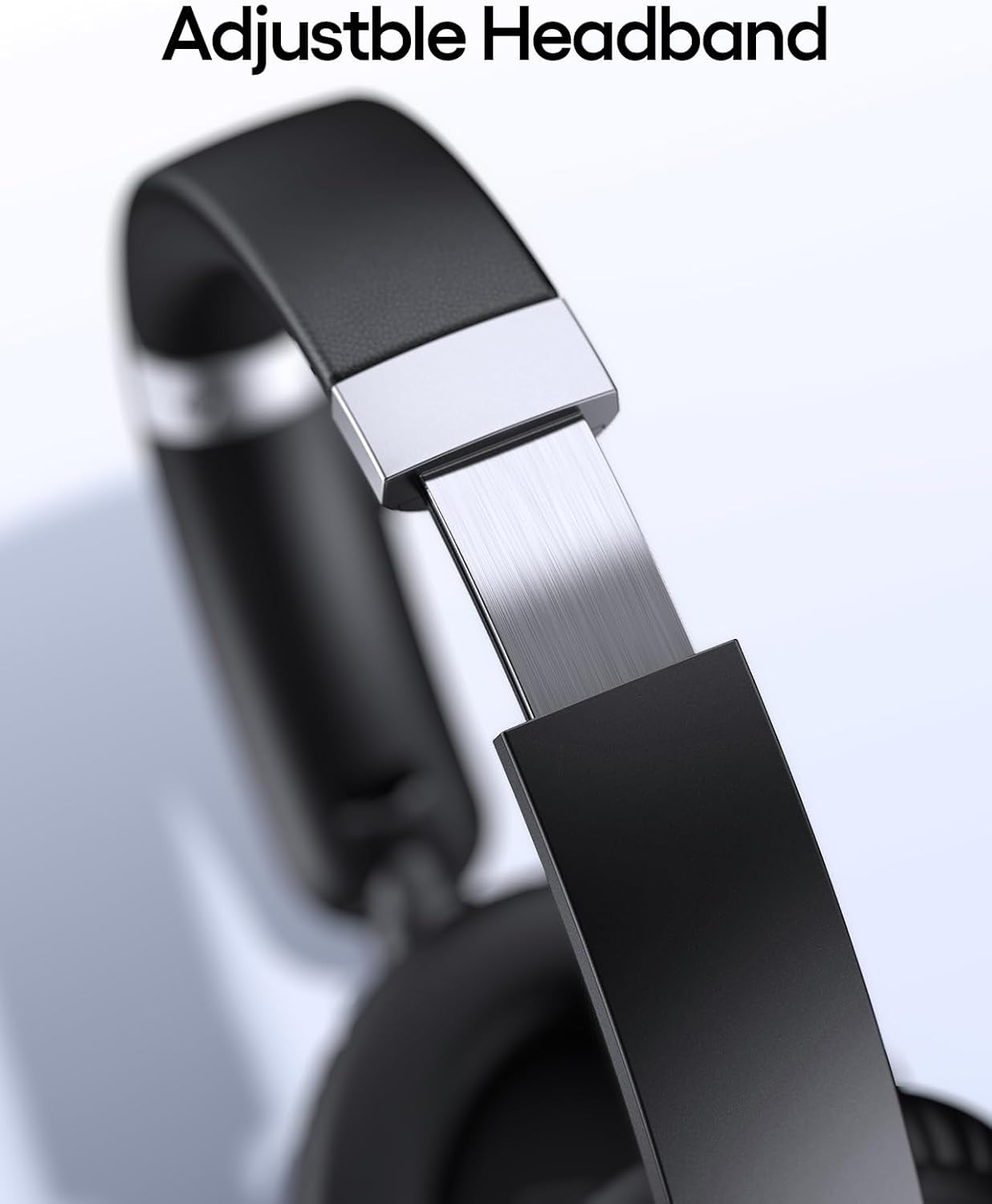
Image 3: Adjustable Headband
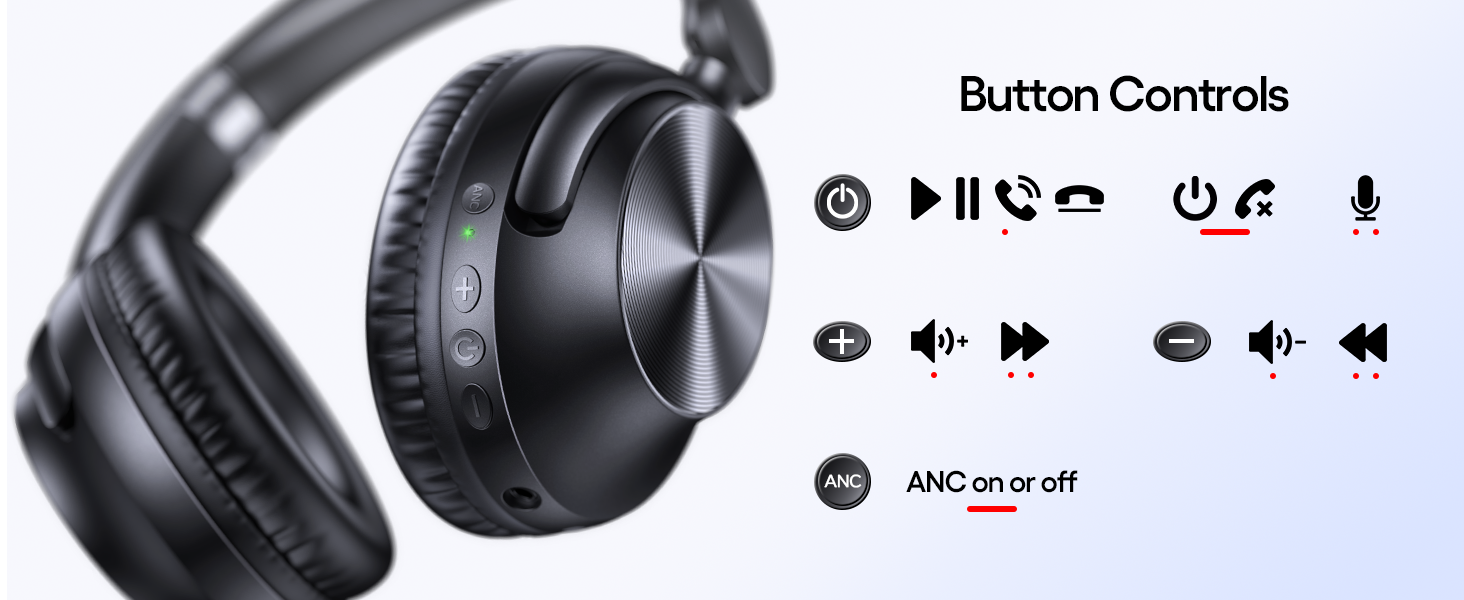
Image 4: Foldable Design for Portability
5. Setup
5.1 Charging the Headphones
Before first use, fully charge your headphones. Use the provided Type C charging cable.
- Connect the Type C end of the cable to the charging port on the headphone.
- Connect the USB-A end to a compatible USB power source (e.g., wall adapter, computer USB port).
- The LED indicator will show charging status.
A 5-minute charge provides approximately 10 hours of playtime. A full charge offers up to 100 hours of listening time.

Image 5: Fast Charging Feature

Image 6: Extended Battery Life
5.2 Powering On/Off
- Power On: Press and hold the Power button until the LED indicator lights up.
- Power Off: Press and hold the Power button until the LED indicator turns off.
5.3 Bluetooth Pairing
To connect your headphones wirelessly:
- Ensure the headphones are powered off.
- Press and hold the Power button for approximately 5 seconds until the LED indicator flashes blue and red, indicating pairing mode.
- On your device (smartphone, tablet, PC), enable Bluetooth and search for available devices.
- Select "TAGRY H08" from the list of devices.
- Once connected, the LED indicator will flash blue slowly.
5.4 Wired Connection
For a wired connection, use the provided 3.5mm AUX audio cable.
- Plug one end of the 3.5mm AUX cable into the audio jack on the headphone.
- Plug the other end into the 3.5mm audio output of your device.
- The headphones will automatically switch to wired mode.
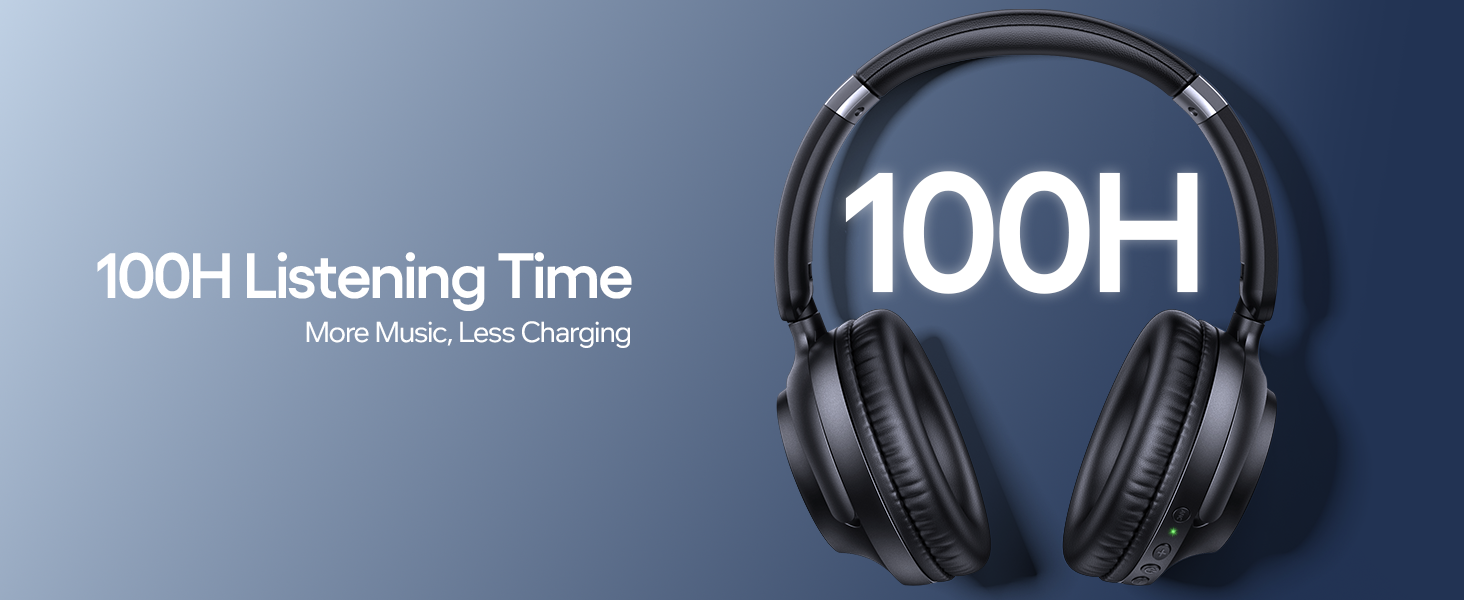
Image 7: Wireless and Wired Connectivity Options
6. Operating Instructions
6.1 Music Playback
- Play/Pause: Press the Power button once.
- Volume Up: Press the "+" button.
- Volume Down: Press the "-" button.
- Next Track: Press and hold the "+" button.
- Previous Track: Press and hold the "-" button.
6.2 Call Management
- Answer/End Call: Press the Power button once.
- Reject Call: Press and hold the Power button for 2 seconds.
- Redial Last Number: Double-press the Power button.
6.3 Active Noise Cancellation (ANC) Control
The TAGRY H08 headphones feature Hybrid Active Noise Cancellation to reduce ambient noise by up to 25dB.
- Activate ANC: Press the ANC button once. The ANC indicator light will turn on.
- Deactivate ANC: Press the ANC button again. The ANC indicator light will turn off.
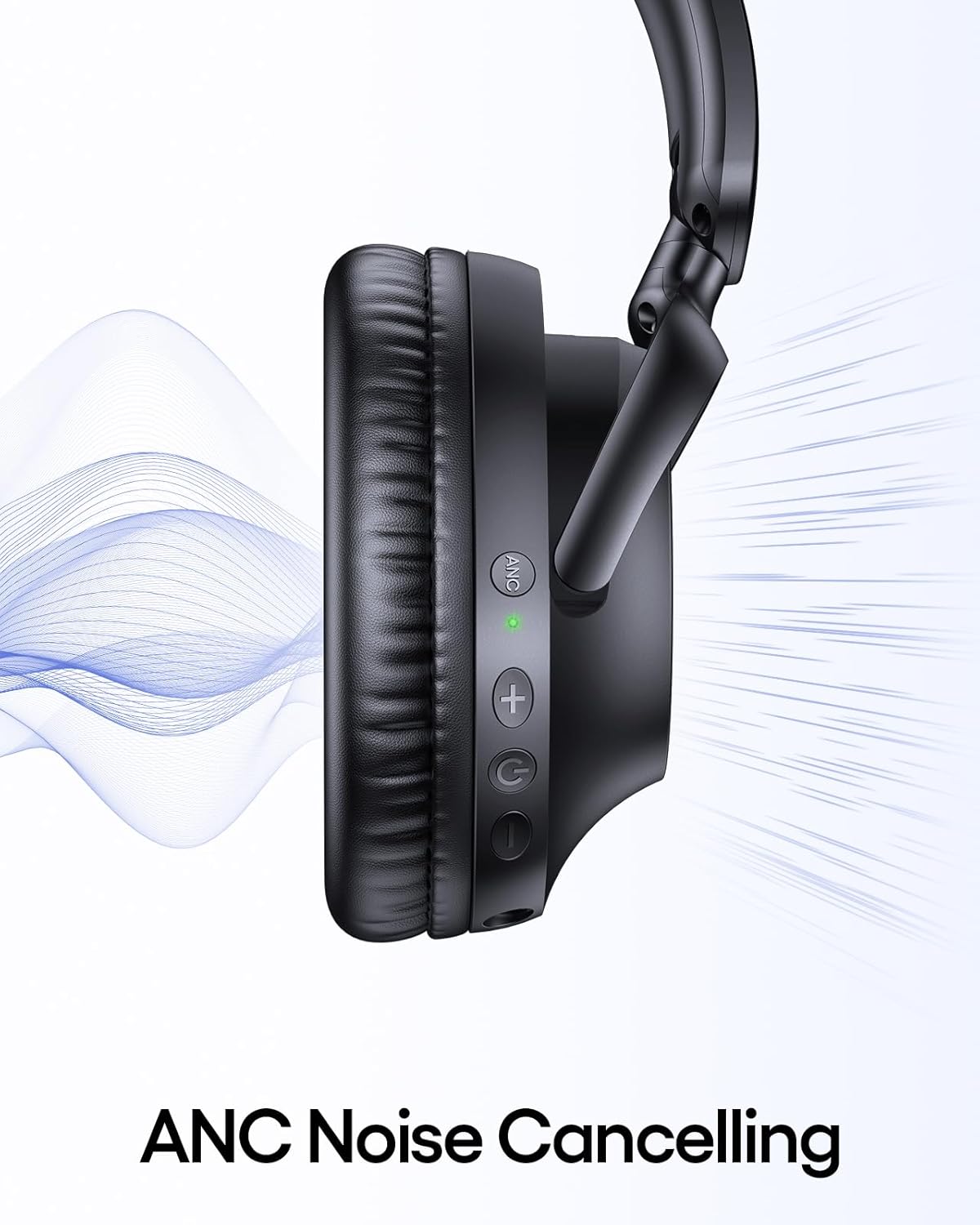
Image 8: Active Noise Cancelling Feature
For a visual demonstration of the headphones' features, please watch the official product video:
Video 1: Official TAGRY H08 Hybrid Noise Cancelling Headphones Overview
7. Maintenance
7.1 Cleaning
- Wipe the headphones with a soft, dry cloth.
- Do not use liquid cleaners or sprays directly on the headphones.
- Ensure charging ports are free of dust and debris.
7.2 Storage
- Store the headphones in the provided travel pouch when not in use to protect them from dust and scratches.
- Keep headphones in a cool, dry place, away from direct sunlight and extreme temperatures.
8. Troubleshooting
If you encounter any issues with your TAGRY H08 headphones, refer to the following common problems and solutions:
| Problem | Possible Cause | Solution |
|---|---|---|
| Headphones won't turn on | Low battery | Charge the headphones fully. |
| Cannot pair via Bluetooth | Headphones not in pairing mode / Device Bluetooth off | Ensure headphones are in pairing mode (flashing blue/red LED). Turn off and on device Bluetooth. |
| No sound | Volume too low / Incorrect audio source / Wired connection issue | Increase volume on headphones and device. Check if connected to correct device. Ensure AUX cable is fully inserted. |
| ANC not working | ANC not activated | Press the ANC button to activate. Check for ANC indicator light. |
9. Specifications
| Feature | Detail |
|---|---|
| Model Name | H08 |
| Noise Control | Hybrid Active Noise Cancellation (up to 25dB reduction) |
| Connectivity Technology | Wireless (Bluetooth 5.0), Wired (3.5mm Jack) |
| Battery Life | Up to 100 Hours |
| Fast Charging | 5 minutes charge for 10 hours playtime |
| Audio Drivers | 40mm Dynamic Drivers (Hi-Res Audio with Deep Bass) |
| Earpiece Shape | Over Ear (Ultra-soft protein leather ear cups) |
| Weight | 0.49 Kilograms (1.08 pounds) |
| Water Resistance Level | IPX7 Waterproof |
| Control Type | Button Control |
| Foldable/Adjustable | Yes (105-degree ear cup rotation, adjustable headband) |
| Included Components | Headphones, User Manual, AUX Cable, Travel Pouch, Type C Charging Cable |
10. Warranty and Support
TAGRY products are designed and manufactured to the highest quality standards. For information regarding warranty coverage, technical support, or customer service, please refer to the warranty card included in your product packaging or visit the official TAGRY website.
Please retain your proof of purchase for warranty claims.


