
Introduction
Thank you for choosing the Vimose 69-inch Magnetic Phone Tripod. This versatile accessory is designed to enhance your mobile photography and videography experience, offering stability and flexibility for various shooting scenarios. This manual provides essential information for proper setup, operation, and maintenance of your new tripod.
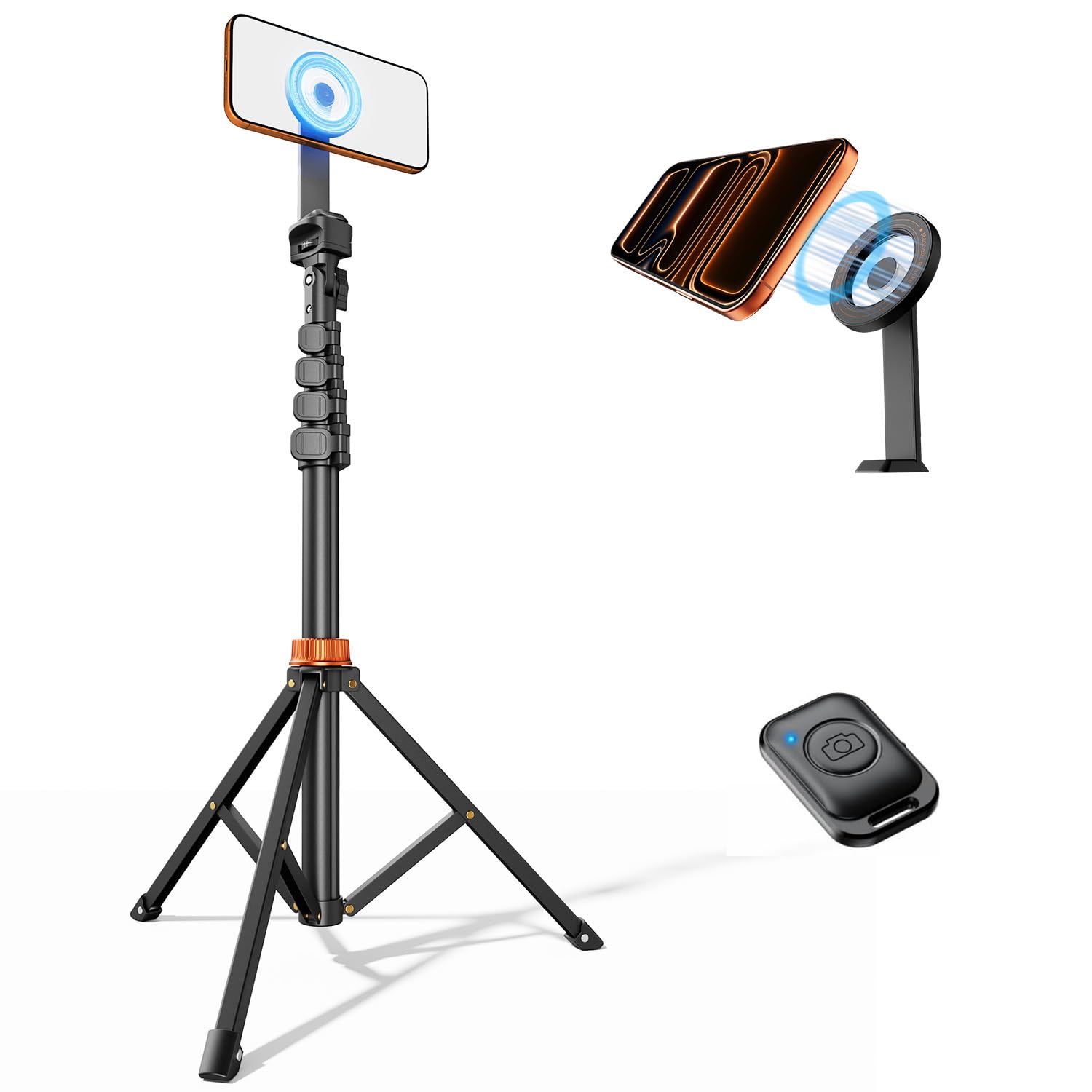
Figure 1: Vimose 69-inch Magnetic Phone Tripod.
Package Contents
Please verify that all items are present in your package:
- 69-inch Metal Phone Tripod Stand
- Magnetic Phone Mount
- Phone Camera Remote
- Magnetic Ring (for non-MagSafe devices)
- Instruction Manual

Figure 2: All components included in the package.
Setup Instructions
1. Attaching the Magnetic Phone Mount
- Locate the magnetic phone mount and the top screw on the tripod stand.
- Align the screw with the threaded hole on the magnetic mount.
- Turn the magnetic mount clockwise until it is securely fastened to the tripod. Ensure it is tight to prevent wobbling.
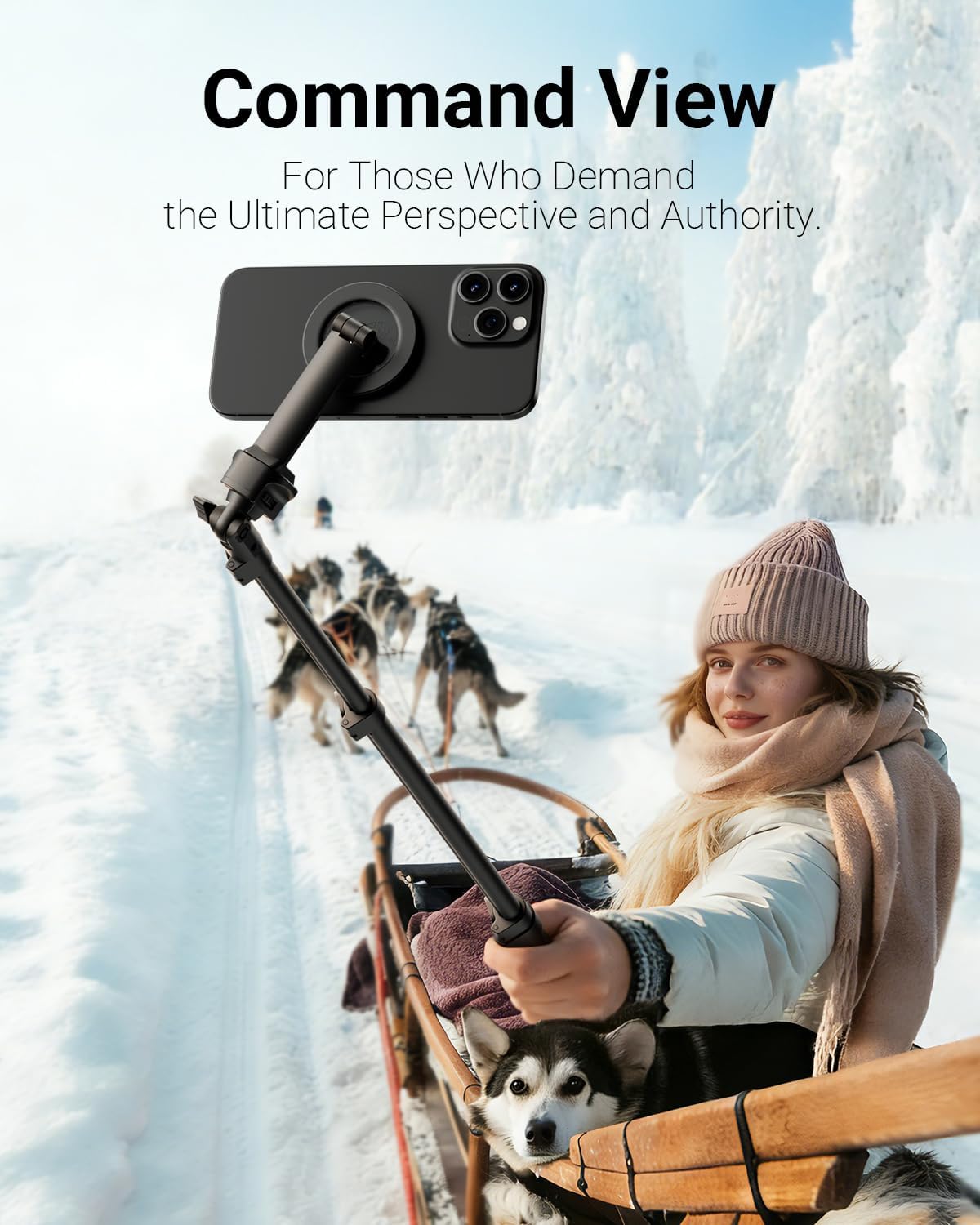
Figure 3: Attaching the magnetic phone mount.
2. Extending the Tripod
- To deploy the tripod legs, gently pull them outwards until they form a stable base.
- To extend the height, unlock the quick-release levers on each section of the central column.
- Pull the column upwards to your desired height.
- Securely lock all quick-release levers to ensure stability.

Figure 4: Tripod fully extended.
3. Using the Remote Control
- Turn on the remote control.
- On your smartphone, enable Bluetooth and search for available devices.
- Select the remote control (usually named 'AB Shutter 3' or similar) from the list to pair.
- Once paired, you can use the remote to trigger your phone's camera shutter or start/stop video recording from a distance of up to 10 meters.

Figure 5: Bluetooth remote control in use.
Operating Instructions
1. Attaching Your Phone
For MagSafe compatible iPhones (12-17 series), simply align your phone with the magnetic mount. The strong magnets will securely hold your device in place.
For Android phones or non-MagSafe iPhones, use the included magnetic ring. Attach the adhesive side of the ring to the back center of your phone or phone case. Once the ring is securely attached, your phone can be magnetically mounted to the tripod.
2. Adjusting Phone Orientation
The magnetic mount allows for 360-degree rotation and 180-degree tilt. Gently rotate your phone to switch between portrait and landscape modes. Loosen the adjustment screw on the mount to tilt the phone to your desired angle, then tighten to secure.

Figure 6: Adjusting phone orientation.
3. Using as a Monopod or Selfie Stick
When the tripod legs are folded, the device can be used as a monopod or selfie stick. Extend the central column to your preferred length for handheld shooting.

Figure 7: Tripod used as a monopod/selfie stick.
Maintenance
To ensure the longevity and optimal performance of your Vimose Magnetic Phone Tripod, follow these maintenance guidelines:
- Cleaning: Wipe the tripod with a soft, dry cloth. Avoid using harsh chemicals or abrasive materials that could damage the finish.
- Storage: Store the tripod in a cool, dry place away from direct sunlight and extreme temperatures. Ensure all levers are locked and the tripod is in its compact form before storage.
- Magnetic Mount Care: Keep the magnetic surface clean and free of debris to maintain strong magnetic adhesion.
Troubleshooting
If you encounter any issues with your tripod, please refer to the following common problems and solutions:
- Phone not holding securely: Ensure the magnetic mount is clean and free of obstructions. If using a non-MagSafe phone, verify the magnetic ring is properly attached to your device or case.
- Tripod wobbles when extended: Check that all quick-release levers are fully locked after adjusting the height. Ensure the tripod legs are spread wide enough to form a stable base.
- Remote control not pairing: Make sure the remote is charged (if applicable) and turned on. Ensure Bluetooth is enabled on your phone and try re-pairing the device. If issues persist, try replacing the remote's battery.
Specifications
| Feature | Detail |
|---|---|
| Product Dimensions | 2.5 x 3.5 x 48 inches (folded) |
| Item Weight | 7.5 ounces (213 Grams) |
| Maximum Height | 69 Inches |
| Minimum Height | 66 Inches |
| Material | Aluminum |
| Color | Black |
| Compatible Devices | iPhone / Android (MagSafe compatible or with magnetic ring) |
| Special Feature | Extendable, Magnetic Holder, Wireless Remote |
| Weight Limit | 2 Pounds |
Warranty and Customer Support
Lifetime Warranty: This Vimose product is backed by a lifetime warranty. Any defect is guaranteed. We are committed to providing a product that lasts as long as our warranty.
Technical Support: Your purchase includes a lifetime of technical support. If you have any questions, require assistance with setup, operation, or troubleshooting, please do not hesitate to contact our customer support team.
For further assistance, please refer to the contact information provided on the product packaging or the official Vimose website.