
1. Introduction
Thank you for choosing the DUDGSIS Portable Bluetooth Speaker X2. This manual provides essential information for setting up, operating, and maintaining your speaker. Please read it carefully before use.
Key Features:
- IPX7 Waterproof & Rugged Design: Fully submersible in 1 meter of water for 30 minutes, dustproof, and durable for outdoor use.
- 20W Crystal Clear Sound: Equipped with a 53mm high-performance driver for 20W peak power, punchy bass, and crisp highs.
- Dynamic Beat-Driven RGB Light Show: Multi-color light display that syncs with music, offering 7 RGB colors.
- Stable Bluetooth 5.4 & Multi-Mode Connectivity: Fast pairing and stable connection. Supports Bluetooth, AUX input (WAV/FLAC/APE/MP3).
- Ultra-Portable with 15H Playtime: Weighs 300g (0.66 lbs), 4.25 inches tall, with a 2600mAh battery for up to 15 hours of continuous music. Includes a convenient lanyard.
2. Package Contents
Ensure all items are present in the box:
- DUDGSIS Portable Bluetooth Speaker X2
- USB-C Charging Cable
- Quick Start Guide
- Warranty Card

Figure 2.1: Speaker packaging showing the X2 model and waterproof feature.

Figure 2.2: Unboxed items: DUDGSIS X2 speaker, USB-C charging cable, and user manual.
3. Setup
3.1 Charging the Speaker
Before first use, fully charge the speaker. The battery indicator lights will show the charging status.
- Locate the rubber flap on the side of the speaker, covering the charging port.
- Open the flap and connect the USB-C charging cable to the speaker's charging port.
- Connect the other end of the USB-C cable to a compatible USB power adapter (not included).
- The LED indicators on the speaker will light up to show the charging progress. All four LEDs will be solid when fully charged.

Figure 3.1: Speaker displaying the battery indicator lights during charging.
3.2 Power On/Off
To power on or off the speaker:
- Power On: Press and hold the Power button (
 ) for 2-3 seconds until you hear an audible prompt and the LED lights illuminate.
 - Power Off: Press and hold the Power button for 2-3 seconds until the LED lights turn off.
3.3 Bluetooth Pairing
To connect your speaker to a Bluetooth-enabled device:
- Ensure the speaker is powered on and in Bluetooth pairing mode (the LED light ring will flash).
- On your device (smartphone, tablet, etc.), go to the Bluetooth settings.
- Search for available devices and select "X2" from the list.
- Once connected, you will hear an audible confirmation, and the LED light ring will become solid.
Video 3.1: Demonstrates unboxing, power on, Bluetooth pairing, and basic controls of the DUDGSIS X2 speaker.
4. Operating the Speaker
4.1 Controls
The speaker features intuitive buttons for easy control:
- Power Button: Press and hold to power on/off. Short press to change RGB light modes.
- Volume Up (+): Short press to increase volume. Long press for next track.
- Play/Pause Button (): Short press to play or pause music.
- Volume Down (-): Short press to decrease volume. Long press for previous track.
Figure 4.1: Detailed view of the speaker's control panel.
4.2 Dynamic RGB Light Show
The speaker features a dynamic RGB light ring that can be customized:
- Short press the Power button to cycle through 7 different RGB color modes.
- The lights can sync with your music's rhythm, creating an enhanced audio-visual experience.

Figure 4.2: Speaker showcasing its dynamic RGB lighting feature.
Video 4.1: Demonstrates the various LED light modes and their responsiveness to music.
4.3 True Wireless Stereo (TWS) Pairing
For an immersive stereo experience, you can pair two DUDGSIS X2 speakers together:
- Ensure both speakers are powered on and not connected to any other Bluetooth device.
- On one speaker (this will be the primary speaker), press and hold the Play/Pause button for 3-5 seconds until you hear a pairing tone.
- The two speakers will automatically connect to each other. Once connected, you will hear a confirmation tone.
- Now, connect your device to the primary speaker via Bluetooth as described in Section 3.3.

Figure 4.3: Two speakers connected via TWS for a wider soundstage.
5. Maintenance
5.1 IPX7 Waterproof Rating
The DUDGSIS X2 speaker is IPX7 rated, meaning it can be submerged in water up to 1 meter (3 feet) for 30 minutes. This makes it suitable for use in showers, by the pool, or at the beach.
- Ensure the rubber flap covering the charging port is securely closed before exposing the speaker to water.
- After exposure to water, wipe the speaker dry with a soft cloth.
- Do not charge the speaker if the charging port is wet.
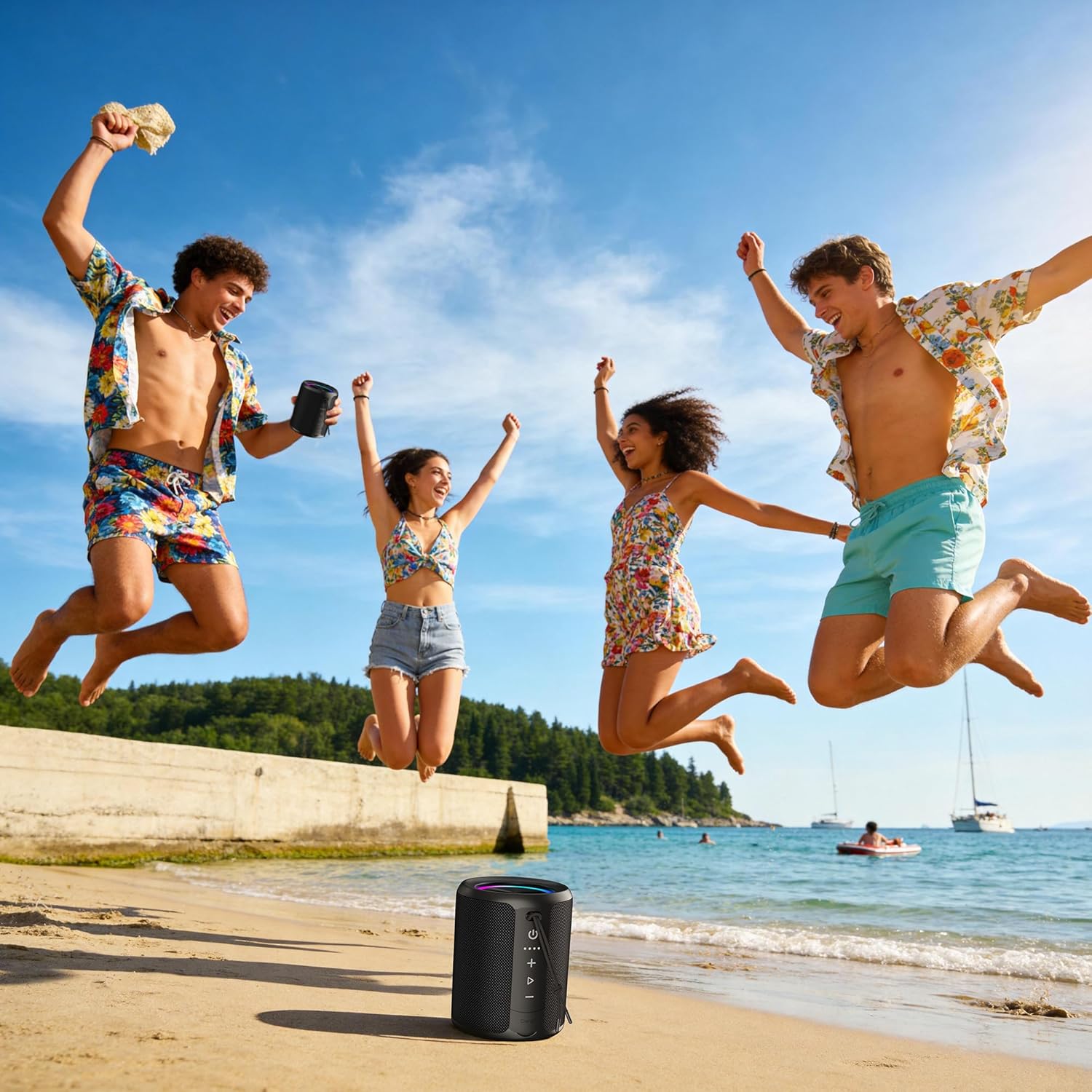
Figure 5.1: Speaker demonstrating its IPX7 waterproof capability in various environments.
Video 5.1: A demonstration of the speaker's waterproof capabilities by submerging it in water.
6. Specifications
| Feature | Specification |
|---|---|
| Model Number | X2 |
| Brand | DUDGSIS |
| Speaker Maximum Output Power | 20 Watts |
| Bluetooth Version | 5.4 |
| Water Resistance Level | IPX7 |
| Battery Capacity | 2600 mAh |
| Battery Average Life | 15 Hours |
| Connectivity Technology | Auxiliary, Bluetooth, USB |
| Audio Output Mode | Stereo |
| Item Weight | 300 Grams |
| Item Dimensions (D x W x H) | 2.99"D x 2.99"W x 4.25"H |
| Control Method | Push Button |
7. Troubleshooting
If you encounter any issues with your DUDGSIS X2 speaker, please refer to the following common solutions:
- Speaker won't turn on: Ensure the battery is charged. Connect the speaker to a power source using the USB-C cable.
- Cannot pair via Bluetooth:
- Make sure the speaker is in pairing mode (LED light ring flashing).
- Ensure Bluetooth is enabled on your device.
- Move the speaker closer to your device.
- Forget the speaker from your device's Bluetooth list and try pairing again.
- No sound or low volume:
- Increase the volume on both the speaker and your connected device.
- Ensure the speaker is properly connected via Bluetooth or AUX.
- Check if the speaker is muted.
- TWS pairing issues: Ensure both speakers are fully charged and not connected to any other device before attempting TWS pairing.
8. Warranty and Support
The DUDGSIS Portable Bluetooth Speaker X2 comes with a 1-year manufacturer's warranty. Please retain your purchase receipt for warranty claims.
For further assistance or support, please refer to the contact information provided on the warranty card included in your package.