
Maxfree A500
Maxfree Rechargeable AA and AAA Lithium Batteries with Charger
Model: A500 | Brand: Maxfree
Introduction
This manual provides essential information for the safe and efficient use of your Maxfree Rechargeable AA and AAA Lithium Batteries with Charger. Please read these instructions carefully before use and retain for future reference.
What's in the Box
- Rechargeable 4 AA and 4 AAA Lithium Batteries with Charging Case
- USB C Charging Cable
- User Manual
Setup
Before first use, ensure all components are present and undamaged.
- Unpack the Charger: Carefully remove the charging case, batteries, and USB-C cable from the packaging.
- Connect the Charger: Plug the provided USB-C charging cable into the charging case and connect the other end to a compatible 5V/3A USB power adapter (not included).
- Insert Batteries: Open the charging case lid. Insert the Maxfree AA and AAA lithium batteries into their respective slots, ensuring correct polarity (+ and - ends match the indicators in the slots).
- Initial Charge: Allow the batteries to fully charge before their first use. The LED indicators on the charger will provide status updates.

Operating Instructions
Charging the Batteries
The Maxfree charging case is designed for fast and efficient charging of your lithium batteries.
- Place Batteries: Insert up to 8 Maxfree AA or AAA lithium batteries into the charging slots. Ensure correct polarity.
- Connect Power: Connect the charging case to a 5V/3A USB power source using the provided USB-C cable.
- Monitor Charging: Refer to the Smart LED Display section below for charging status. A full charge typically takes 3 hours.
- Remove Batteries: Once fully charged, disconnect the charger and remove the batteries.

Smart LED Display Indicators
The LED display on the charging case provides clear indications of the battery status:
- Blue light flashing: Lithium battery is currently charging.
- Blue light solid: Battery is fully charged.
- No light: The battery slot is empty, or no battery is detected.
- Red light flashing: Indicates a defective or non-rechargeable battery, or an error.

Battery Usage
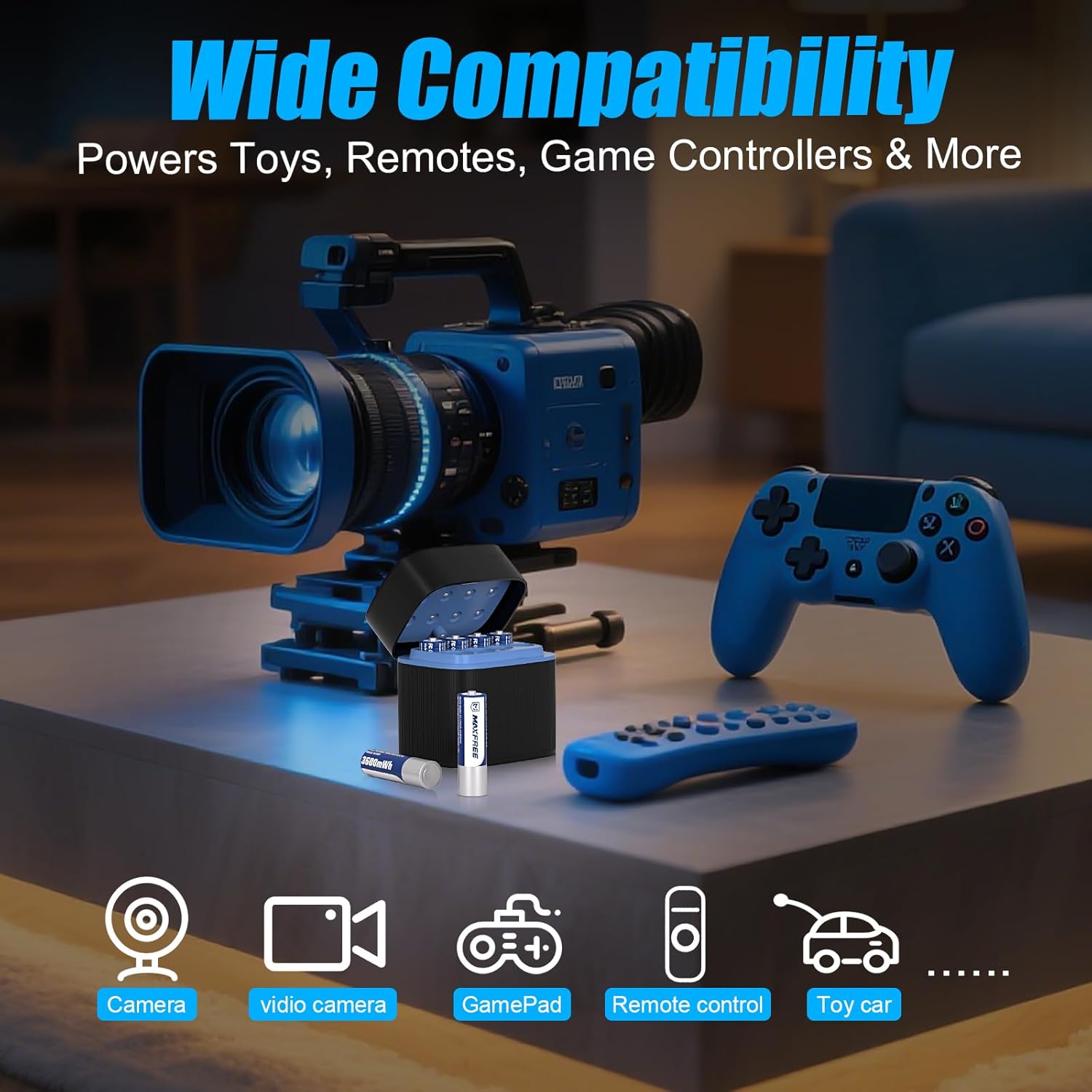
These 1.5V lithium batteries are suitable for a wide range of household devices. They provide a constant 1.5V output for consistent performance.
- High-Drain Devices: Ideal for devices requiring sustained power, such as security cameras, wireless toys, and game controllers.
- Compatibility: Compatible with most devices that use AA and AAA batteries, including remotes, doorbells, cameras, flashes, door locks, radios, flashlights, alarm clocks, scales, and blood pressure monitors.
- Long-Lasting Performance: Designed for up to 2500+ charge cycles.
Maintenance
- Cleaning: Use a dry, soft cloth to clean the charging case and battery terminals. Do not use liquid cleaners.
- Storage: Store the batteries and charger in a cool, dry place away from direct sunlight and extreme temperatures. The charging case can also serve as a storage box.
- Regular Use: For optimal battery life, use and recharge batteries regularly.
- Disposal: Dispose of depleted or damaged batteries according to local regulations for lithium-ion batteries. Do not dispose of in household waste.
Troubleshooting
| Problem | Possible Cause | Solution |
|---|---|---|
| Batteries not charging (Red light flashing) | Defective battery, non-rechargeable battery, or improper insertion. | Ensure batteries are Maxfree lithium rechargeable type. Re-insert batteries correctly, matching polarity. If issue persists, the battery may be defective. |
| Slow charging | Insufficient power input. | Ensure the USB power adapter provides 5V/3A output. Use the provided USB-C cable. |
| Charger not turning on | No power supply or faulty cable. | Check USB-C cable connection and power source. Try a different USB port or adapter. |
| Batteries not holding charge | Battery nearing end of life or improper storage. | Ensure proper storage conditions. If batteries have exceeded 2500+ cycles, they may need replacement. |
Specifications
- Brand: Maxfree
- Model Number: A500
- Battery Type: Lithium
- AA Battery Capacity: 3600mWh (1.5V)
- AAA Battery Capacity: 1300mWh (1.5V)
- Input Voltage: 5 Volts
- Output Voltage: 5 Volts (DC)
- Current Rating: 0.48 Amps
- Battery Charge Time: 3 Hours (with 5V/3A input)
- Number of Ports: 8 (for AA and AAA)
- Connector Type: USB Type-C
- Product Dimensions: 2.82"D x 2.04"W x 2.83"H
- Item Weight: 10.4 ounces
- Certifications: UL, FCC, IEC, CE, RoHS, CSA, PSE, CB, CCC, UKCA
Safety Information
The Maxfree charger and batteries are equipped with multiple safety features:
- Overcharge Protection: Prevents batteries from being overcharged.
- Overcurrent Protection: Safeguards against excessive current flow.
- Overvoltage Protection: Protects against voltage surges.
- Overheat Protection: Monitors temperature to prevent overheating.
- Short-Circuit Protection: Prevents damage from short circuits.
- 0V Activation Technology: Safely revives deeply discharged batteries.

Warranty & Support
Warranty Description: This product comes with a 2-year warranty.
For technical support or warranty claims, please contact Maxfree customer service through the retailer where the product was purchased or visit the official Maxfree website.
Ask a question about this manual
Ask about setup, troubleshooting, compatibility, parts, safety, or missing instructions. Manuals+ will review the question and use this page’s manual context to help answer it.