
Introduction
This manual provides detailed instructions for the setup, operation, and maintenance of your TRAUSI TG08 Smart Watch. Please read this manual thoroughly to ensure proper use and to maximize the features of your device. The TRAUSI TG08 Smart Watch offers a 1.83-inch HD display, 120 sports modes, Bluetooth call functionality, music control, and comprehensive health monitoring, all within an IP67 waterproof design.
What's in the Box
Verify that all items are present in the package:
- Watch Dial
- Watch Band
- Owner's Manual
- Magnetic 2-Pin Charging Cable

Image: The TRAUSI TG08 Smart Watch, showing the watch face, strap, and smaller insets displaying weather, heart rate, and an incoming call screen.
Setup
1. Charging the Device
Before initial use, fully charge the smart watch. Connect the magnetic charging cable to the charging points on the back of the watch and plug the USB end into a compatible power adapter (not included) or a computer's USB port. The watch display will indicate charging status.
- Battery Capacity: 350mAh
- Active Use: 5-7 days
- Standby Time: Up to 30 days
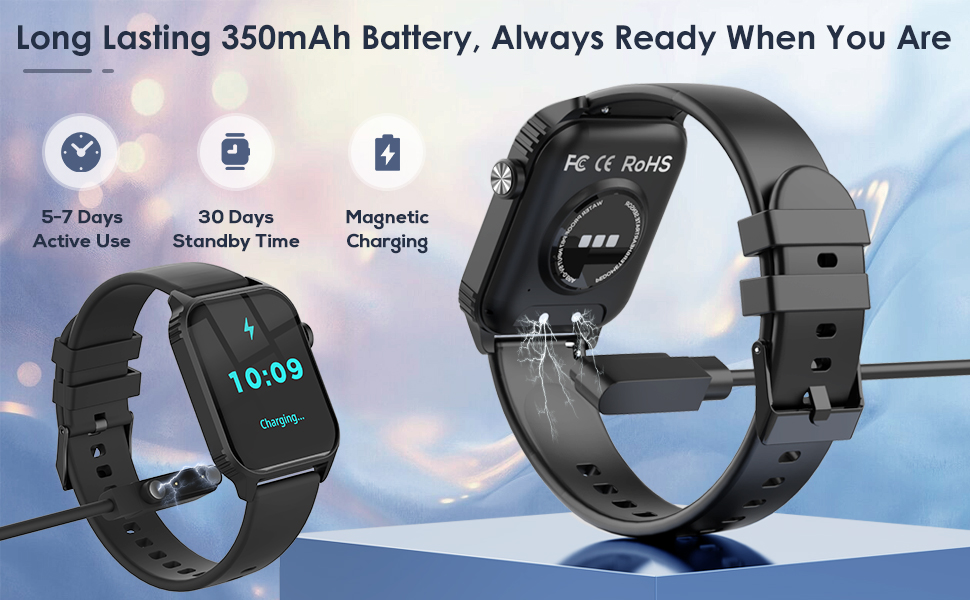
Image: The TRAUSI TG08 Smart Watch being charged using its magnetic charging cable, highlighting the 350mAh battery, 5-7 days active use, and 30 days standby time.
2. App Installation and Device Pairing
- Download the App: Scan the QR code provided in the quick start guide or search for the companion app (usually mentioned in the packaging or quick start guide) on your smartphone's app store (Apple App Store for iOS, Google Play Store for Android).
- Enable Bluetooth: Ensure Bluetooth is enabled on your smartphone.
- Open the App: Launch the installed app and follow the on-screen instructions to create an account or log in.
- Add Device: Within the app, navigate to the "Add Device" or "Pair Device" section. The app will search for available devices. Select "TG08" from the list.
- Confirm Pairing: A pairing request may appear on both your phone and the watch. Confirm the pairing on both devices.
Compatibility: The TRAUSI TG08 Smart Watch is compatible with iPhone (iOS 9.0+) and Android (5.0+) devices.
Operating Instructions
1. Basic Navigation
The TRAUSI TG08 features a 1.83-inch full-touch IPS display for intuitive control.
- Swipe Up/Down: Navigate through menus and notifications.
- Swipe Left/Right: Access quick functions or different watch faces.
- Tap: Select an item or confirm an action.
- Side Button: Typically used to return to the home screen or power on/off the device (long press).

Image: A close-up of the TRAUSI TG08 Smart Watch's 1.83-inch touchscreen, illustrating various functions like sleep tracking, heart rate monitoring, phone calls, and exercise modes.
2. Customizable Watch Faces
Personalize your watch by selecting from a variety of watch faces available through the companion app. You can also customize certain watch faces with your own images or preferred data displays.

Image: The TRAUSI TG08 Smart Watch displaying multiple watch face options and icons representing various functions like message reminders, call reminders, heart rate monitoring, and more.
3. Bluetooth Call Function
Once paired with your smartphone, the watch allows you to make and receive calls directly from your wrist.
- Making Calls: Access the "Phone" or "Dial Pad" function on the watch to dial a number or select a contact.
- Receiving Calls: When a call comes in, the watch will display the caller ID. Tap the green icon to answer or the red icon to reject.
4. Music Control
Control music playback on your connected smartphone directly from the watch.
- Play/Pause: Tap the play/pause icon.
- Next/Previous Track: Use the forward/backward icons.
- Volume Control: Adjust volume if supported by the music app and watch interface.
5. Health Tracking
The TRAUSI TG08 monitors various health metrics to help you maintain a balanced lifestyle.
- Heart Rate Monitor: Access the heart rate function on the watch to measure your current heart rate. Continuous monitoring can be enabled via the app.
- Sleep Monitor: Wear the watch during sleep to track sleep patterns, including deep sleep, light sleep, and awake times. Data is synchronized with the app for detailed analysis.
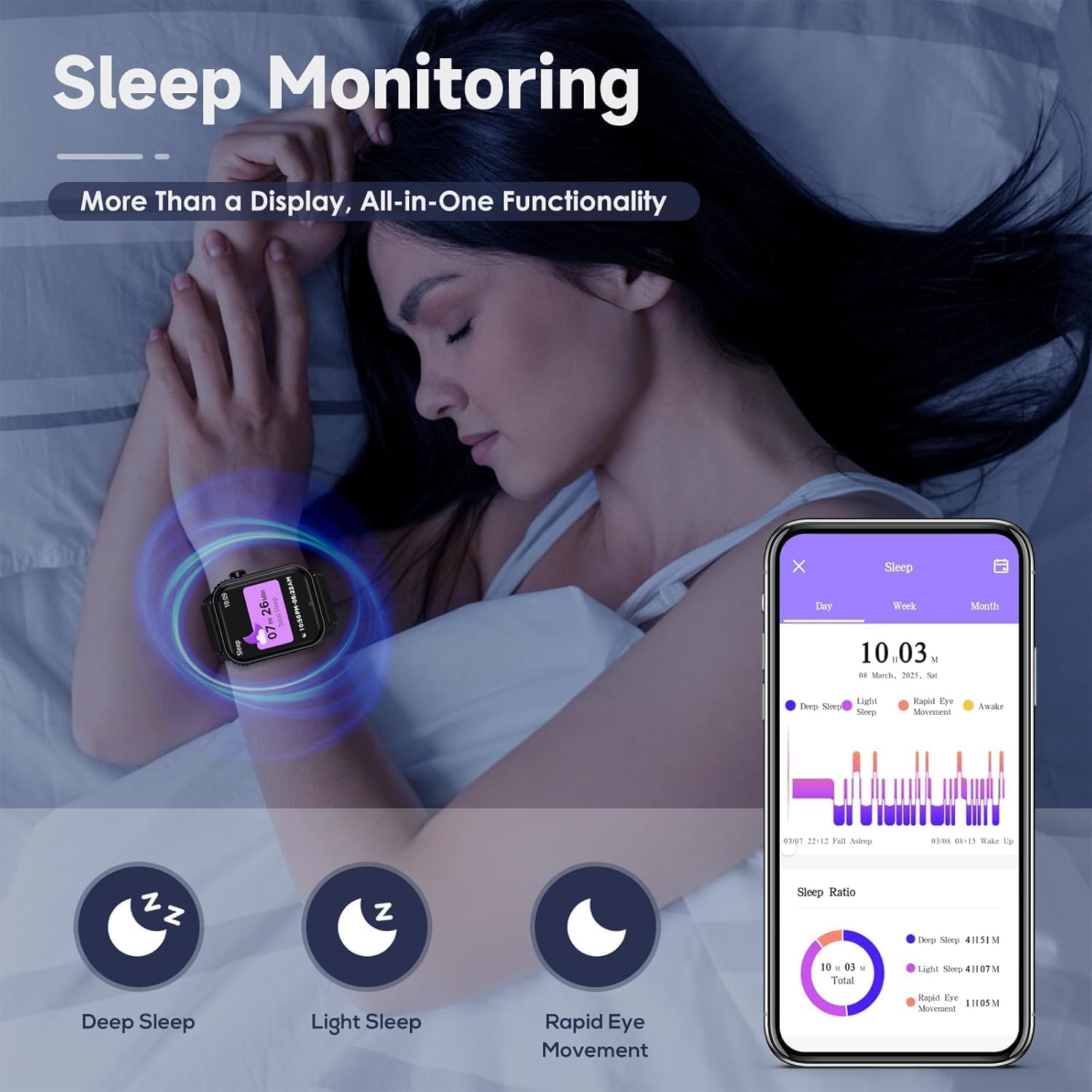
Image: A person sleeping with the TRAUSI TG08 Smart Watch on their wrist, illustrating the sleep monitoring function with icons for deep sleep, light sleep, and rapid eye movement, alongside a smartphone app displaying sleep data.
6. Sports Modes
The watch supports 120 sports modes to track various physical activities. Select your desired activity to record duration, calories burned, steps, and other relevant metrics.
- Accessing Sports Modes: Navigate to the "Sports" or "Workout" section on your watch.
- Starting an Activity: Select an activity (e.g., running, cycling, swimming) and tap to start.
- Ending an Activity: Swipe or tap to pause/end the activity. Data will be saved and synced to the app.
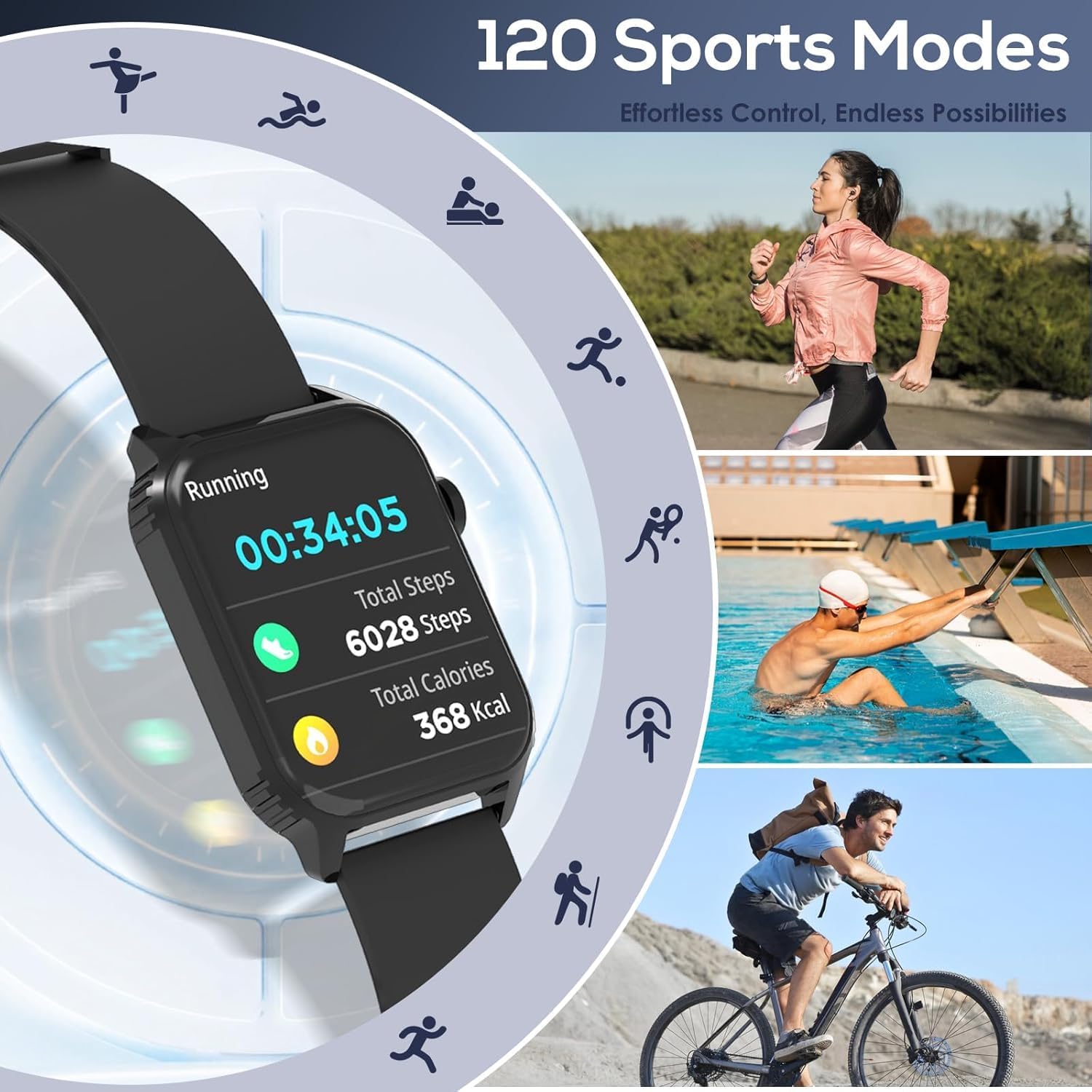
Image: The TRAUSI TG08 Smart Watch displaying a running activity with total steps and calories, surrounded by icons representing various sports modes like walking, swimming, and cycling.
7. Notifications
Receive real-time notifications for calls, messages, and social media apps (e.g., Facebook, WhatsApp, Twitter, Instagram) directly on your smartwatch. Configure notification settings within the companion app.
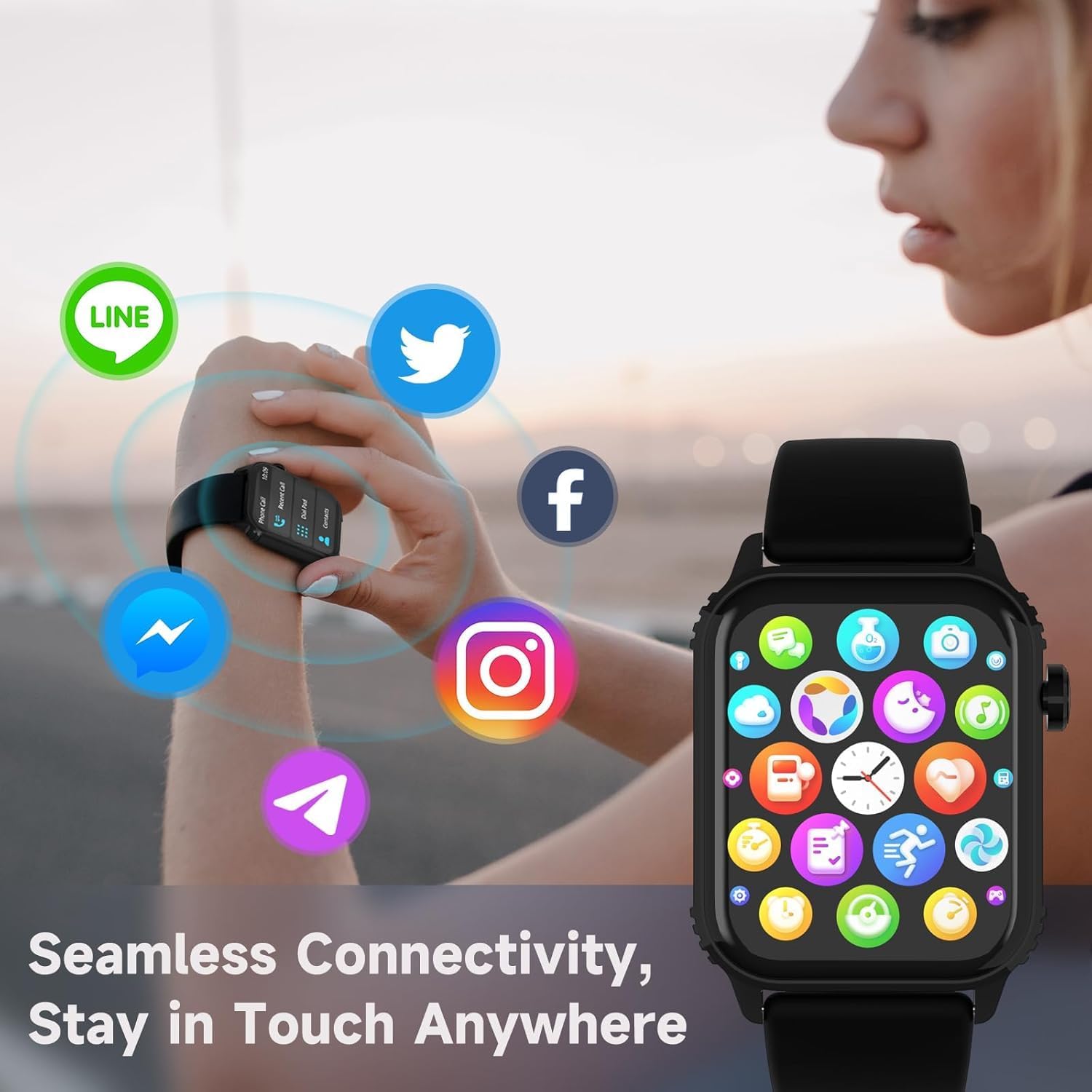
Image: A person interacting with the TRAUSI TG08 Smart Watch, which displays various social media app icons like Line, Twitter, Facebook, Instagram, and Telegram, indicating seamless connectivity.
Maintenance
- Water Resistance (IP67): The watch has an IP67 waterproof rating, meaning it is resistant to splashes, sweat, and brief submersion in shallow water. It is suitable for daily use, workouts, and rainy days. Avoid hot water, steam, or prolonged submersion. Do not press buttons underwater.
- Cleaning: Wipe the watch and strap regularly with a soft, dry cloth. For stubborn dirt, use a slightly damp cloth and then dry thoroughly. Avoid harsh chemicals or abrasive materials.
- Battery Care: To prolong battery life, avoid fully discharging the watch frequently. Charge it when the battery level is low. Store the watch in a cool, dry place when not in use for extended periods.

Image: The TRAUSI TG08 Smart Watch partially submerged in water, demonstrating its IP67 waterproof rating, with additional images showing its use during swimming, hand washing, surfing, and in the rain.
Troubleshooting
| Problem | Solution |
|---|---|
| Watch does not turn on. | Ensure the watch is fully charged. Connect it to the charging cable and allow it to charge for at least 30 minutes before attempting to power on. |
| Unable to pair with smartphone. |
|
| Notifications are not received. |
|
| Inaccurate health data. | Ensure the watch is worn snugly on your wrist, about one finger's width above the wrist bone. Avoid excessive movement during measurements. Clean the sensor on the back of the watch. |
Specifications
| Feature | Detail |
|---|---|
| Model Number | TG08 |
| Display Size | 1.83 Inches |
| Operating System Compatibility | iPhone (iOS 9.0+) & Android (5.0+) |
| Connectivity Technology | Bluetooth |
| Battery Capacity | 350 Milliamp Hours |
| Waterproof Rating | IP67 |
| Item Weight | 2.89 ounces |
| Manufacturer | TRAUSI |
Warranty and Support
For warranty information and technical support, please refer to the official TRAUSI website or contact their customer service. Details are typically provided on the product packaging or within the companion application.
Online Support: Visit the TRAUSI Store on Amazon for product information and support resources.