
Introduction
Thank you for choosing the MMWOWARTS H02 Bluetooth Headphones. This manual provides essential information for setting up, operating, and maintaining your headphones. Please read it carefully before use to ensure optimal performance and longevity of your device.
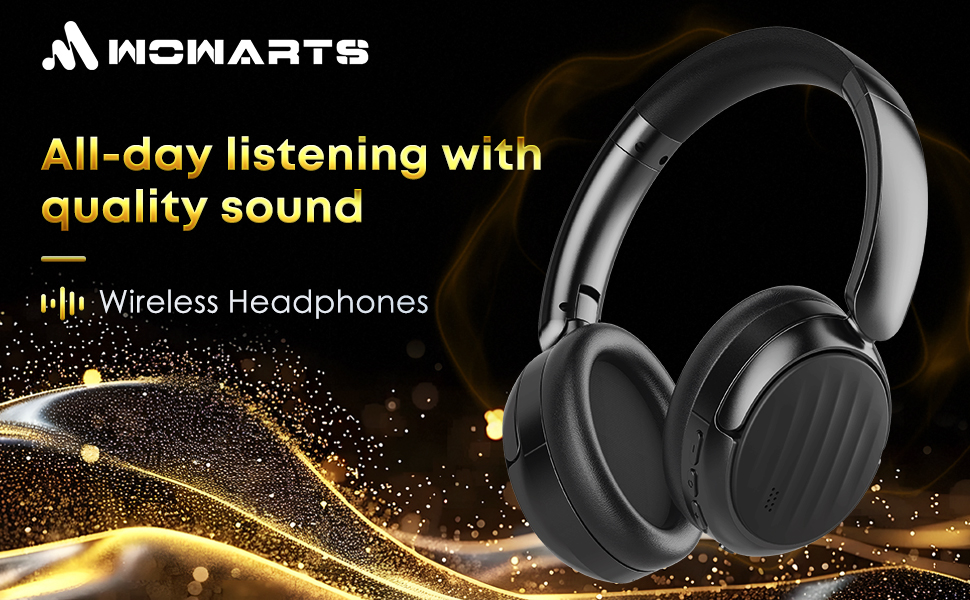
Image: The MMWOWARTS H02 Bluetooth Headphones, showcasing their sleek black design.
Setup
1. Charging the Headphones
Before first use, fully charge your headphones. Connect the provided charging cable to the charging port on the headphones and a USB power source. The LED indicator will show charging status. A full charge typically takes approximately 1 hour and provides up to 35 hours of playback time.
2. Powering On/Off
- To Power On: Press and hold the Power button for 3 seconds until the LED indicator flashes.
- To Power Off: Press and hold the Power button for 3 seconds until the LED indicator turns off.
3. Bluetooth Pairing
The MMWOWARTS H02 headphones utilize Bluetooth 5.4 for a stable and quick connection.
- Ensure the headphones are powered off.
- Press and hold the Power button for 5-7 seconds until the LED indicator flashes red and blue alternately, indicating pairing mode.
- On your device (smartphone, tablet, laptop), enable Bluetooth and search for available devices.
- Select "MMWOWARTS H02" from the list of devices.
- Once connected, the LED indicator will flash blue slowly.
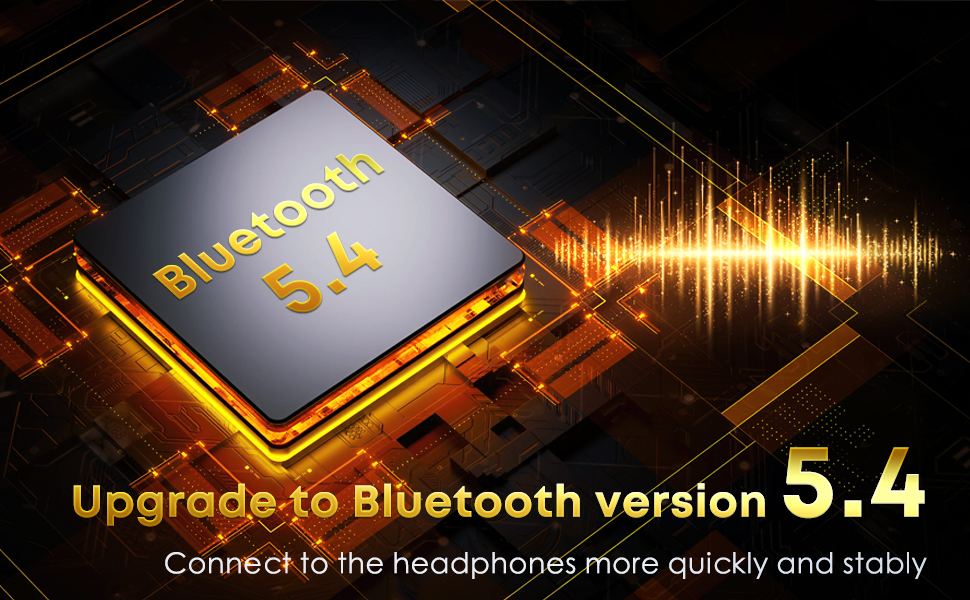
Image: A visual representation of the Bluetooth 5.4 chip, highlighting advanced connectivity.
Operating Instructions
Controls Overview
The headphones feature intuitive controls located on the earcup. Refer to the image below for button identification and functions.
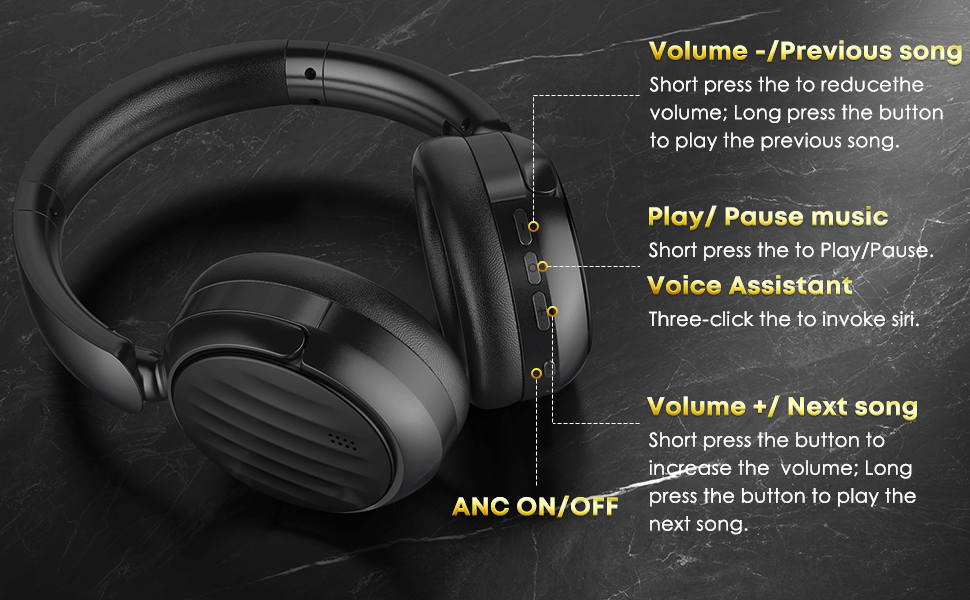
Image: Diagram illustrating the location and function of each button on the MMWOWARTS H02 headphones.
- Volume - / Previous Song:
Short press: Decrease volume.
Long press: Play previous song. - Play / Pause Music:
Short press: Play or pause music. - Voice Assistant:
Triple-click: Activate voice assistant (e.g., Siri). - Volume + / Next Song:
Short press: Increase volume.
Long press: Play next song. - ANC ON/OFF:
Press the dedicated ANC button to toggle Active Noise Cancellation on or off.
Active Noise Cancellation (ANC)
The ANC feature reduces ambient noise, providing a more immersive listening experience. Activate or deactivate it using the dedicated ANC button.
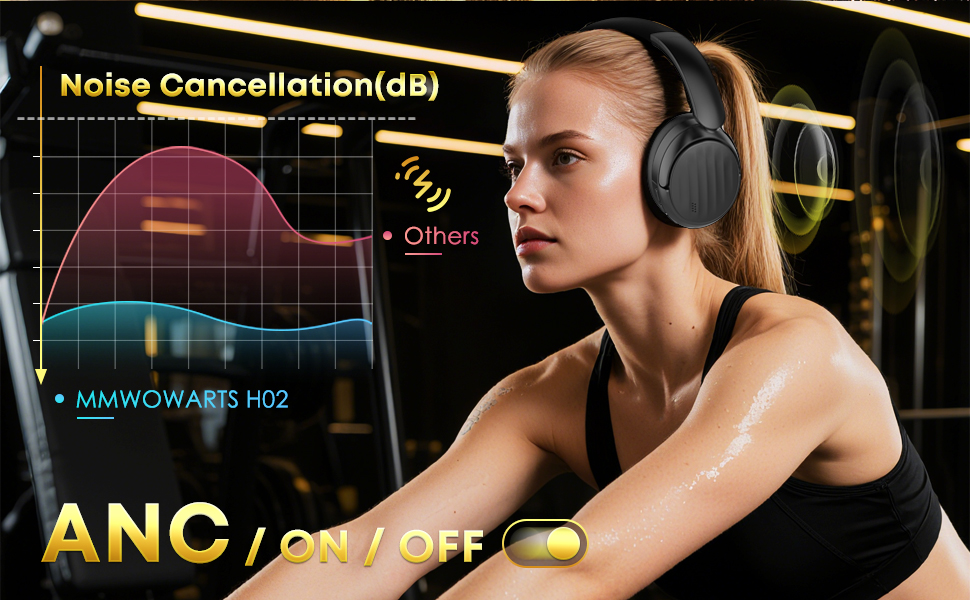
Image: A graph illustrating the effectiveness of Active Noise Cancellation (ANC) in reducing external noise compared to other headphones.
Wired Mode
For wired listening, connect the included 3.5mm audio cable to the headphone jack and your audio source. This mode can be used when the battery is depleted or for devices without Bluetooth connectivity.
Compatible Devices
The MMWOWARTS H02 headphones are compatible with a wide range of devices, including laptops, desktops, gaming consoles, tablets, telephones, smart speakers, televisions, motorcycles, car audio systems, and cellphones.
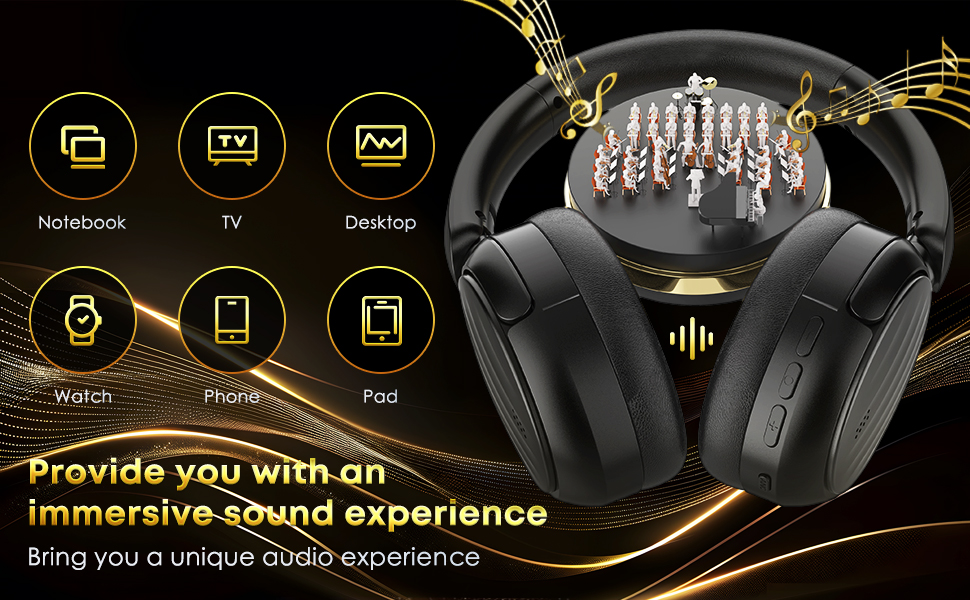
Image: Icons representing various compatible devices such as notebooks, TVs, desktops, smartwatches, phones, and tablets, indicating broad connectivity.
Maintenance
Cleaning
- Wipe the headphones with a soft, dry cloth.
- Do not use abrasive cleaners, alcohol, or chemical solvents.
- Keep the charging port free from dust and debris.
Storage
- Store the headphones in a cool, dry place away from direct sunlight and extreme temperatures.
- When not in use for extended periods, charge the headphones periodically to maintain battery health.
Troubleshooting
| Problem | Possible Cause | Solution |
|---|---|---|
| Headphones do not power on. | Low battery. | Charge the headphones fully. |
| Cannot pair with device. | Headphones not in pairing mode; Bluetooth off on device; device too far. | Ensure headphones are in pairing mode (flashing red/blue). Turn on Bluetooth on your device. Move device closer to headphones (within 10 meters). |
| No sound. | Volume too low; incorrect audio output selected; headphones not connected. | Increase volume on headphones and device. Check device's audio output settings. Re-pair headphones. |
| ANC not working effectively. | ANC not activated; improper fit. | Press the ANC button to activate. Adjust headphones for a snug fit over your ears. |
Specifications
- Brand: MMWOWARTS
- Model Number: H02
- Color: Black
- Ear Placement: Over Ear
- Noise Control: Active Noise Cancellation
- Bluetooth Version: 5.4
- Bluetooth Range: 10 Meters
- Connectivity Technology: Wired, Wireless
- Headphone Jack: 3.5 mm Jack
- Battery Average Life: 35 Hours
- Battery Charge Time: 1 Hour
- Control Method: Push Button
- Audio Driver Type: Dynamic Driver
- Frequency Range: 20Hz - 20,000Hz
- Water Resistance Level: Waterproof
- Material: Plastic
Warranty and Support
For warranty information, please refer to the documentation included with your purchase or contact the retailer. For technical support or further assistance, please visit the official MMWOWARTS website or contact their customer service department.