
iginoa F2 Smart Tracker Tags User Manual
Model: F2 | Brand: iginoa
1. Introduction
The iginoa F2 Smart Tracker is a compact and lightweight device designed to help you locate your valuable items. Utilizing Apple's powerful "Find My" network, it provides precise global positioning without the need for additional apps or complex setup. This manual will guide you through the setup, operation, and maintenance of your F2 Smart Tracker.
The tracker is ideal for a variety of uses, including keeping track of keys, wallets, luggage, and even monitoring children, elderly family members, or pets. Its anti-loss features provide peace of mind in daily life and during travel.
2. Package Contents
- iginoa F2 Smart Tracker (quantity as purchased)
- User Manual (Japanese version included in product package)
3. Setup
The iginoa F2 Smart Tracker is designed for easy integration with Apple's "Find My" network. No additional app downloads are required.
3.1 Compatibility
The tracker is compatible with Apple devices running:
- iOS 14.5 or later (for iPhone)
- iPadOS 14.5 or later (for iPad)
- macOS 12.5 or later (for Mac)
3.2 Initial Pairing
- Ensure your Apple device (iPhone, iPad, or Mac) has Bluetooth enabled and is connected to the internet.
- Bring the iginoa F2 Smart Tracker close to your Apple device.
- Follow the on-screen prompts on your Apple device to pair the tracker with your Apple ID. This process typically involves a simple tap to connect.
- Once paired, the tracker will appear in the "Items" tab of your Apple "Find My" app.
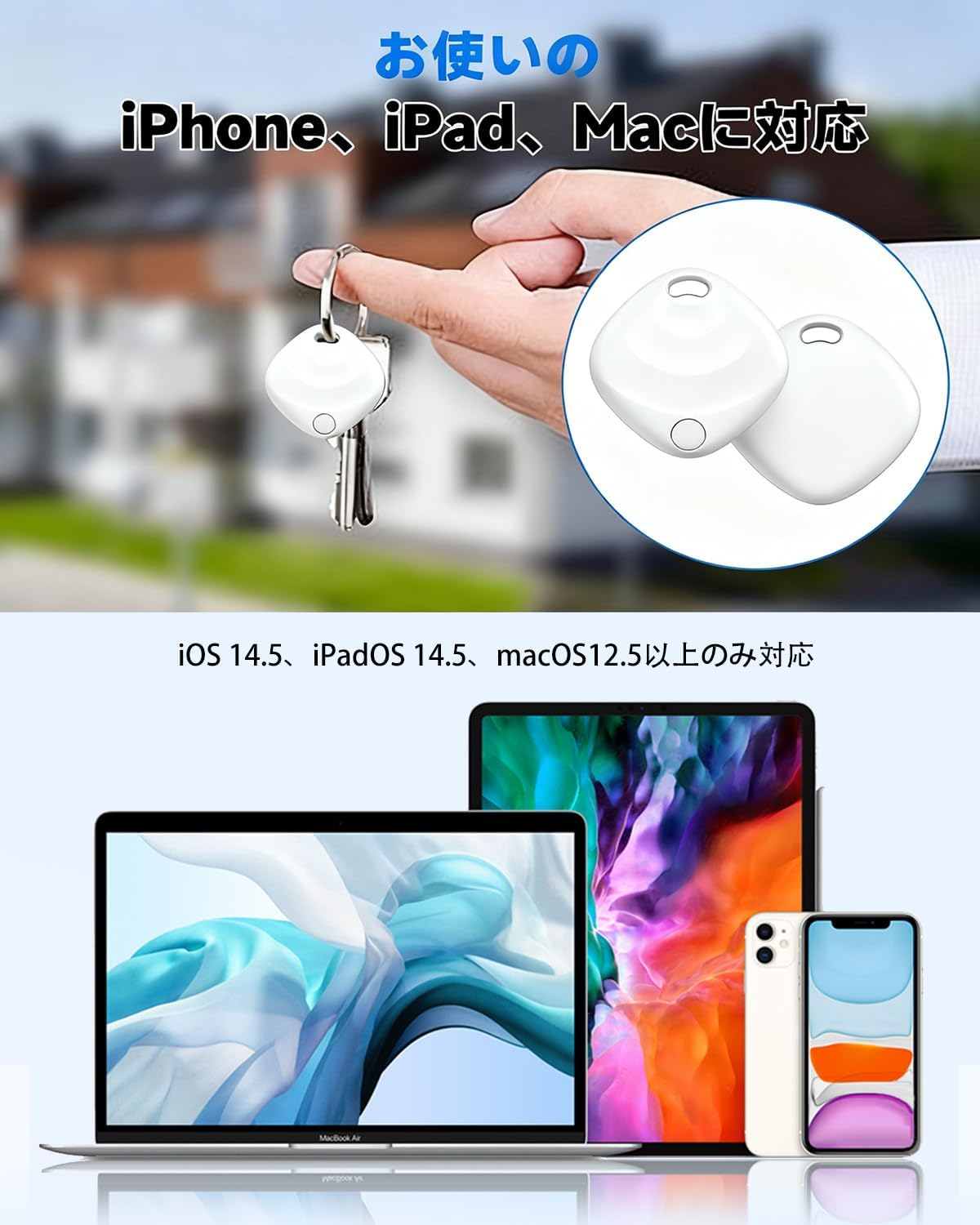
Image: The iginoa F2 Smart Tracker is compatible with iPhone, iPad, and Mac devices running iOS 14.5, iPadOS 14.5, and macOS 12.5 or later, integrating seamlessly with the Apple Find My app.
4. Operating Instructions
4.1 Locating Items Globally
To locate your iginoa F2 Smart Tracker:
- Open the "Find My" app on your iPhone, iPad, or Mac.
- Navigate to the "Items" tab.
- Select your iginoa F2 Smart Tracker from the list.
- The tracker's current location will be displayed on a map, allowing you to track it globally using the Apple "Find My" network.

Image: The iginoa F2 Smart Tracker utilizes the Apple Find My network for precise global positioning, displaying the tracker's location on a map on your iPhone, iPad, or Mac.
4.2 Playing a Sound to Find Nearby Items
If your item is nearby but out of sight (within Bluetooth range):
- In the "Find My" app, select your iginoa F2 Smart Tracker.
- Tap the "Play Sound" option.
- The built-in speaker on the tracker will emit a clear, loud sound, helping you pinpoint its exact location.
4.3 Anti-Loss Notifications
The tracker can notify you if you leave an item behind:
- You can set up notifications in the "Find My" app to alert you when your tracker (and the item it's attached to) moves out of a specified range from your Apple device.
- When an item is detected as separated, your device will receive an instant pop-up notification.

Image: When an item with the iginoa F2 Smart Tracker is left behind or moves out of range, your device receives an instant pop-up notification, helping prevent loss.

Image: Attach the iginoa F2 Smart Tracker to your pet's harness to receive instant notifications on your iPhone if your pet moves beyond a set distance, ensuring their safety.
4.4 Versatile Applications
The iginoa F2 Smart Tracker can be used for:
- Children: Attach to school bags to monitor their route home.
- Elderly: Place on personal items to assist in locating them if they wander.
- Pets: Secure to collars or harnesses for tracking during walks.
- Travel: Ideal for luggage, backpacks, or carry-ons to track their location, especially at airports.
- Daily Items: Keys, wallets, purses, and other frequently misplaced items.
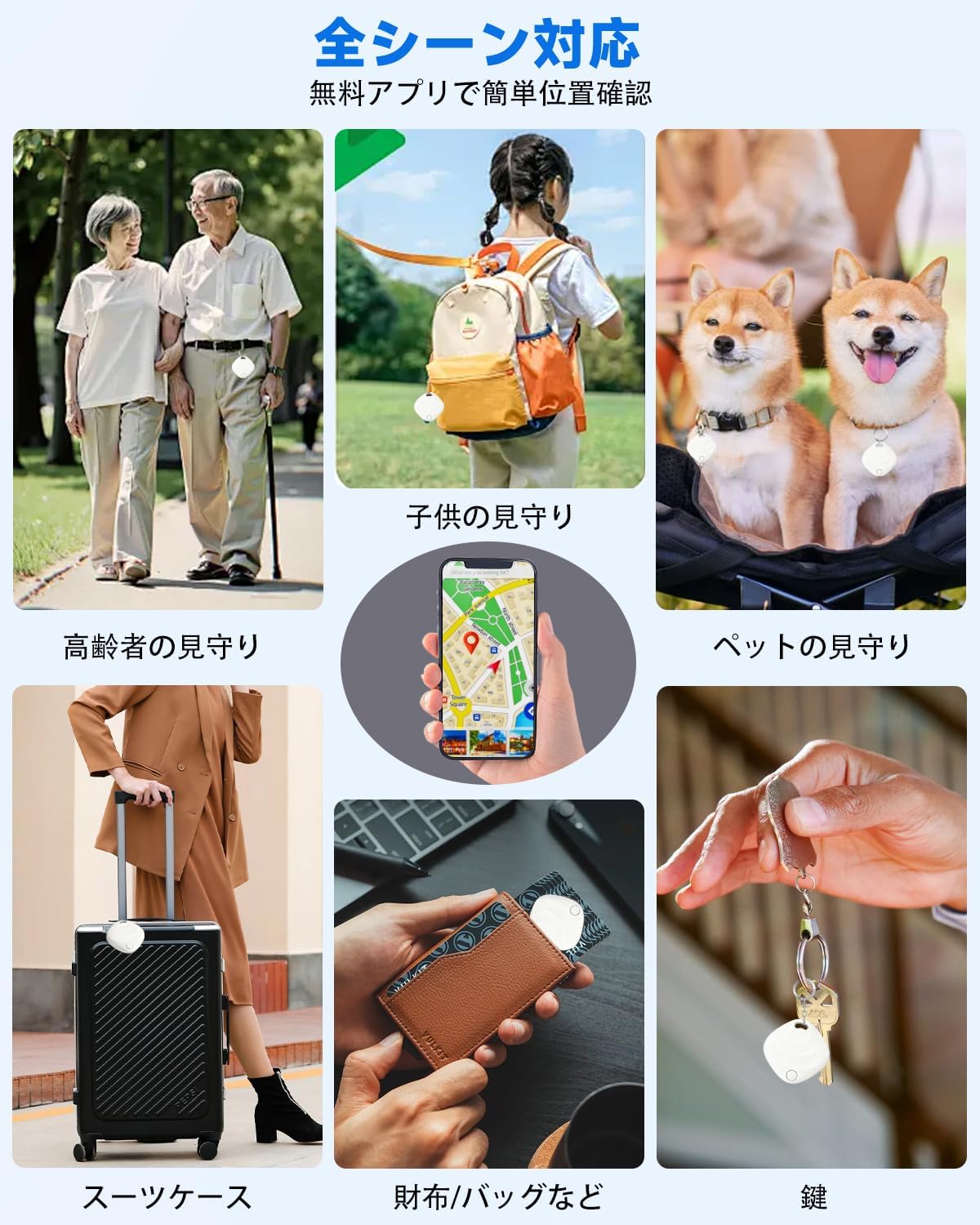
Image: The iginoa F2 Smart Tracker is versatile, suitable for tracking children, elderly family members, pets, luggage, wallets, and keys, providing peace of mind in various daily scenarios.
5. Maintenance
5.1 Battery Replacement
The iginoa F2 Smart Tracker uses a replaceable CR2032 button cell battery, offering up to 1 year of continuous use under standard conditions. When the battery is low, you will receive a notification on your paired Apple device.
To replace the battery:
- Locate the battery compartment on the tracker.
- Open the compartment using a suitable tool (e.g., a small screwdriver or coin, if applicable, refer to the physical manual for specific instructions).
- Remove the old CR2032 battery.
- Insert a new CR2032 battery with the positive (+) side facing up.
- Close the battery compartment securely.
CR2032 batteries are widely available for purchase.
5.2 Cleaning
Wipe the tracker with a soft, dry cloth. Avoid using harsh chemicals or abrasive materials that could damage the device.
6. Troubleshooting
6.1 Tracker Not Appearing in Find My App
- Ensure your Apple device meets the minimum iOS/iPadOS/macOS version requirements.
- Verify that Bluetooth is enabled on your Apple device.
- Make sure the tracker's battery is not depleted. Replace if necessary.
- Try resetting the tracker (refer to the physical manual for specific reset procedures, if any).
- Attempt the pairing process again, ensuring the tracker is close to your device.
6.2 Inaccurate Location
- The accuracy of the location depends on the density of Apple devices in the vicinity that are part of the "Find My" network. In remote areas, location updates might be less frequent or precise.
- Ensure your Apple device has a stable internet connection.
6.3 Tracker Not Playing Sound
- Confirm the tracker is within Bluetooth range of your Apple device.
- Check the battery level of the tracker.
- Ensure your Apple device's volume is turned up.
6.4 Privacy Notifications
The iginoa F2 Smart Tracker incorporates Apple's advanced privacy protection features. If an unknown tracker is detected moving with you over time, your iPhone will automatically notify you, and the tracker will play a sound to alert you to its presence. This is a security feature to prevent unwanted tracking.
7. Specifications
| Brand | iginoa |
| Model Number | F2 |
| Compatible Devices | iOS devices (iPhone, iPad), Mac |
| Material | Plastic |
| Color | White |
| Product Weight | 18 g |
| Package Dimensions | 10.5 x 7.9 x 1.5 cm |
| Battery Type | CR2032 Button Cell (replaceable) |
| Battery Life | Up to 1 year (standard use) |
8. Warranty and Support
The product package includes a detailed Japanese user manual that covers setup procedures, battery replacement, and usage tips. For specific warranty information, please refer to the documentation provided at the time of purchase or contact your retailer.
For further assistance or technical support, please contact iginoa customer service through the contact information provided on the product packaging or the official iginoa website.