
Introduction
This user guide provides detailed instructions for the POOLIN EOC06 Embroidery Machine. It covers everything from initial setup to advanced techniques, ensuring you can achieve professional-quality embroidery results. Follow the steps carefully to maximize your machine's potential and maintain its performance.
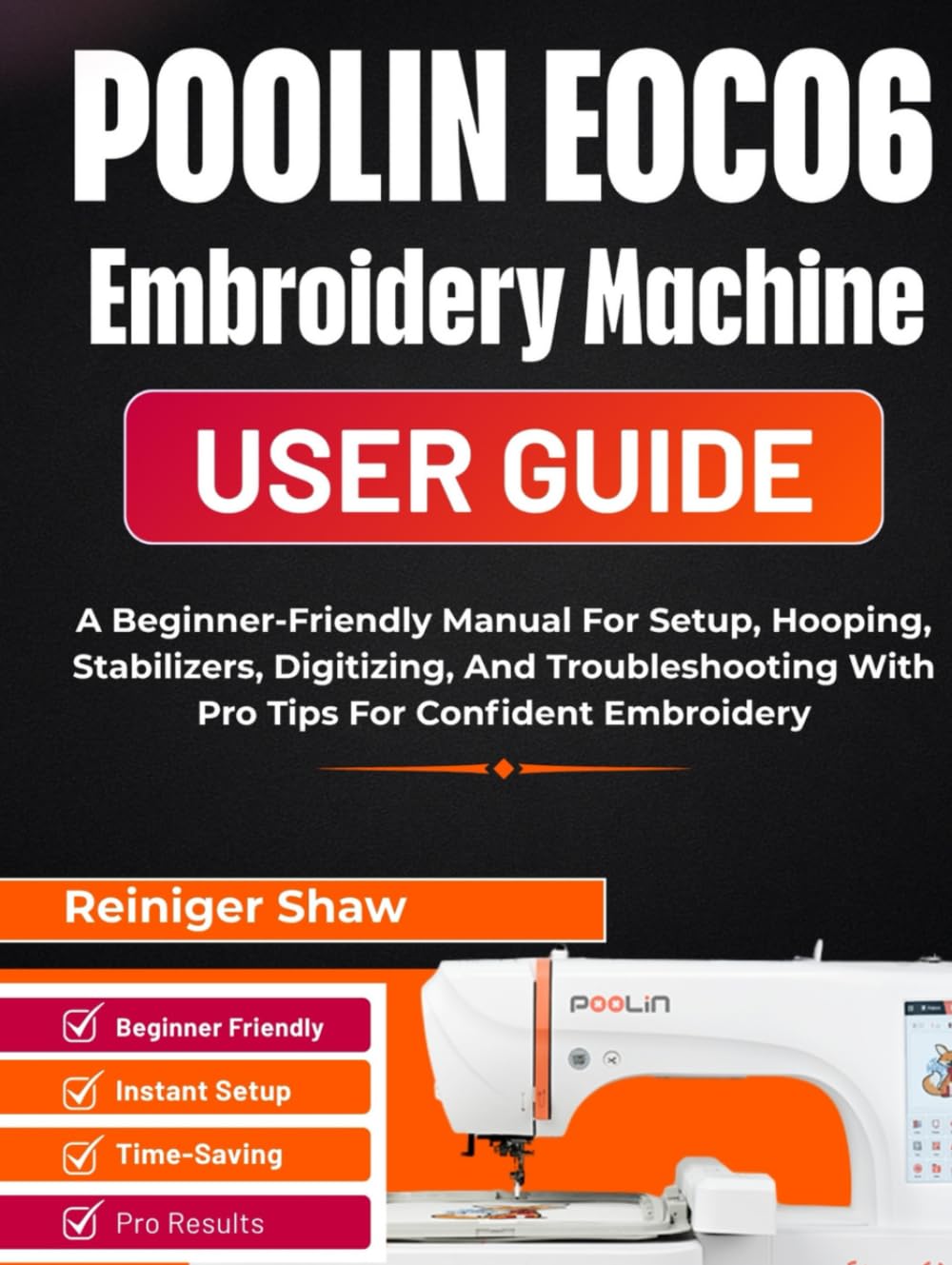
Image: Front cover of the POOLIN EOC06 Embroidery Machine User Guide. This guide helps users master their embroidery machine with step-by-step instructions.
1. Setup and First Use
Proper setup is crucial for optimal performance. This section guides you through unboxing, placement, power connection, and initial machine configuration.
1.1 Unboxing and Placement
- Carefully remove the POOLIN EOC06 machine from its packaging. Retain all packaging materials for future transport or storage.
- Place the machine on a stable, level surface. Ensure there is adequate space around the machine for hooping and material handling.
- Connect the power cord to the machine and then to a grounded electrical outlet.
1.2 Initial Power On and Touchscreen Navigation
- Press the power button to turn on the machine.
- Familiarize yourself with the 7-inch touchscreen interface. Navigate through menus to adjust settings and load designs.
- Understand the USB workflow for transferring embroidery designs to the machine.
2. Operating the POOLIN EOC06
This section covers the essential steps for preparing your materials and executing embroidery designs.
2.1 Material Selection: Thread, Needle, and Stabilizer
Matching the right components to your fabric is key to achieving clean stitches.
- Thread: Select thread type and weight appropriate for your design and fabric.
- Needle: Choose a needle size and type that suits your fabric to prevent damage and ensure smooth stitching.
- Stabilizer: Use the correct stabilizer (cut-away, tear-away, wash-away, or heat-away) to support the fabric during embroidery and prevent puckering.
2.2 Threading, Bobbin, and Tension
Correct threading and tension are vital for balanced stitches.
- Follow the machine's upper threading path carefully.
- Ensure the bobbin is seated correctly in its case.
- Adjust tension settings as needed to achieve a balanced stitch, where the bobbin thread appears evenly on the underside of the fabric.
2.3 Hooping Techniques
Proper hooping prevents fabric shifting and puckering.
- Alignment Marks: Use hoop alignment marks to center your fabric.
- Baste-in-the-Hoop: Utilize the machine's basting function to secure fabric and stabilizer.
- Floating Methods: For items difficult to hoop, use floating techniques with adhesive stabilizers.
2.4 On-Screen Editing and Digitizing Basics
The EOC06 offers robust on-screen editing capabilities.
- Load Designs: Transfer designs from a USB drive.
- Edit Functions: Resize, rotate, mirror, and combine design elements directly on the touchscreen.
- Color Sequence: Preview and adjust the color sequence before stitching.
- Digitizing Concepts: Understand basic stitch types like run, satin, and fill stitches. Apply density, underlay, and pull compensation for optimal results.
3. Maintenance
Regular maintenance ensures the longevity and smooth operation of your POOLIN EOC06.
3.1 Cleaning
- Lint Removal: Regularly remove lint and thread debris from the bobbin area, needle plate, and tension discs using a small brush or vacuum.
- Surface Cleaning: Wipe down the machine's exterior with a soft, damp cloth. Avoid harsh chemicals.
3.2 Lubrication
Refer to your machine's specific lubrication points and schedule in the detailed guide. Use only recommended sewing machine oil.
3.3 Needle Replacement
Replace needles frequently, especially after 8 hours of sewing or if you notice skipped stitches or fabric damage.
4. Troubleshooting Common Issues
This section helps you diagnose and resolve common problems encountered during embroidery.
| Symptom | Possible Cause | Solution |
|---|---|---|
| Bird's Nesting (thread tangles on underside) | Incorrect upper threading, improper bobbin insertion, tension issues. | Re-thread the upper thread path, re-insert the bobbin, adjust upper tension. |
| Skipped Stitches | Bent or dull needle, incorrect needle type, improper threading, fabric movement. | Replace needle, ensure correct needle for fabric, check threading, re-hoop fabric securely. |
| Thread Breaks | Poor quality thread, incorrect tension, burrs on needle plate, old needle. | Use quality thread, adjust tension, inspect machine for rough spots, replace needle. |
| Puckering or Fabric Distortion | Insufficient stabilization, improper hooping, design density too high. | Use appropriate stabilizer, re-hoop fabric without stretching, adjust design density if possible. |
5. Specifications
Key specifications for the POOLIN EOC06 Embroidery Machine User Guide (the book itself):
- ASIN: B0FZQFTWDH
- Publisher: Independently published
- Publication Date: November 4, 2025
- Language: English
- Print Length: 160 pages
- ISBN-13: 979-8272956897
- Item Weight: 1.04 pounds
- Dimensions: 8.49 x 0.55 x 11.24 inches
Image: Back cover of the POOLIN EOC06 Embroidery Machine User Guide. Displays ISBN and a summary of the guide's benefits.
6. Warranty and Support
For specific warranty information regarding your POOLIN EOC06 Embroidery Machine, please refer to the documentation provided with the machine itself or contact the manufacturer directly. This user guide is a third-party publication designed to assist with the machine's operation.
For further assistance or technical support related to the POOLIN EOC06 Embroidery Machine, please contact POOLIN customer service. For questions regarding this user guide, please refer to the publisher's contact information.


