
Introduction
The PHILIPS TAL7000 Trucker Bluetooth Headset is designed for versatile use, offering clear communication and audio quality in various environments. This headset features a noise-canceling microphone, a convertible mono and stereo design, and long-lasting battery life, making it suitable for professional use, hands-free driving, and personal audio enjoyment.

Image: PHILIPS Trucker Bluetooth Headset, showcasing its design and features.
What's in the Box
Please check the package contents to ensure all items are present:
- PHILIPS TAL7000 Bluetooth Headset
- Type C Charging Cable
- Ear Cushions (detachable)
- User Manual (this document)
- Car charger
Product Overview
Headset Components and Controls
Familiarize yourself with the various parts and controls of your PHILIPS TAL7000 headset for optimal use.

Image: Diagram illustrating the headset's controls, including the microphone rotation, volume buttons, phone button, and MFB/Power button.
- 279° Mic Rotation: Allows adjustment of the microphone for optimal voice pickup.
- Volume + / -: Adjusts the audio output level.
- Phone Button: Used for answering/ending calls, playing/pausing music.
- MFB/Power Button: Multi-function button for power on/off, pairing, and other functions.
- Release Button: For detaching ear pads to switch between mono and stereo modes.
Design and Comfort
The headset is engineered for comfort and durability during extended wear.

Image: Visual representation of the headset's adaptive comfort features, including adjustable earcups, adjustable headband, foam comfort cushions, breathable mesh, and a flip-away microphone.
- Adjustable Earcup and Headband: Provides a secure and personalized fit.
- Foam Comfort Cushion & Breathable Mesh: Ensures comfort during long periods of use.
- Flip-Away Microphone: Can be moved out of the way when not in use.
- Rugged Design: Built to withstand daily wear and tear, including drops and vibrations.
Setup
Charging the Headset
Before initial use, fully charge your headset. A quick 2-hour recharge provides up to 35 hours of continuous playtime.
- Connect the provided USB-C charging cable to the headset's charging port and to a power source (e.g., computer USB port, wall adapter, or car charger).
- The LED indicator will show charging status and turn off or change color when fully charged.

Image: Illustration emphasizing the long-lasting playtime and quick recharge capability of the headset.
Bluetooth Pairing
The headset supports dual-device Bluetooth connectivity, allowing simultaneous connection to two devices.
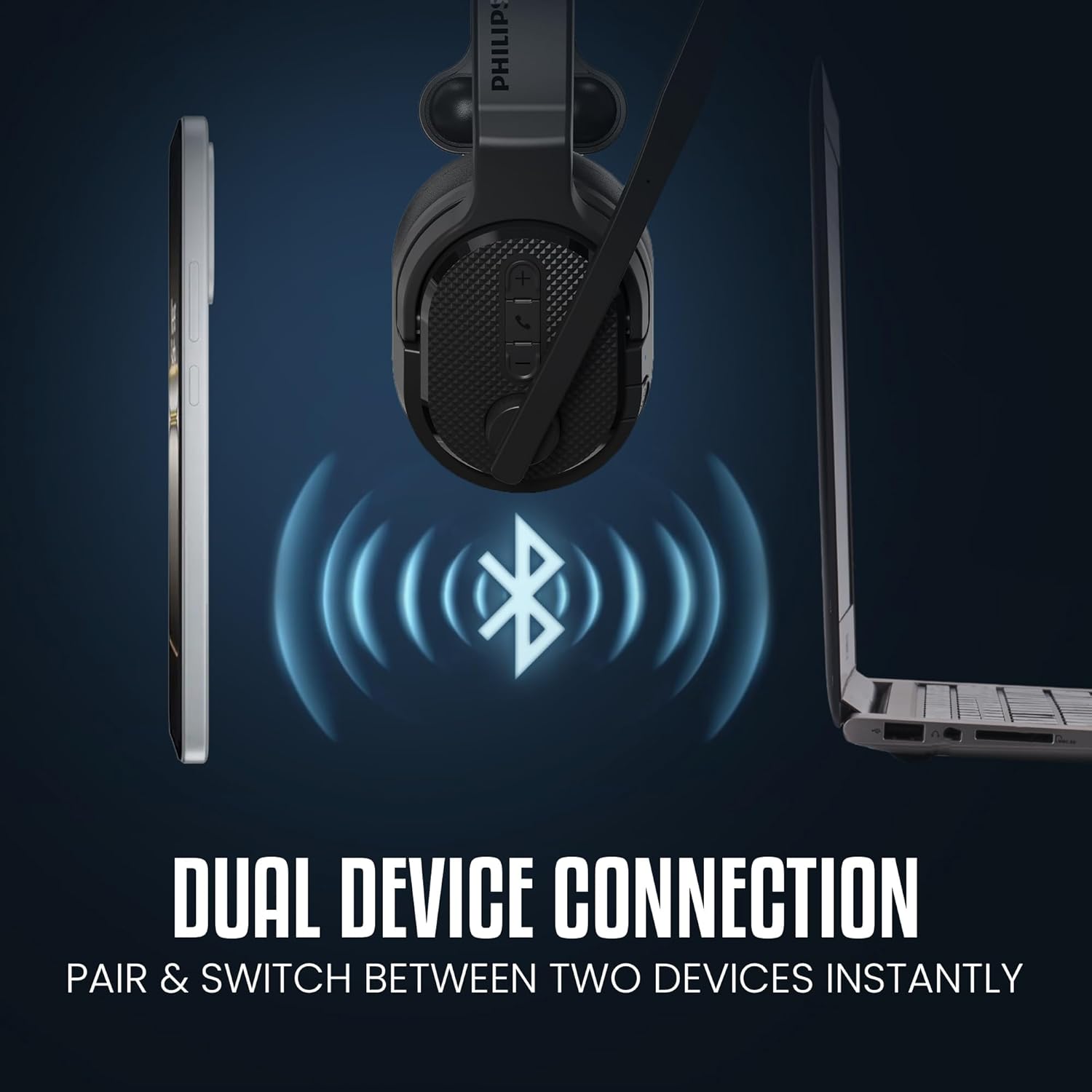
Image: Graphic showing the headset connected to both a smartphone and a laptop via Bluetooth, highlighting dual device connectivity.
- Ensure the headset is charged and powered off.
- Press and hold the MFB/Power button until the LED indicator flashes blue and red, indicating pairing mode.
- On your device (phone, laptop, tablet), enable Bluetooth and search for available devices.
- Select "PHILIPS TAL7000" from the list of devices.
- Once connected, the LED indicator will flash blue periodically.
- To connect a second device, disable Bluetooth on the first device, put the headset back into pairing mode, and connect to the second device. Then re-enable Bluetooth on the first device; the headset should automatically connect to both.
Operating Instructions
Mono and Stereo Modes
The headset offers a convertible design, allowing you to switch between mono and stereo modes by detaching one earpad.
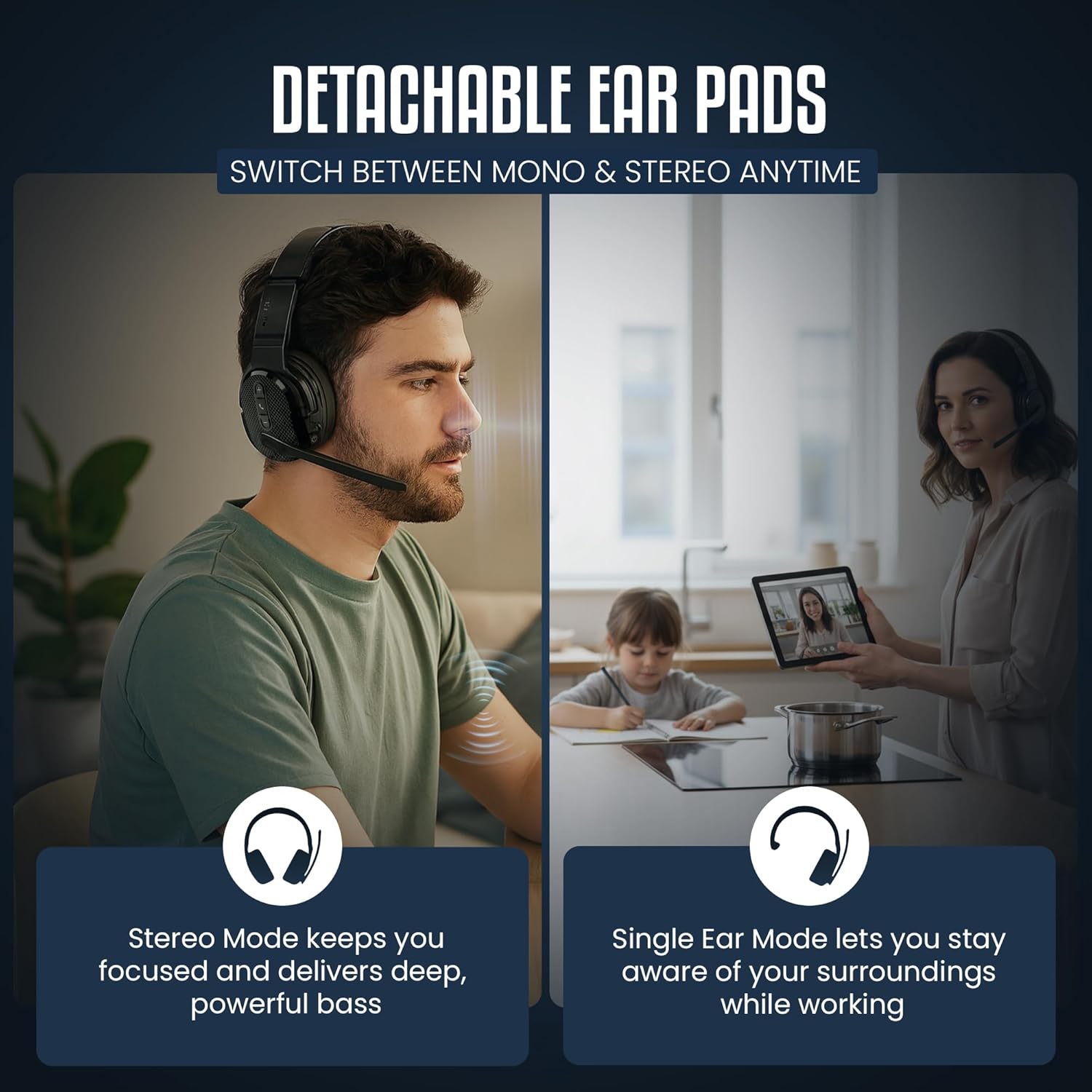
Image: Comparison showing the headset in stereo mode for focused listening and in single-ear mode (mono) to maintain awareness of surroundings.
- Stereo Mode: Provides immersive audio for music and calls, keeping you focused.
- Single Ear (Mono) Mode: Allows you to stay aware of your surroundings while still taking calls or listening to audio. Simply detach one earpad using the release button.
Noise Control Modes
Adapt your audio experience to your environment with different noise control settings.
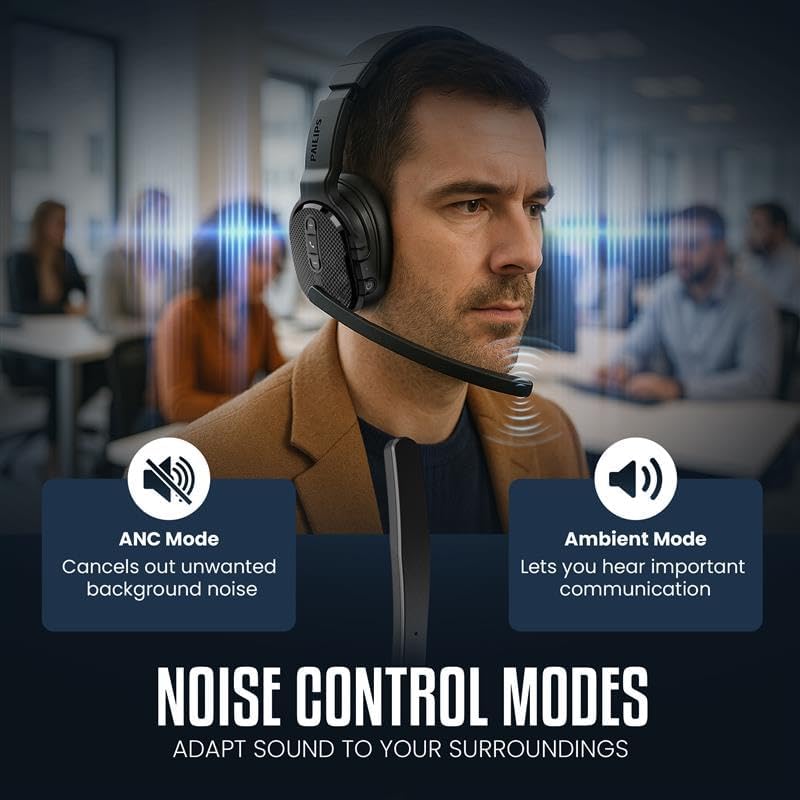
Image: Diagram explaining ANC (Active Noise Cancellation) mode to cancel background noise and Ambient mode to hear important communications.
- ANC Mode (Active Noise Cancellation): Reduces unwanted background noise for clearer audio and calls.
- Ambient Mode: Allows you to hear your surroundings and important communications without removing the headset.
- Refer to the quick start guide or product packaging for specific button presses to switch between modes.
Making and Receiving Calls
- Answer/End Call: Press the Phone button once.
- Reject Call: Press and hold the Phone button for 2 seconds.
- Adjust Volume: Use the Volume + / - buttons.
- The advanced noise-canceling microphone ensures your voice is clear even in noisy environments.
Music Playback
- Play/Pause: Press the Phone button once.
- Next Track: Double-press the Phone button.
- Previous Track: Triple-press the Phone button.
- Adjust Volume: Use the Volume + / - buttons.
Video: Demonstrates the Philips Bluetooth Headset with Noise Canceling Mic and its convertible stereo and mono design, showcasing its features and flexibility.
Maintenance
To ensure the longevity and optimal performance of your PHILIPS TAL7000 headset, follow these maintenance guidelines:
- Cleaning: Use a soft, dry cloth to clean the headset. Do not use abrasive cleaners or solvents.
- Ear Cushions: The detachable ear cushions can be gently wiped clean. Ensure they are completely dry before reattaching.
- Storage: Store the headset in a cool, dry place away from direct sunlight and extreme temperatures.
- Avoid Water: The headset is not water-resistant. Avoid exposure to liquids.
Troubleshooting
If you encounter issues with your headset, refer to the following common solutions:
| Problem | Solution |
|---|---|
| Headset does not power on | Ensure the headset is fully charged. Connect it to a power source using the USB-C cable. |
| Cannot pair with device | Make sure the headset is in pairing mode (LED flashing blue and red). Ensure Bluetooth is enabled on your device and it is within range (10 meters). Forget previous pairings on your device and try again. |
| No audio or poor audio quality | Check the volume levels on both the headset and your connected device. Ensure the headset is properly paired. Try reconnecting the Bluetooth connection. |
| Microphone not working | Ensure the microphone is flipped down and positioned correctly. Check microphone settings on your connected device. |
| Dual device connection issues | Ensure both devices are within range. If switching between devices is difficult, try disconnecting from one device and then reconnecting. |
Specifications
Detailed technical specifications for the PHILIPS TAL7000 Trucker Bluetooth Headset:
- Brand: PHILIPS
- Model Number: TAL7000
- Color: Black
- Ear Placement: Over Ear
- Form Factor: Over Ear
- Impedance: 32 ohm
- UPC: 840063207332
- Built-In Media: User Manual, Type C Charging Cable, Ear Cushions, Car charger
- Control Type: Button Control
- Noise Control: Passive Noise Cancellation
- Sensitivity: 101 dB
- Audio Driver Type: Dynamic Driver
- Audio Driver Size: 40 millimeters
- Enclosure Material: Acrylonitrile Butadiene Styrene (ABS)
- Specific Uses For Product: Business, Travel
- Compatible Devices: Cellphones, Desktops, Laptops, Tablets
- Water Resistance Level: Not Water Resistant
- Additional Features: Adjustable Headband, Microphone Included, Multipoint Pairing, Noise Cancellation, Volume Control
- Headphone Jack: No Jack (Wireless)
- Connectivity Technology: Bluetooth, Wireless
- Bluetooth Range: 10 meters
- Bluetooth Version: 5.4
- Battery Charge Time: 2 hours
- Battery Average Life: 35 hours
Warranty and Support
For warranty information and customer support, please refer to the warranty card included in your product packaging or visit the official PHILIPS support website. Keep your proof of purchase for any warranty claims.
For further assistance, you may contact PHILIPS customer service through their official channels.


