
Introduction
This manual provides detailed instructions for the operation and maintenance of your SWOFY M4 MP3 Player. Please read this manual thoroughly before using the device to ensure proper functionality and to maximize your user experience. The SWOFY M4 is a portable digital music player featuring Bluetooth 5.4 connectivity, a 2.4-inch touchscreen, and a range of multimedia functions.
Package Contents
Verify that all items listed below are present in your package:
- SWOFY M4 MP3 Player (128GB)
- USB Type-C Cable
- Wired Headphones
- User Manual
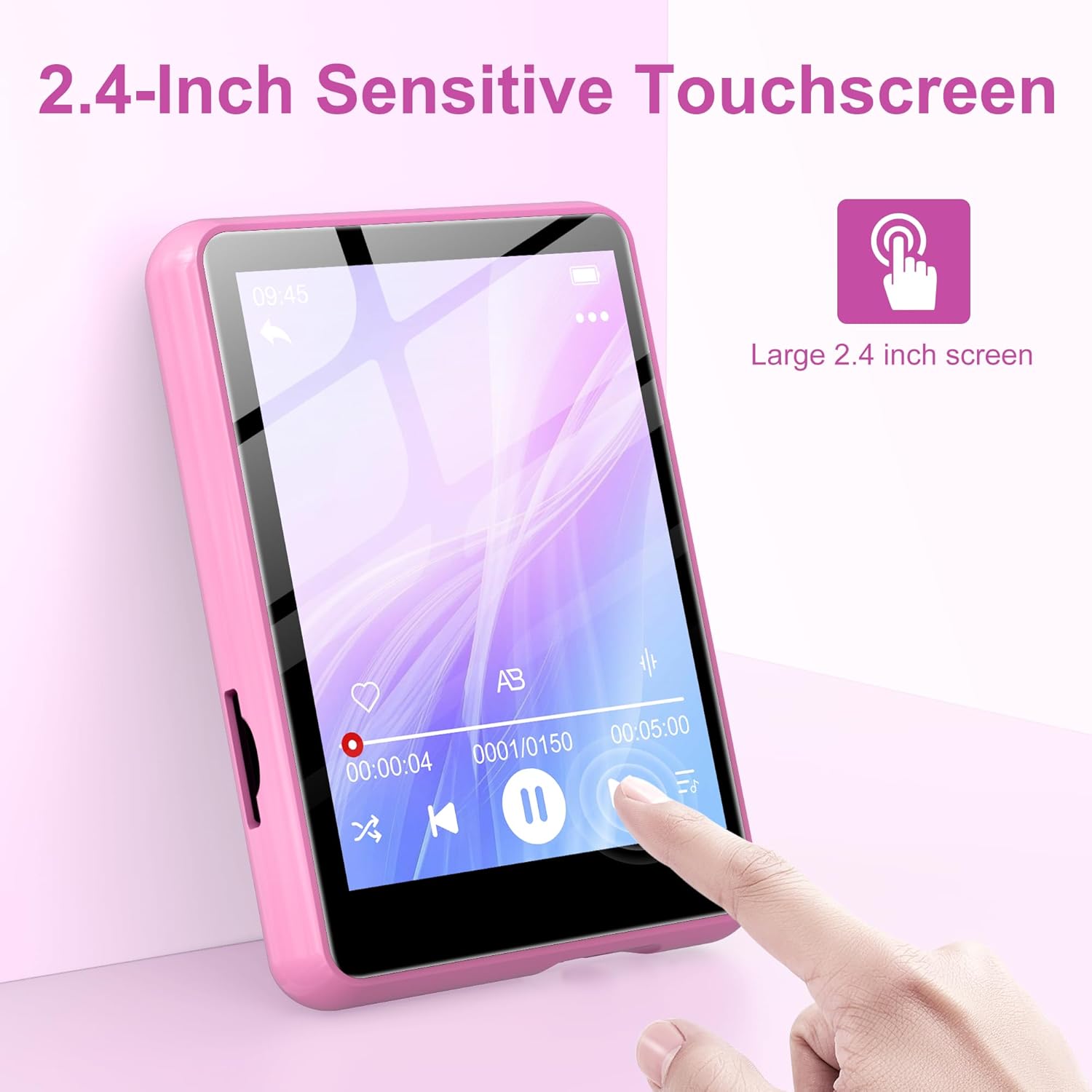
Image: Contents of the SWOFY M4 MP3 Player package, showing the device, USB Type-C cable, wired headphones, and user manual.
Product Overview
The SWOFY M4 MP3 Player features a compact design with a 2.4-inch sensitive touchscreen and physical buttons for navigation and control.

Image: Front view of the SWOFY M4 MP3 Player, highlighting the 2.4-inch touchscreen interface.
Key Features:
- Display: 2.4-inch LCD Touchscreen
- Storage: 128GB internal, expandable via Micro SD card (up to 512GB)
- Connectivity: Bluetooth 5.4, USB 2.0
- Audio Formats: MP3, OGG, FLAC, AAC, WMA, WAV, APE
- Functions: Music Player, FM Radio, Voice Recorder, E-book Reader, Video Player, Alarm Clock, Built-in HD Speaker
- Battery Life: Up to 50 hours of music playback (with headphones)
- Charging Time: Approximately 2 hours for a full charge

Image: The SWOFY M4 MP3 Player's main menu screen, showing icons for various functions such as Music, FM Radio, Bluetooth, E-book, and Video.
Setup
1. Charging the Device
Before initial use, fully charge the MP3 player. Connect the provided USB Type-C cable to the player's charging port and the other end to a USB power adapter (not included) or a computer's USB port. The device will indicate charging status on the screen. A full charge takes approximately 2 hours.
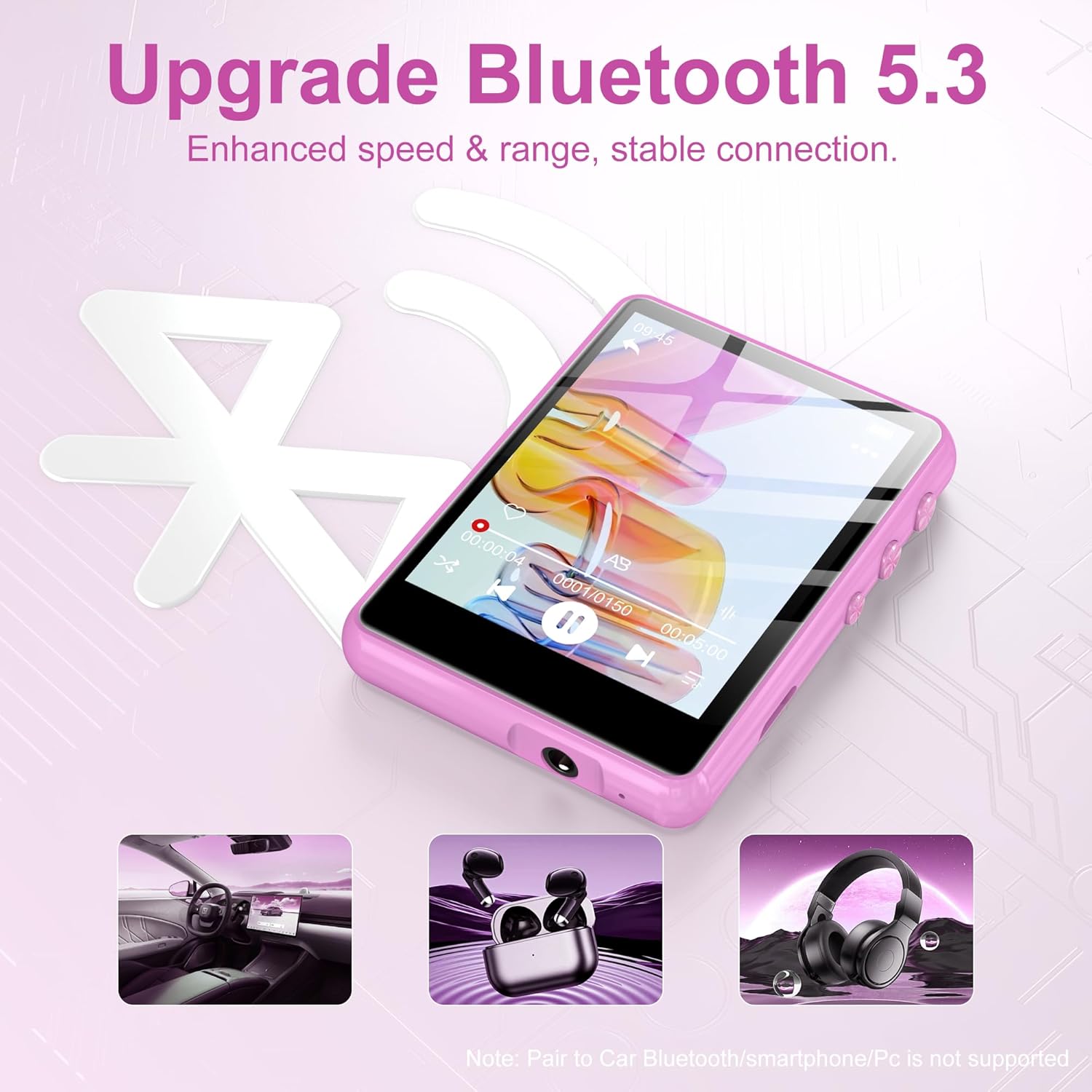
Image: The SWOFY M4 MP3 Player displaying battery information, indicating a 2-hour charging time for extended usage.
2. Transferring Files (Music, Videos, E-books)
To transfer files from your computer to the MP3 player:
- Connect the MP3 player to your computer using the USB Type-C cable.
- The player will appear as a removable disk drive on your computer.
- Drag and drop your desired music, video, or e-book files into the appropriate folders on the player (e.g., "Music," "Video," "Ebook").
- Safely eject the removable disk from your computer before disconnecting the cable.
The device has 128GB of internal storage and supports Micro SD cards for expansion up to 512GB. Insert a Micro SD card into the designated slot to expand storage capacity.

Image: The SWOFY M4 MP3 Player highlighting its 128GB high capacity, expandable up to 512GB, for storing thousands of songs.
Operating Instructions
1. Power On/Off
- To Power On: Press and hold the power button located on the side of the device until the screen illuminates.
- To Power Off: Press and hold the power button until a power-off option appears on the screen, then confirm.
2. Basic Navigation
The SWOFY M4 features a 2.4-inch sensitive touchscreen for navigation. Tap icons to select functions and swipe to scroll through lists or pages. Physical buttons on the side provide additional control for volume and playback.

Image: A finger interacting with the 2.4-inch sensitive touchscreen of the SWOFY M4 MP3 Player, demonstrating its touch interface.
3. Music Playback
- From the main menu, tap the "Music" icon.
- Browse your music by artist, album, genre, or all songs.
- Tap a song to begin playback.
- Use the on-screen controls or physical buttons for play/pause, skip tracks, and volume adjustment.
The player supports HiFi lossless sound quality for formats like MP3, OGG, FLAC, AAC, WMA, WAV, and APE.

Image: A visual representation of enjoying music with HiFi lossless sound quality, listing supported audio formats.
4. Bluetooth Connectivity
The SWOFY M4 features Bluetooth 5.4 for connecting to compatible devices such as Bluetooth headphones or speakers.
- From the main menu, tap the "Bluetooth" icon.
- Turn on Bluetooth.
- Ensure your Bluetooth device (headphones/speaker) is in pairing mode.
- Select your device from the list of available devices to pair.
Note: The player does not support pairing with car Bluetooth systems, smartphones, or PCs for audio output.
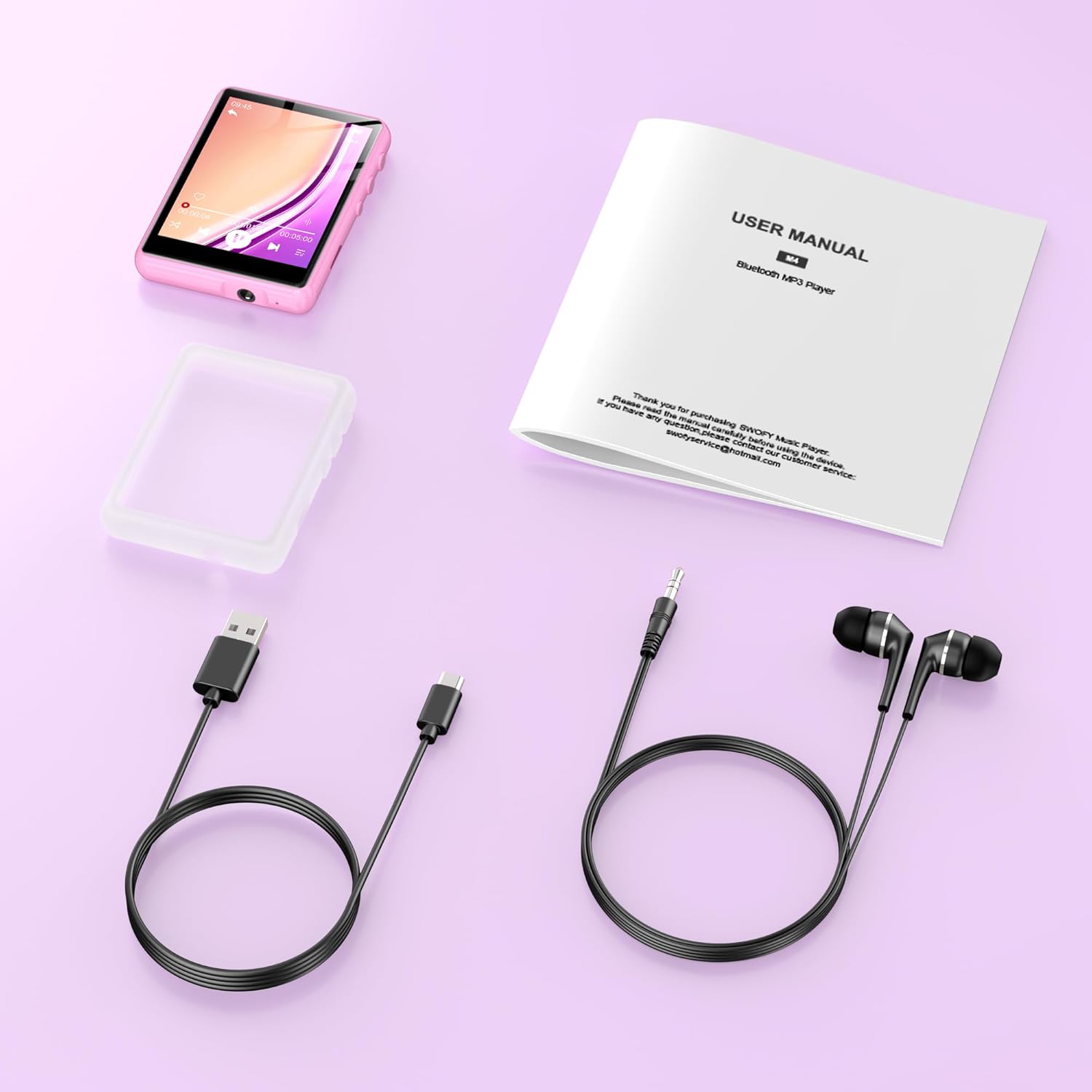
Image: The SWOFY M4 MP3 Player demonstrating its Bluetooth 5.4 connectivity for enhanced speed and stable connection with headphones and speakers.
5. FM Radio
- Connect wired headphones to the player; they act as the antenna.
- From the main menu, tap the "FM Radio" icon.
- Use the auto-scan function to find available stations or manually tune to a frequency.
6. Voice Recorder
- From the main menu, tap the "Recording" icon.
- Tap the record button to start recording.
- Tap the stop button to end and save the recording.
7. E-book Reader
- From the main menu, tap the "Ebook" icon.
- Select an e-book file to open and read.
8. Video Playback
- From the main menu, tap the "Video" icon.
- Select a video file to play. Ensure video files are in compatible formats for optimal playback.
9. Settings
Access the "Settings" menu to adjust various device parameters, including:
- Language
- Date and Time
- Display Brightness
- Equalizer settings
- System Information
Maintenance
- Keep the device dry. Avoid exposure to moisture or liquids.
- Clean the screen and body with a soft, dry cloth. Do not use abrasive cleaners.
- Avoid extreme temperatures. Do not expose the device to direct sunlight or very cold environments.
- Handle with care. Avoid dropping or subjecting the device to strong impacts.
- Regularly back up important data to a computer to prevent loss.
Troubleshooting
| Problem | Possible Solution |
|---|---|
| Device does not power on. | Ensure the device is fully charged. Connect to a power source and try again. |
| Cannot transfer files. | Check the USB cable connection. Ensure the device is recognized by the computer. Try a different USB port or cable. |
| Bluetooth device not pairing. | Ensure Bluetooth is enabled on both the MP3 player and the target device. Place devices close to each other and ensure the target device is in pairing mode. Note that the player does not pair with phones or PCs for audio output. |
| No sound from FM Radio. | Ensure wired headphones are connected, as they serve as the antenna. Check volume levels. |
| Touchscreen unresponsive or inaccurate. | Restart the device. Ensure the screen is clean and dry. If the issue persists, contact customer support. |
Specifications
| Feature | Detail |
|---|---|
| Model | M4 |
| Display | 2.4-inch LCD Touchscreen |
| Internal Storage | 128 GB |
| Expandable Storage | Micro SD card up to 512 GB |
| Bluetooth Version | 5.4 |
| USB Interface | USB 2.0 (Type-C) |
| Supported Audio Formats | MP3, OGG, FLAC, AAC, WMA, WAV, APE |
| Battery Life (Music Playback) | Up to 50 hours (with headphones) |
| Charging Time | Approx. 2 hours |
| Special Features | Built-in Speaker, FM Radio, Voice Recorder, E-book Reader, Video Playback, Equalizer |
| Compatible Devices | Bluetooth Headphones, Personal Computer, Bluetooth Speakers |
| Manufacturer | SWOFY |
| GTIN/UPC | 762786808415 |
Warranty and Support
The SWOFY M4 MP3 Player comes with a warranty of up to 24 months from the date of purchase. If you encounter any issues or require assistance, please contact SWOFY customer support. Refer to the contact information provided in your product packaging or on the official SWOFY website for support details.
For further assistance, please visit our support page or contact us directly via support@swofy.com.


