
Introduction
This manual provides essential information for the safe and effective operation of your World Tech Toys Transformers Bumblebee LED Dancing Robot. Please read these instructions carefully before use and retain them for future reference. This interactive toy features LED lights, sound effects, music, and gesture control, designed for users aged 6 and above.
A front view of the World Tech Toys Bumblebee LED Dancing Robot, showcasing its yellow and black design, ready for interactive play.
Setup
Battery Installation
The Bumblebee LED Dancing Robot requires 3 AA batteries (included) for operation. Follow these steps to install or replace batteries:
- Locate the battery compartment on the back of the robot.
- Using a small Phillips head screwdriver, carefully unscrew the battery compartment cover.
- Insert 3 new AA batteries, ensuring correct polarity (+/-) as indicated inside the compartment.
- Replace the battery compartment cover and secure it with the screw.
- Remove the plastic battery tab if present before first use.

This image displays the rear of the Bumblebee robot, highlighting the battery compartment cover. The compartment requires three AA batteries for operation.
Power On/Off
To turn the robot on, locate the power switch, usually on the back or base of the unit, and slide it to the 'ON' position. To turn it off, slide the switch to the 'OFF' position.
Operating Instructions
The Bumblebee LED Dancing Robot offers interactive play through gesture control and various modes.
Gesture Control
The robot is equipped with gesture-activated sensors. Wave your hand in front of the robot to initiate its dance moves and activate its features. No remote control is required for this function.

An icon of a hand waving, illustrating the robot's gesture-activated control system.
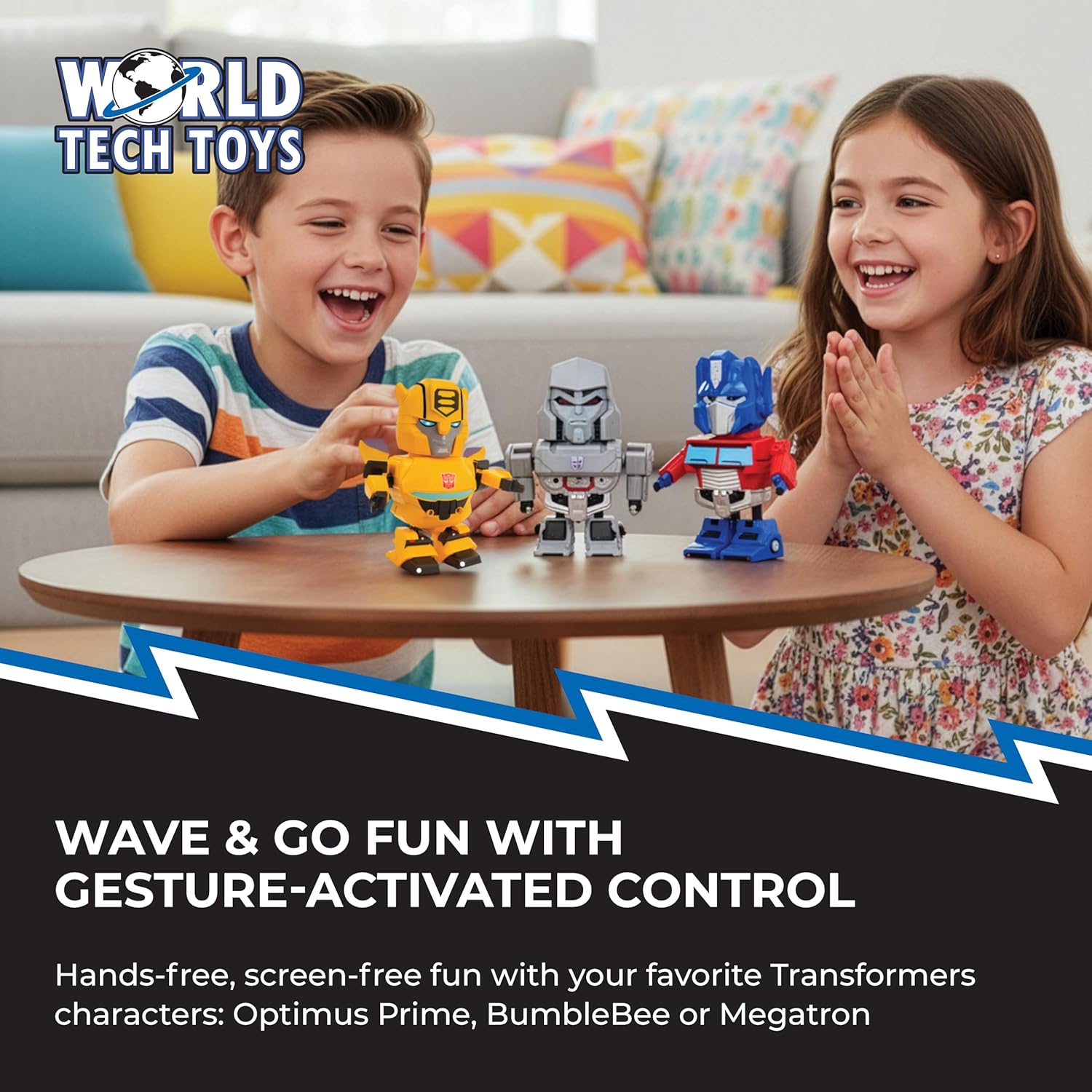
This image shows a child interacting with the Bumblebee robot using a hand wave, illustrating the gesture control feature.
Dance Mode
In Dance Mode, the robot performs animated movements accompanied by built-in music and sound effects. Activate this mode through gesture control or by pressing the designated button (if available, refer to packaging for exact button location).

An icon depicting musical notes, symbolizing the robot's integrated sound effects and music playback capabilities.
Light Mode
The robot features flashing LED lights, particularly in its eyes. In Light Mode, these LEDs illuminate, often synchronized with classic Transformers theme songs. This mode can be activated alongside or independently of Dance Mode, depending on the specific model's functionality.

An icon showing an LED light, indicating the robot's ability to light up during operation.

A detailed view of the Bumblebee robot's head, featuring its bright blue LED eyes, indicating the light-up function.
Official Product Video
This video demonstrates the World Tech Toys Transformers Bumblebee LED Dancing Robot in action, showcasing its dance moves, LED lights, and integrated sound and music features.
Maintenance
Cleaning
To clean the robot, gently wipe its surface with a soft, dry cloth. Do not use harsh chemicals, abrasive cleaners, or immerse the robot in water, as this can damage electronic components.
Storage
When not in use for extended periods, store the robot in a cool, dry place away from direct sunlight. Remove the batteries to prevent leakage and potential damage to the toy.
Troubleshooting
- Robot Not Turning On: Ensure the power switch is in the 'ON' position. Check that the batteries are correctly installed with the proper polarity and are not depleted. Replace batteries if necessary.
- Robot Not Responding to Gestures: Ensure there are no obstructions between your hand and the robot's sensors. Try waving your hand closer or with a clearer motion. Check battery levels.
- Sound or Lights Not Working: Verify that the robot is powered on and batteries are fresh. If only one feature is not working, contact customer support.
- Unexpected Behavior: Turn the robot off and then on again to reset it. If issues persist, replace batteries.
Specifications
| Feature | Detail |
|---|---|
| Brand Name | World Tech Toys |
| Model Name | Bumblebee LED Dancing Robot |
| Model Number | 36575 |
| Character | Bumblebee |
| Toy Figure Type | Action Figure |
| Material Type | Plastic |
| Color | Yellow/Black |
| Item Dimensions (L x W x H) | 3.5" x 6.5" x 8" |
| Item Weight | 0.23 Pounds |
| Manufacturer Minimum Age | 72 Months (6 Years) |
| Assembly Required | No |
| Batteries Required | Yes |
| Number of Batteries | 3 AA batteries |
| Operation Mode | Gesture-Activated with Manual/Automatic Modes |
| Additional Features | Gesture Control, LED Lights, Sound Effects, Music |
Warranty and Support
For warranty information or technical support, please refer to the product packaging or contact World Tech Toys customer service directly. Keep your purchase receipt as proof of purchase.