
ABBREE AR-8118
ABBREE AR-8118 25W GMRS Mobile Radio User Manual
Your comprehensive guide to setting up and operating your ABBREE AR-8118 GMRS Mobile Radio.
1. Introduction
The ABBREE AR-8118 is a compact and powerful 25W GMRS mobile radio designed for reliable long-range communication. It features 200 channels, NOAA weather alerts, VOX hands-free operation, and dual PTT transmission, making it suitable for various applications including car, truck, and off-road overlanding gear.
Important Licensing Information
Operation of GMRS (General Mobile Radio Service) radios requires a license from the Federal Communications Commission (FCC) in the United States. This license is typically easy to obtain, covers your entire family, and is valid for ten years. It is crucial to obtain the necessary license before transmitting on GMRS frequencies to ensure compliance with regulations. For more information, please visit the official FCC website.
2. Package Contents
Please check the package carefully to ensure all items are present:
- 1x ABBREE AR-8118 Mobile Radio
- 1x Handheld Microphone
- 1x Power Cable (with cigar DC adapter)
- 1x USB Programming Cable
- 1x Mounting Bracket
- 1x Screw Accessories Set
- 1x User Manual

Image: Contents of the ABBREE AR-8118 GMRS Mobile Radio package.
3. Product Overview
Familiarize yourself with the main components and controls of your AR-8118 radio.

Image: Detailed diagram of the AR-8118 radio's front and rear panels.
Front Panel Controls
- Power On/Off, Volume Knob: Turns the radio on/off and adjusts audio volume.
- V/M (Voice/Memory) Button: Switches between VFO (Frequency) mode and Channel (Memory) mode.
- MONI (Monitor) Button: Opens the squelch to listen for weak signals.
- EXIT/Back Button: Exits menu or goes back to previous screen.
- Microphone Connector: Port for connecting the handheld microphone.
- Display Screen: Shows channel, frequency, status, and other information.
- CH (Channel) Knob: Rotates to select channels or navigate menus.
- MENU Button: Accesses the radio's menu settings.
- P/O (Power Output) Button: Adjusts transmit power level.
Rear Panel Connections
- External Speaker Port: For connecting an external speaker.
- Type-C Program Port: Used for connecting the programming cable to a computer.
- Fan: Internal cooling fan for heat dissipation.
- Antenna Port: Connects to your GMRS antenna.
- DC Port: Power input for the radio.
Video: An overview of the ABBREE AR-8118 GMRS Mobile Radio, highlighting its features and components.
4. Setup and Installation
4.1 Mounting the Radio
Use the provided mounting bracket and screws to securely install the radio in your vehicle. Choose a location that allows for easy access to controls and clear visibility of the display, while ensuring it does not obstruct driving or safety features.
4.2 Power Connection
Connect the power cable to the DC port on the rear of the radio. Plug the cigar DC adapter into your vehicle's 12V power outlet. Ensure a secure connection to prevent power interruptions. The radio operates on 13.8V DC.

Image: The compact AR-8118 radio powered via a car's 12V outlet.
4.3 Antenna Connection
Connect your GMRS antenna to the antenna port on the rear of the radio. For optimal performance, use a high-quality GMRS-specific antenna and ensure it is properly tuned and mounted in a location with minimal obstructions, such as the center of your vehicle's roof.
5. Basic Operation
5.1 Power On/Off and Volume
Rotate the Power On/Off, Volume Knob clockwise to turn on the radio. Continue rotating to adjust the audio volume to a comfortable listening level. Rotate counter-clockwise until it clicks to turn off the radio.
5.2 Channel Selection
Use the CH Knob to scroll through the available 200 channels. The selected channel number and frequency will be displayed on the screen. Press the V/M button to switch between VFO (frequency) mode and Channel (memory) mode if needed.
5.3 Transmitting (PTT)
To transmit, press and hold the PTT (Push-To-Talk) button on the handheld microphone. Speak clearly into the microphone. Release the PTT button to stop transmitting and return to receive mode. The AR-8118 features Dual PTT Transmission, allowing you to transmit directly from the radio body or the handheld microphone, offering flexibility in various situations.

Image: Illustration of the Dual PTT functionality on the AR-8118 radio.
5.4 VOX Function (Hands-Free)
The radio supports a 9-level VOX (Voice Operated Exchange) function, enabling hands-free transmission. When VOX is activated, the radio will automatically transmit when it detects your voice and stop when you cease speaking. This feature is particularly useful for maintaining communication while driving, enhancing safety and efficiency. Adjust the VOX sensitivity level in the menu to suit your environment and voice volume.
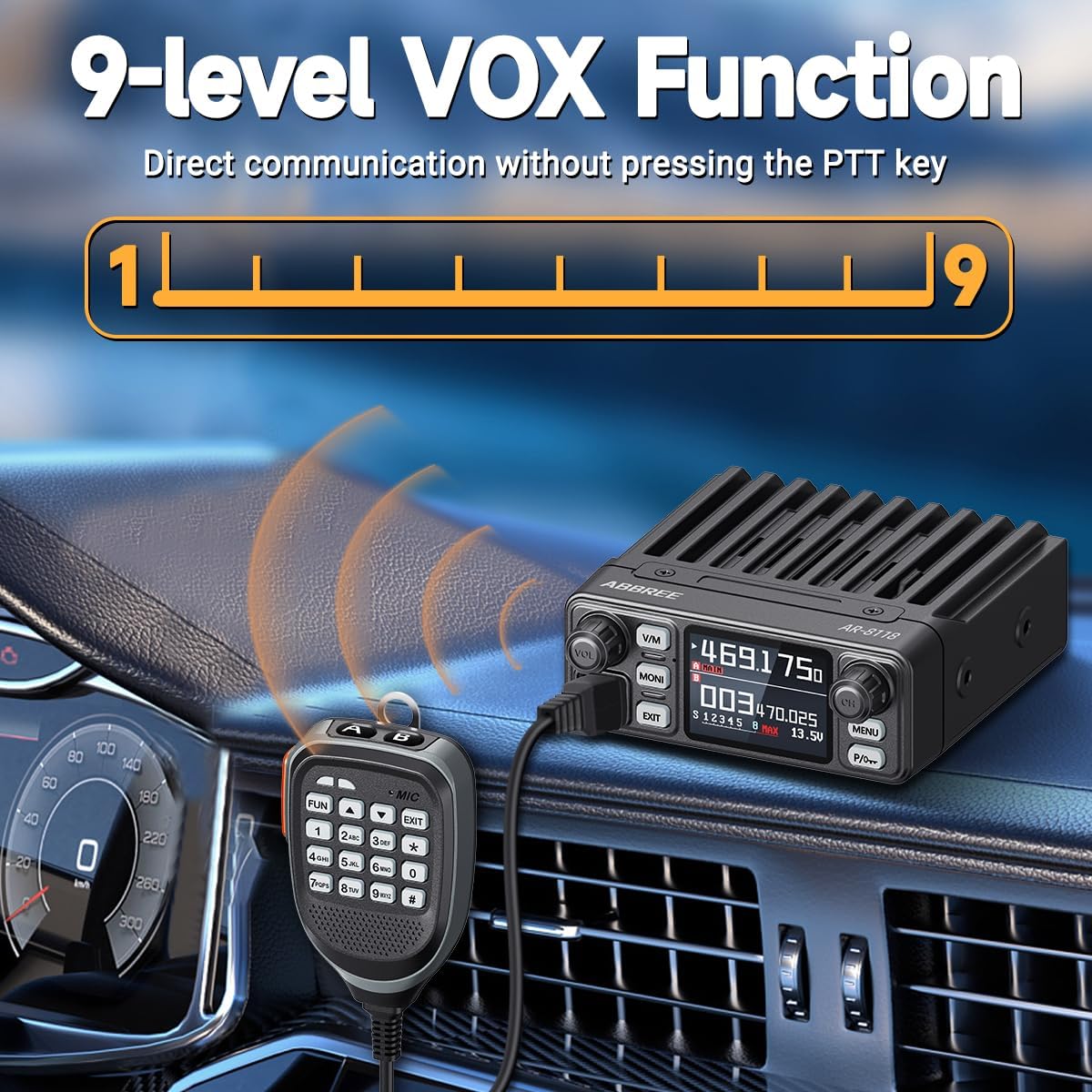
Image: The AR-8118 radio demonstrating its VOX hands-free capability.
5.5 NOAA Weather Alert
The AR-8118 can receive NOAA Weather Alerts, providing real-time emergency updates and severe weather warnings. This feature helps you stay informed and prepared for potential hazards, especially when traveling in remote areas. Consult the menu for activating and configuring NOAA weather channels.
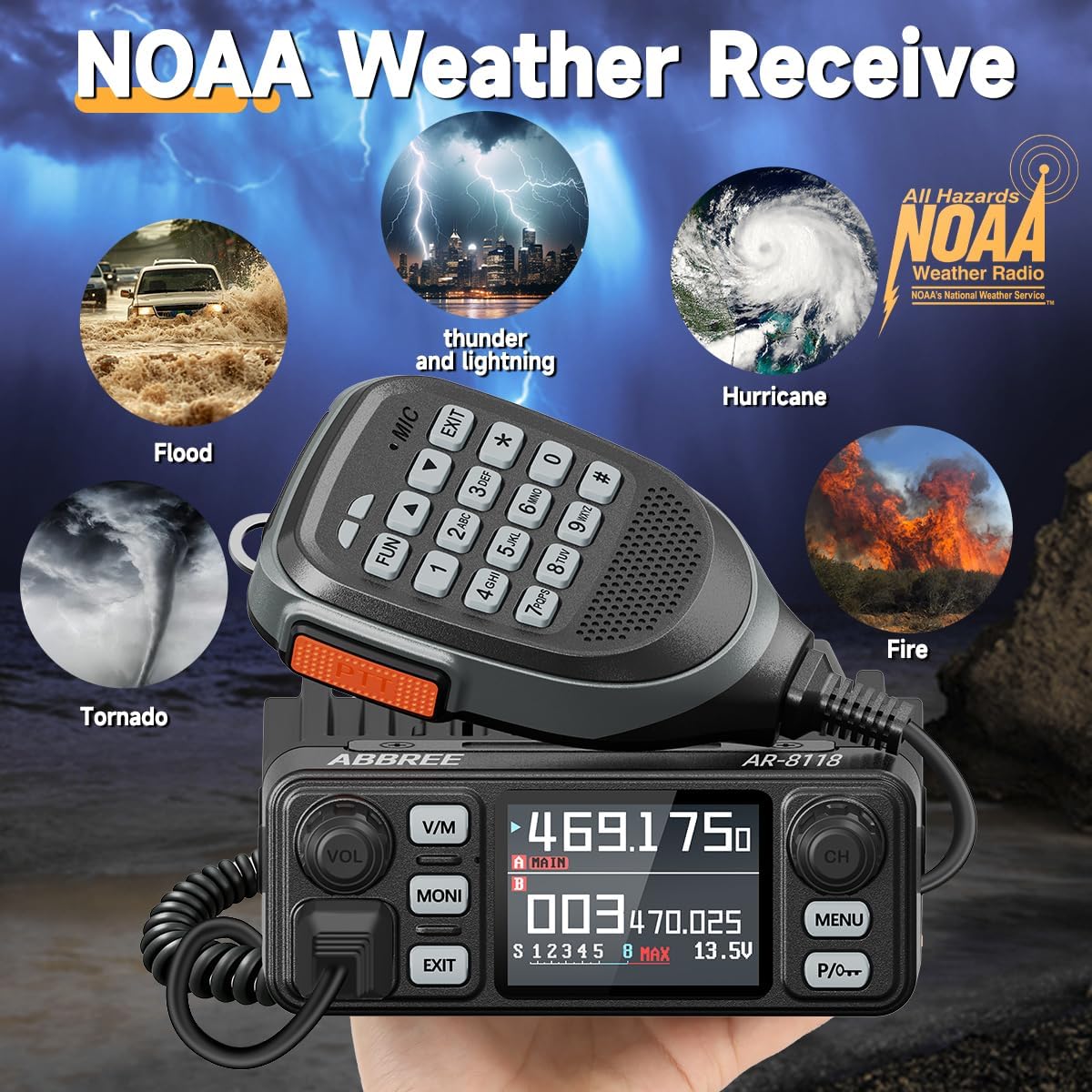
Image: The AR-8118 radio's NOAA Weather Receive function for emergency alerts.
5.6 Long-Range Communication
With up to 25W of power, the AR-8118 reliably enables long-distance communication. The actual range can vary significantly based on terrain, antenna setup, and environmental conditions. Typical ranges are:
- City: 10-15 km
- Mountains: 10-20 km
- Plain: 15-30 km
- Desert: 30-50 km

Image: Communication range estimates for the AR-8118 in various environments.
6. Programming the Radio
The ABBREE AR-8118 radio can be programmed using dedicated software and the included USB programming cable. This allows for customization of channels, frequencies, and other advanced settings. The programming software can be provided upon request. Connect the USB programming cable to the Type-C Program Port on the rear of the radio and to your computer, then follow the software instructions.
7. Technical Specifications
| Feature | Specification |
|---|---|
| Model Number | AR-8118 |
| Item Weight | 2.18 pounds |
| Package Dimensions | 7.09 x 5.91 x 3.94 inches |
| Brand | ABBREE |
| Color | Black |
| Number of Channels | 200 |
| Special Features | GMRS, HD Voice, Long Range, VOX, Weather Alert |
| Frequency Range | 462MHz-467MHz |
| Talking Range Maximum | 30 Kilometer (terrain dependent) |
| Water Resistance Level | Not Water Resistant |
| Compatible Devices | Car Radio, GMRS Radio, Vehicle Radio |
8. Troubleshooting
If you encounter issues with your AR-8118 radio, please refer to the following common solutions:
- No Power: Ensure the power cable is securely connected to both the radio and the vehicle's 12V outlet. Check the vehicle's fuse for the power outlet.
- No Audio: Verify the volume knob is turned up. Check if the squelch is set too high; try pressing the MONI button to open the squelch.
- Cannot Transmit/Receive: Confirm you are on an active GMRS channel. Ensure your antenna is properly connected. Check your GMRS license status.
- Poor Range/Clarity: Inspect your antenna for damage or improper connection. Ensure the antenna is suitable for GMRS frequencies and mounted optimally. Terrain and obstructions significantly affect range.
- VOX Not Activating: Adjust the VOX sensitivity level in the radio's menu. Ensure there is sufficient ambient noise for the VOX to trigger.
For persistent issues, please contact customer support.
9. Maintenance and Care
To ensure the longevity and optimal performance of your ABBREE AR-8118 radio, follow these maintenance guidelines:
- Cleaning: Use a soft, dry cloth to clean the radio's exterior. Avoid using harsh chemicals or abrasive cleaners.
- Environmental Protection: The radio is not water-resistant. Protect it from moisture, extreme temperatures, and direct sunlight.
- Heat Dissipation: The radio is equipped with an internal fan for heat dissipation during extended transmission. Ensure the fan vent on the rear panel is not obstructed to allow for proper airflow.
- Connections: Periodically check all cable connections (power, antenna, microphone) for tightness and wear.
10. Warranty and Support
For warranty information, technical support, or to request programming software, please contact ABBREE customer service through the retailer where you purchased the product or visit the official ABBREE website. Please have your product model number (AR-8118) and purchase details ready when contacting support.
Related documentsAR-8118


Ask a question about this manual
Ask about setup, troubleshooting, compatibility, parts, safety, or missing instructions. Manuals+ will review the question and use this page’s manual context to help answer it.