
Introduction
Thank you for choosing the BESTISAN SP07 Bluetooth Speaker. This manual provides essential information for setting up, operating, and maintaining your speaker. Please read it thoroughly before use to ensure optimal performance and longevity of your device.
The BESTISAN SP07 is a 2.1 channel portable Bluetooth speaker featuring 90W maximum output, a 50W subwoofer, 7 dynamic RGB light modes, up to 15 hours of playtime, and hands-free calling. It supports True Wireless Stereo (TWS) pairing for an enhanced audio experience and offers versatile connectivity options including Bluetooth 5.3, AUX, and USB.
Important Safety Information
- Do not expose the speaker to extreme temperatures, direct sunlight, or high humidity.
- Avoid dropping or subjecting the speaker to strong impacts.
- Do not disassemble, repair, or modify the speaker yourself. Contact qualified service personnel for any repairs.
- Keep the speaker away from medical devices, as it contains magnets.
- Use only the provided charging cable or a certified equivalent.
- This speaker is water-resistant, not waterproof. Do not immerse it in water.
Package Contents
Ensure all items are present in the box:
- BESTISAN SP07 Bluetooth Speaker
- 3.5mm to 3.5mm Audio Cable
- Power Charging Cable (USB-C)
- User Manual (this document)
Product Overview
Familiarize yourself with the components and controls of your BESTISAN SP07 speaker.

Image: Internal components of the BESTISAN SP07 speaker, highlighting the 50W subwoofer and two 15W tweeters for a 2.1 channel audio setup.
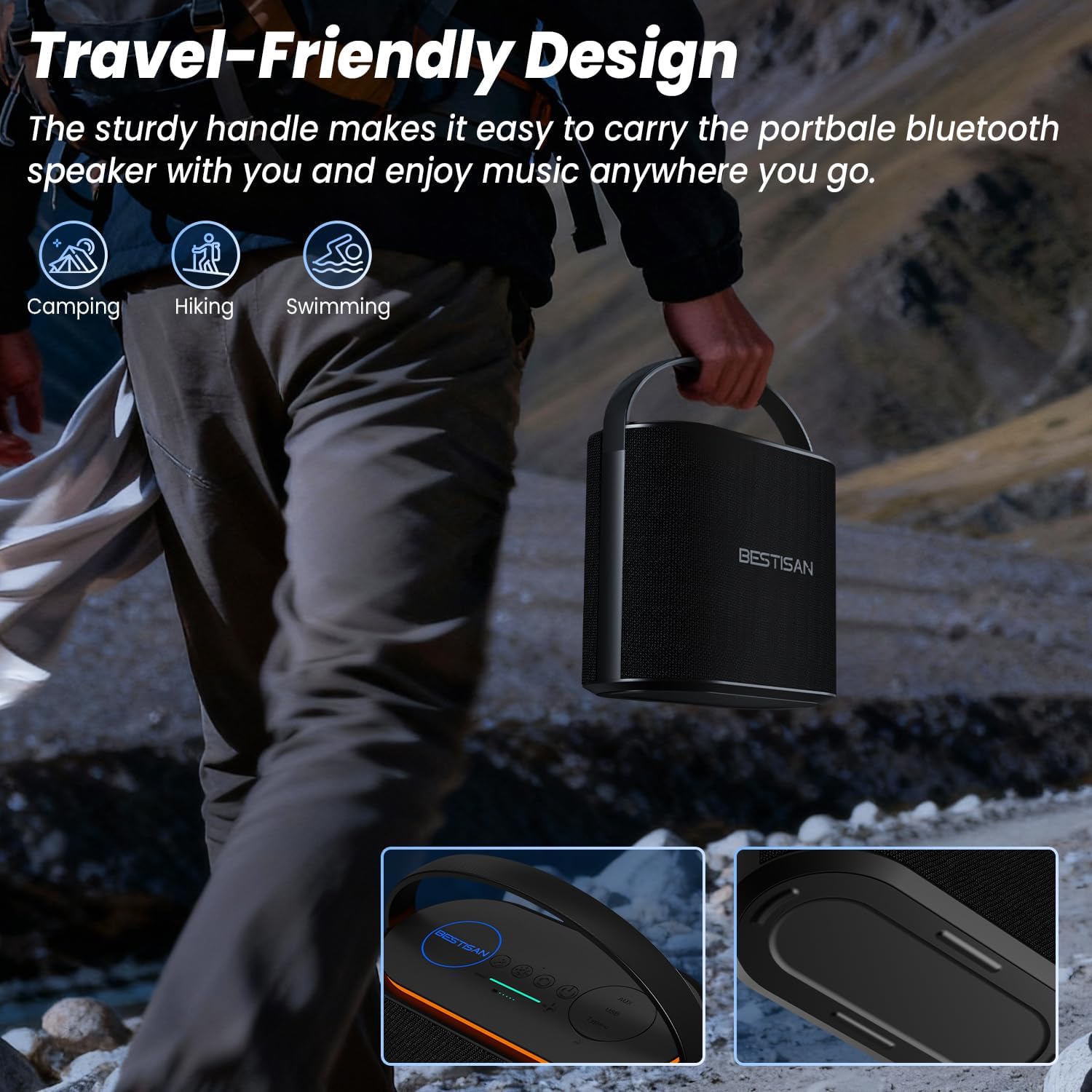
Image: The connectivity panel of the BESTISAN SP07, featuring the AUX 3.5mm interface, USB interface for media playback, and a Type-C charging port.
Control Panel (Top View)
- Power Button: Press and hold to turn on/off.
- Volume Up (+): Increase volume.
- Volume Down (-): Decrease volume.
- Play/Pause Button: Play or pause music. Answer/end calls.
- Mode Button (M): Switch between Bluetooth, AUX, and USB modes.
- Light Mode Button: Cycle through RGB light modes.
Setup
1. Charging the Speaker
Before first use, fully charge the speaker. Connect the provided USB-C charging cable to the speaker's Type-C port and the other end to a USB power adapter (not included) or a computer's USB port. The charging indicator will show the charging status and turn off when fully charged.
2. Powering On/Off
Press and hold the Power Button for approximately 3 seconds to turn the speaker on or off. A sound prompt will indicate the power status.
Operating Instructions
1. Bluetooth Pairing
- Turn on the speaker. It will automatically enter Bluetooth pairing mode, indicated by a flashing LED light.
- On your device (smartphone, tablet, etc.), enable Bluetooth and search for available devices.
- Select "BESTISAN SP07" from the list. Once connected, the LED light will become solid, and you will hear a confirmation sound.
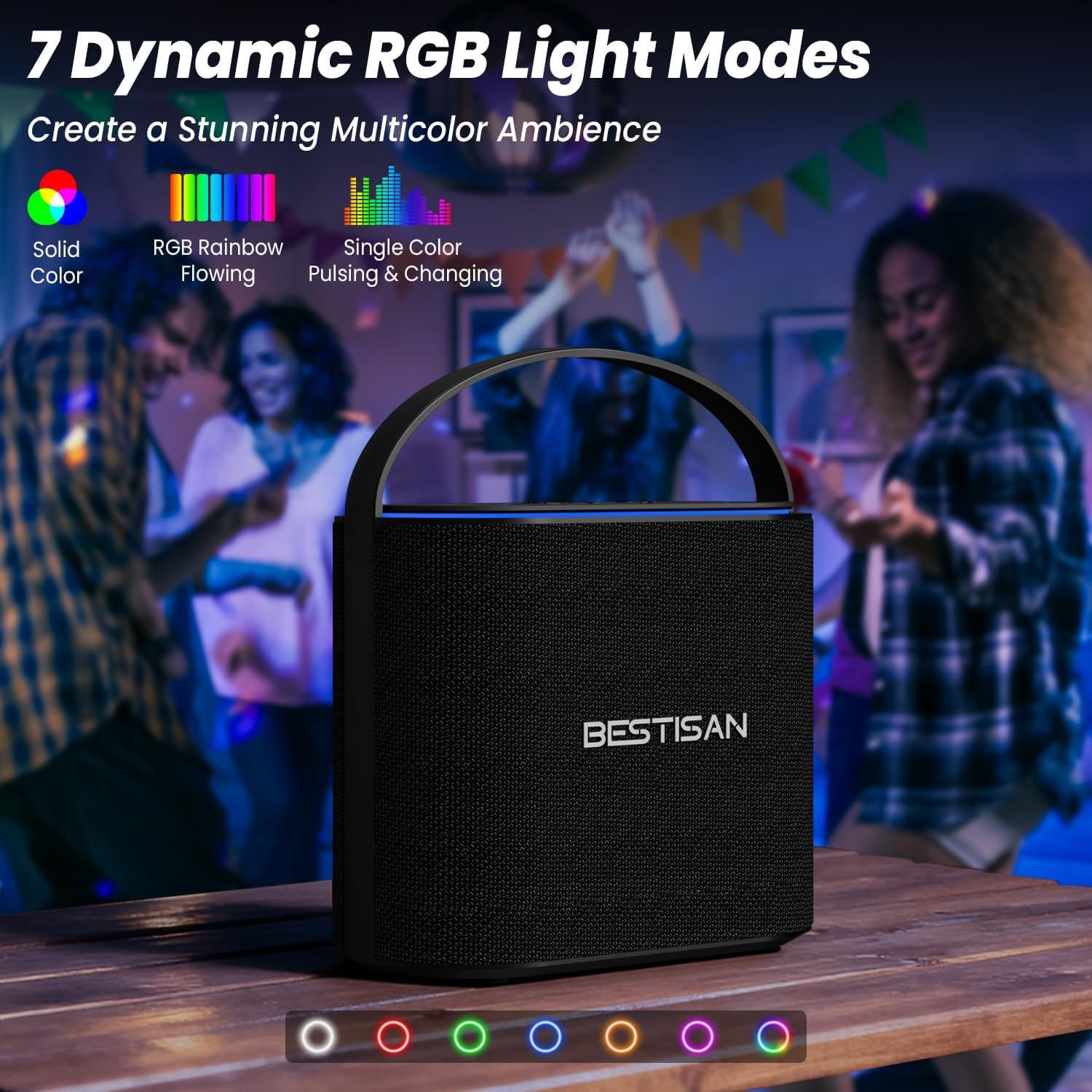
Image: A smartphone screen showing the 'BESTISAN SP07' listed as an available Bluetooth device, ready for pairing with the speaker.
2. TWS (True Wireless Stereo) Pairing
To achieve true stereo sound, you can pair two BESTISAN SP07 speakers together:
- Ensure both SP07 speakers are powered on and not connected to any other Bluetooth device.
- On one speaker (this will be the primary speaker), double-press the Play/Pause Button. The speaker will enter TWS pairing mode.
- The two speakers will automatically connect to each other. A confirmation sound will indicate successful TWS pairing.
- Now, connect your device to the primary speaker via Bluetooth as described in the Bluetooth Pairing section. Both speakers will play audio in stereo.
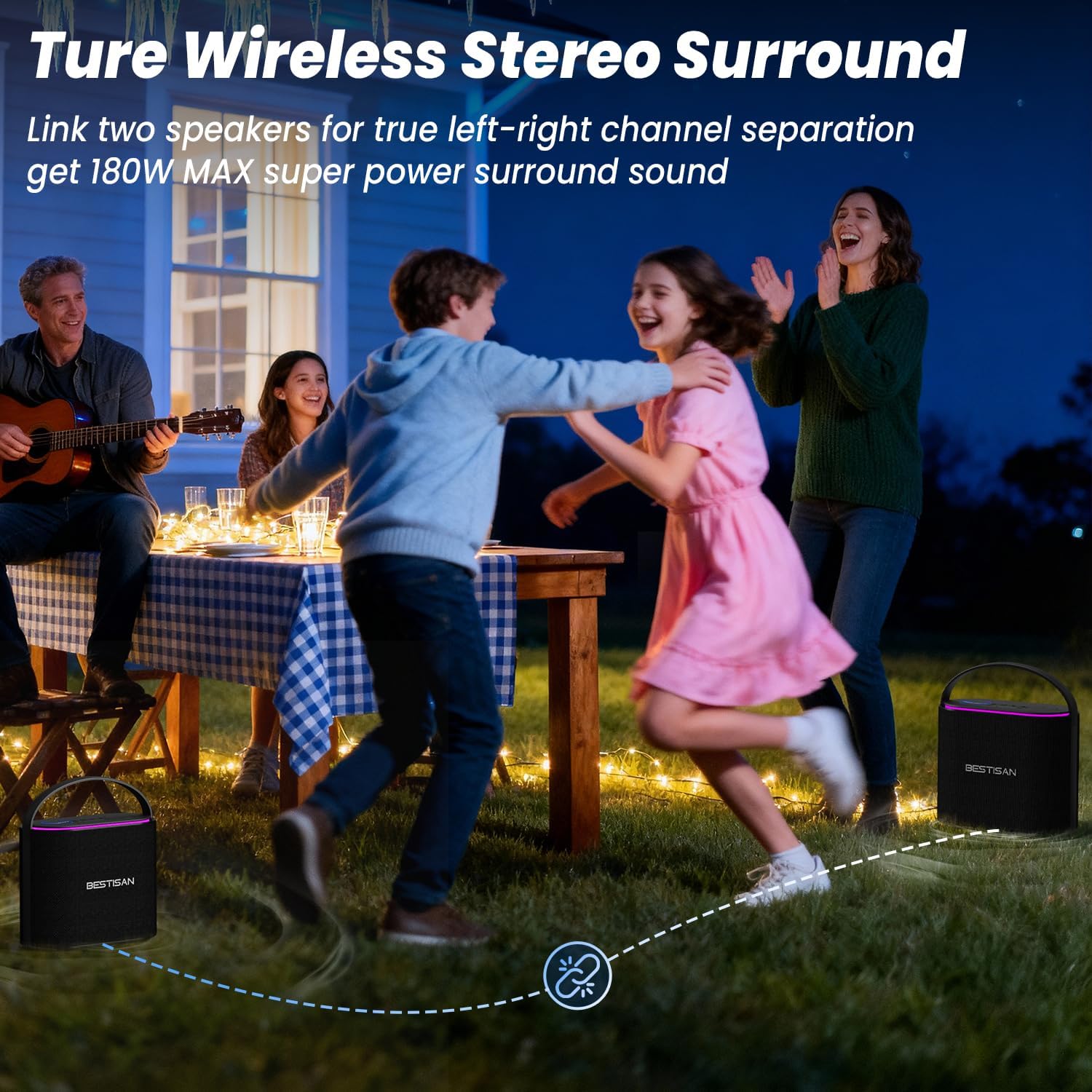
Image: Two BESTISAN SP07 speakers positioned to demonstrate True Wireless Stereo (TWS) pairing, creating a wider soundstage for an immersive listening experience.
3. AUX Input
Connect one end of the 3.5mm audio cable to the speaker's AUX port and the other end to the audio output jack of your device. The speaker will automatically switch to AUX mode. If not, press the Mode Button (M) to select AUX mode.
4. USB Playback
Insert a USB flash drive containing MP3 audio files into the speaker's USB port. The speaker will automatically detect the USB drive and begin playing music. If not, press the Mode Button (M) to select USB mode.
5. Hands-Free Calling
When connected via Bluetooth, you can use the speaker for hands-free calls:
- Answer Call: Press the Play/Pause Button once.
- End Call: Press the Play/Pause Button once during a call.
- Reject Call: Press and hold the Play/Pause Button for 2 seconds.

Image: A person engaged in a video call on a laptop, with the BESTISAN SP07 speaker nearby, demonstrating its hands-free calling capability.
6. RGB Light Modes
Press the Light Mode Button to cycle through the 7 available dynamic RGB light modes. The lights can sync with your music or provide a steady ambiance.

Image: The BESTISAN SP07 speaker showcasing its 7 dynamic RGB light modes, which can create a vibrant atmosphere and sync with music.
7. Volume and Playback Control
- Volume Adjustment: Press the + button to increase volume and the - button to decrease volume.
- Next Track: Press and hold the + button.
- Previous Track: Press and hold the - button.

Image: The BESTISAN SP07 speaker illustrating its capability for up to 15 hours of continuous playtime, suitable for extended use from day to night.
Maintenance
Cleaning
Wipe the speaker with a soft, dry cloth. Do not use abrasive cleaners, alcohol, or chemical solvents, as these may damage the surface.
Storage
When not in use for extended periods, store the speaker in a cool, dry place, away from direct sunlight and extreme temperatures. It is recommended to charge the speaker fully every few months to maintain battery health.
Water Resistance
The BESTISAN SP07 speaker has a water resistance level, meaning it can withstand splashes and light rain. However, it is not designed to be submerged in water. Ensure all ports are dry before charging.
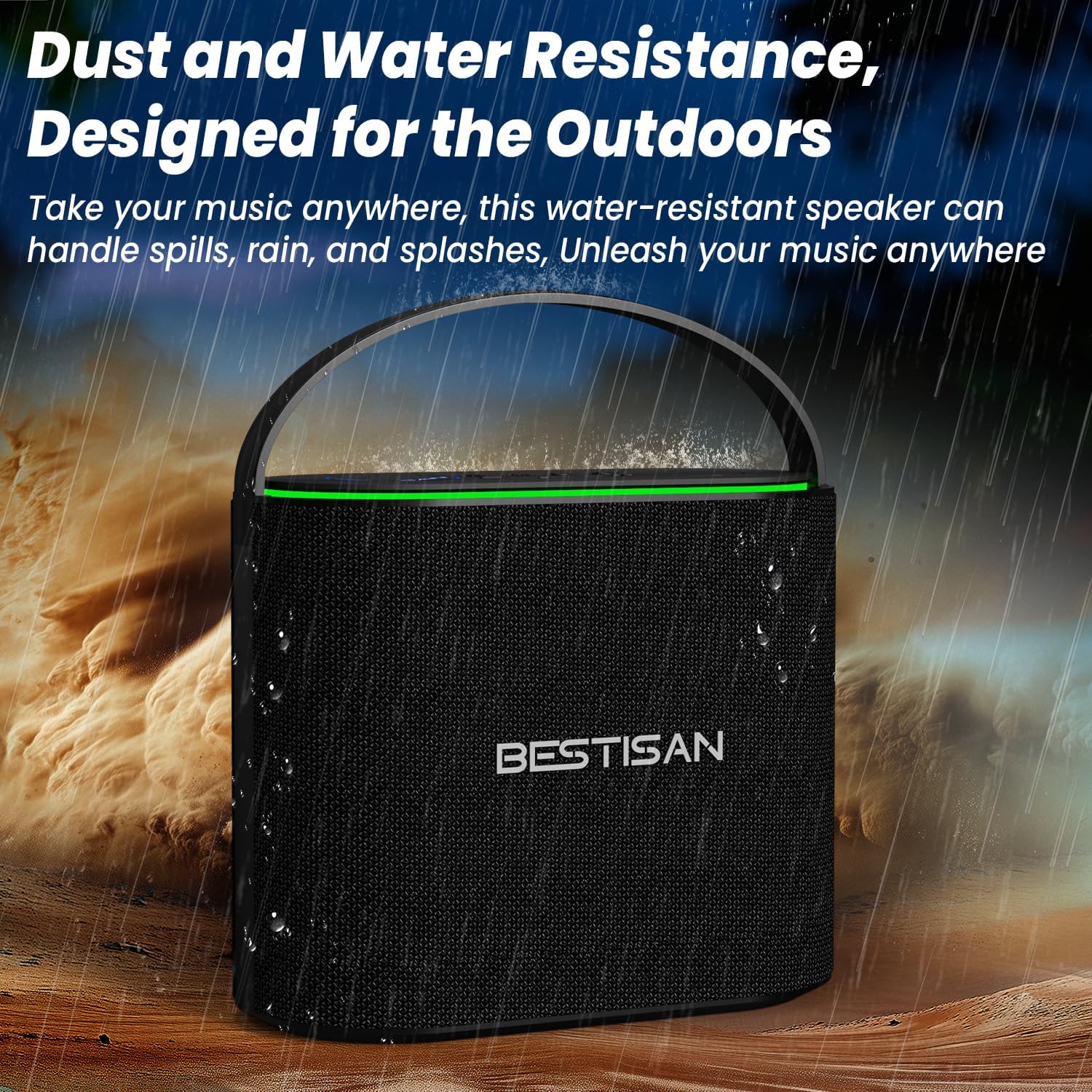
Image: The BESTISAN SP07 speaker shown outdoors with water droplets, demonstrating its dust and water-resistant design suitable for various environments.
Troubleshooting
| Problem | Possible Cause | Solution |
|---|---|---|
| Speaker does not turn on. | Low battery. | Charge the speaker fully. |
| No sound. | Volume too low; incorrect input mode; device not connected. | Increase volume; press Mode button to select correct input; ensure device is paired/connected. |
| Bluetooth pairing fails. | Speaker is already connected to another device; device's Bluetooth is off; speaker is out of range. | Disconnect from other devices; ensure Bluetooth is on; move speaker closer to device (within 10 meters). |
| TWS pairing fails. | Speakers are too far apart; one speaker is already connected to a Bluetooth device. | Ensure speakers are close to each other; disconnect both speakers from any Bluetooth devices before TWS pairing. |
| Sound distortion. | Volume too high; audio source quality is poor. | Reduce volume; try a different audio source. |
Specifications
| Feature | Detail |
|---|---|
| Model Number | SP07 |
| Speaker Maximum Output Power | 90 Watts |
| Subwoofer Diameter | 4 inches |
| Tweeter Diameter | 1.25 inches |
| Number of Audio Channels | 2.1 |
| Frequency Response | 20 Hz - 20 KHz |
| Connectivity Technology | Bluetooth 5.3, Auxiliary (3.5mm), USB |
| Bluetooth Range | Up to 10 meters (33 feet) |
| Battery Average Life | Up to 15 hours (varies with volume, light mode, and audio source) |
| Water Resistance Level | Water Resistant |
| Item Dimensions (D x W x H) | 4.3"D x 8.7"W x 7.2"H (11cm x 22.1cm x 18.5cm) |
| Item Weight | 2.26 kg (4.98 lbs) |
| Enclosure Material | Acrylonitrile Butadiene Styrene (ABS) |
Warranty and Support
BESTISAN provides 12 months of after-sales support for this product. If you encounter any issues or have questions regarding your BESTISAN SP07 speaker, please contact our customer support team. Refer to the contact information provided on the product packaging or the official BESTISAN website for assistance.
Product Video
Video: An official BESTISAN video showcasing the portable 90W Bluetooth speaker with its 7 RGB lights, demonstrating its features and design.


