
1. Product Overview
The PRAISUN 47 x 20 Inch Computer Desk is designed for various uses including work, study, and gaming. It features a spacious desktop, a sturdy metal frame, and a built-in charging station for convenience.
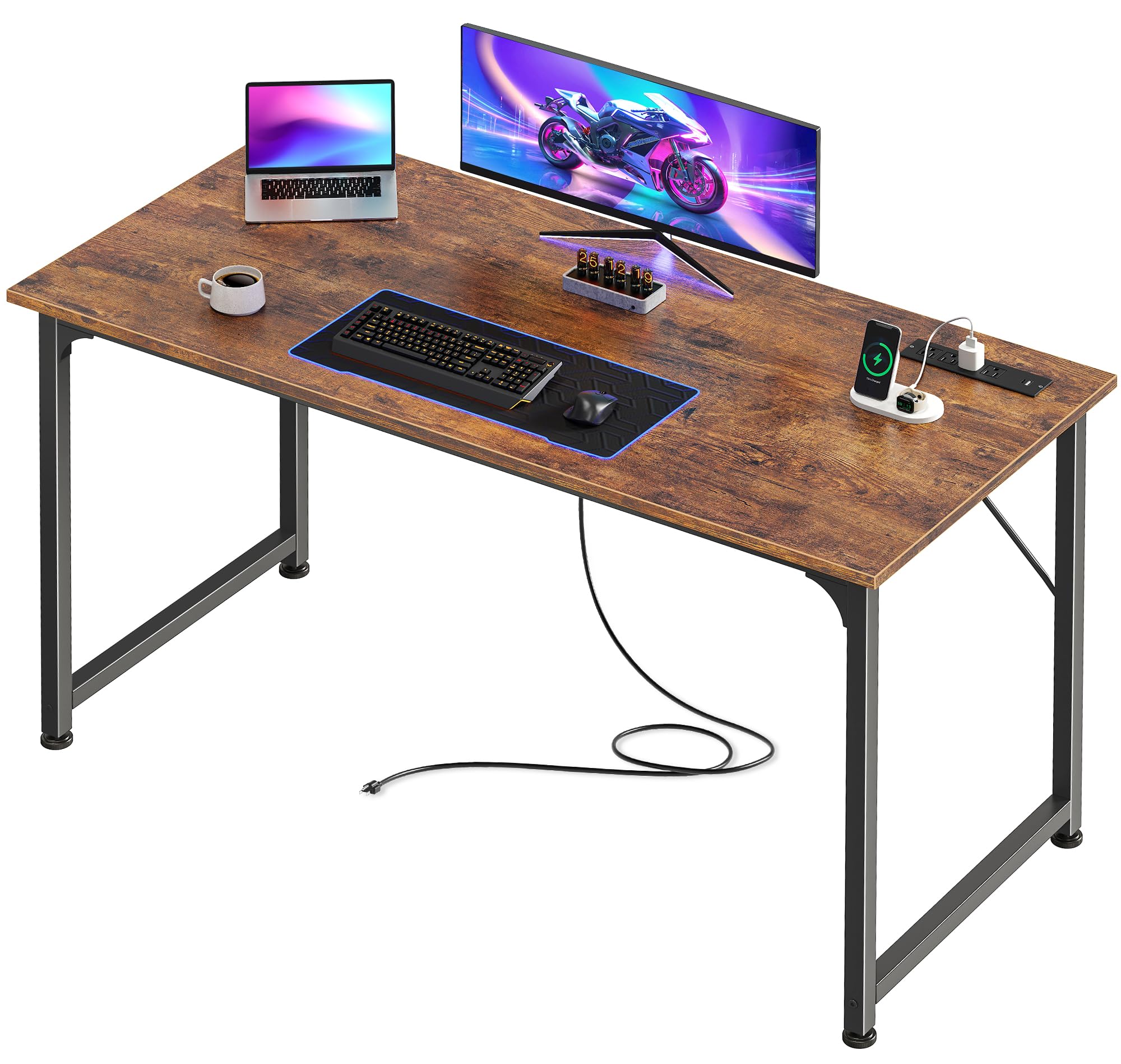
Image 1.1: The PRAISUN 47 x 20 Inch Computer Desk in a modern office environment, showcasing its rustic brown finish and ample workspace.
2. Setup and Assembly
Follow these instructions for quick and easy assembly of your PRAISUN computer desk. All necessary tools and labeled parts are included.

Image 2.1: Visual guide illustrating the four main assembly steps: attaching leg frames, adding struts, setting up the desktop, and completing the assembly.
- Step 1: Attach Leg Frames. Begin by connecting the main leg frames according to the provided diagrams.
- Step 2: Add Struts. Secure the reinforcement struts between the leg frames to enhance stability.
- Step 3: Set Up Desktop. Carefully place the desktop onto the assembled frame and align the screw holes.
- Step 4: Secure All Components. Fasten all screws firmly. Ensure all connections are tight, but avoid over-tightening with power tools to prevent damage to the metal frame.
With clear instructions, labeled parts, and included tools, setting up your new writing desk is simple. You will have it assembled and ready to use in no time.
3. Operating the Built-in Charging Station
Your PRAISUN computer desk includes an integrated charging station for convenient power access. This feature helps keep your workspace organized and cable-free.
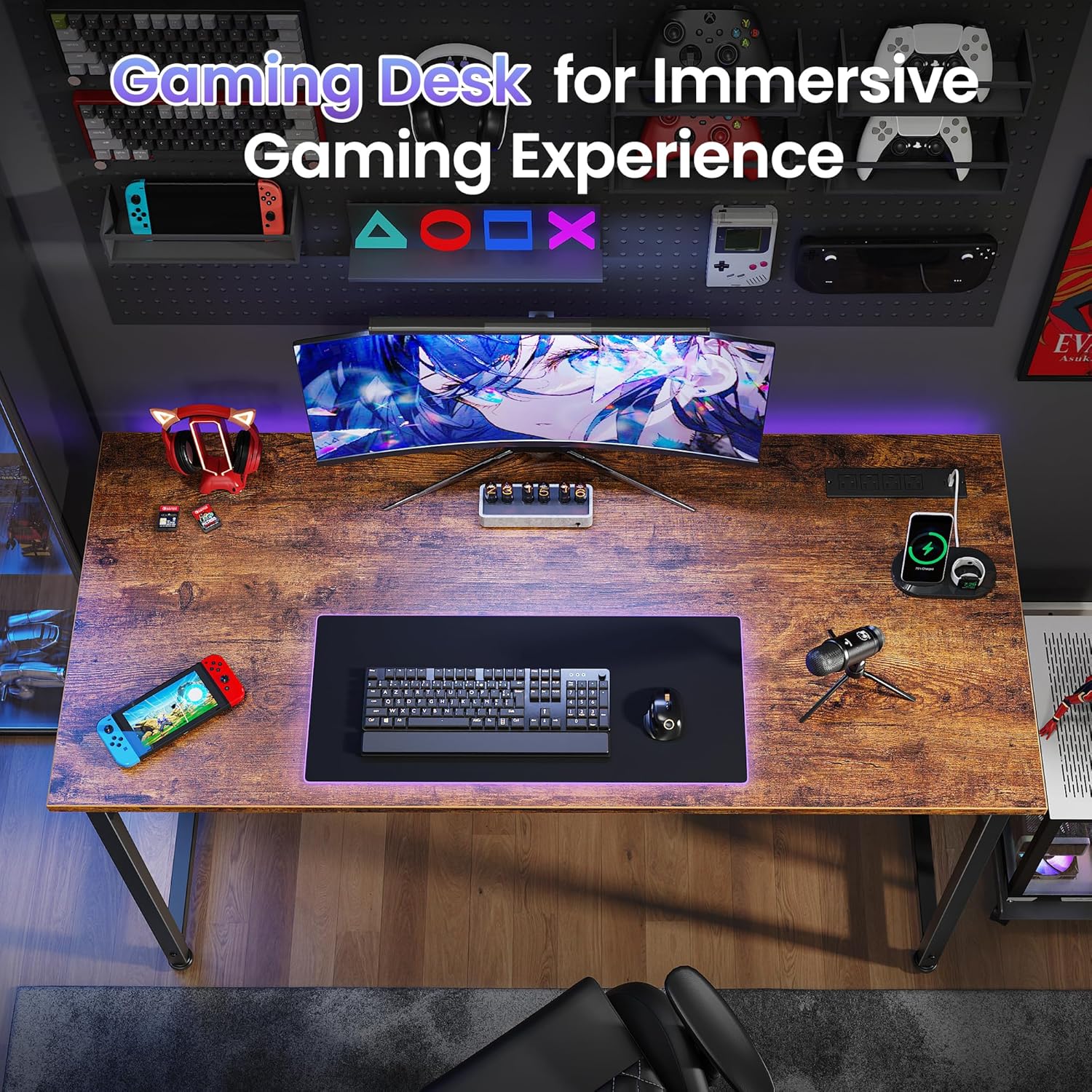
Image 3.1: Close-up view of the built-in power strip, featuring 4 AC outlets, 1 USB-C port, and 1 USB port, demonstrating device charging capabilities.
- Power Connection: Connect the desk's integrated 6.6 ft power cord to a standard wall outlet.
- AC Outlets: Utilize the 4 AC outlets (125V / 12A) for devices such as monitors, laptops, lamps, or other AC-powered equipment.
- USB-C Port: Use the 1 USB-C port (5V / 2A) to charge compatible USB-C devices.
- USB Port: Use the 1 USB port (5V / 2A) to charge compatible USB-A devices.
4. Care and Maintenance
Proper care ensures the longevity and appearance of your PRAISUN computer desk.

Image 4.1: Detailed view highlighting the waterproof desktop surface, the reinforced strut for enhanced stability, and the adjustable feet for leveling.
- Cleaning: Wipe the desktop surface with a soft, damp cloth. The desktop is designed to be waterproof, making spills easy to clean. Avoid using abrasive cleaners or harsh chemicals, as these may damage the finish.
- Stability Check: Periodically inspect all screws and connections. Tighten any loose fasteners to maintain the desk's structural integrity and prevent wobbling.
- Leveling: Utilize the adjustable feet at the bottom of the desk legs to ensure the desk remains stable and level on uneven floor surfaces.
- Weight Distribution: Distribute weight evenly across the desktop. Avoid placing excessively heavy items on one side.
5. Troubleshooting Common Issues
This section addresses common issues you might encounter with your PRAISUN computer desk.
5.1. Power Outlets Not Working
- Check Power Connection: Ensure the desk's main power cord is securely plugged into both the desk's integrated power strip and a functional wall outlet.
- Test Devices: Try plugging a different device into the outlets to confirm if the issue is with the desk's outlets or the device itself.
- Reset Power Strip: If the integrated power strip has a reset button (often a small, circular button), press it to reset the circuit.
5.2. Desk Wobbles
- Tighten Screws: Re-check all assembly screws and tighten them firmly. Loose connections are a common cause of instability.
- Adjust Feet: Use the adjustable feet at the bottom of the desk legs to level the desk on uneven surfaces. Rotate them clockwise or counter-clockwise until the desk is stable.
- Verify Reinforcement: Ensure all reinforcement struts are correctly installed and securely fastened according to the assembly instructions.
5.3. Missing or Damaged Parts
- Contact Support: If you discover any missing, chipped, or damaged parts upon unboxing or during assembly, please contact PRAISUN customer support immediately for assistance. Provide your model number and a description of the issue.
6. Product Specifications
Detailed specifications for the PRAISUN 47 x 20 Inch Computer Desk.

Image 6.1: Diagram illustrating the key dimensions of the desk, including length (47.2"), width (19.7"), and height (29.5").
| Feature | Detail |
|---|---|
| Brand | PRAISUN |
| Model Number | B0FZ56DK6D |
| Shape | Rectangular |
| Desk Design | Computer Desk |
| Product Dimensions (D x W x H) | 19.7"D x 47.2"W x 29.5"H |
| Color | Rustic Brown |
| Style | Modern |
| Base Material | Metal (Alloy Steel) |
| Top Material Type | Engineered Wood |
| Finish Type | Polished |
| Special Feature | Corded (Built-in Outlet, USB Port, USB-C Port) |
| Included Components | Built-in Outlet, USB Port, USB-C Port |
| Manufacturer | PRAISUN |
| Mounting Type | Freestanding |
| Recommended Uses | Gaming, Home Office, Writing, Study |
7. Warranty Information
This PRAISUN computer desk comes with a Limited Warranty. The specific terms and conditions of this warranty, including coverage duration and what is covered, are typically provided on a warranty card included with your product packaging. Please retain your proof of purchase for any warranty claims.
For detailed information regarding your warranty, please refer to the documentation provided with your purchase or contact PRAISUN customer support directly.
8. Customer Support
For further assistance, technical support, or warranty claims, please contact PRAISUN customer service. Our team is ready to help you with any questions or concerns.
- Online Support: Visit the official PRAISUN website for FAQs, support resources, and contact forms.
- Email Support: Refer to your product packaging or the official PRAISUN website for the customer service email address.
- Phone Support: A customer service phone number may be available on your product packaging or the official PRAISUN website.
When contacting support, please have your product model number (B0FZ56DK6D) and purchase date readily available to expedite the process.