
1. Introduction
This manual provides comprehensive instructions for the DGTenk MA377_144 MP3 Player. Designed for users aged 12 and older, this portable media player combines advanced features with user-friendly functionality. It operates on Android 9.0, offering access to a wide range of applications and media options.
The device features 144GB of storage, expandable up to 1TB, and supports both Bluetooth 5.0 and Wi-Fi connectivity for versatile media consumption. Please read this manual thoroughly to ensure proper use and maintenance of your device.
2. Product Overview
2.1 Key Features
- Operating System: Android 9.0 with Google Play Store access.
- Storage: 144GB (16GB internal + 128GB MicroSD card), expandable up to 1TB.
- Display: 4-inch IPS Touch Screen (1136x640 HD resolution).
- Connectivity: Bluetooth 5.0, Wi-Fi (802.11).
- Battery: 2000mAh, offering up to 8 hours audio playback, 5 hours video playback, and 2-hour full charge via USB-C.
- Processor: MTK 8-core 2.0GHz CPU, 3GB RAM.
- Additional Functions: FM Radio, Digital Voice Recorder, Built-in Speaker, Clock, Calendar, Calculator, File Manager, Parental Controls.
2.2 What's Included
- DGTenk MA377_144 MP3 Player x1
- Protective Case x1
- USB-C Cable x1
- Screen Protector x1
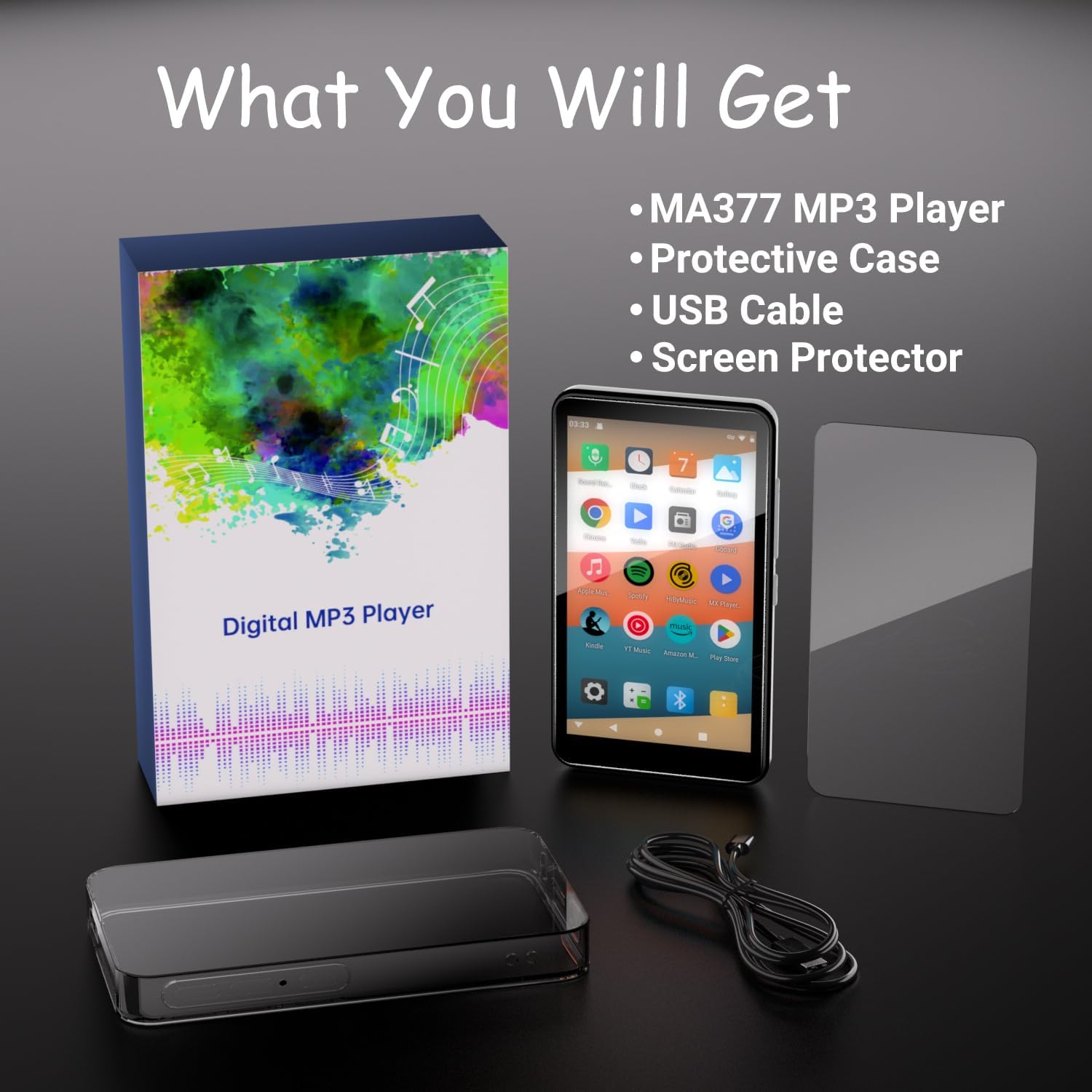
Figure 2.2.1: Package contents of the DGTenk MA377_144 MP3 Player.
3. Setup
3.1 Unboxing and Initial Inspection
Carefully remove all items from the packaging. Inspect the device and accessories for any signs of damage. Ensure all listed components are present.

Figure 3.1.1: Front and side view of the DGTenk MA377_144 MP3 Player.
3.2 Charging the Device
Before first use, fully charge the MP3 player. Connect the included USB-C cable to the device's USB-C port and the other end to a compatible USB power adapter (not included) or a computer's USB port. The battery icon on the screen will indicate charging status.
- A full charge typically takes approximately 2 hours.
- The device supports up to 8 hours of audio playback or 5 hours of video playback on a full charge.

Figure 3.2.1: Battery capacity and usage estimates.
3.3 Power On/Off
- To Power On: Press and hold the Power button (located on the side) until the screen lights up.
- To Power Off: Press and hold the Power button until the power options appear on the screen. Select