
Introduction
This manual provides comprehensive instructions for the CHARGEWORX Kids Digital Watch with Apple Find My Tracker. It covers setup, operation, maintenance, and troubleshooting to ensure optimal use of your device. This watch is designed for children, offering time-telling functions, an alarm, a stopwatch, and integrated Apple Find My tracking for parental peace of mind.
Product Overview
Familiarize yourself with the watch's components and their functions.

Image: Diagram illustrating the various features and buttons of the CHARGEWORX Kids Digital Watch. Key features highlighted include the bright digital display, Mode button, Find My button, St/STP button, Reset button, light, and stopwatch modes, and the comfortable silicone strap.
- Bright, Clear Digital Display: Shows time, date, and other information.
- Mode Button: Used to cycle through different watch modes (e.g., time, alarm, stopwatch).
- Find My Button: Activates the Apple Find My tracking feature.
- St/STP Button: Used for starting/stopping the stopwatch or setting values.
- Reset Button: Resets timing features or adjusts settings.
- Comfort-Fit Strap: Soft, adjustable silicone band for comfortable wear.
Setup
1. Initial Charging
The watch comes with a built-in nonstandard battery. Before first use, ensure the watch is fully charged using the provided charging cable. Connect the charging cable to the watch and a compatible USB power source. The display may indicate charging status.
2. Pairing with Apple Find My
The CHARGEWORX Kids Digital Watch integrates with Apple's Find My network. To enable tracking:
- Ensure your iPhone is updated to the latest iOS version.
- Open the Apple Find My app on your iPhone.
- Follow the in-app instructions to add a new item. The watch should appear as a discoverable device.
- Once paired, you can locate the watch through the Find My app. This feature does not require monthly fees or a SIM card.

Image: The CHARGEWORX Kids Digital Watch shown alongside an iPhone displaying the Apple Find My map interface, indicating the watch's location. This illustrates the Find My tracking capability.
3. Setting Time and Date
The watch typically synchronizes time and date automatically upon pairing with your iPhone via the Find My network. If manual adjustment is needed:
- Press the Mode button repeatedly until the time setting mode is displayed (e.g., flashing hours or minutes).
- Use the St/STP button to adjust the flashing value (hours, minutes, year, month, day).
- Press the Reset button to move to the next setting field.
- Once all settings are correct, press the Mode button to exit the setting mode.
Operating Instructions
1. Basic Time Display
In the default mode, the watch displays the current time, day of the week, and date.
2. Using the Backlight
The watch features 8 color backlight modes. To activate or change the backlight color:
- Press the Light button (often integrated with another button or a dedicated button, refer to the watch diagram for exact location).
- Each press cycles through the available backlight colors.
3. Setting and Using the Alarm
- Press the Mode button until the alarm setting screen appears (indicated by an alarm icon or "AL").
- Press the St/STP button to adjust the hour.
- Press the Reset button to move to the minute setting.
- Use the St/STP button to adjust the minutes.
- Press Mode to confirm and exit.
- To turn the alarm on/off, typically press St/STP while in the alarm display mode.
4. Using the Stopwatch
- Press the Mode button until the stopwatch screen appears (indicated by "ST" or "00:00:00").
- Press the St/STP button to start the stopwatch.
- Press St/STP again to pause the stopwatch.
- Press the Reset button to clear the stopwatch to zero.
5. Water Resistance Guidelines
The watch is 3ATM water-resistant, meaning it can withstand splashes, rain, and brief immersion in water (e.g., hand washing). It is not suitable for swimming, showering, or diving. Avoid pressing buttons while the watch is wet to prevent water ingress.
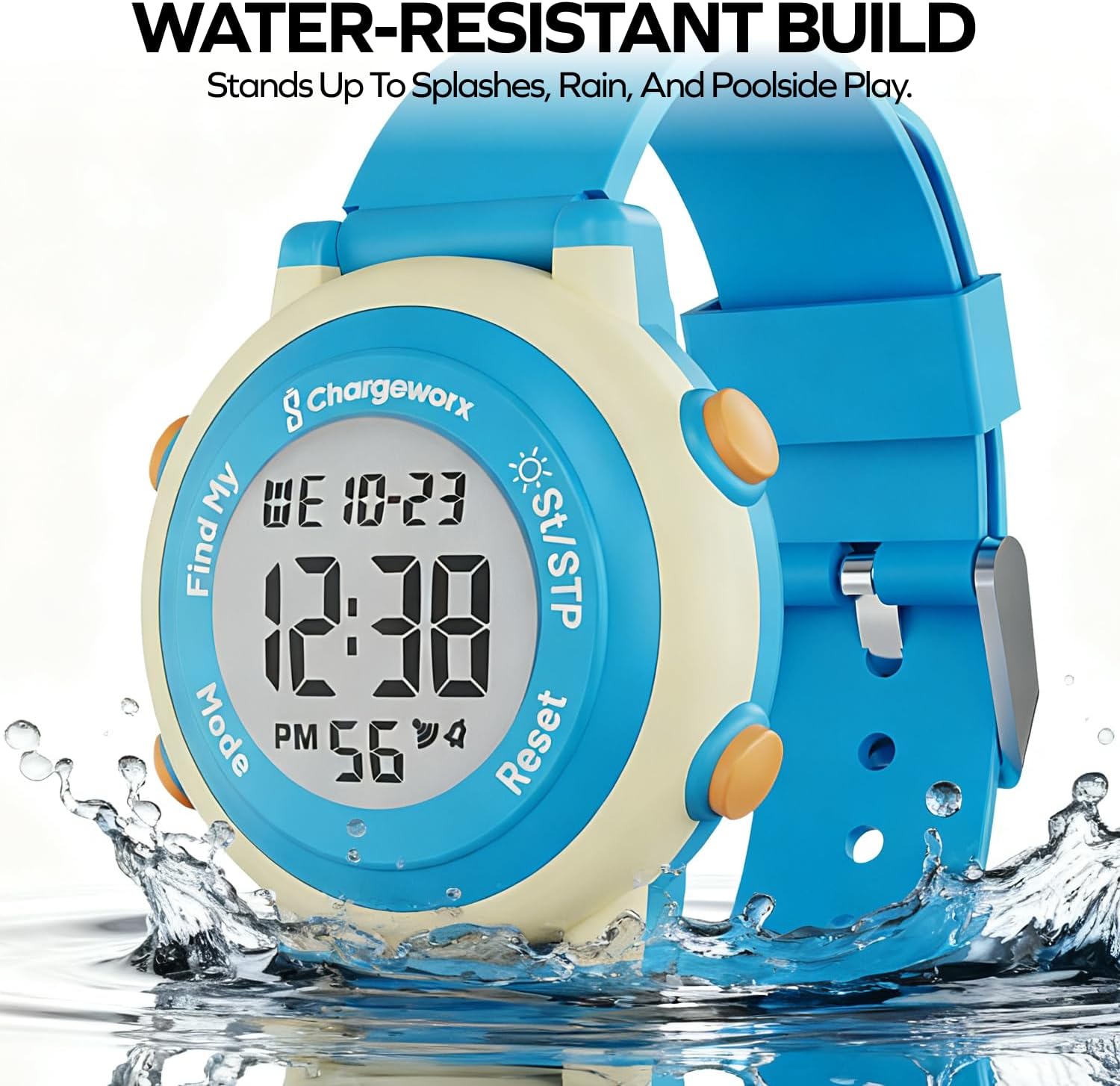
Image: The CHARGEWORX Kids Digital Watch with water splashing around it, demonstrating its water-resistant build. This image highlights its durability against splashes and rain.
Maintenance
1. Cleaning
Wipe the watch regularly with a soft, damp cloth. Avoid using harsh chemicals or abrasive materials, which can damage the watch's finish or seals.
2. Battery Care
The watch contains a nonstandard battery. To prolong battery life, avoid extreme temperatures and fully discharge and recharge the watch periodically if it's not in regular use. Do not attempt to replace the battery yourself; contact customer support for battery service.
3. Water Resistance Preservation
To maintain the 3ATM water resistance, ensure the watch is not exposed to hot water or steam, as this can compromise the seals. Avoid prolonged submersion and always ensure the watch is dry before pressing any buttons.
Troubleshooting
| Problem | Possible Cause | Solution |
|---|---|---|
| Watch not turning on/display blank. | Low battery. | Charge the watch using the provided cable. |
| Time/Date incorrect. | Not synced with iPhone or manual setting error. | Ensure watch is paired with Find My. Manually adjust time/date as per "Setup" section. |
| Apple Find My tracking is inaccurate or not updating. | Watch is out of range of Apple devices, low battery, or network interference. | Ensure the watch is within range of other Apple devices (iPhones, iPads, Macs) for the Find My network to function. Charge the watch. Check for any obstructions. Note that Find My tracking is not real-time GPS. |
| Buttons unresponsive. | Watch may be wet, or a temporary software glitch. | Ensure the watch is completely dry. Try restarting the watch (if applicable, by holding a combination of buttons, or letting the battery drain and recharge). |
| Backlight not working. | Low battery or internal issue. | Charge the watch. If the issue persists, contact customer support. |
Specifications
- Model Number: CX5352SBYW
- Brand: CHARGEWORX
- Display Type: Digital
- Band Material: Silicone
- Water Resistance Level: 3ATM (Water Resistant)
- Battery: 1 Nonstandard Battery (included)
- Connectivity: Bluetooth (for Find My network)
- Supported Application: Apple Find My
- Compatible Devices: iOS devices (iPhone)
- Human Interface Input: Buttons
- Package Dimensions: 5.71 x 2.56 x 0.94 inches
- Item Weight: 1.76 ounces
Warranty Information
This CHARGEWORX Kids Digital Watch (Model CX5352SBYW) comes with a limited warranty of 30 days from the date of purchase. This warranty covers manufacturing defects under normal use. It does not cover damage caused by misuse, accidents, unauthorized repairs, or failure to follow operating instructions. Please retain your proof of purchase for warranty claims.
Customer Support
For further assistance, technical support, or warranty inquiries regarding your CHARGEWORX Kids Digital Watch, please refer to the contact information provided with your product packaging or visit the official CHARGEWORX website. When contacting support, please have your model number (CX5352SBYW) and proof of purchase ready.
You can also visit the CHARGEWORX Store on Amazon for more product information.